




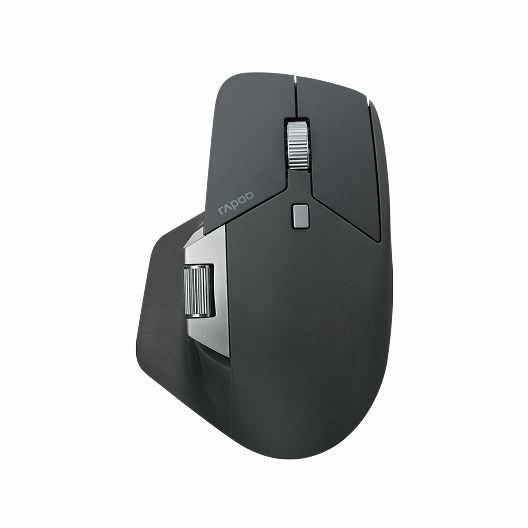
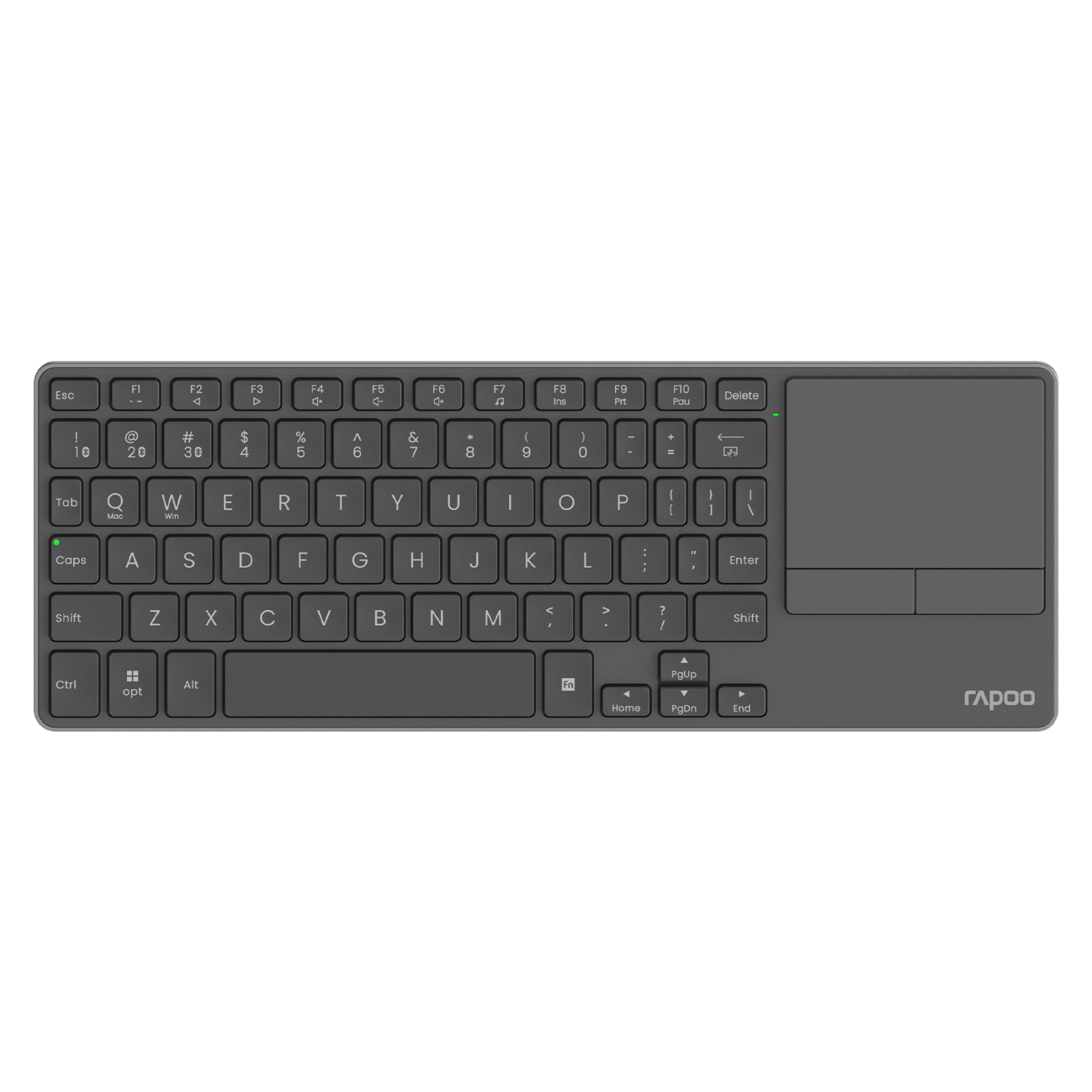
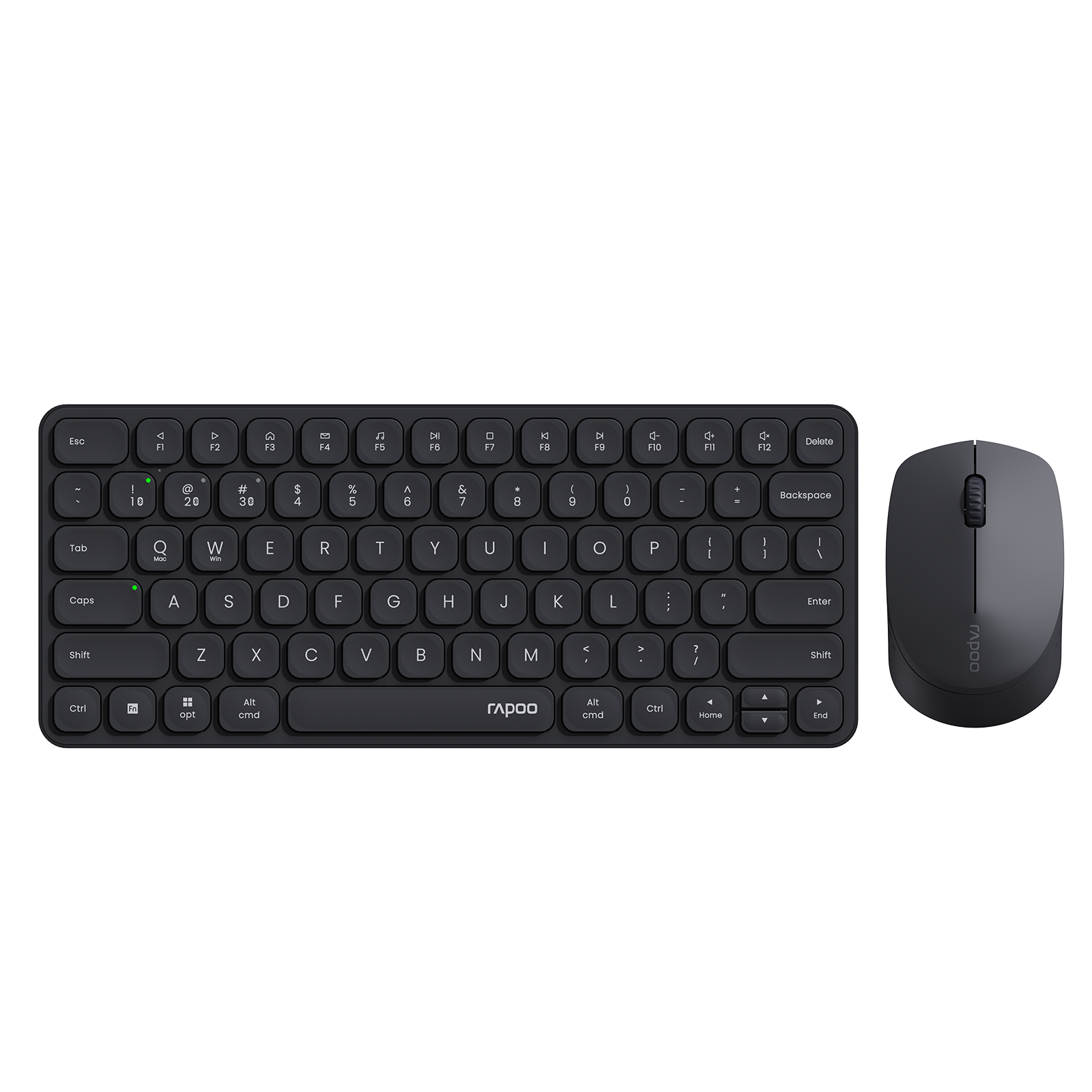


Rapoo MT760 Pro Ergonomic Wireless Mouse,NearLink + Bluetooth 5.0 Multi-Device, 12K DPI, 2K Polling, Ergo for Work & Gaming, 11 Programmable Buttons
Choose your option


Rapoo MT760L / MT760Mini Multi-Device Wireless Mouse

Choose your option
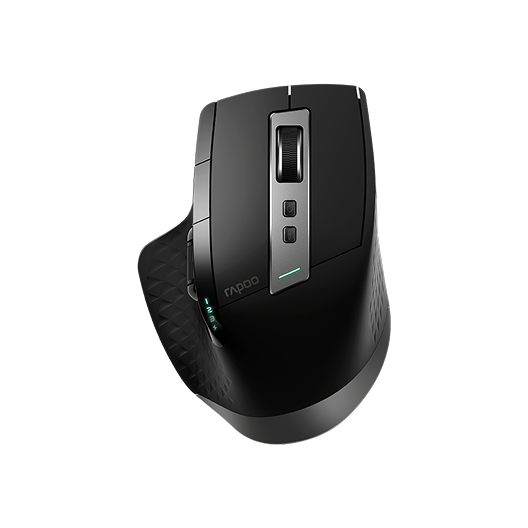

Rapoo MT750 Multi-Device Wireless Ergonomic Mouse
Choose your option
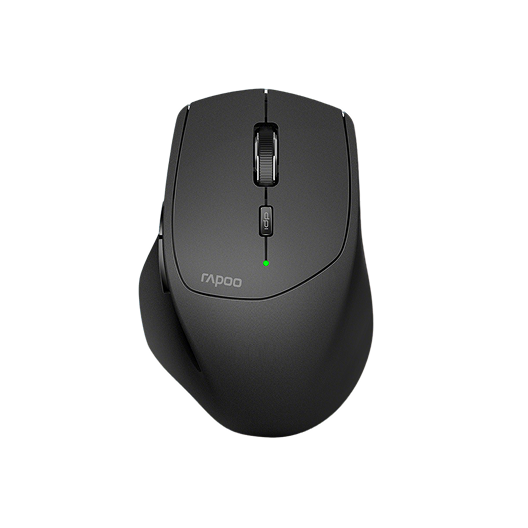
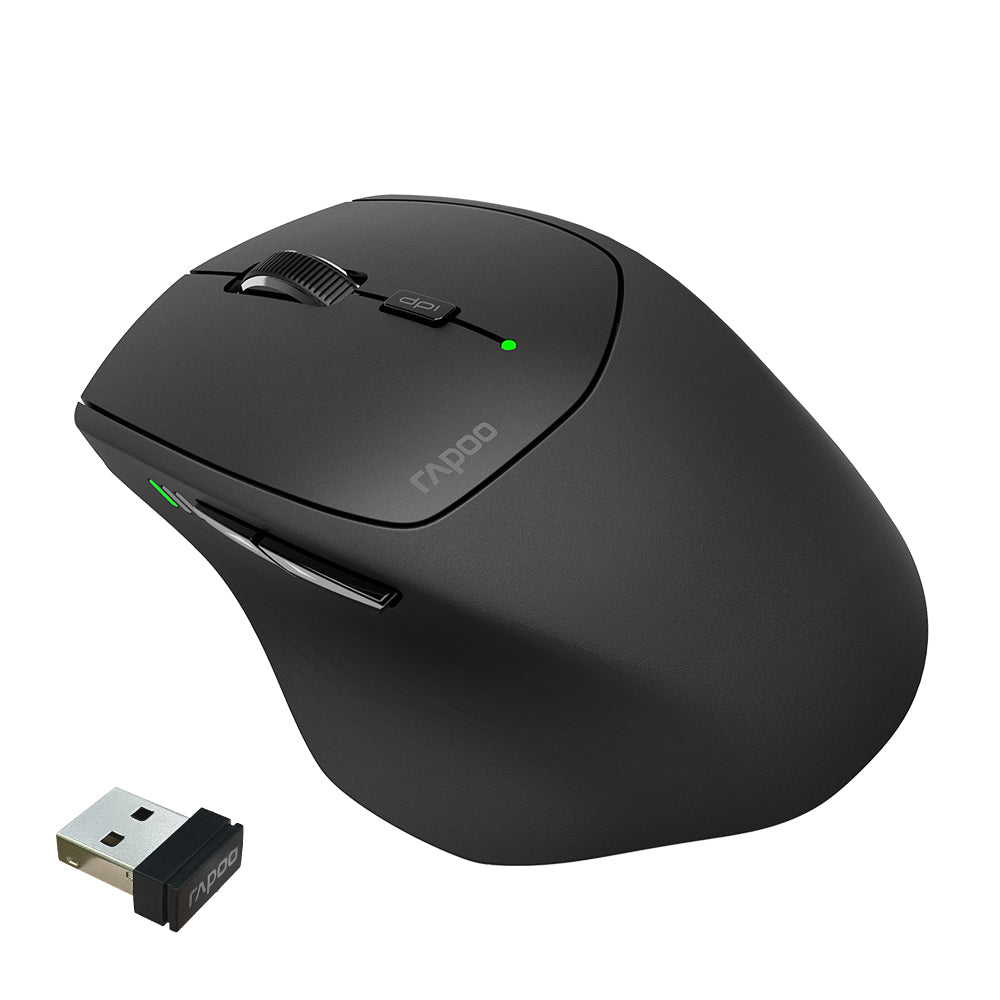
Rapoo MT550 Multi-Device Wireless Optical Mouse
Choose your option


Rapoo MT560 Multi-mode Wireless Mouse


Choose your option
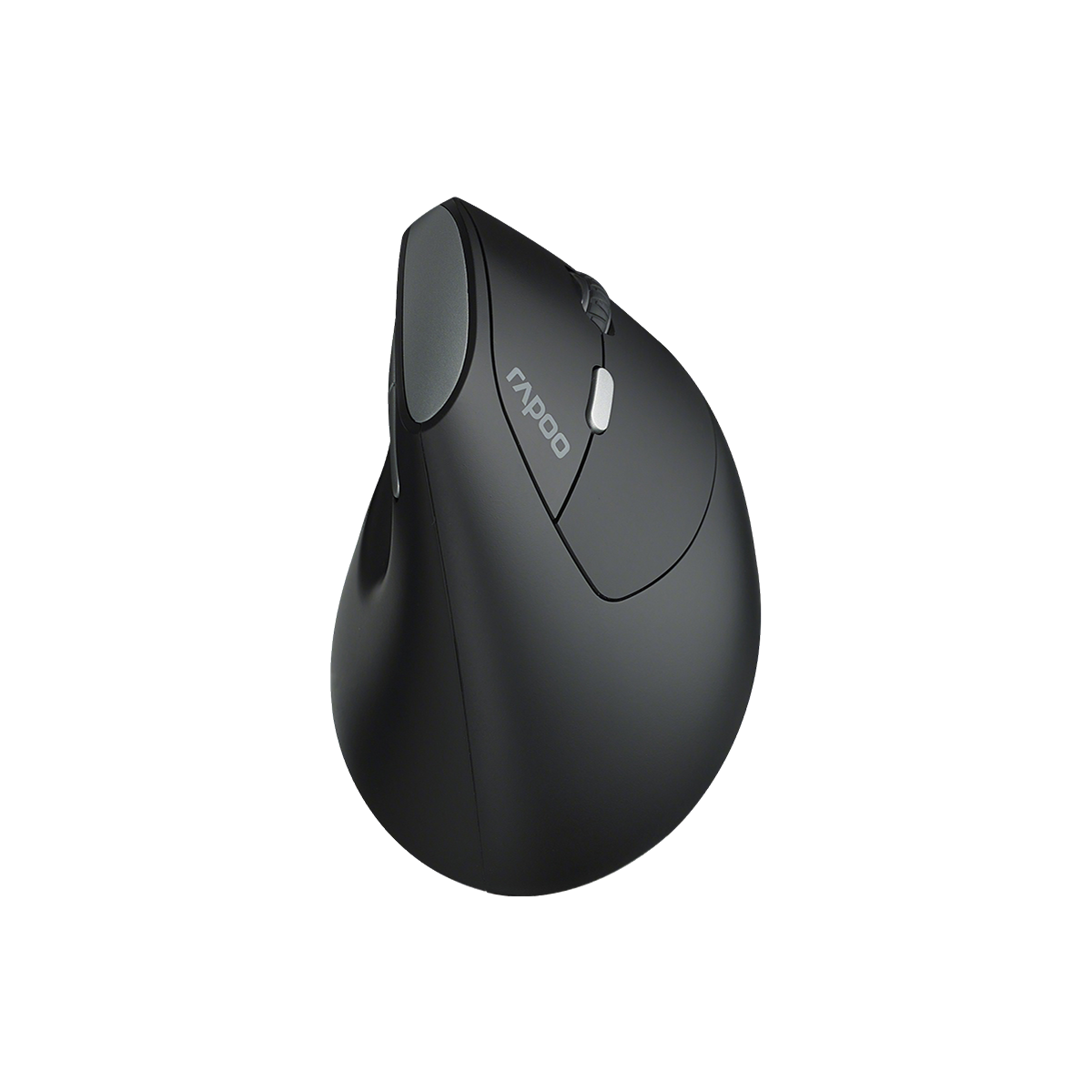
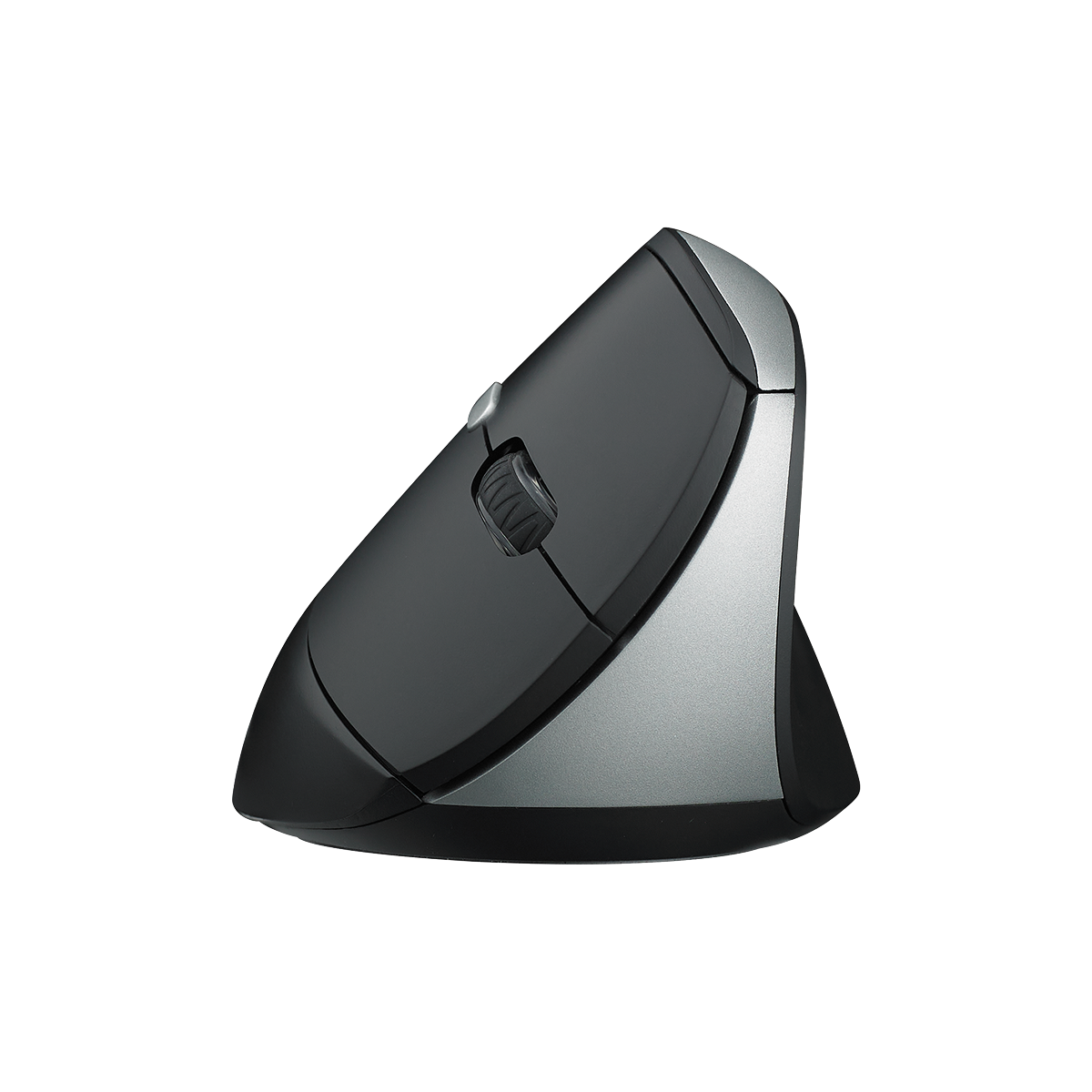
Rapoo EV250 Silent Vertical Ergonomic Wireless Optical Mouse
Choose your option


Rapoo VT3s Air Max Ultralight 8K Wireless Ergonomic Gaming Mouse
Choose your option


Rapoo VT0 Air Max Ultralight 8K Wireless Ergonomic Gaming Mouse
Choose your option


Rapoo VT3 Gen-2 8K Ergonomic Wireless Gaming Mouse Ultra Lightweight, 26000 DPI Optical Sensor

Choose your option


Rapoo VT3 Max Gen-2: Ultra-lightweight Wireless Ergonomic Esports Mouse | PAW3950 Sensor | 8K Polling Rate

Choose your option
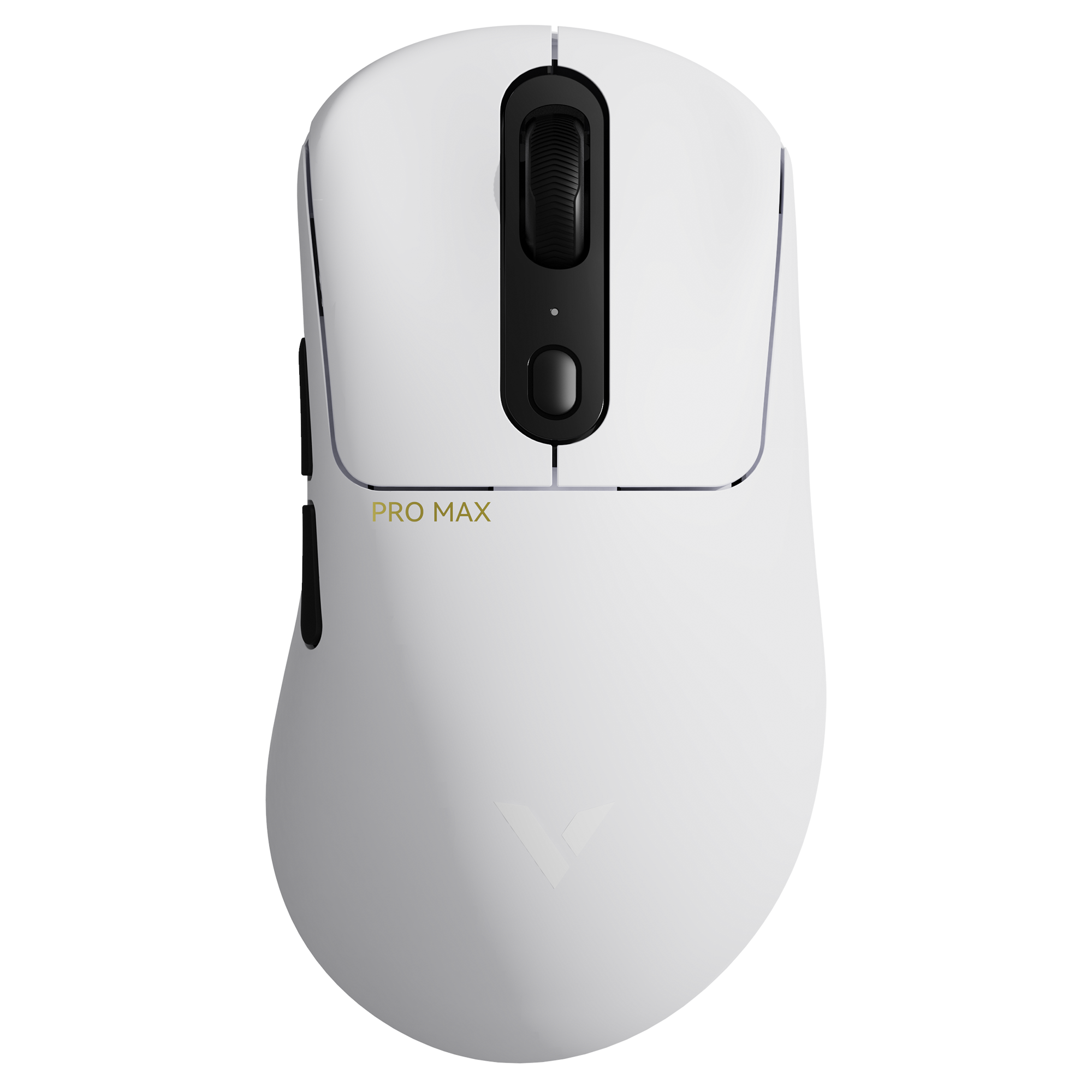

Rapoo VT3 Pro Max Wireless Gaming Mouse
Choose your option


Rapoo VT3S Max Gen-2 8K Wireless Gaming Mouse Ultra Lightweight

Choose your option
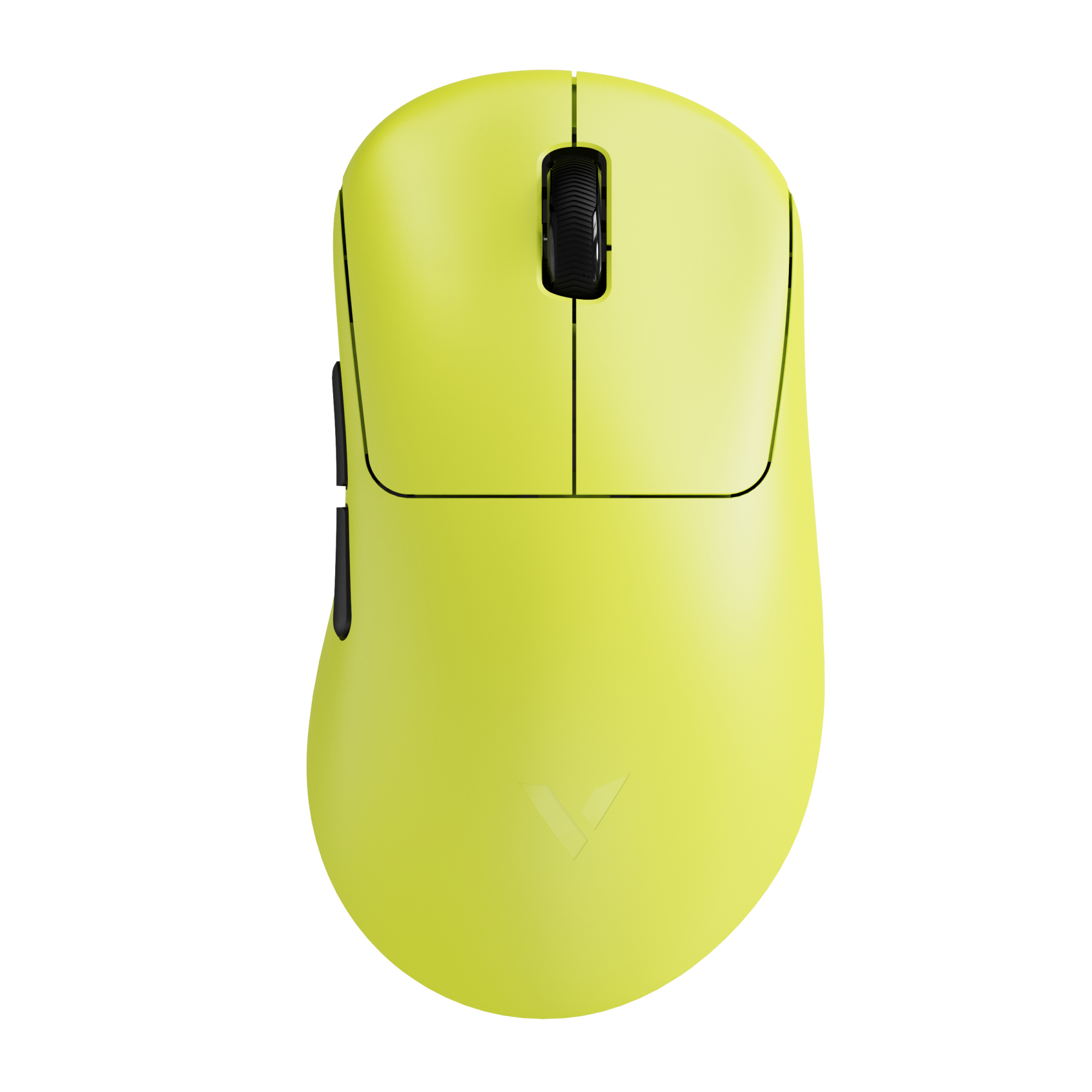

Rapoo VT3S Gen-2 8K Wireless Gaming Mouse Ultra Lightweight

Choose your option

Rapoo VT3S Max Master 8K Wireless Gaming Mouse
Choose your option

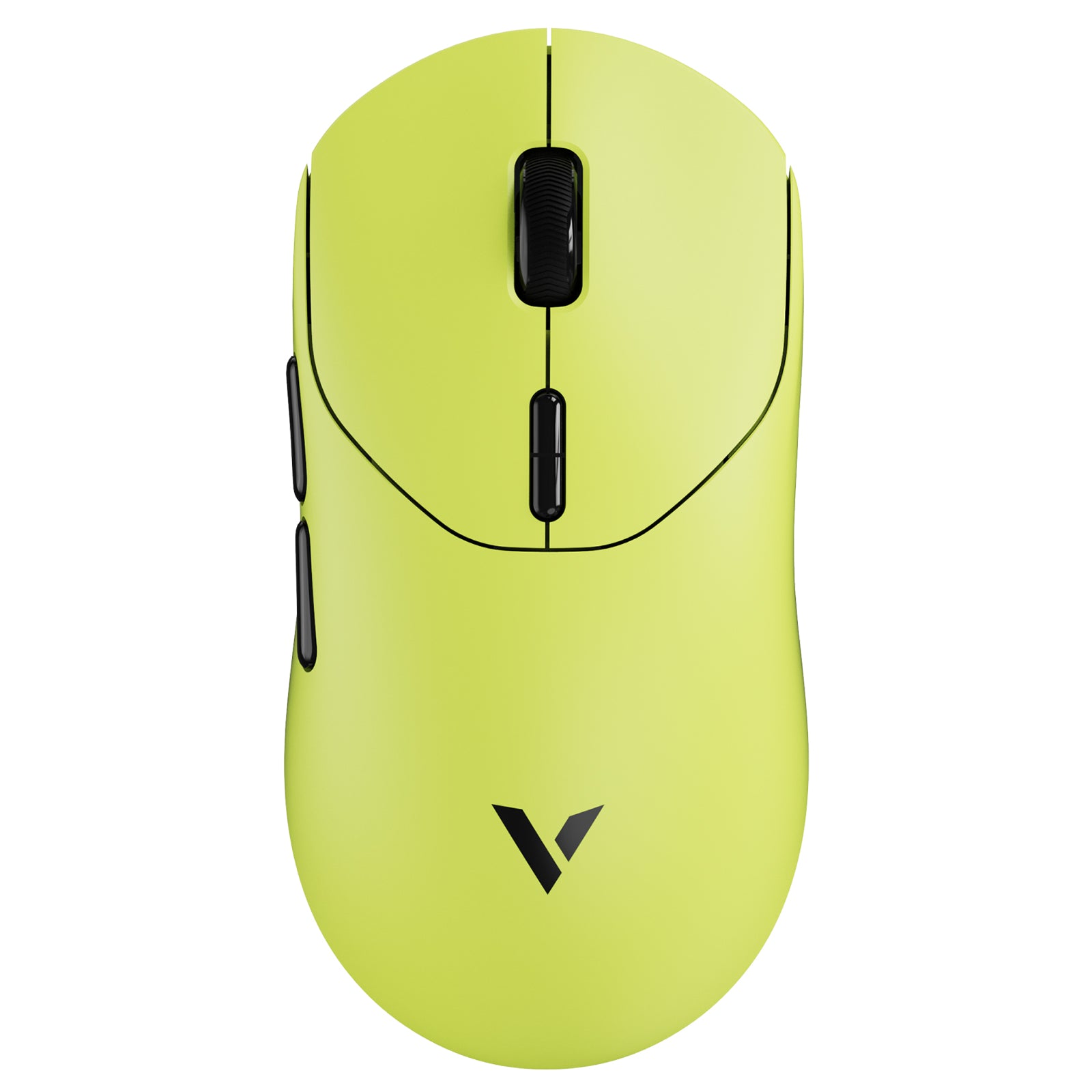
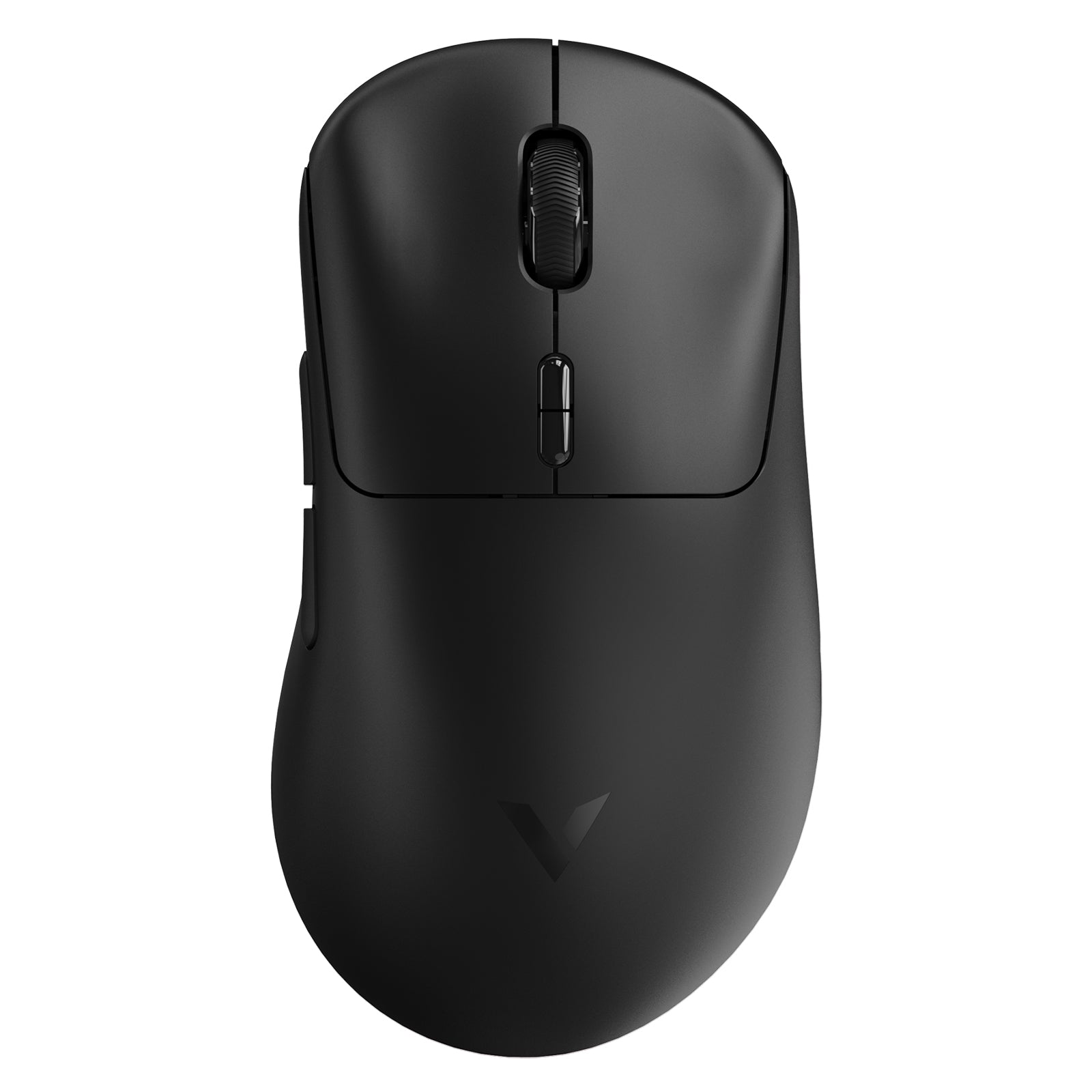
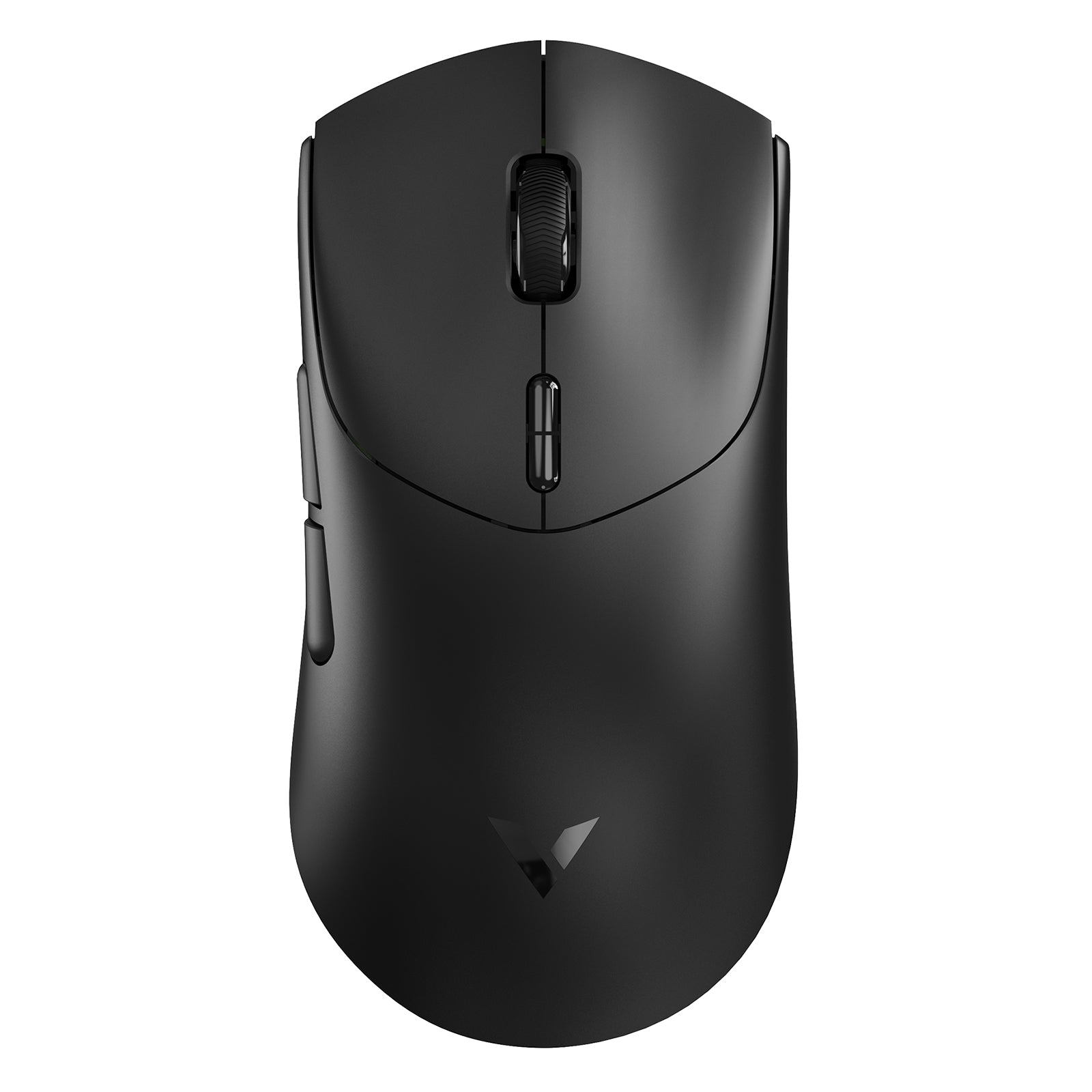
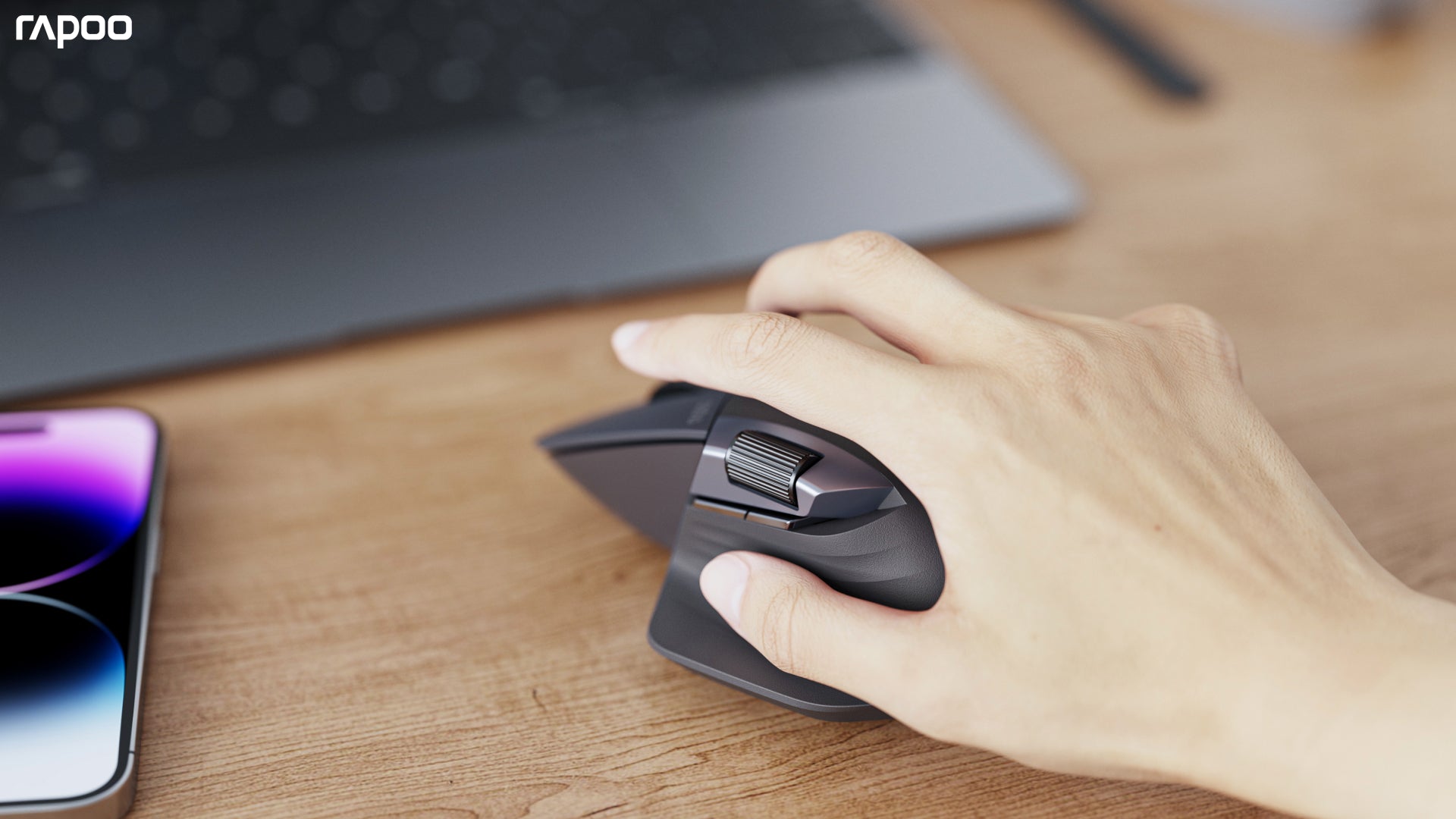
Why Choose a RAPOO Ergonomic Mouse?
RAPOO ergonomic mice combine comfort-focused design with advanced wireless technology to improve productivity and workflow efficiency. With multi-mode connectivity (Bluetooth and 2.4GHz), users can easily switch between devices for seamless multitasking.
Powered by RAPOO’s cross-device transmission technology (M+), you can move your cursor, files, and content across multiple screens—helping streamline workflows between laptops, desktops, and tablets without interruption.
Designed for efficiency, RAPOO mice also feature onboard memory for saving settings directly on the device, along with customizable buttons and macro support to simplify repetitive tasks. Paired with ergonomic shapes that support natural hand positioning, these mice reduce fatigue while delivering precise control for both work and creative use.
How to Choose the Right Ergonomic Mouse
Choosing the right ergonomic mouse isn’t just about features—it’s about finding a model that fits your hand size, usage habits, and workflow. The right fit can significantly improve comfort, reduce wrist strain, and enhance overall control.
1. Choose Based on Your Usage Needs
Start by identifying how you primarily use your mouse. For everyday work and productivity, comfort and stability matter most—features like wireless connectivity, quiet clicks, and multi-device switching can greatly improve efficiency. For gaming, responsiveness becomes more important, so look for higher DPI, faster polling rates, and a lightweight design. If you switch between work and gaming, a balanced ergonomic wireless mouse offers the best flexibility.
2. Wireless vs Wired: What Works Best?
Wireless ergonomic mice are ideal for modern setups, especially if you work across multiple devices or prefer a clean desk. Multi-mode wireless (Bluetooth + 2.4GHz) provides both flexibility and stability. On the other hand, wired ergonomic mice are better suited for latency-sensitive tasks where consistent performance is critical. For most users today, wireless solutions offer the best combination of convenience and performance.
3. The Most Important Factor: Hand Size & Fit
The most overlooked—but most important—factor when choosing an ergonomic mouse is how well it fits your hand.
A mouse that’s too small or too large can cause discomfort over time, even if it has great specs. Choosing the right size ensures better support, more natural hand positioning, and reduced fatigue.
- For smaller hands, compact ergonomic designs like RAPOO MT550 and MT560 offer better control and easier reach
- For medium to smaller hands, the RAPOO MT760 Mini provides a balanced size with advanced multi-device functionality
- For larger hands, full-size ergonomic options such as RAPOO MT760L and MT760 Pro deliver better palm support and long-term comfort
If you're unsure which model suits you best, you can also explore our MT760 series selection guide to compare differences in size, features, and performance.
4. Match Grip Style for Better Comfort
Beyond size, your grip style also affects how comfortable a mouse feels. Palm grip users benefit from larger, more supportive shapes, while claw or fingertip users may prefer more compact or lightweight designs. A well-matched ergonomic shape helps reduce tension during long sessions.
5. Choosing an Ergonomic Mouse for Gaming
If you plan to use an ergonomic mouse for gaming, it’s important to match features to your game type. FPS players typically prefer lightweight mice with fast response and precise tracking, while MOBA or MMO players benefit from additional programmable buttons for complex commands. For general gaming, a balance between comfort and performance ensures a better overall experience.
FAQs
What is an ergonomic mouse and how is it different?
What is an ergonomic mouse and how is it different?
An ergonomic mouse is designed to support a more natural hand position, reducing wrist strain and improving comfort during extended use. Unlike standard mice, ergonomic designs focus on minimizing repetitive stress by aligning the hand, wrist, and forearm more naturally. This makes them ideal for office work, long gaming sessions, and users concerned about comfort and long-term usability.
Are ergonomic wireless mice good for performance?
Are ergonomic wireless mice good for performance?
Yes, modern ergonomic wireless mice offer excellent performance with minimal latency. Advances in wireless technology, including 2.4GHz and Bluetooth connections, ensure stable and responsive tracking. Many ergonomic wireless mouse models also support multi-device connectivity, making them suitable for both productivity and light gaming without sacrificing precision or reliability.
What DPI is best for an ergonomic mouse?
What DPI is best for an ergonomic mouse?
The ideal DPI depends on your usage. For general office work, a range between 800–1600 DPI is typically sufficient for smooth and accurate cursor movement. For gaming or high-resolution displays, higher DPI settings provide faster and more precise tracking. Adjustable DPI is a key feature in a good ergonomic mouse, allowing users to switch based on task requirements.
Is an ergonomic mouse better for long hours of use?
Is an ergonomic mouse better for long hours of use?
Yes, ergonomic mice are specifically designed for extended use. Their shape reduces strain on the wrist and hand, helping prevent discomfort or fatigue during long sessions. This makes them particularly beneficial for professionals, programmers, designers, and anyone who spends significant time on a computer.
Can ergonomic mice be used for gaming?
Can ergonomic mice be used for gaming?
Ergonomic mice can be used for gaming, especially for casual or hybrid users. While some competitive gamers prefer ultra-lightweight designs, many ergonomic gaming mice now offer high DPI sensors, fast polling rates, and responsive tracking. They provide a balance between comfort and performance, making them suitable for extended gaming sessions.

About Rapoo
Leading Brand in Wireless Mice and Keyboards Since 2002. Professional-grade Wireless Gaming Mice and Keyboards at Unbeatable Price.


