






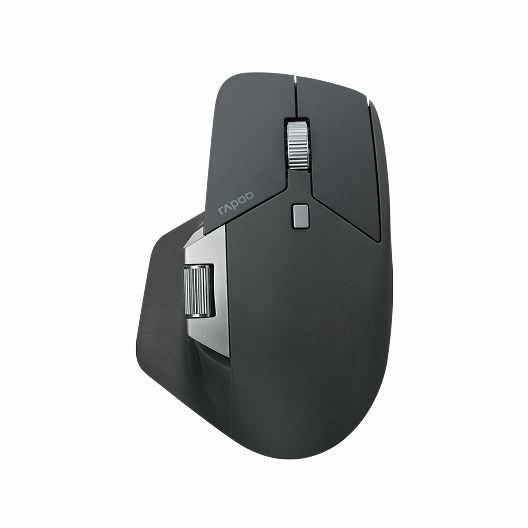




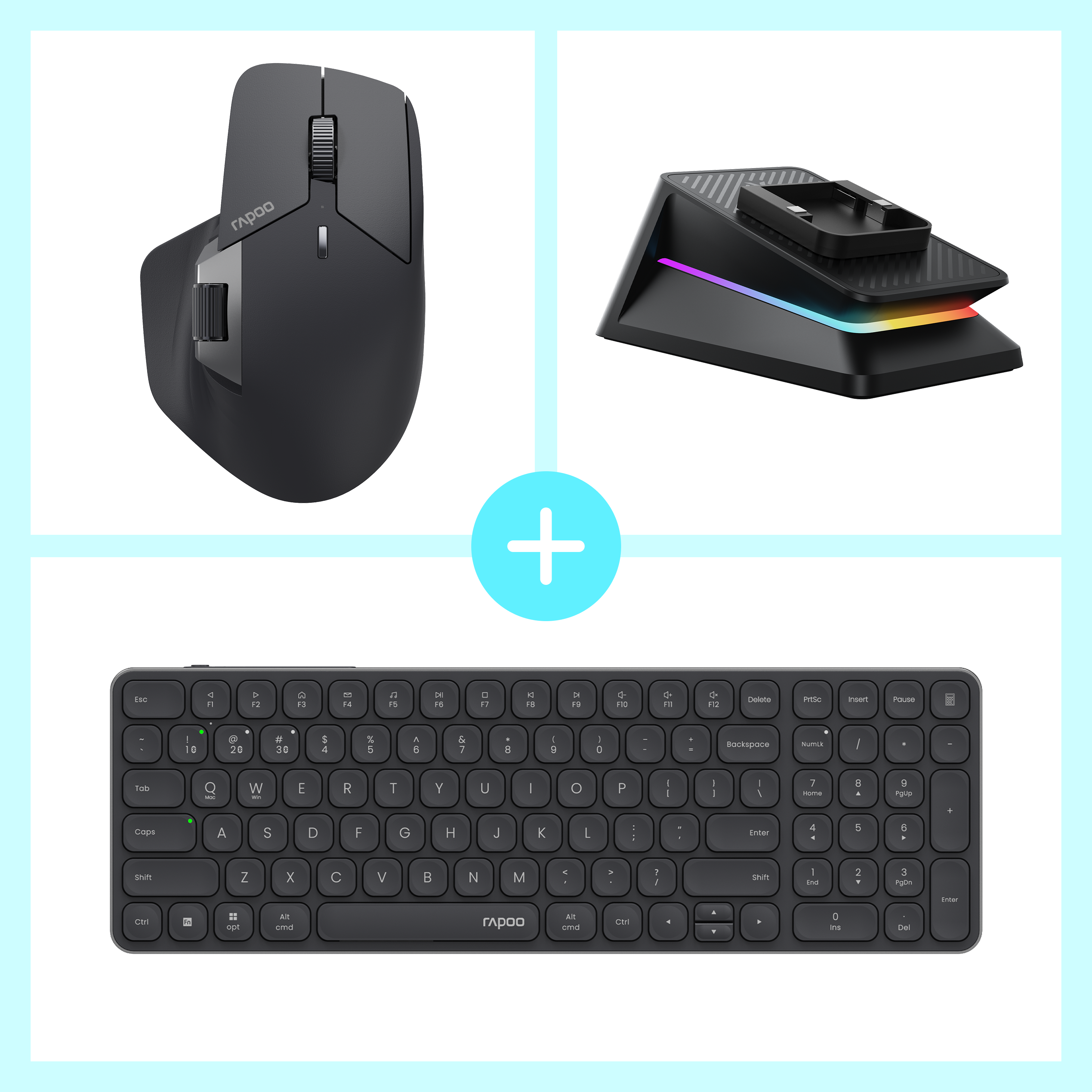

Rapoo MT760 Pro + E9350L + P5 Wireless Charging Dock Ergonomic Combo
Choose your option
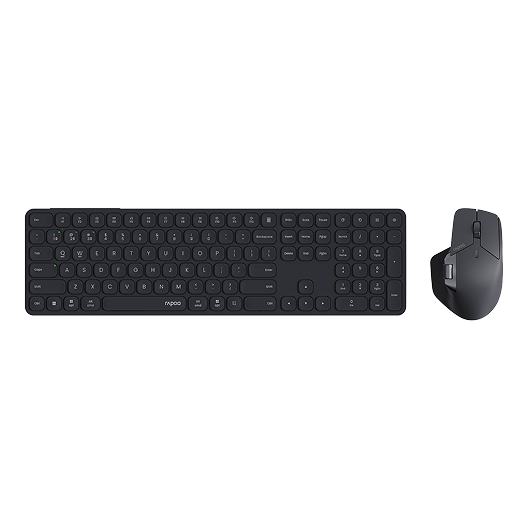
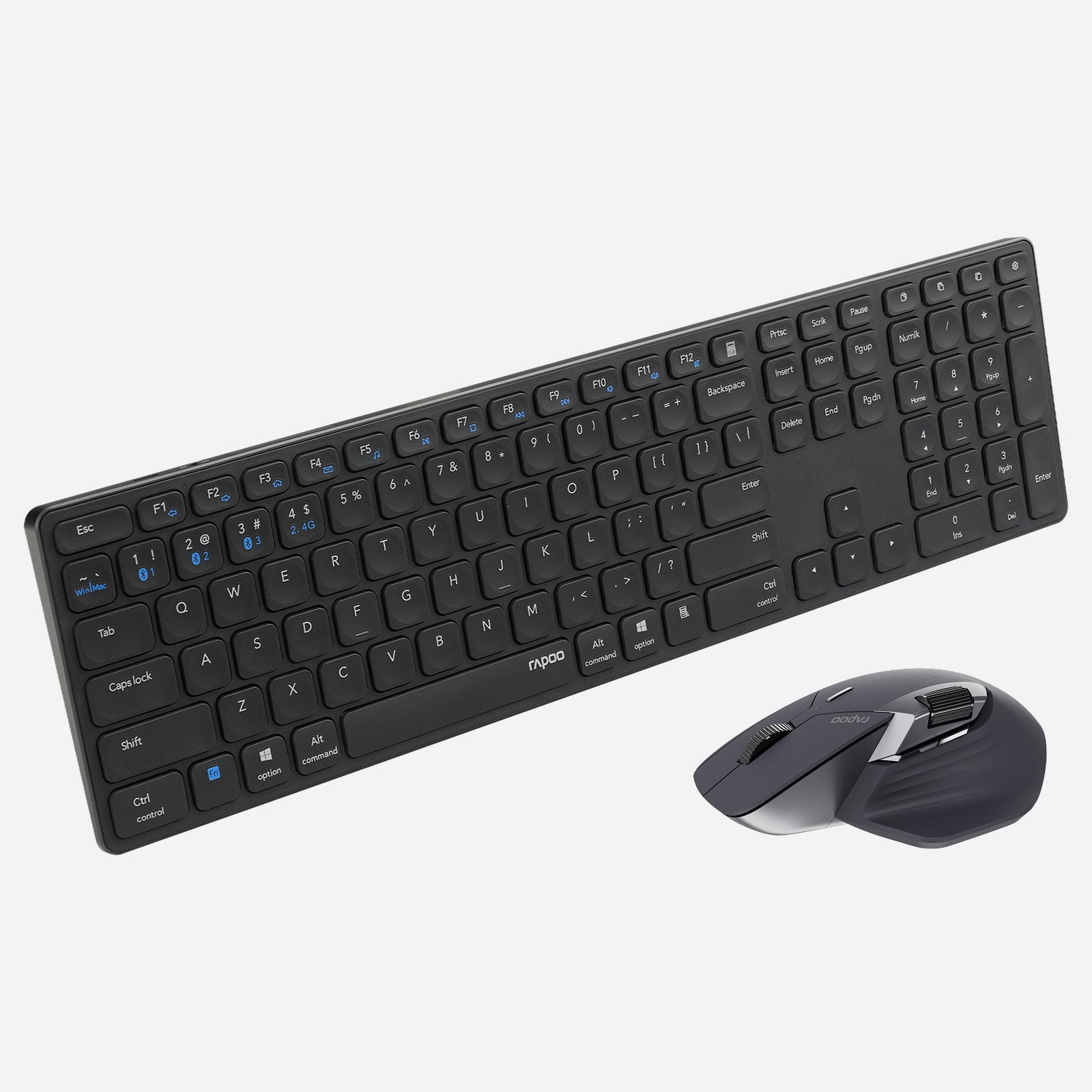
Rapoo 9560M Wireless Mouse and Keyboard Combo
Choose your option
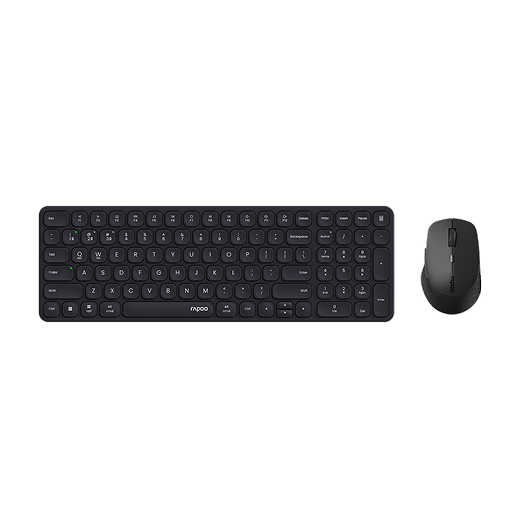
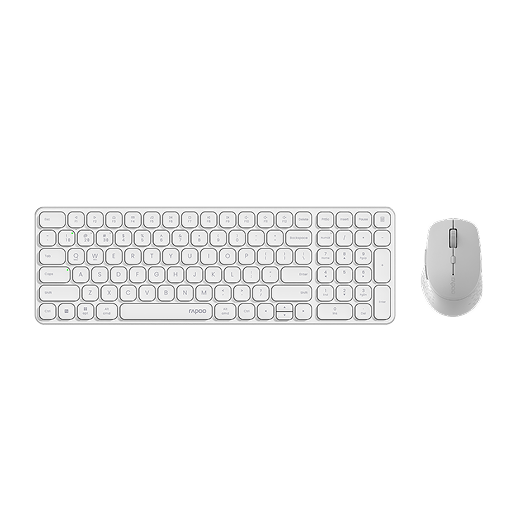
Rapoo 9360M Wireless Mouse and Keyboard Combo
Choose your option
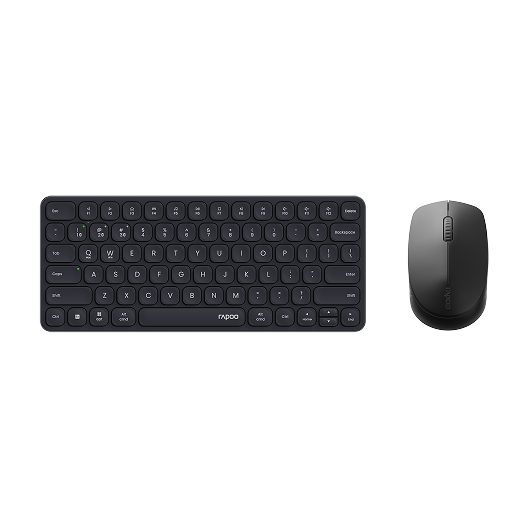
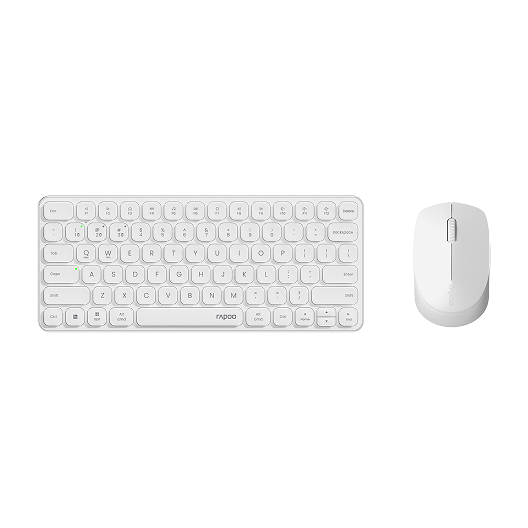
Rapoo 9010M Wireless Mouse and Keyboard Combo Silent Click
Choose your option
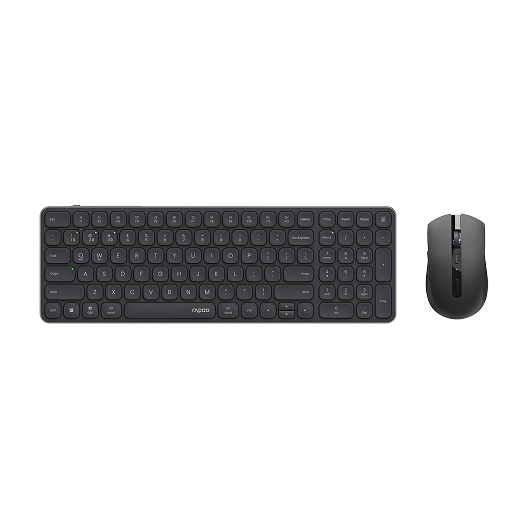
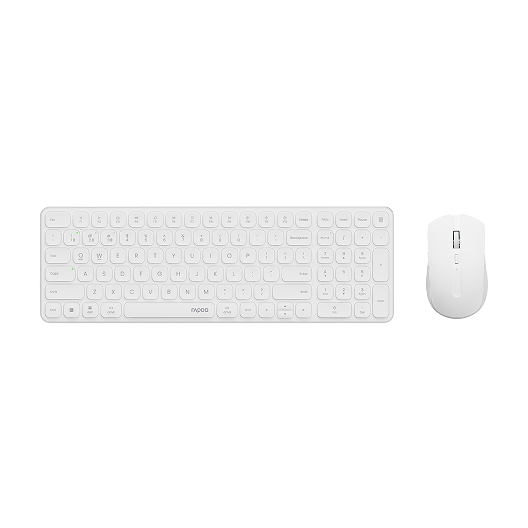
Rapoo 9350S Wireless Mouse & Keyboard Combo
Choose your option
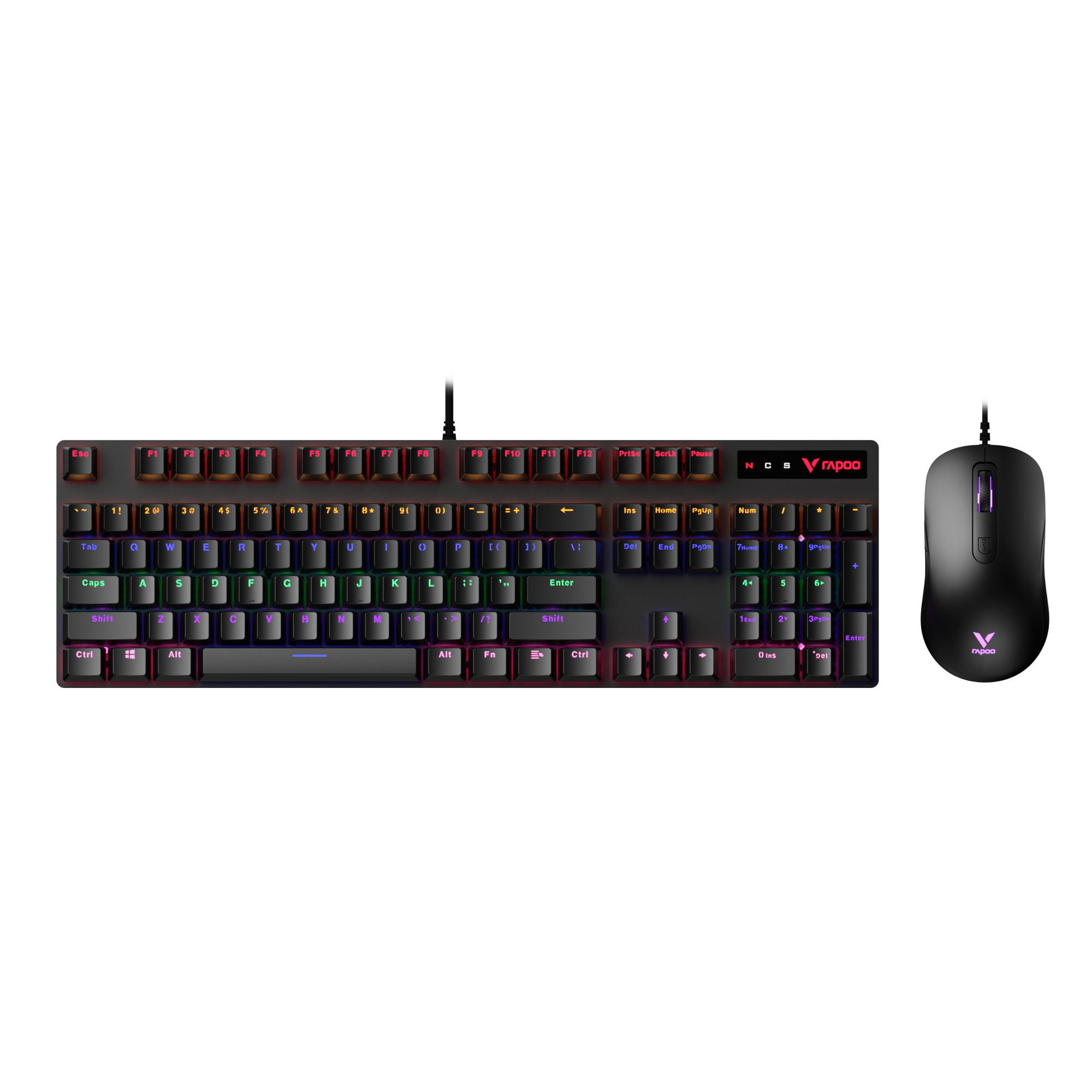
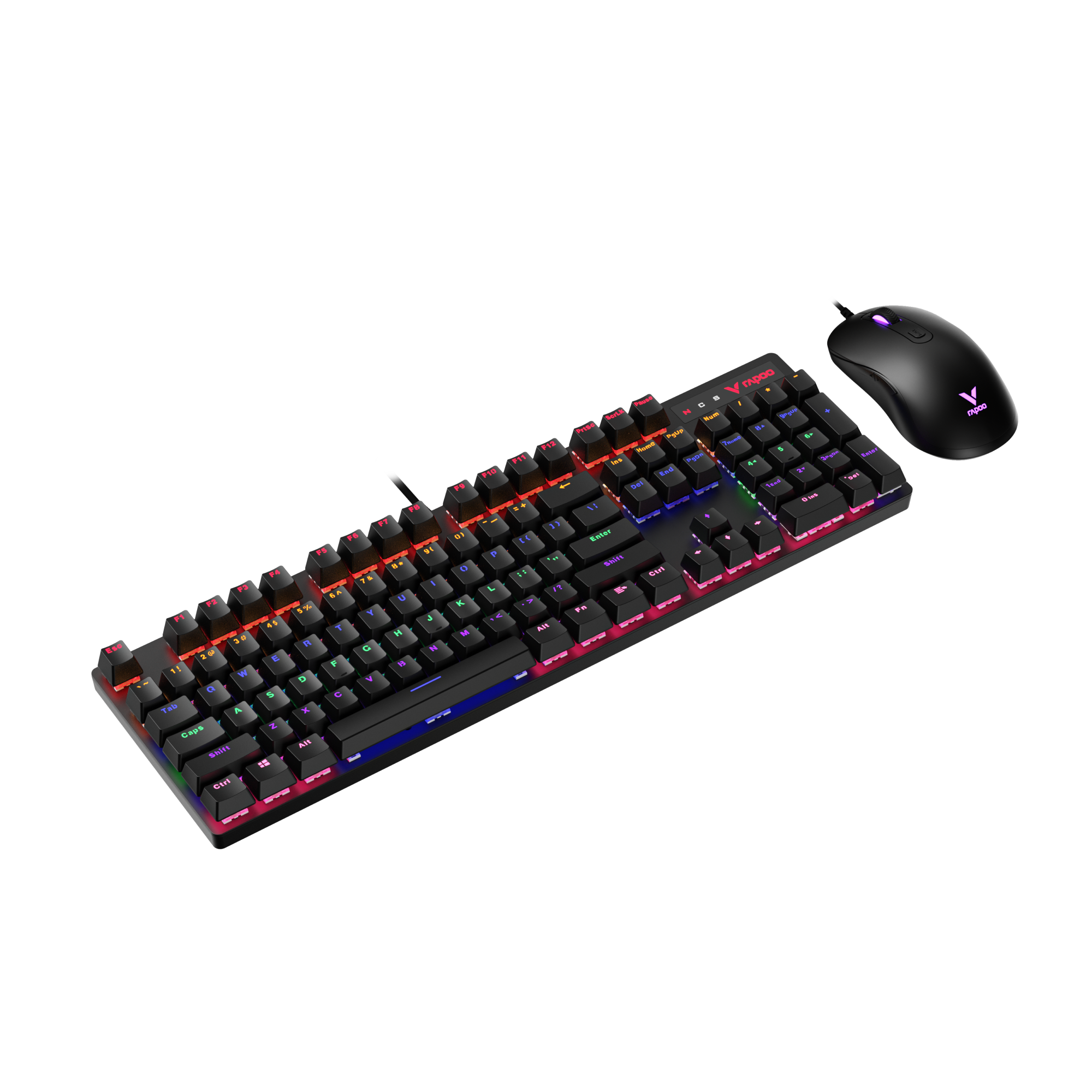
Rapoo V150S Wired Mechanical Gaming Mouse & Keyboard Combo
Choose your option
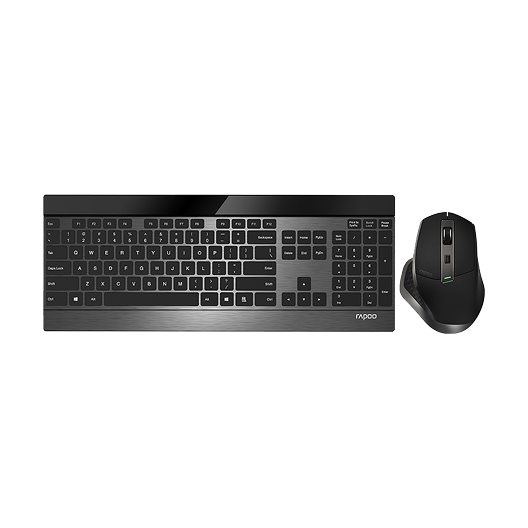
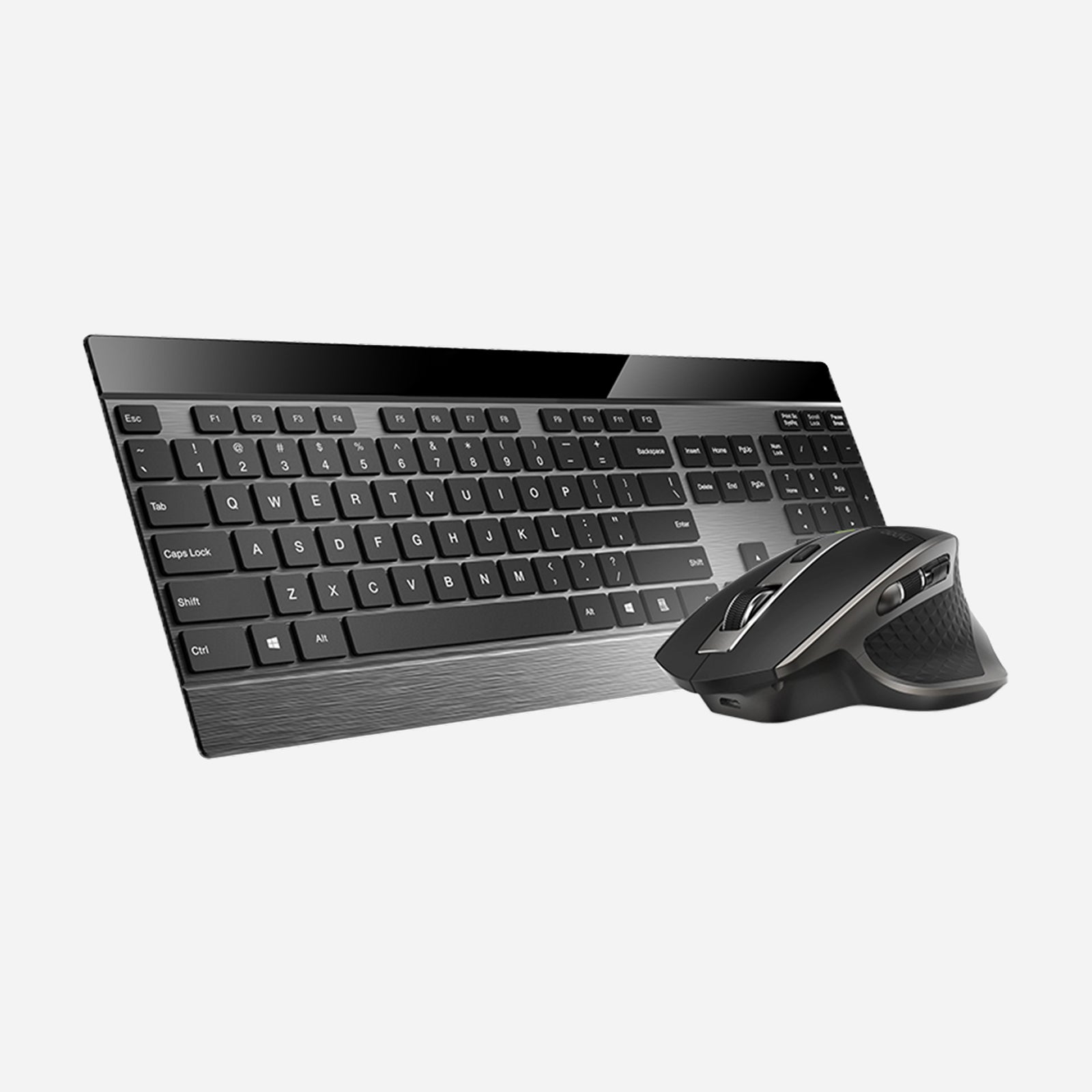
Rapoo 9900M Wireless Laser Mouse & Tri-Mode Keyboard Combo
Choose your option


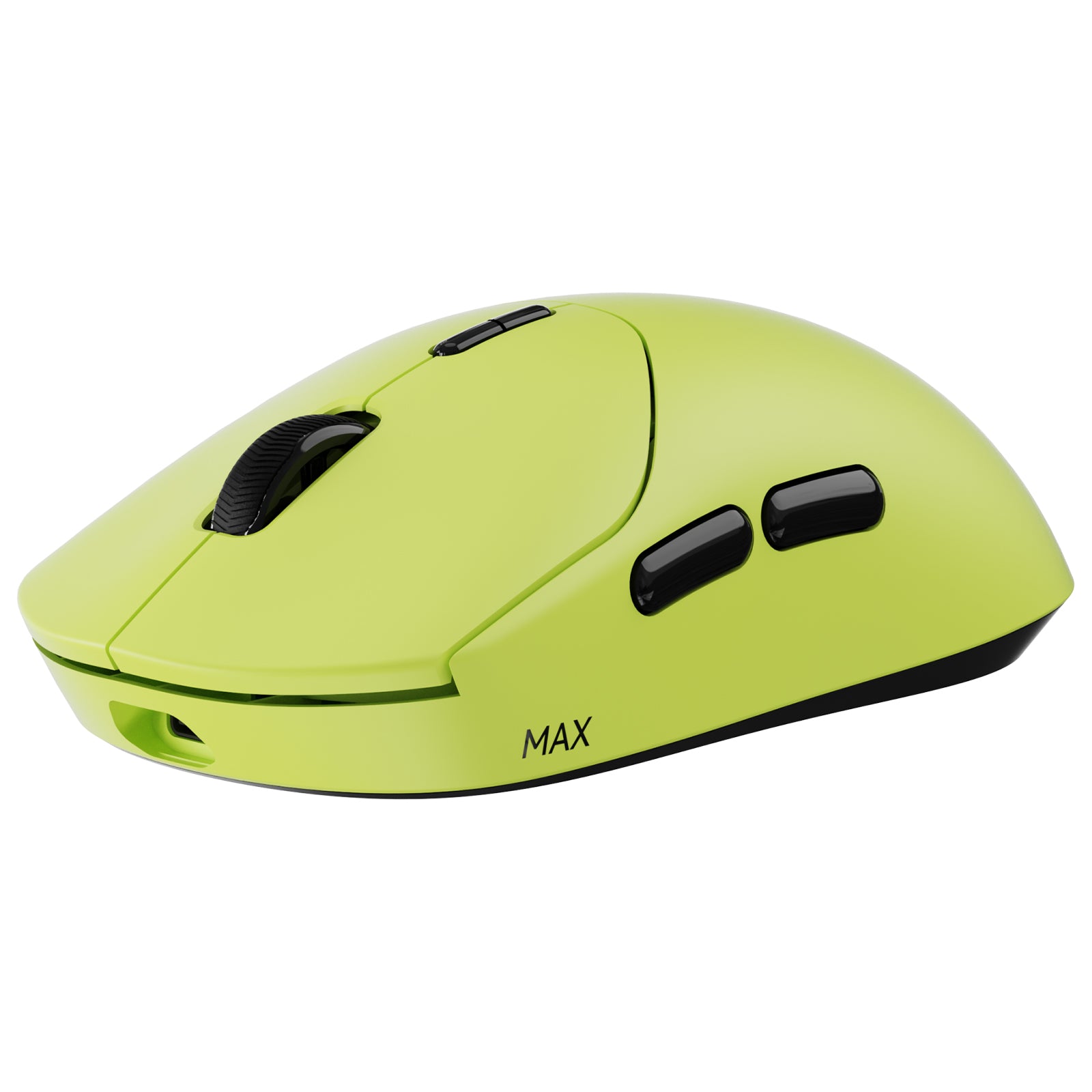
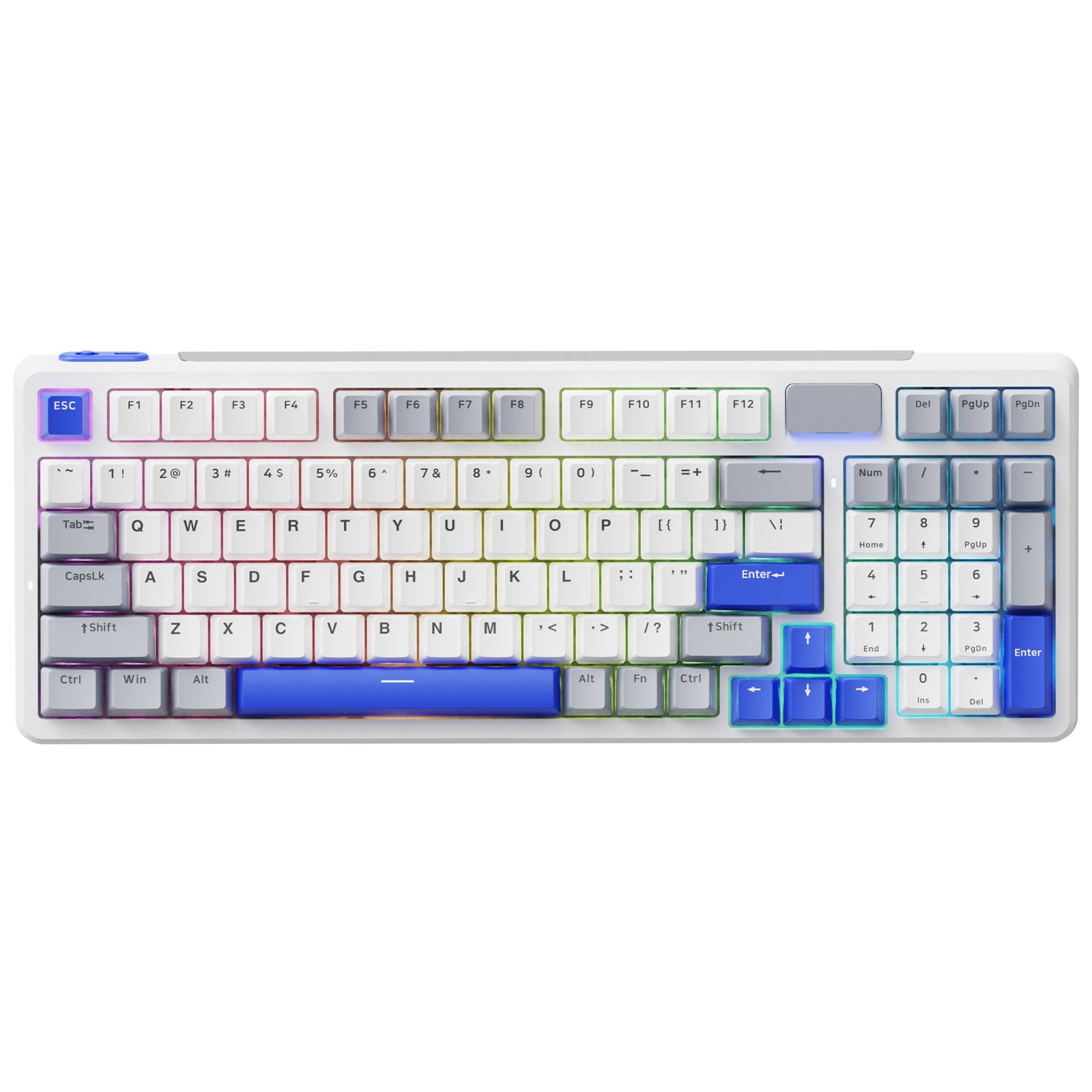
RAPOO VT2 Max Gen-2 & V700DIY-98 Gaming Combo with P5 Charging Dock
Choose your option


Rapoo 9500M Multi-Device Wireless Keyboard and Mouse Combo
Choose your option

Wireless keyboard and mouse combo for office
RAPOO wireless keyboard and mouse combos combine dependable connectivity with comfortable design for everyday computer use. This category includes Bluetooth and 2.4GHz options built for home offices, desktops, and laptops, offering smooth typing, accurate cursor control, and easy plug-and-play setup without cable clutter.
What makes a good wireless keyboard and mouse combination?

Stable Wireless Connectivity
- 2.4GHz wireless and Bluetooth options for flexible device pairing
- Consistent signal performance for uninterrupted typing and tracking

Mouse Precision and Control
- Smooth cursor tracking for daily productivity tasks
- Comfortable shapes for extended use
FAQs
How to Choose the Right Wireless Keyboard and Mouse Combo
How to Choose the Right Wireless Keyboard and Mouse Combo
- Wireless vs Bluetooth Combos: Wireless USB combos offer straightforward plug-and-play reliability, while Bluetooth keyboard and mouse sets reduce dongle use and support multi-device switching on compatible systems.
- Productivity vs General Use: For office and home productivity, comfort, key stability, and quiet operation matter more than gaming-grade features. A well-balanced combo improves efficiency without unnecessary complexity.
- Keyboard Size and Desk Space: Compact designs save space for smaller desks or mobile workstations, while full-size keyboards provide dedicated number pads for data entry and daily work.
What is a wireless keyboard and mouse combo?
What is a wireless keyboard and mouse combo?
A wireless keyboard and mouse combo is a matched set that connects to your computer without cables, using either a USB wireless receiver or Bluetooth for everyday typing and navigation.
Are wireless keyboard and mouse combos good for office use?
Are wireless keyboard and mouse combos good for office use?
Yes. Wireless combos are well suited for office environments because they reduce desk clutter, operate quietly, and provide comfortable control for long work sessions.
Bluetooth vs wireless USB keyboard and mouse — which is better?
Bluetooth vs wireless USB keyboard and mouse — which is better?
Bluetooth combos are ideal for multi-device setups and laptops, while wireless USB combos offer simple, stable connections with minimal setup for desktop computers.
What should I look for in the best wireless keyboard and mouse combo?
What should I look for in the best wireless keyboard and mouse combo?
Focus on connection stability, keyboard comfort, mouse accuracy, battery efficiency, and compatibility with your operating system rather than advanced gaming features.
Can a wireless keyboard and mouse combo work with laptops?
Can a wireless keyboard and mouse combo work with laptops?
Yes. Most wireless combos support laptops through Bluetooth or a USB receiver, making them suitable for home offices, travel, and flexible workspaces.
RAPOO wireless keyboard and mouse combos are designed to meet everyday computing needs without unnecessary complexity. By balancing stable wireless performance, ergonomic comfort, and broad compatibility, these sets support productivity across home offices, workstations, and shared environments.
Whether you prefer Bluetooth convenience or USB wireless reliability, a well-matched combo helps maintain a clean desk setup while delivering consistent typing and pointing accuracy.
With options tailored for general use rather than niche gaming demands, RAPOO wireless combos focus on usability, efficiency, and long-term comfort—making them a practical choice for users who value dependable performance in daily computer tasks.


About Rapoo
Leading Brand in Wireless Mice and Keyboards Since 2002. Professional-grade Wireless Gaming Mice and Keyboards at Unbeatable Price.


