










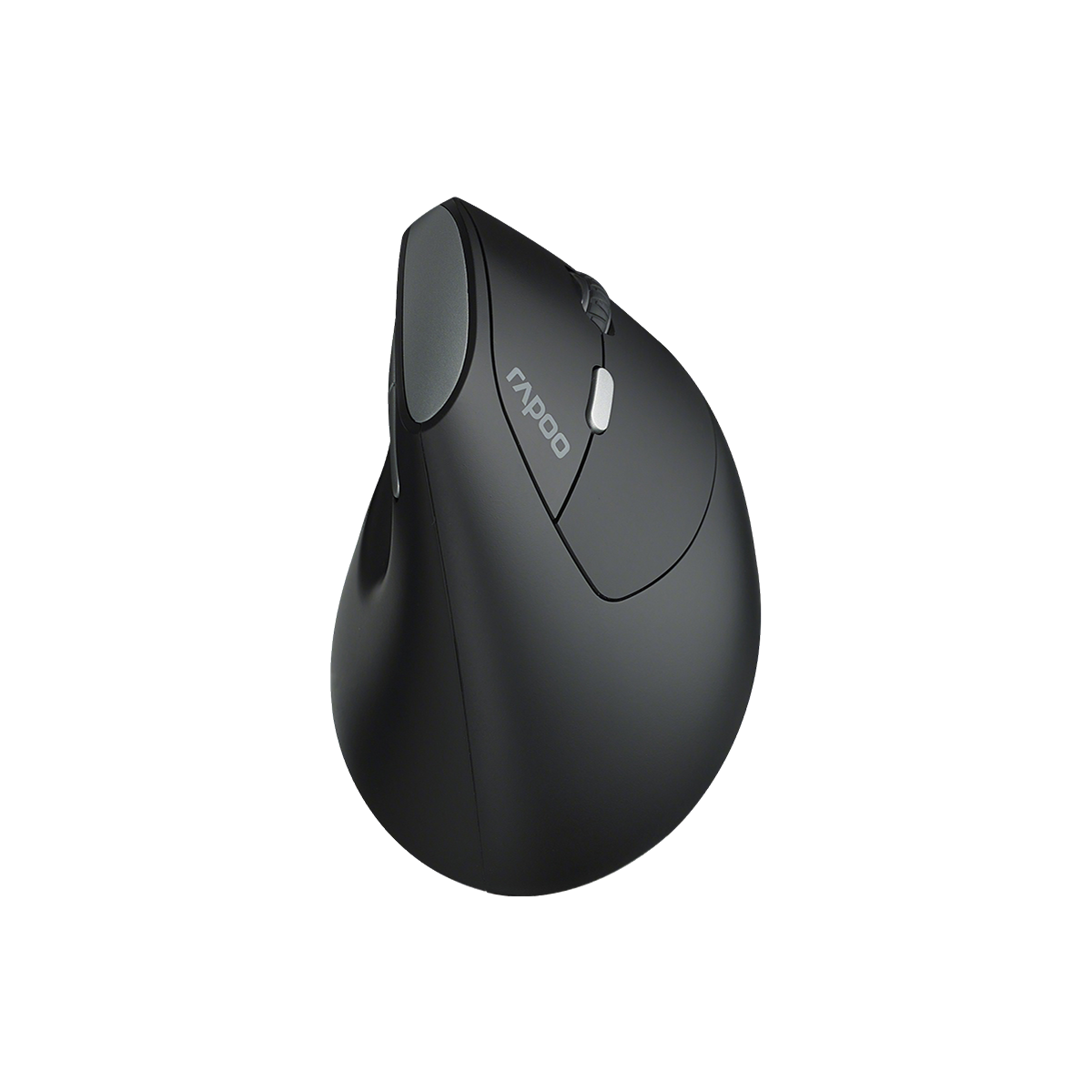
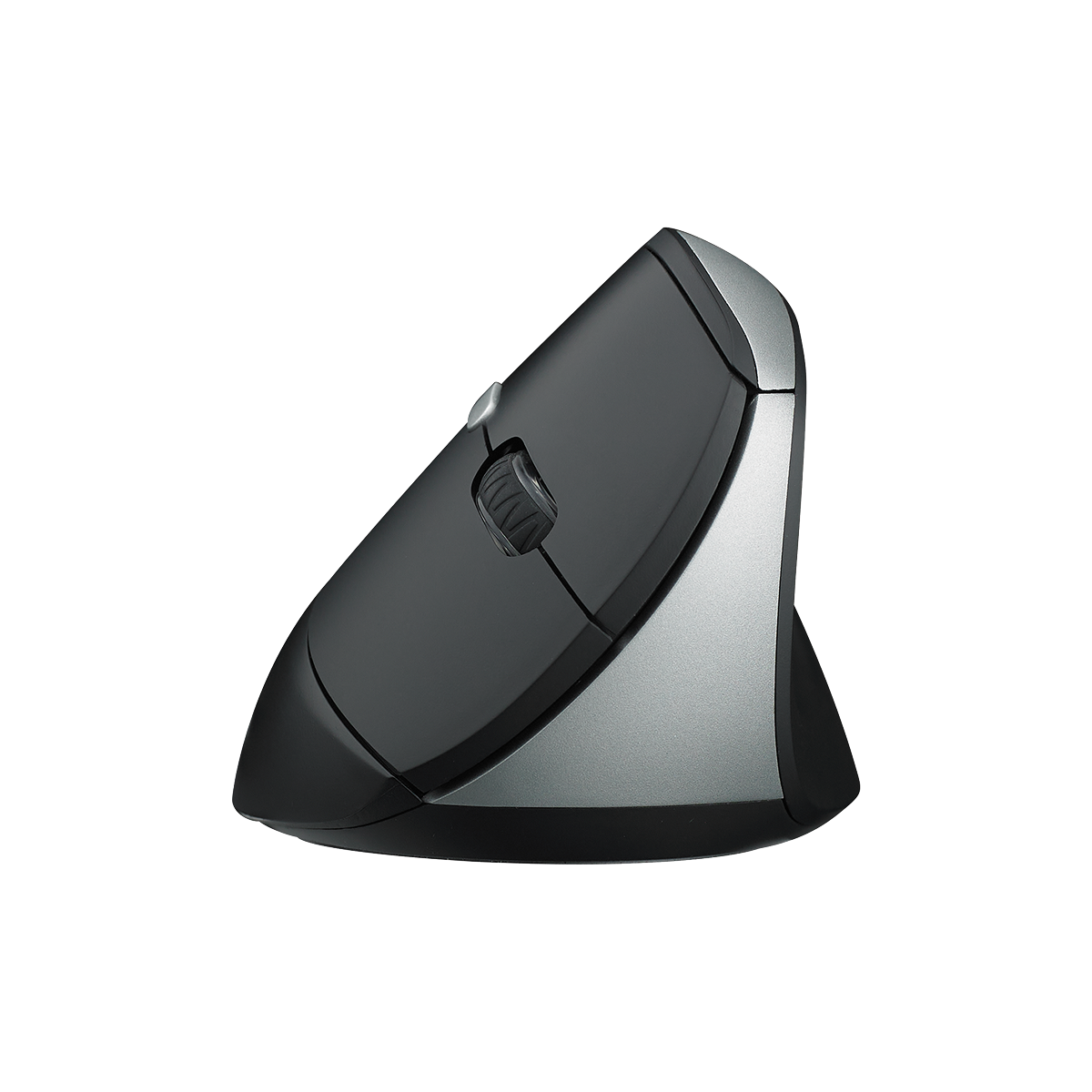
Rapoo EV250 Silent Vertical Ergonomic Wireless Optical Mouse
Choose your option

Rapoo MT760 Pro Ergonomic Wireless Mouse,NearLink + Bluetooth 5.0 Multi-Device, 12K DPI, 2K Polling, Ergo for Work & Gaming, 11 Programmable Buttons
Choose your option


Rapoo MT760L / MT760Mini Multi-Device Wireless Mouse

Choose your option
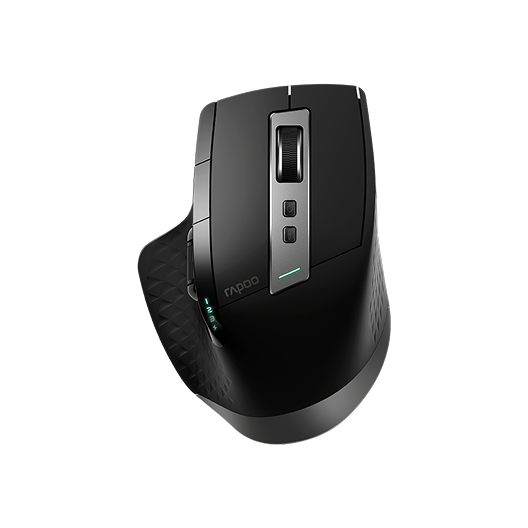

Rapoo MT750 Multi-Device Wireless Ergonomic Mouse
Choose your option
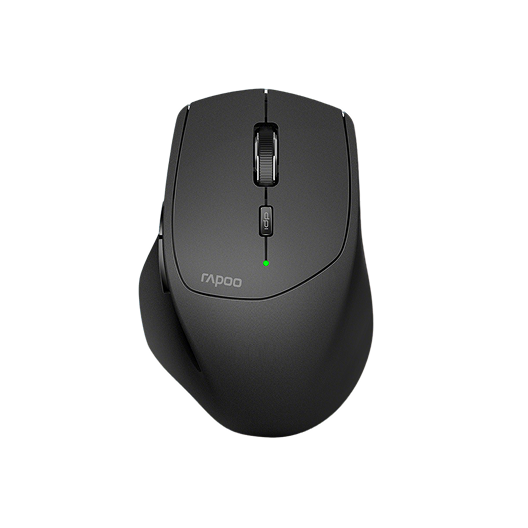
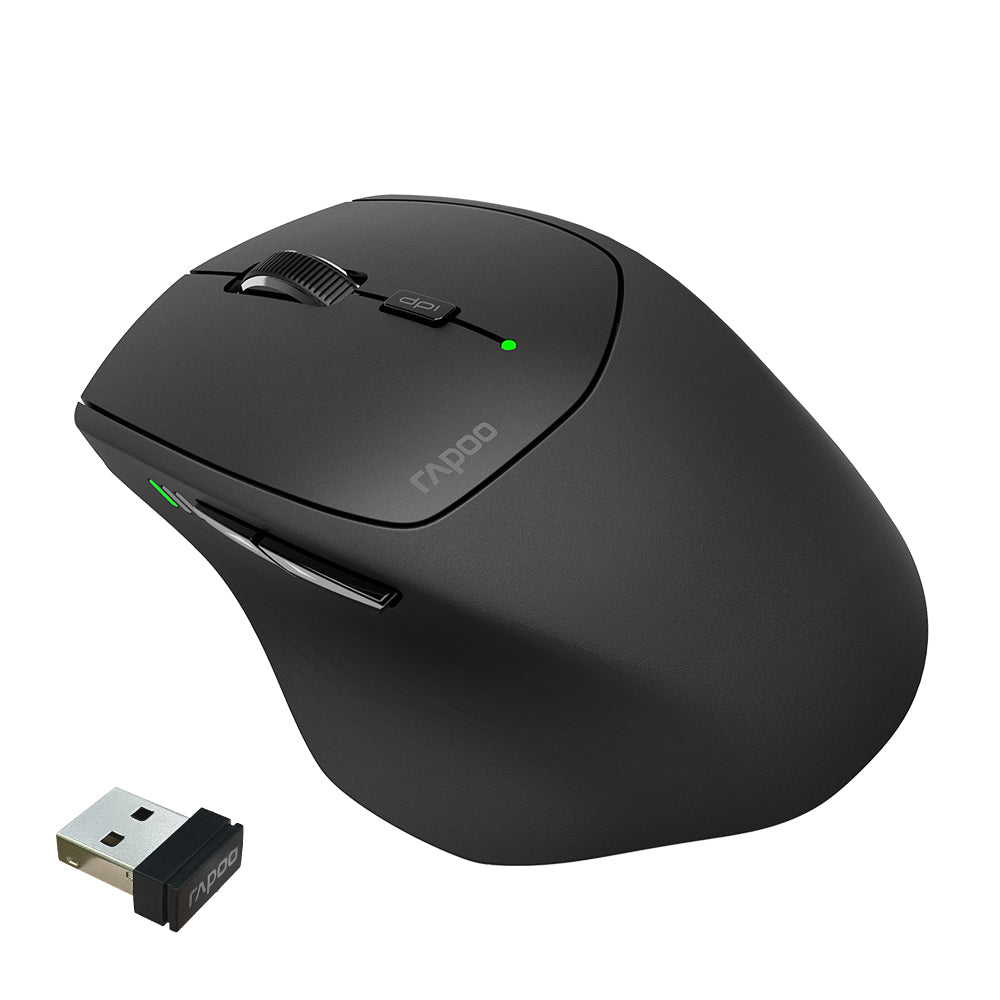
Rapoo MT550 Multi-Device Wireless Optical Mouse
Choose your option


Rapoo MT560 Multi-mode Wireless Mouse


Choose your option


Rapoo VT3s Air Max Ultralight 8K Wireless Ergonomic Gaming Mouse
Choose your option


Rapoo VT0 Air Max Ultralight 8K Wireless Ergonomic Gaming Mouse
Choose your option


Rapoo VT3 Gen-2 8K Ergonomic Wireless Gaming Mouse Ultra Lightweight, 26000 DPI Optical Sensor

Choose your option


Rapoo VT3 Max Gen-2: Ultra-lightweight Wireless Ergonomic Esports Mouse | PAW3950 Sensor | 8K Polling Rate

Choose your option
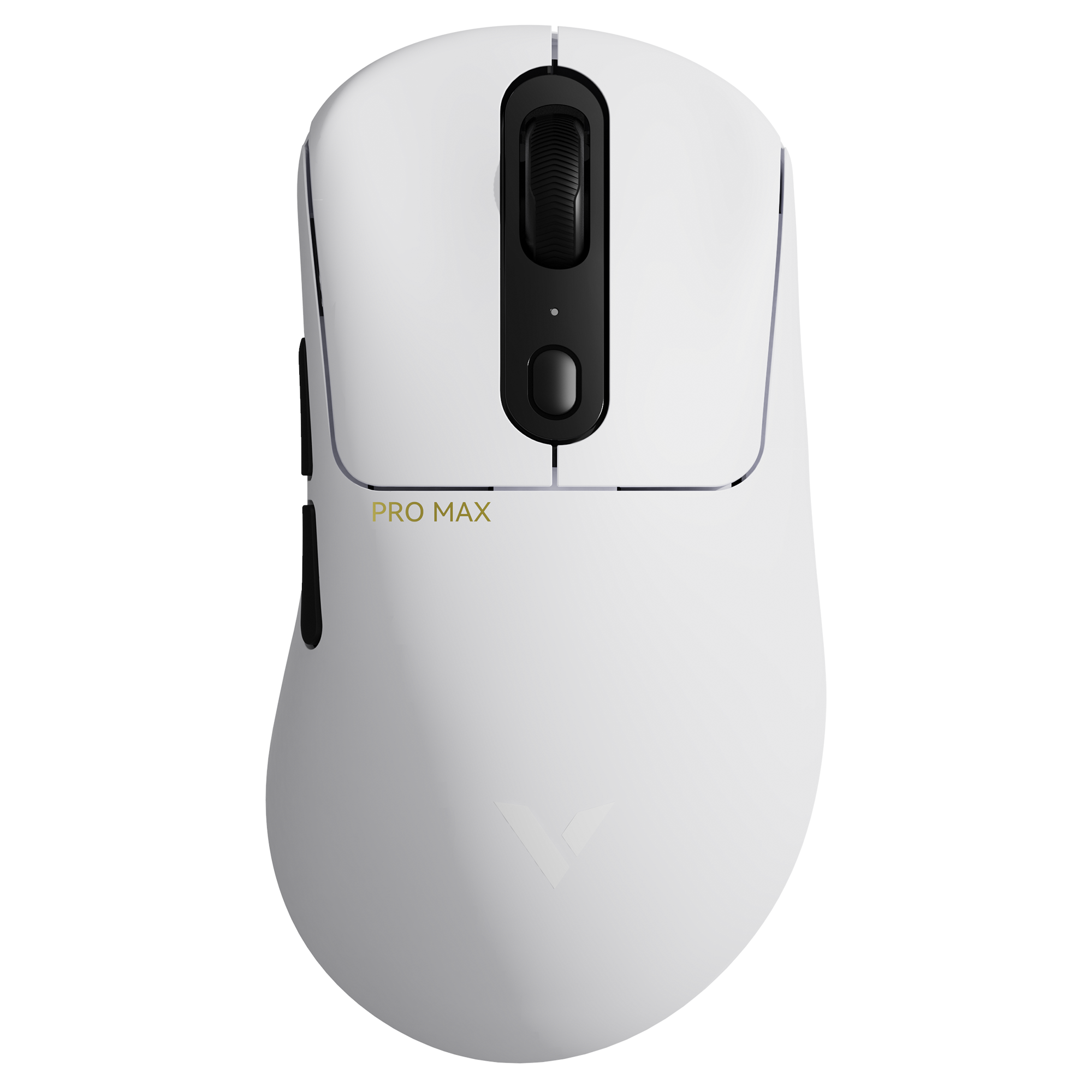

Rapoo VT3 Pro Max Wireless Gaming Mouse
Choose your option


Rapoo VT3S Max Gen-2 8K Wireless Gaming Mouse Ultra Lightweight

Choose your option
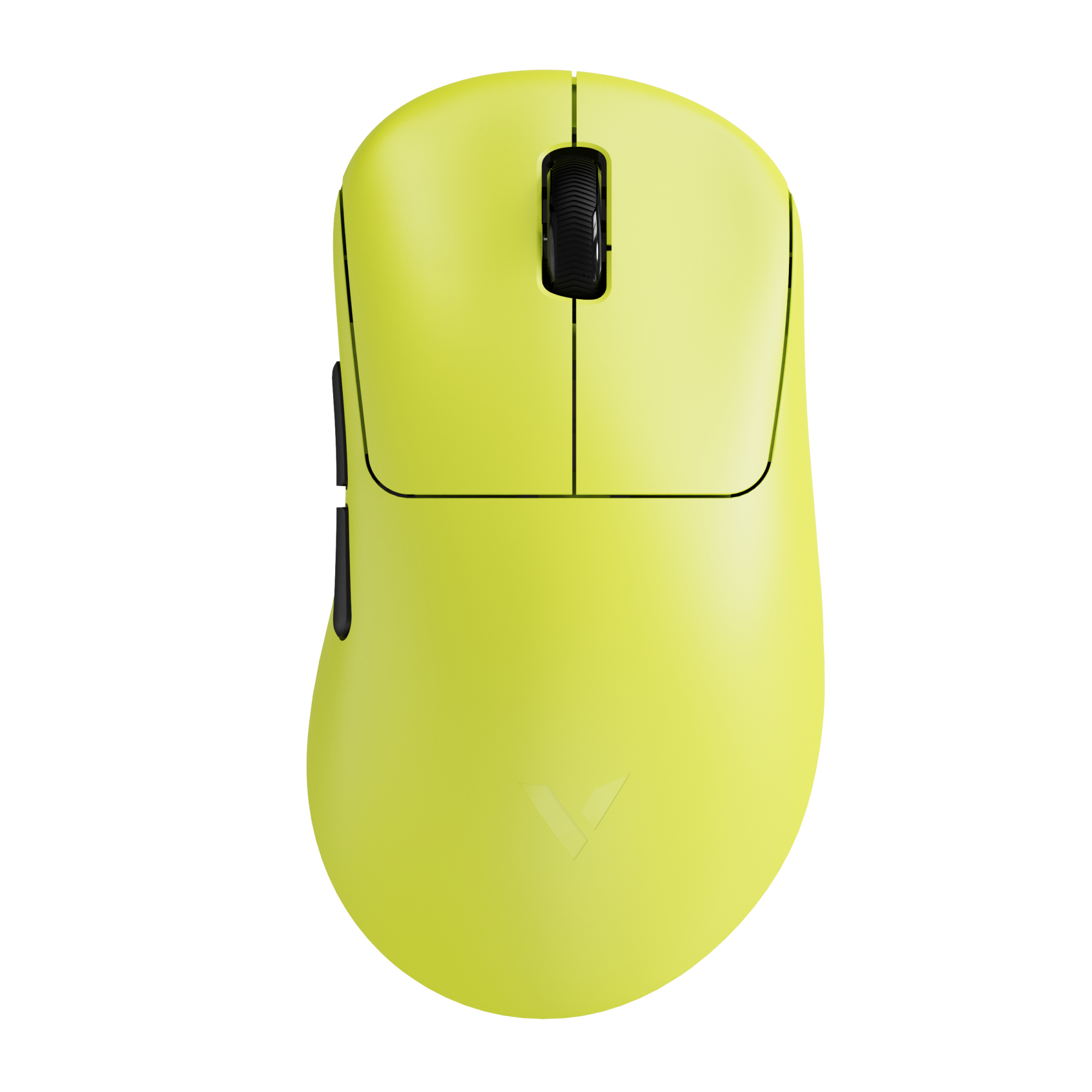

Rapoo VT3S Gen-2 8K Wireless Gaming Mouse Ultra Lightweight

Choose your option

Rapoo VT3S Max Master 8K Wireless Gaming Mouse
Choose your option

What Defines a Vertical Ergonomic Mouse?
A more natural hand position
A vertical ergonomic mouse is shaped to keep your palm and forearm at a more neutral angle than a traditional flat mouse. This ergonomic vertical mouse design can help reduce pressure on the wrist and lower muscle tension during extended computer sessions.
Comfort-focused shape and grip
Compared with a standard office mouse, an ergonomic mouse vertical layout supports the hand from the side rather than forcing it flat against the desk. That makes it a strong option for users who spend hours on spreadsheets, emails, creative work, or general office tasks.
Control that still feels precise
A good vertical ergonomic mouse should not sacrifice control for comfort. Smooth tracking, reliable clicks, scroll accuracy, and stable cursor movement all matter, especially for users switching between work apps throughout the day.
Wireless convenience for modern setups
Many shoppers specifically want a wireless vertical ergonomic mouse for cleaner desks and easier multi-device use. RAPOO’s broader mouse portfolio includes multi-mode wireless connectivity, adjustable DPI, and office-focused ergonomic designs, while its vertical mouse lineup is built around a more natural grip experience.
Why Choose a Vertical Ergonomic Mouse?
Better comfort for long work sessions
If you use a mouse every day, a vertical ergonomic mouse can feel more supportive over time than a standard shape. The upright grip can help reduce awkward wrist rotation and improve comfort during long desk sessions.
A smart choice for office and home use
Whether you work in an office, at home, or across multiple devices, an ergonomic vertical mouse fits common productivity needs such as document editing, web work, video calls, research, and daily computer navigation.
Helpful for repetitive daily tasks
For users who click, drag, scroll, and switch windows all day, the benefit of an ergonomic mouse vertical design is not just posture. It also supports more relaxed hand placement, which can make repetitive movements feel less tiring.
Key Features to Look For
Vertical shape and hand support
Look for a shape that supports your palm naturally and keeps your wrist from flattening out. A well-designed vertical ergonomic mouse should feel stable in the hand without requiring extra grip force.
DPI adjustment
Adjustable DPI helps users control cursor speed based on screen size, workflow, and preference. This matters for both precise tasks and faster navigation. RAPOO’s vertical mouse products in the uploaded product deck include adjustable DPI options on select models.
Wired vs wireless connection
Some users prefer a simple plug-and-play setup, while others want the freedom of a wireless vertical ergonomic mouse. Wireless options are especially useful for cleaner desks, laptop use, and flexible workstations.
Multi-device compatibility
If you work across a laptop, desktop, or tablet, an ergonomic vertical mouse with Bluetooth and 2.4GHz support can be especially convenient. RAPOO’s product materials show that some office-oriented ergonomic mice support multi-mode switching and multi-device workflows.
Button layout and everyday usability
Forward and back buttons, a clear scroll wheel, and convenient DPI switching all improve everyday efficiency. For productivity users, these small usability details often make a noticeable difference over time.
How to Choose the Right Vertical Ergonomic Mouse
Choose based on comfort first
The most important factor is how naturally the mouse supports your hand. If you are specifically looking to reduce wrist or forearm tension, prioritize a vertical ergonomic mouse with a true handshake-style grip and stable palm support.
Choose based on your workspace
If you work in a quiet office, shared room, or late at night, a silent ergonomic vertical mouse can be a better choice than a standard click-heavy model. This is where RAPOO EV250 stands out, since it combines vertical comfort with quieter main-button clicks.
Choose based on display size and cursor speed
If you use larger monitors or want more flexibility, choose a vertical ergonomic mouse with adjustable DPI. Multiple DPI levels help the mouse feel more adaptable across different work habits.
Choose based on setup simplicity
Some users want advanced customization, while others just want something that works immediately. If simple setup matters most, a plug-and-play vertical ergonomic mouse is the better fit.
Choose based on battery and portability needs
For daily office use, battery life matters. RAPOO EV250 is powered by 2 AAA batteries and offers up to 9 months of battery life, which makes it practical for users who do not want frequent battery changes.
Choose based on workspace flexibility
For shared desks, hybrid work, or multi-device setups, an ergonomic mouse vertical design with Bluetooth and wireless support can add convenience. RAPOO’s product range includes ergonomic office mice designed for cross-device use, and its vertical models emphasize a more natural grip for comfort-focused users.
Wireless vs Wired Vertical Ergonomic Mouse
Wireless vertical ergonomic mouse
A wireless vertical ergonomic mouse is usually the better choice for modern office setups. It reduces cable clutter, works well with laptops, and gives users more freedom of movement. It is especially appealing for remote work and flexible desk environments.
Wired vertical ergonomic mouse
A wired vertical mouse can be a practical fit for fixed desk setups. It is simple, reliable, and easy to use right away. Some users also prefer it because there is no need to think about battery levels or charging.
Which one is better?
Neither is automatically better for everyone. If comfort and cleaner cable management matter most, go with a wireless ergonomic vertical mouse. If simplicity and uninterrupted connection matter most, a wired model may be the better fit.
Learn more: The difference between wired and wireless mice
Who Should Use a Vertical Ergonomic Mouse?
Office professionals
A vertical ergonomic mouse is a strong choice for office users who spend most of the day clicking, scrolling, and switching between documents, browsers, and communication tools.
Remote workers
For home office setups, an ergonomic vertical mouse can make long daily sessions more comfortable and support a cleaner workspace, especially when paired with wireless connectivity.
Users focused on wrist comfort
Anyone looking for a mouse that promotes a more natural wrist and forearm angle may prefer a vertical ergonomic mouse over a traditional flat design.
Multi-device users
If you move between different computers or screens, a wireless ergonomic vertical mouse with flexible connectivity can improve convenience and workflow efficiency.
RAPOO Vertical Ergonomic Mouse Options
RAPOO’s product materials show clear support for ergonomic office mouse development, including vertical grip models designed to keep the palm naturally positioned on the side. In the uploaded product deck, RAPOO EV310M is presented as a multi-mode wireless mouse with a vertical ergonomic structure, while EV250 and EV200 are shown as vertical ergonomic options focused on everyday comfort and reduced muscle fatigue during use.
That gives this category real brand relevance: RAPOO is not just targeting general office mice, but also ergonomic mouse vertical designs for users who prioritize comfort, practical control, and a more natural hand posture.
FAQs
What is a vertical ergonomic mouse?
What is a vertical ergonomic mouse?
A vertical ergonomic mouse is a mouse designed to keep your hand in a more upright, handshake-like position instead of forcing it flat on the desk. This shape can help reduce wrist rotation and improve comfort during long periods of computer use. Many users choose a vertical ergonomic mouse for office work, browsing, and repetitive daily tasks because it supports a more natural hand posture while still offering familiar mouse control.
Is a vertical ergonomic mouse better than a regular mouse?
Is a vertical ergonomic mouse better than a regular mouse?
A vertical ergonomic mouse can be better for users who want improved wrist comfort and a more natural hand position. A regular mouse may still work well for many people, but it typically places the hand flatter on the desk. The main advantage of an ergonomic vertical mouse is comfort over long sessions. The better option depends on your work habits, grip preference, and whether you are trying to reduce fatigue from daily mouse use.
Are wireless vertical ergonomic mouse models good for office use?
Are wireless vertical ergonomic mouse models good for office use?
Yes, a wireless vertical ergonomic mouse is often an excellent choice for office use. It helps reduce cable clutter, supports cleaner desk setups, and makes it easier to switch between devices or move between workspaces. For users who rely on laptops, hybrid workstations, or multi-device setups, wireless connectivity adds convenience without changing the core ergonomic benefit. The key is choosing a model with stable connection, comfortable grip support, and tracking that feels smooth in daily use.
Are wireless vertical ergonomic mouse models good for office use?
Are wireless vertical ergonomic mouse models good for office use?
Yes, a wireless vertical ergonomic mouse is often an excellent choice for office use. It helps reduce cable clutter, supports cleaner desk setups, and makes it easier to switch between devices or move between workspaces. For users who rely on laptops, hybrid workstations, or multi-device setups, wireless connectivity adds convenience without changing the core ergonomic benefit. The key is choosing a model with stable connection, comfortable grip support, and tracking that feels smooth in daily use.
What should I look for in the best vertical ergonomic mouse?
What should I look for in the best vertical ergonomic mouse?
The best vertical ergonomic mouse for you should match your hand comfort, work style, and connectivity needs. Important factors include overall shape, button placement, grip support, scroll feel, DPI adjustment, and whether you want wired or wireless use. If you work across multiple screens or devices, a wireless ergonomic vertical mouse with flexible connectivity may be ideal. If you prefer a simple desk setup, a dependable plug-and-play model may be the better choice.
Can a vertical ergonomic mouse help with wrist discomfort?
Can a vertical ergonomic mouse help with wrist discomfort?
A vertical ergonomic mouse may help some users by encouraging a more neutral wrist and forearm position during computer use. While it is not a medical device, many people find that the upright grip feels more relaxed than a standard flat mouse, especially during long work sessions. The biggest benefit usually comes from combining better mouse shape with proper desk posture, suitable cursor speed, and regular breaks throughout the day.
Is an ergonomic mouse vertical design hard to get used to?
Is an ergonomic mouse vertical design hard to get used to?
Most users need a short adjustment period when switching to an ergonomic mouse vertical shape. At first, the grip can feel different from a standard mouse, especially when making small cursor movements or reaching for side buttons. However, many users adapt quickly after a few days of regular use. Once that adjustment happens, the more natural hand position often becomes the main reason they prefer a vertical ergonomic mouse for everyday work.

About Rapoo
Leading Brand in Wireless Mice and Keyboards Since 2002. Professional-grade Wireless Gaming Mice and Keyboards at Unbeatable Price.


