






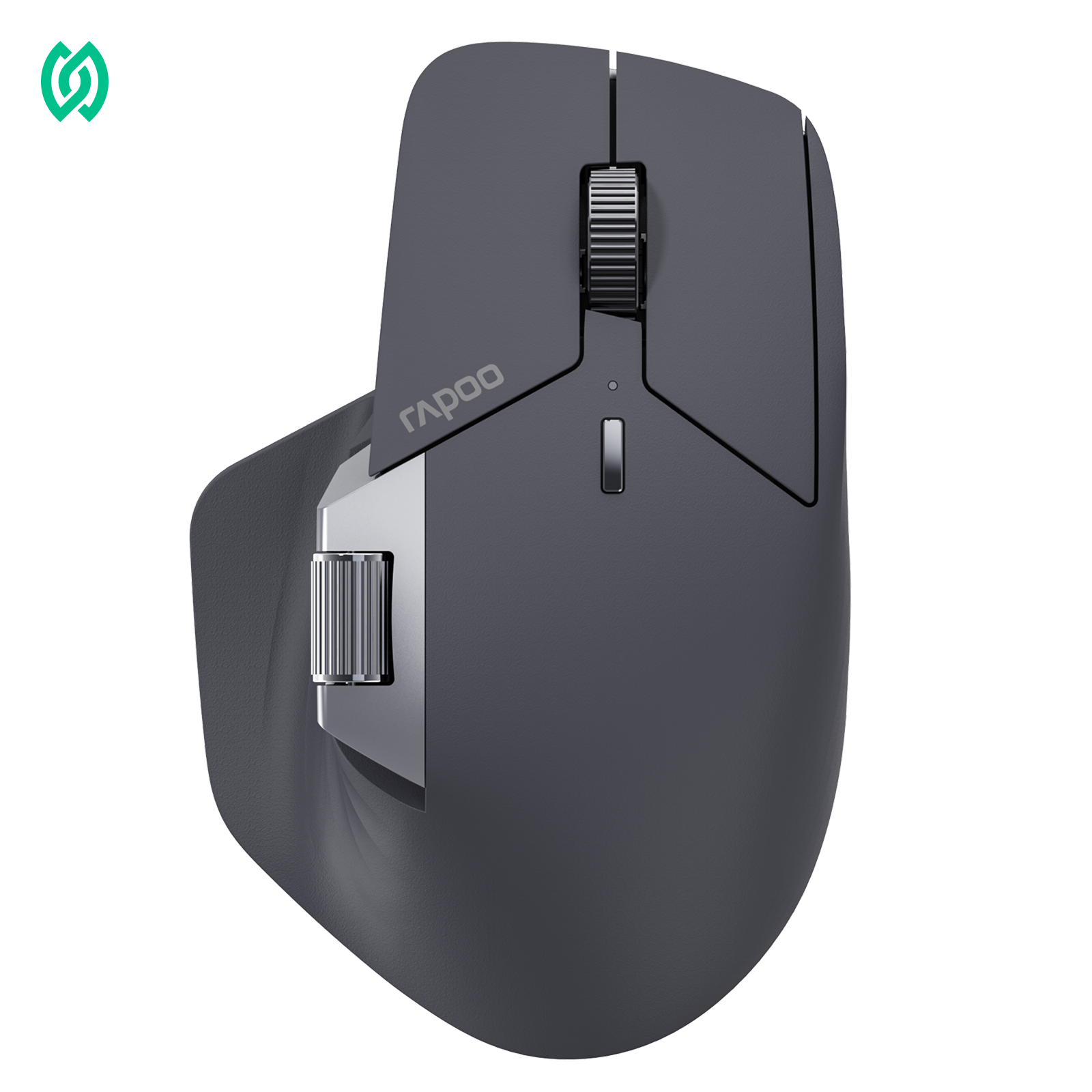



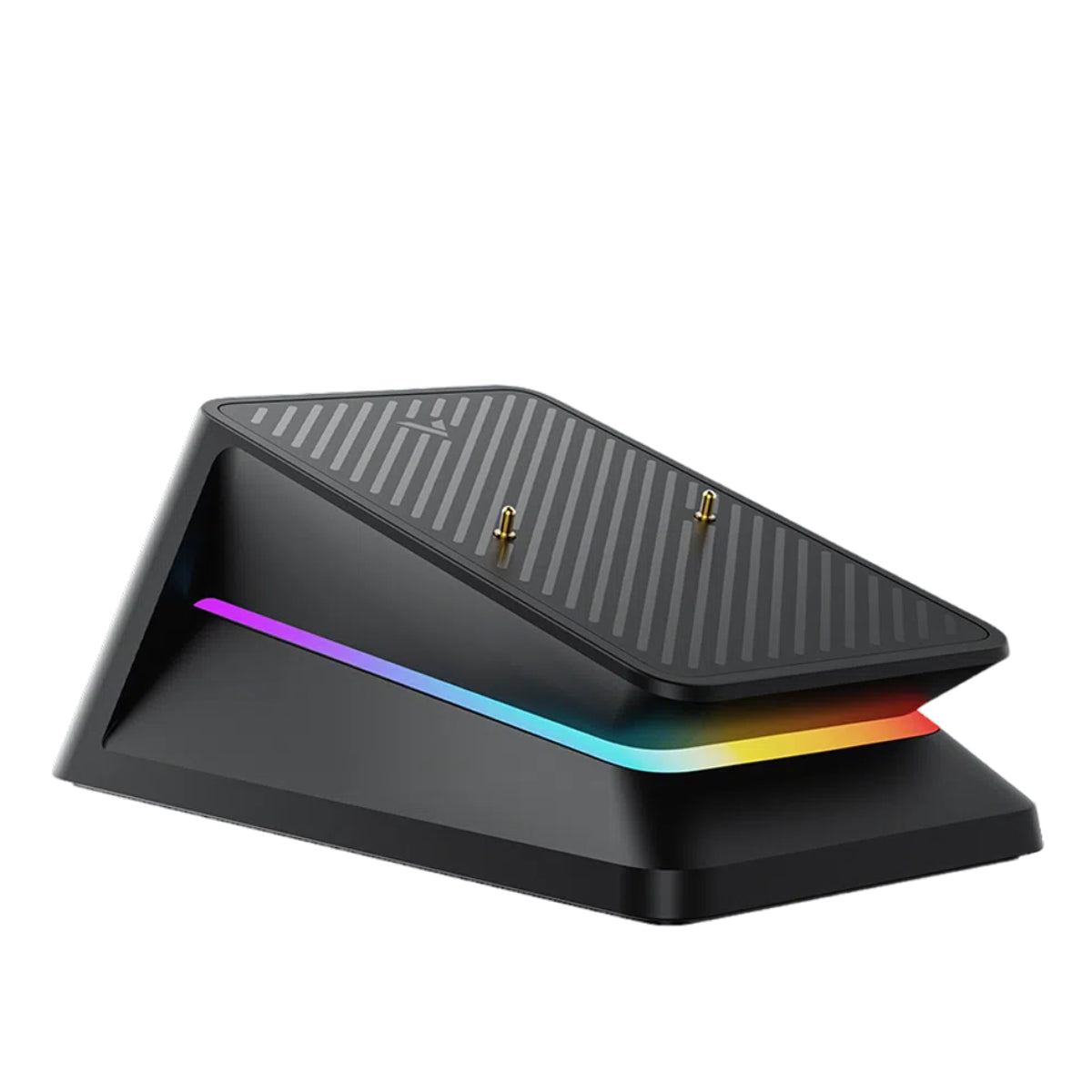

A gaming mouse is a computer mouse designed for precision, speed, and responsiveness in video games. Compared to a regular mouse, a gaming mouse uses high-accuracy sensors, adjustable DPI, and faster polling rates to deliver more consistent control—especially in competitive gaming where every movement matters. Its shape, weight, and button response are also optimized for long gaming sessions and high-performance play.
What Makes a Gaming Mouse Different?
At a glance, a gaming mouse may look similar to a regular mouse—but the differences become clear the moment you start playing. A gaming mouse is built to deliver higher precision, faster response, and more consistent tracking, especially in fast-paced and competitive games.

The most noticeable difference lies in sensor accuracy. Gaming mice use high-performance optical sensors that track movement more precisely, reducing jitter and missed inputs that can occur with standard office mice. This level of precision is essential in games where small, rapid movements—such as flick shots or fine aiming adjustments—directly affect performance.
Another key difference is responsiveness. Gaming mice typically support higher polling rates, meaning they report their position to the computer more frequently. This results in smoother cursor movement and faster in-game reactions compared to a regular mouse, which is designed mainly for everyday tasks like browsing or office work.
Finally, gaming mice are engineered for control and comfort during long sessions. From optimized weight balance to shapes designed for different grip styles, every detail is intended to reduce fatigue and maintain accuracy over time—something a regular mouse is not designed to prioritize.
Key Features of a Gaming Mouse
While different gaming mice may vary in design and price, they all share a set of core features that separate them from regular mice. These features directly affect accuracy, responsiveness, and overall control during gameplay.
High-Precision Sensor
The sensor is the heart of a gaming mouse. Unlike regular mice that are designed for basic cursor movement, a gaming mouse uses a high-precision optical sensor to track even the smallest hand movements accurately.

In fast-paced games—especially FPS titles—precise tracking is essential. A high-quality sensor helps ensure that every movement on your mousepad translates cleanly to in-game motion, reducing issues like jitter, acceleration inconsistency, or skipped movements. This level of sensor accuracy is one of the biggest reasons competitive players rely on gaming mice.
Adjustable DPI Settings
DPI, or dots per inch, refers to how sensitive a mouse is to movement. A gaming mouse allows users to adjust DPI levels, giving them control over how fast or slow the cursor moves.

Lower DPI settings are often preferred for precise aiming, while higher DPI can be useful for faster cursor movement across large screens. The ability to switch DPI—either through software or a dedicated button—lets players fine-tune sensitivity based on the game they’re playing and their personal preferences. This flexibility is something a regular mouse typically does not offer.
Recommended reading:What Is Mouse DPI? Complete Guide to DPI Settings and Usage
Polling Rate and Responsiveness
Another key feature of a gaming mouse is its polling rate, which determines how often the mouse reports its position to the computer. A higher polling rate results in faster input updates and smoother cursor movement.
In competitive gaming, even small delays can matter. A higher polling rate helps reduce input lag, making mouse movements feel more immediate and responsive. While the difference may be subtle in everyday use, it becomes noticeable in fast-action scenarios where timing and reaction speed are critical.
Weight and Balance
Weight plays a larger role in gaming performance than many people expect. Gaming mice are often designed with optimized weight and balance to support quick movements without sacrificing control.
Lighter mice can feel faster and more agile, which is especially useful in games that require rapid flicks or constant repositioning. Heavier mice, on the other hand, may offer more stability for controlled movements. The key is balance—gaming mice are carefully engineered so that weight distribution feels natural and comfortable during long gaming sessions.
A 2023 ergonomics study found that professional gamers showed a slight preference and higher comfort for wireless mice over wired ones, even though mouse weight differences did not reach statistical significance.[1]
Types of Gaming Mouse
Gaming mice come in different types, each designed to support specific games, playstyles, and user preferences. Understanding these categories can help you choose a gaming mouse that matches how you play.
Gaming Mouse by Game Type
- FPS Gaming Mouse – Designed for precision, fast response, and accurate tracking in competitive shooters.
- MOBA Gaming Mouse – Focused on consistent performance and comfortable clicking for long sessions.
- MMO / RPG Gaming Mouse – Often feature additional buttons and ergonomic designs for complex controls.
Gaming Mouse by Connection Type
- Wired Gaming Mouse – Offers a stable connection with no battery concerns.
- Wireless Gaming Mouse – Provides greater freedom of movement with modern low-latency performance.
Gaming Mouse by Design and Feel
- Lightweight Gaming Mouse – Built for speed and reduced hand fatigue.
- Ergonomic Gaming Mouse – Shaped to support comfort during long gaming sessions.
Gaming Mouse by Hand Size
Hand size plays an important role in comfort and control when choosing a gaming mouse. A mouse that feels too large or too small can affect grip, accuracy, and long-term comfort.
- Gaming Mouse for Large Hands: Designed with a larger body and longer shape to provide better palm support. These mice are often more comfortable for users with bigger hands and help prevent finger strain during long gaming sessions.
- Gaming Mouse for Medium Hands: A balanced option that fits most users. Mice in this category aim to offer a versatile shape that works well across different grip styles and game types.
- Gaming Mouse for Small Hands: Typically more compact and easier to control, these mice allow users with smaller hands to maintain a natural grip and precise movement without overreaching buttons.
Wired vs Wireless Gaming Mouse
One of the most common questions gamers ask is whether a wired or wireless gaming mouse is the better choice. In the past, wired mice were clearly favored for their reliability and consistent performance. Today, however, advances in wireless technology—and the rise of multi-mode designs—have significantly changed that comparison.

A wireless gaming mouse, on the other hand, provides greater freedom of movement and a cleaner desk setup. Thanks to modern wireless transmission and improved sensor technology, many wireless gaming mice now deliver responsiveness that feels virtually indistinguishable from wired models in real-world gameplay.
Importantly, the distinction between wired and wireless is no longer absolute. Many modern gaming mice support multiple connection modes, allowing users to switch between wireless and wired operation depending on the situation. For example, the RAPOO VT3S Gen-2 is a lightweight wireless gaming mouse that can also be used in wired mode, combining high-precision performance with flexible connectivity. This approach gives players the best of both worlds—wireless freedom when desired, and a wired connection when preferred.

For competitive play, the choice between wired and wireless often comes down to personal preference rather than performance limitations. Some players value unrestricted movement, while others prefer a cable-free desk with the option to plug in when needed. In either case, today’s gaming mice are fully capable of meeting the demands of fast-paced and competitive gaming.
Engineering comparisons of wired and wireless mice highlight that modern wireless designs have virtually negligible latency and eliminate cable drag, often resulting in lighter devices suited for rapid movement. - Engineered Science [2]
Who Should Use a Gaming Mouse?
A gaming mouse isn’t only for professional players or esports competitors. While it’s designed with performance in mind, many different types of users can benefit from the features a gaming mouse offers.
- Competitive gamers are the most obvious group. Players who spend time in FPS, MOBA, or other fast-paced games rely on precision and responsiveness, where accurate tracking and consistent input can directly impact performance. For them, a gaming mouse is an essential tool rather than a luxury.
- Casual gamers can also benefit from using a gaming mouse. Even if you play occasionally, smoother tracking and better control can make games feel more comfortable and enjoyable, especially during longer sessions.
A gaming mouse may also appeal to PC users who value precision beyond gaming. Tasks that involve detailed cursor control—such as photo editing, design work, or multi-monitor setups—can feel more intuitive with a mouse that offers adjustable DPI and reliable tracking.
Ultimately, anyone who wants better control, comfort, and consistency from their mouse—whether for gaming or everyday PC use—may find a gaming mouse to be a worthwhile upgrade.
Is a Gaming Mouse Worth It?

Whether a gaming mouse is worth it depends largely on how you use your computer and what you expect from your setup. For some users, the difference is immediately noticeable; for others, it may be more subtle.
If you play competitive or fast-paced games, a gaming mouse is generally worth the investment. Improved sensor accuracy, faster response, and better control can enhance consistency and make in-game actions feel more natural—especially in situations where precision matters.
For casual gamers, a gaming mouse can still be a worthwhile upgrade, particularly if you spend long hours playing or prefer smoother, more responsive cursor movement. While it may not dramatically change your performance, it often improves overall comfort and control.
If your computer use is mainly limited to basic tasks like browsing or office work, a regular mouse may be sufficient. However, users who value precision, customization, or long-term comfort may still appreciate the benefits a gaming mouse offers, even outside of gaming.
Recommended reading: Gaming Mouse vs Regular Mouse: What’s the Real Difference?
How to Choose the Right Gaming Mouse
Choosing the right gaming mouse doesn’t require chasing the highest specifications. Instead, it’s about finding a mouse that matches your playstyle, comfort preferences, and how you use your PC.
Start by considering the type of games you play. Fast-paced FPS games often benefit from precise tracking and responsive movement, while other genres may prioritize comfort and consistency over speed.
Next, think about mouse weight and shape. A lighter gaming mouse can feel quicker and more agile, while a heavier one may offer better stability. Grip style—whether palm, claw, or fingertip—also plays an important role in long-term comfort.
You should also decide between a wired or wireless gaming mouse. Both options can deliver excellent performance today, so the choice largely depends on whether you prefer a simpler setup or greater freedom of movement.
Finally, consider features like adjustable DPI and overall build quality, which can improve control and durability over time. The best gaming mouse is one that feels natural in your hand and supports the way you play.
The table below summarizes the key aspects to consider when choosing a gaming mouse and explains why each one matters.
| What to Consider | Why It Matters | What to Look For |
|---|---|---|
| Sensor Accuracy | Determines how precisely your movements are tracked | Reliable optical sensor with consistent tracking |
| DPI Adjustability | Controls cursor sensitivity for different games and setups | Adjustable DPI levels to match your playstyle |
| Polling Rate | Affects how responsive the mouse feels | Smooth and responsive input for fast-paced games |
| Weight & Balance | Impacts speed, control, and fatigue | A weight that feels comfortable and well-balanced |
| Grip Style & Shape | Affects long-session comfort and control | Shape suited for palm, claw, or fingertip grip |
| Wired or Wireless | Influences freedom of movement and setup preference | Choose based on desk setup and personal preference |
| Build Quality | Affects durability and long-term use | Solid construction with responsive buttons |
Closing Section
Understanding what a gaming mouse is—and how it differs from a regular mouse—makes it easier to choose the right one for your needs. Designed for precision, responsiveness, and comfort, gaming mice can enhance both competitive performance and everyday PC use.
If you’re ready to explore your options, you can browse a wide range of models in our gaming mouse collection, including wired and wireless designs built for different playstyles and levels of play.
FAQ About Gaming Mice
Is a gaming mouse really necessary?
A gaming mouse is not strictly necessary for everyone. If you only use your computer for basic tasks or casual browsing, a regular mouse is usually sufficient. However, for gaming—especially fast-paced or competitive titles—a gaming mouse can make a noticeable difference by offering better precision, responsiveness, and comfort. Whether it’s necessary depends on how much you value control and consistency during gameplay.
What type of mouse is best for gaming?
The best type of mouse for gaming depends on your playstyle and the games you play. Many gamers prefer a mouse with a high-precision optical sensor, adjustable DPI, and a comfortable shape that matches their grip style. FPS players often favor lighter mice for faster movement, while other genres may prioritize comfort and stability. Both wired and wireless gaming mice can perform well, so the best choice is the one that feels most natural to use.
How long do gaming mice typically last?
A gaming mouse can last several years with normal use, depending on build quality and how often it’s used. Well-made gaming mice are designed to withstand frequent clicks and long gaming sessions. Regular cleaning and proper handling can also help extend the lifespan of the mouse over time.
Is a gaming mouse better than a regular mouse for everyday use?
For many users, a gaming mouse can work just as well—or even better—for everyday PC use. Features like adjustable DPI, smoother tracking, and ergonomic design can improve comfort and control during tasks such as browsing, multitasking, or creative work. That said, users who prefer a very simple or compact mouse may still be satisfied with a regular mouse.
Does a gaming mouse improve in-game performance?
A gaming mouse doesn’t automatically make someone a better player, but it can support better performance. Improved precision, faster response, and consistent tracking help ensure that your movements are accurately reflected in-game. For competitive or skill-based games, these advantages can make gameplay feel more controlled and reliable.
References
1. Wang M, Li G, Arippa F, et al. The effects of mouse weight and connection type on performance, muscle activity, and preferences among professional gamers. International Journal of Industrial Ergonomics. [1]
2. Engineered Science. Wired and wireless mouse comparisons. [2]





