










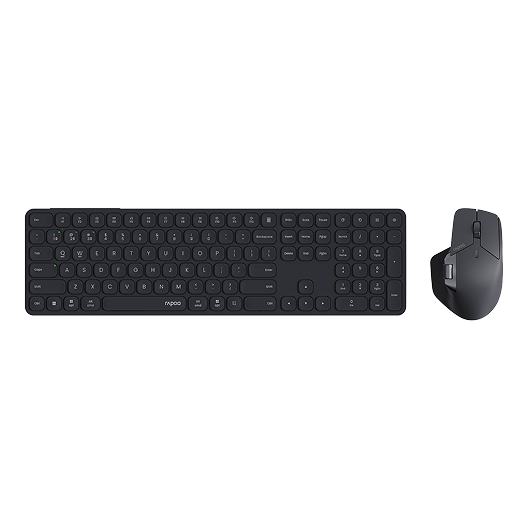
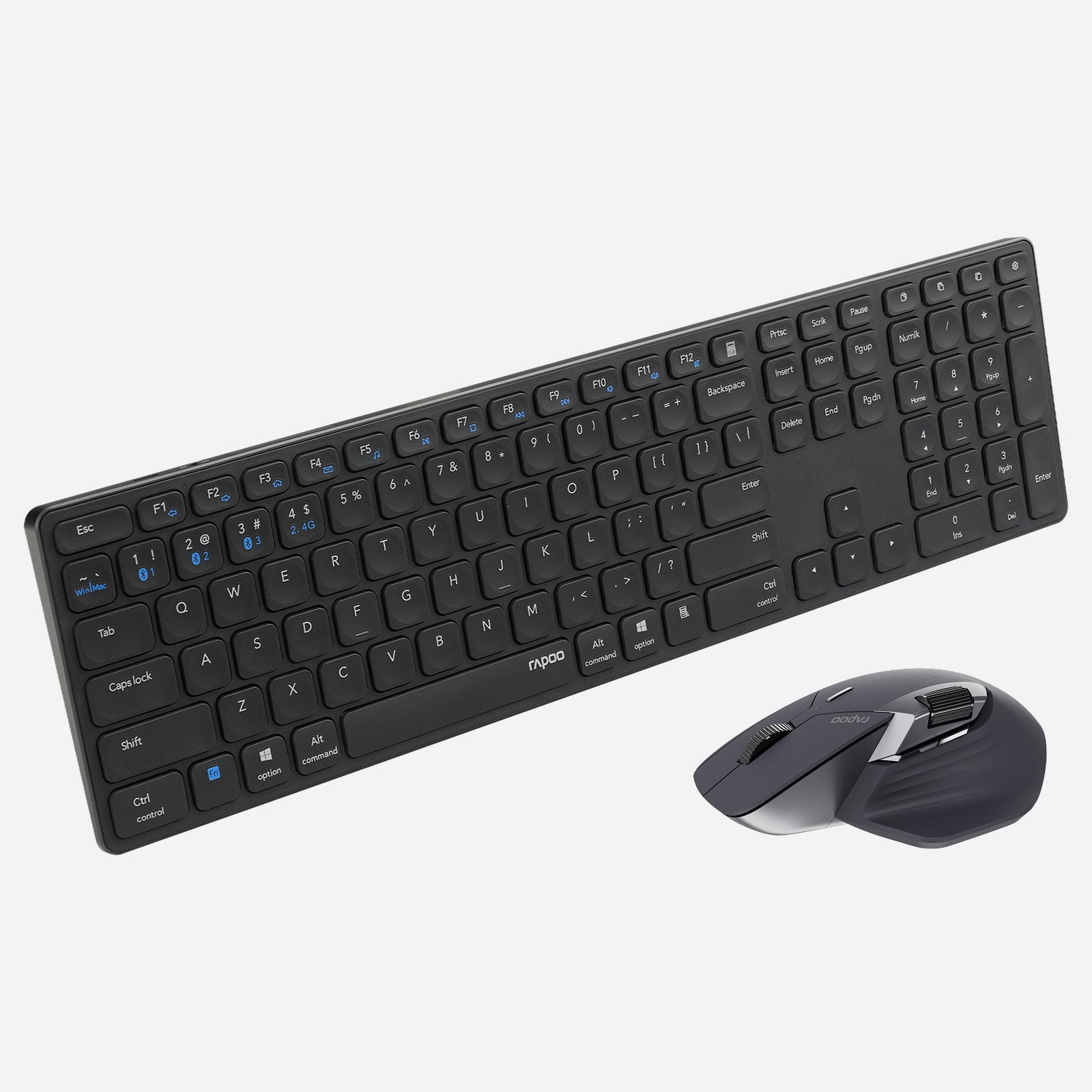
Rapoo 9560M Wireless Mouse and Keyboard Combo
Choose your option
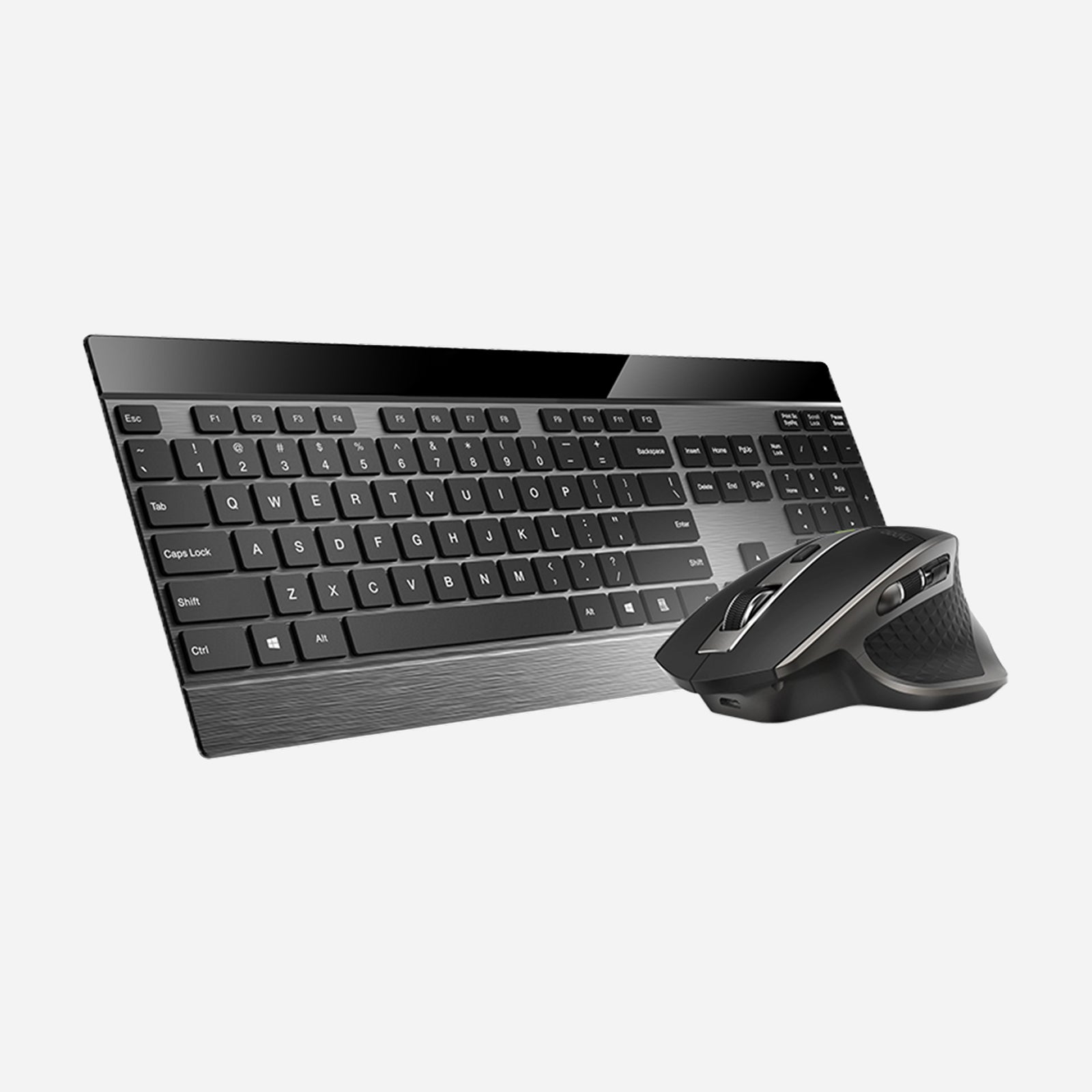
Rapoo 9900M Wireless Laser Mouse & Tri-Mode Keyboard Combo
Choose your option
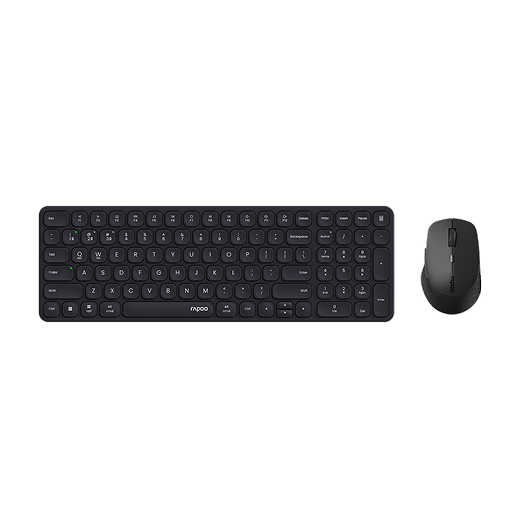

Rapoo 9360M Wireless Mouse and Keyboard Combo
Choose your option
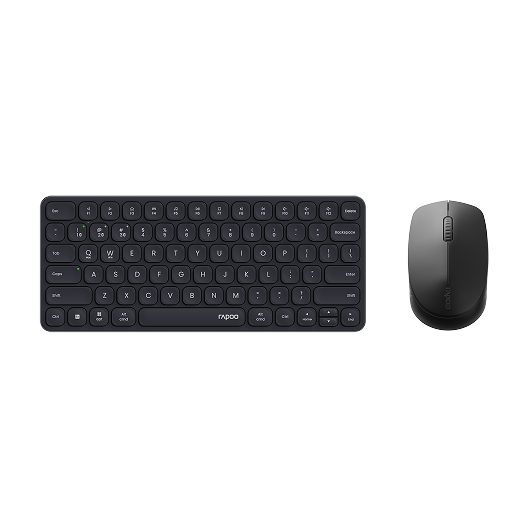
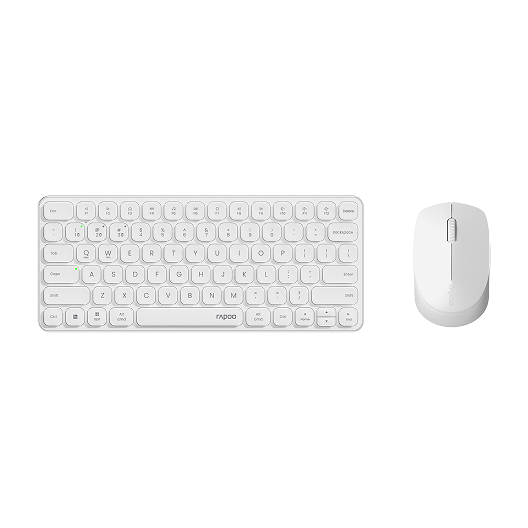
Rapoo 9010M Wireless Mouse and Keyboard Combo Silent Click
Choose your option
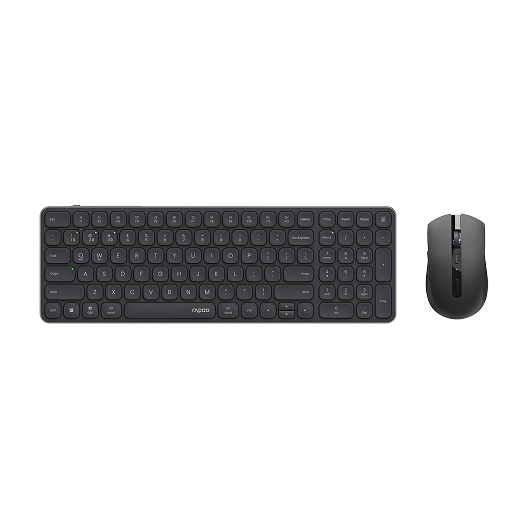
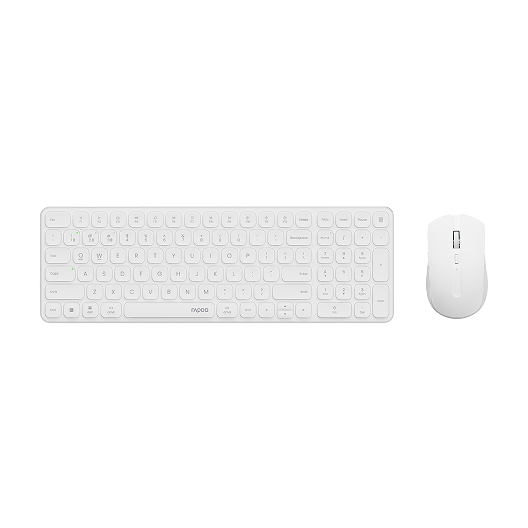
Rapoo 9350S Wireless Mouse & Keyboard Combo
Choose your option
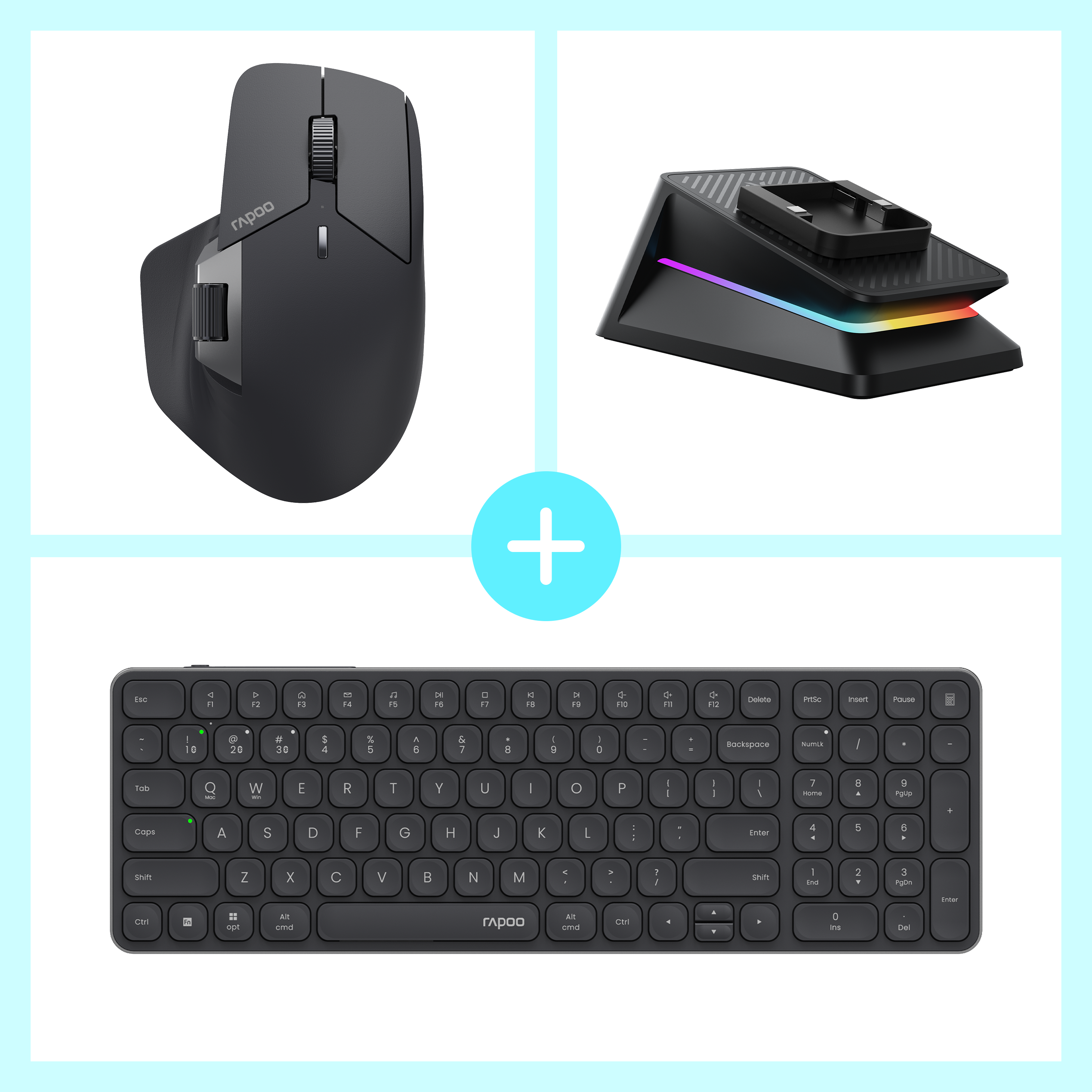

Rapoo MT760 Pro + E9350L + P5 Wireless Charging Dock Ergonomic Combo
Choose your option
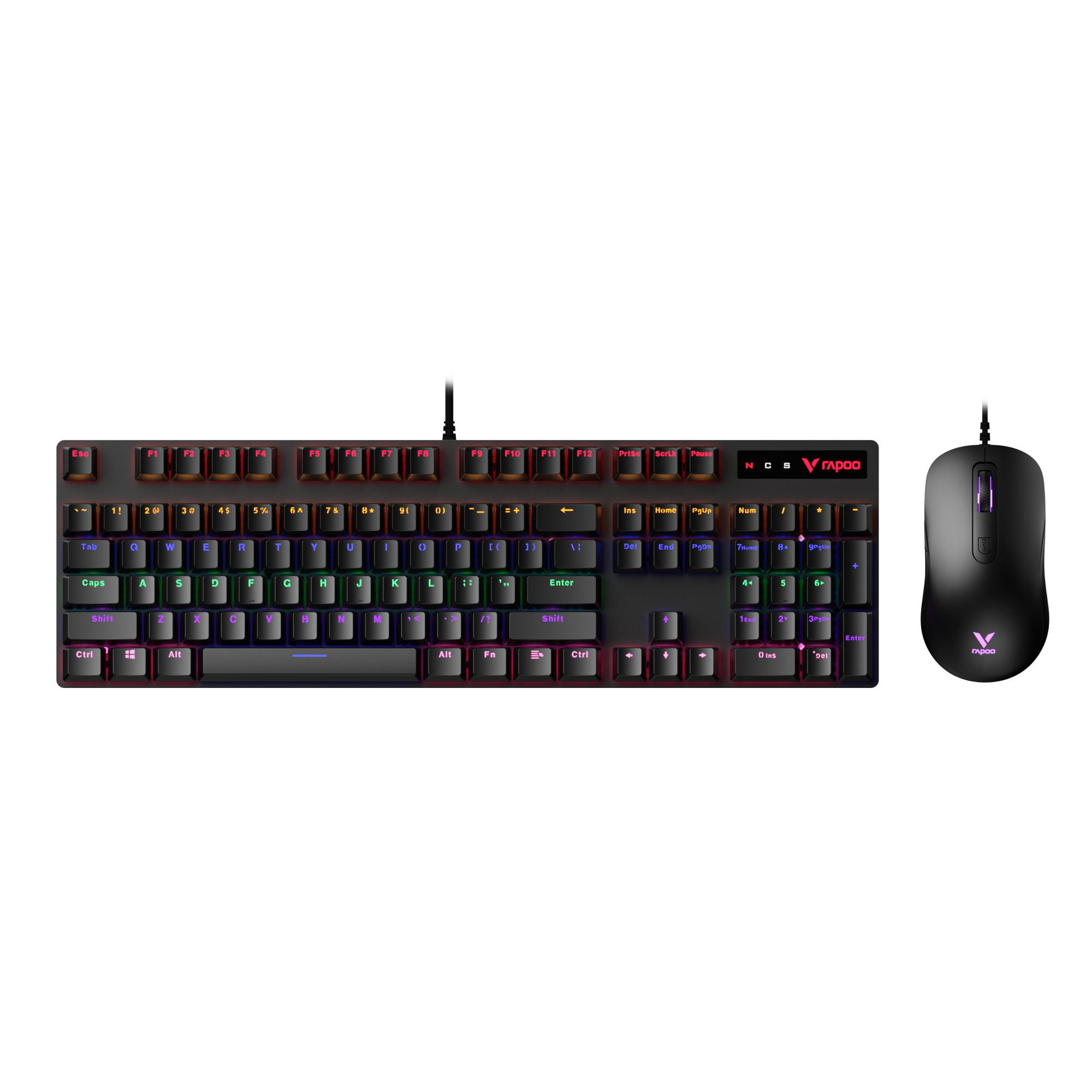
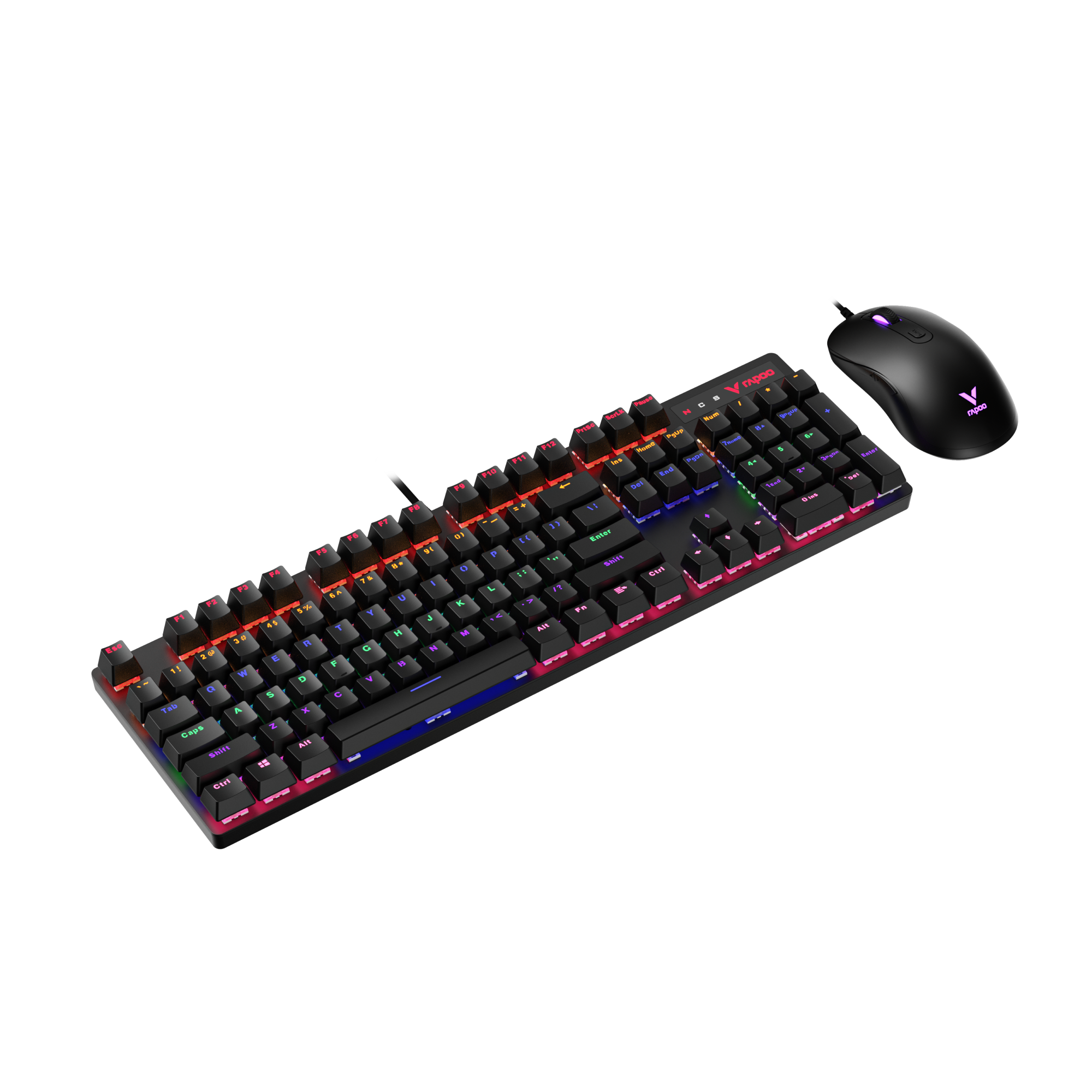
Rapoo V150S Wired Mechanical Gaming Mouse & Keyboard Combo
Choose your option
A quiet keyboard and mouse combo is built for people who want less noise without giving up comfort, wireless freedom, or daily productivity. Whether you work from home, share a desk, study late, or simply prefer a cleaner and calmer setup, this category includes low-noise combos designed for smoother typing, softer clicking, and dependable everyday use.
What defines a quiet keyboard and mouse combo?
Lower-noise keys and clicks
The biggest difference is sound. A quiet combo is designed to reduce the sharp, distracting noise that comes from standard keyboards and mice. That makes it a smart choice for shared offices, video calls, libraries, dorm rooms, and late-night work sessions.
In RAPOO’s product portfolio, the 9560M/9900M Silent Wireless Optical Combo is specifically described with silent switches and keys to reduce click noise, along with media control, long battery life, and a 12000 DPI ergonomics mouse.
Wireless convenience
Many shoppers looking for a quiet keyboard and mouse also want a cleaner desk. Wireless combos remove extra cable clutter and make it easier to move between a home office, conference room, and travel setup.
RAPOO’s broader combo lineup also includes multi-mode wireless options such as 9350S and 9360M, with Bluetooth and 2.4G support for more flexible device switching. RAPOO’s multi-mode platform is presented as working across Windows, Mac, Chrome OS, and Android, with some models supporting multiple connected devices.
Comfortable typing for daily work
Quiet combos are usually chosen for long hours of office use, so comfort matters just as much as sound. Users often prefer membrane or scissor-style keys that feel smoother, softer, and less harsh than louder mechanical setups.
Within RAPOO’s combo range, models such as 9510M and 9360M are described with chiclet keys and scissor key structure for comfortable and accurate typing, which fits the quiet-office category well.
Practical mouse control
A quiet mouse still needs to feel responsive. For everyday work, that usually means stable tracking, comfortable grip, and enough precision for spreadsheets, web browsing, design tasks, and multi-monitor movement.
Some RAPOO combo mice focus on simple everyday precision, while selected multi-mode combos add adjustable DPI for users who want more control across different screen sizes and workflows.
How to choose the right quiet keyboard and mouse combo
Choose based on your work environment
If you work in a shared office, around family members, or during late hours, a quieter combo is often the better fit than a standard office set. Lower-noise keys and softer mouse clicks help reduce distraction for both you and the people around you.
Decide how much connectivity you need
A simple 2.4GHz wireless combo is great if you mainly use one computer and want plug-and-play convenience. If you move between a laptop, desktop, and tablet, a multi-mode combo with Bluetooth and 2.4G can be more useful.
For example, RAPOO’s 9900M is presented as a multi-mode combo that can switch among devices, while 9010M also supports Bluetooth and 2.4G for flexible office use.
Think about keyboard feel
Some users want a slim, laptop-like typing experience. Others prefer a more traditional full-size office keyboard. Quiet category pages should cover both, because “quiet” is about noise reduction and comfort, not just one exact layout.
Look at mouse shape and control
A good quiet combo should not sacrifice mouse comfort. Consider hand size, how long you work each day, and whether you need basic cursor control or adjustable DPI for different monitors and tasks.
Quiet wireless vs wired keyboard and mouse combos
A wired combo is not automatically louder or quieter. Noise mainly comes from the switch design, key structure, and mouse click mechanism rather than the connection type itself.
That said, quiet wireless keyboard and mouse combos are often the better match for modern office setups because they reduce desk clutter and feel more flexible. A basic 2.4GHz combo is easy to set up, while Bluetooth or multi-mode options are better for users who switch between devices. If your goal is a cleaner desk and calmer work environment, wireless is usually the stronger choice.
Best use cases for a quiet keyboard and mouse combo
- Home offices where background noise matters
- Shared workspaces and open offices
- Students studying in quieter environments
- Late-night work sessions
- Remote work and video meetings
- Everyday family computers in living spaces
RAPOO quiet combo highlights
If you want a more entry-level quiet setup, the 9560/9010M Silent Wireless Optical Combo fits the low-noise category directly with silent switches and keys. If you want more flexibility, RAPOO also offers multi-mode office combos like 9350S and 9900M, which add Bluetooth and 2.4G switching for users working across multiple devices. RAPOO’s multi-mode concept is built around broad platform compatibility and simpler cross-device use.
FAQs
What is the best quiet keyboard and mouse combo?
What is the best quiet keyboard and mouse combo?
The best quiet keyboard and mouse combo depends on how you work. If your priority is reducing typing and clicking noise in a shared or quiet environment, look for low-noise keys, softer mouse buttons, and reliable wireless performance. A good quiet combo should also feel comfortable over long hours and offer stable everyday tracking. For shoppers comparing RAPOO options, a silent-focused combo is best for simple office use, while a multi-mode combo can be a better choice if you switch between several devices during the day.
Are quiet wireless keyboard and mouse combos good for office work?
Are quiet wireless keyboard and mouse combos good for office work?
Yes. Quiet wireless keyboard and mouse combos are especially well suited to office work because they reduce distracting sound while keeping the desk cleaner and easier to organize. They work well in shared offices, reception areas, home offices, and meeting spaces where constant clicking can be annoying. Wireless models also make it easier to move between workstations or use a laptop with an external setup. For many users, a quiet wireless combo offers the best balance of comfort, convenience, and lower-noise productivity.
Are silent wireless keyboard and mouse combos good for office work?
Are silent wireless keyboard and mouse combos good for office work?
Usually, yes. A quiet combo is designed to reduce the sharper sound that comes from normal keyboard presses and mouse clicks. The difference is often most noticeable in close working environments, especially when typing frequently or clicking throughout the day. While no keyboard and mouse are completely silent, a quieter design can make everyday use feel less disruptive and more comfortable. This matters most for remote work, study spaces, and shared desks where even moderate typing noise becomes more noticeable over time.
How do you make your keyboard and mouse quiet?
How do you make your keyboard and mouse quiet?
The easiest way is to start with a quieter keyboard and mouse combo rather than trying to modify a loud one. Look for softer membrane or scissor-style keys, low-noise switch designs, and a mouse built for reduced click sound. You can also lower noise by typing with less force, using a desk mat to absorb vibration, and avoiding hollow desk surfaces that amplify sound. If your current setup is already noisy, replacing it with a dedicated quiet combo is usually more effective than trying to silence each piece separately.
Do quiet wireless keyboard and mouse combos work with multiple devices?
Do quiet wireless keyboard and mouse combos work with multiple devices?
Some do, and this is becoming more important for modern office users. A basic wireless combo may connect to one computer through a 2.4GHz receiver, which is great for simple plug-and-play use. More advanced models add Bluetooth or multi-mode support so you can switch between a desktop, laptop, tablet, or other compatible device. In RAPOO’s lineup, selected multi-mode combos are positioned around Bluetooth and 2.4G switching for users who want more flexible cross-device workflows rather than a one-computer-only setup.
What should I look for in a quiet mouse and keyboard set?
What should I look for in a quiet mouse and keyboard set?
Start with the essentials: lower-noise typing, softer mouse clicks, comfortable key feel, dependable wireless connectivity, and a mouse shape that feels natural over long sessions. Then think about your workflow. If you use one computer, a simple wireless combo is usually enough. If you move between devices, Bluetooth or multi-mode support is more valuable. Battery life, media controls, and compact versus full-size layout also matter. The best quiet combo is not just quieter; it should also make daily work smoother, cleaner, and more comfortable.

About Rapoo
Leading Brand in Wireless Mice and Keyboards Since 2002. Professional-grade Wireless Gaming Mice and Keyboards at Unbeatable Price.


