


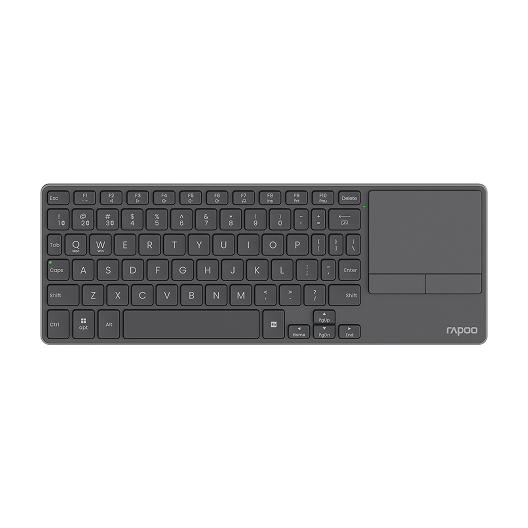
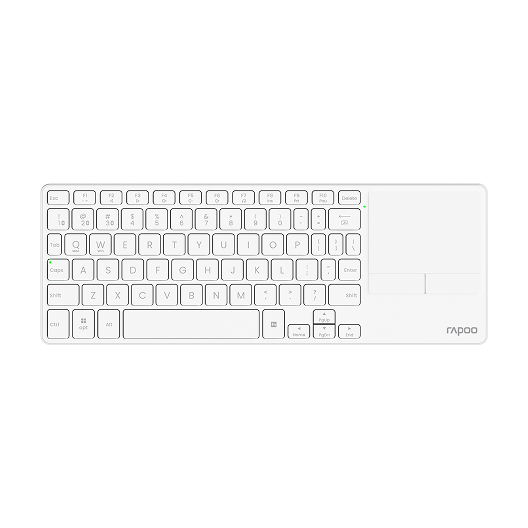


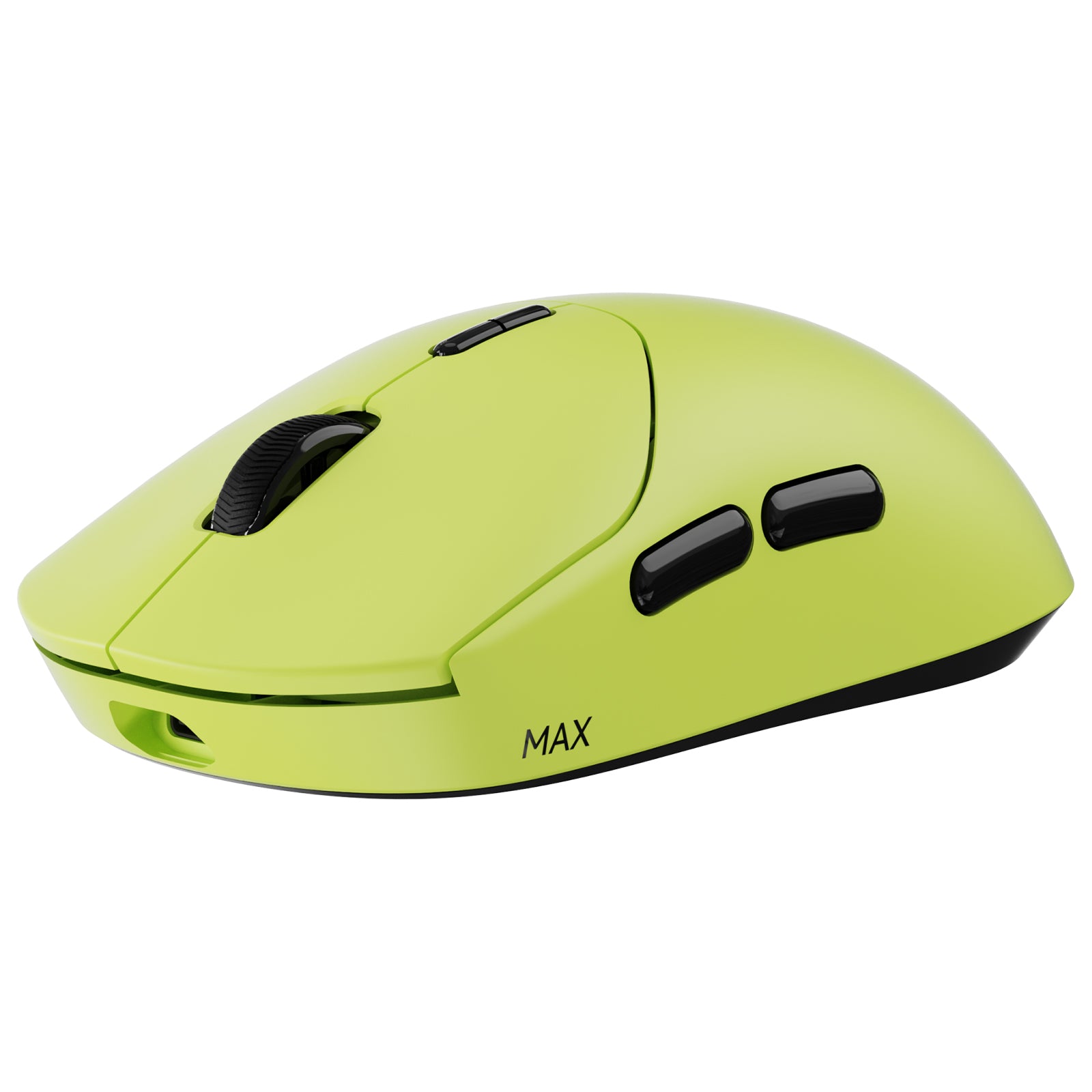
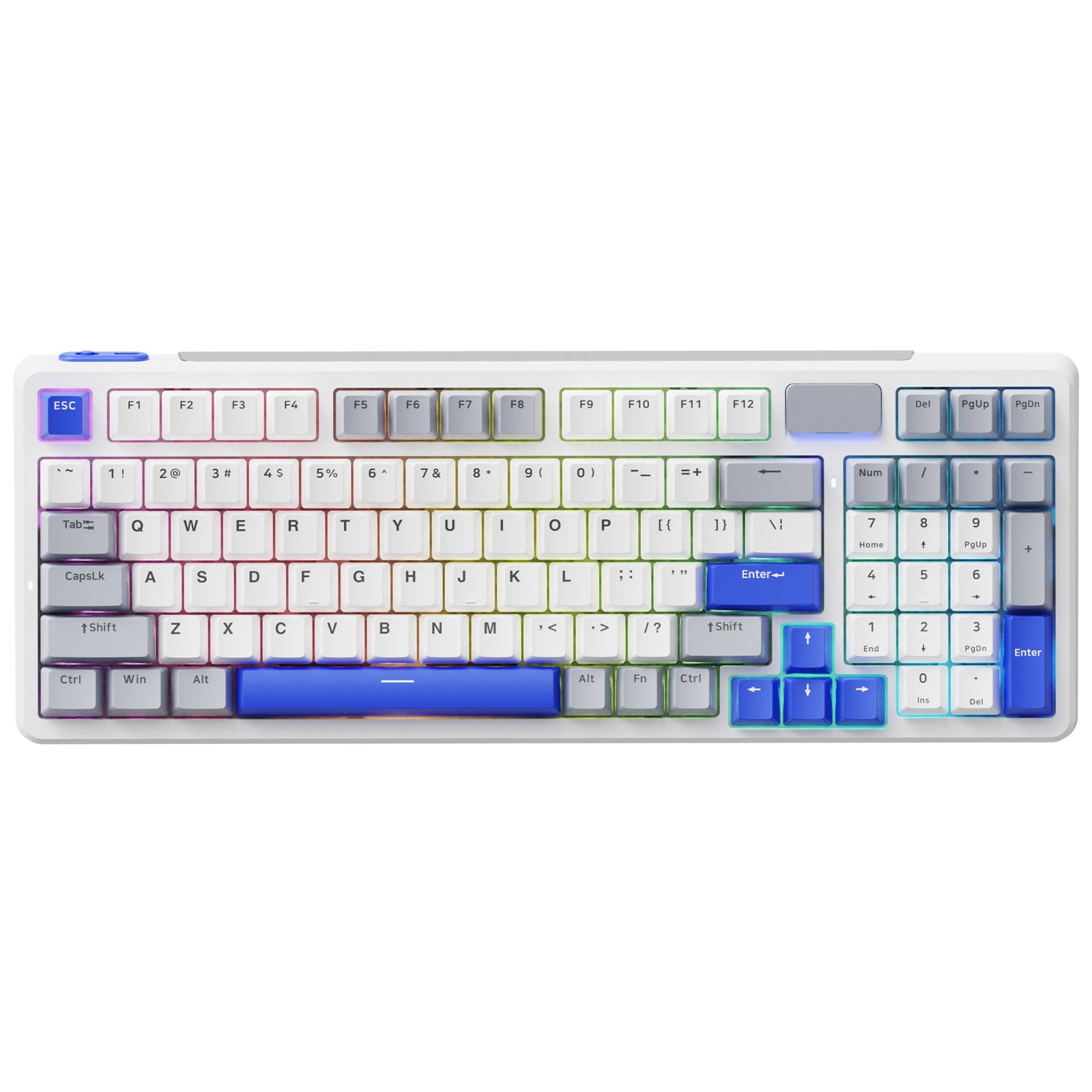
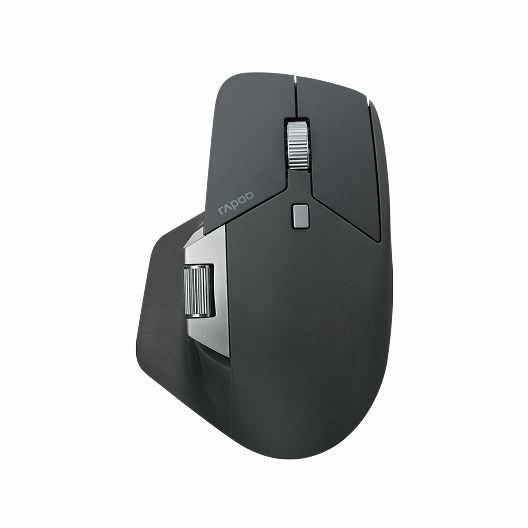
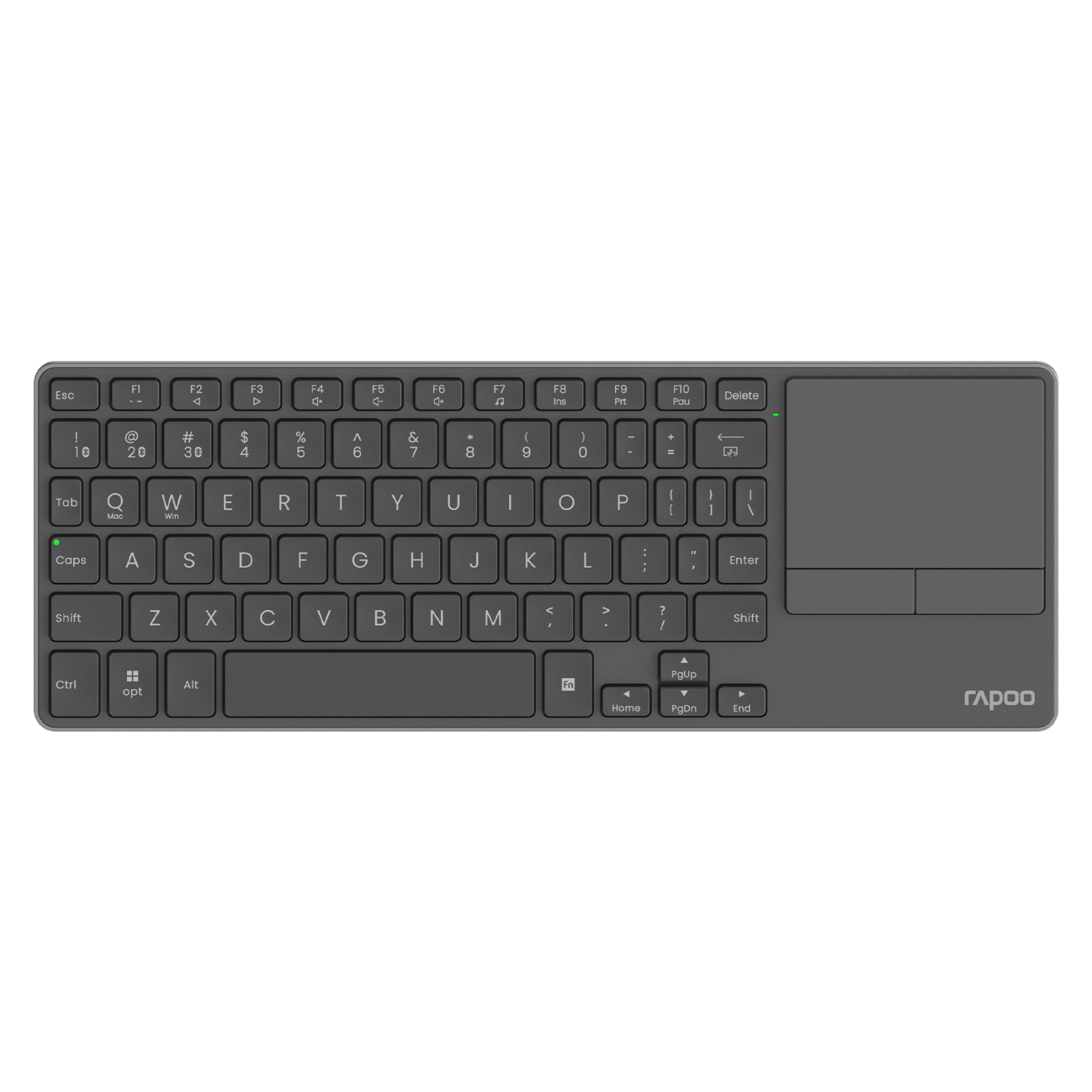
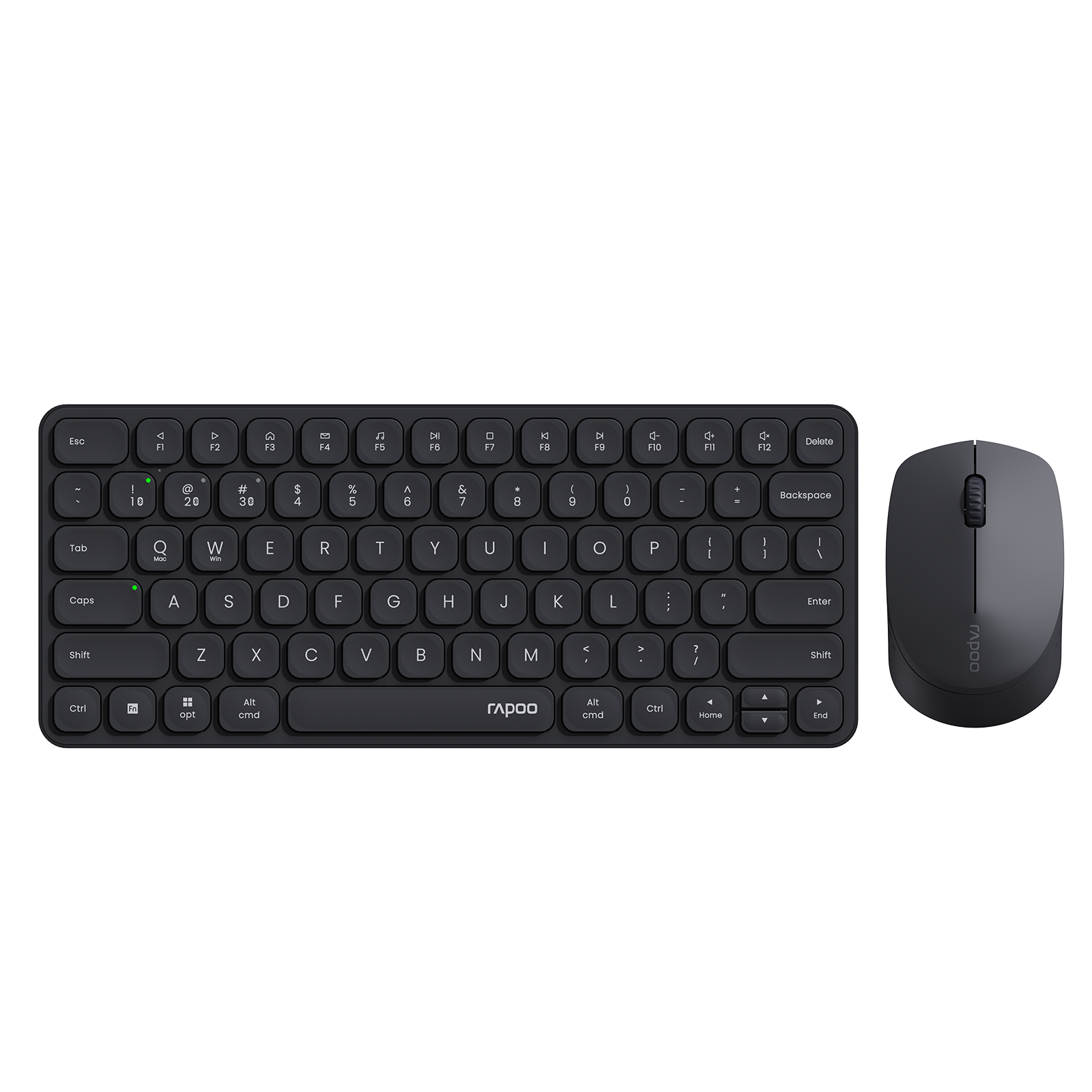


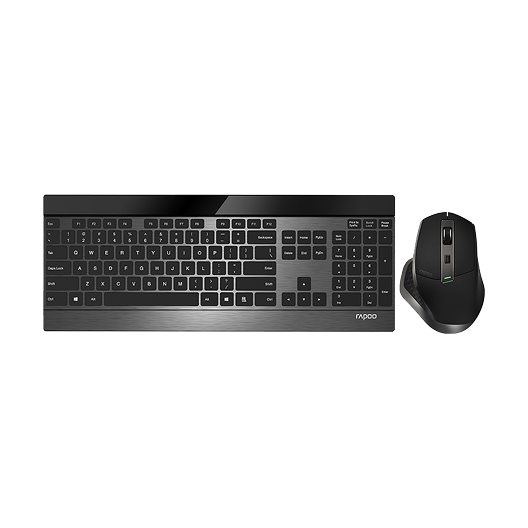
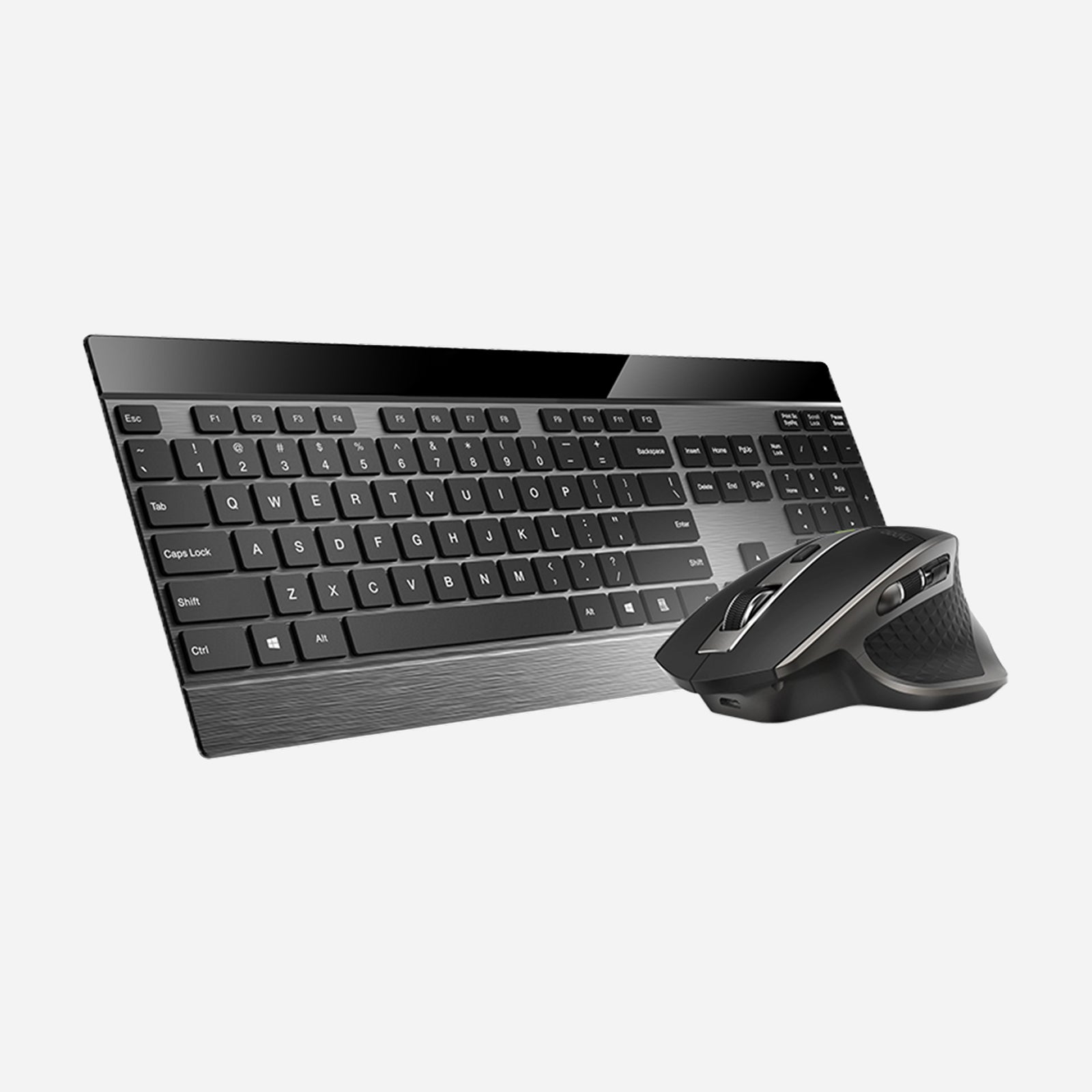
Rapoo 9900M Wireless Laser Mouse & Tri-Mode Keyboard Combo
Choose your option
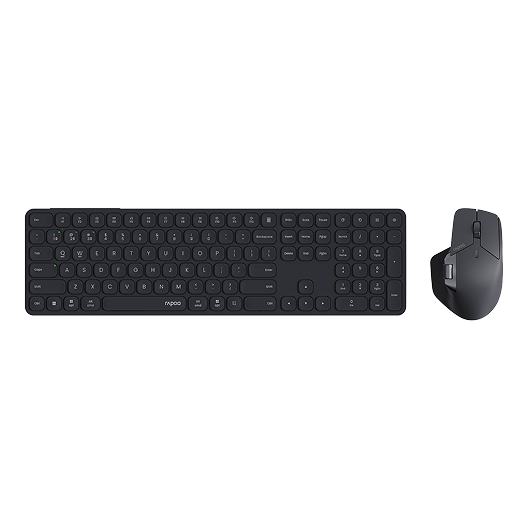
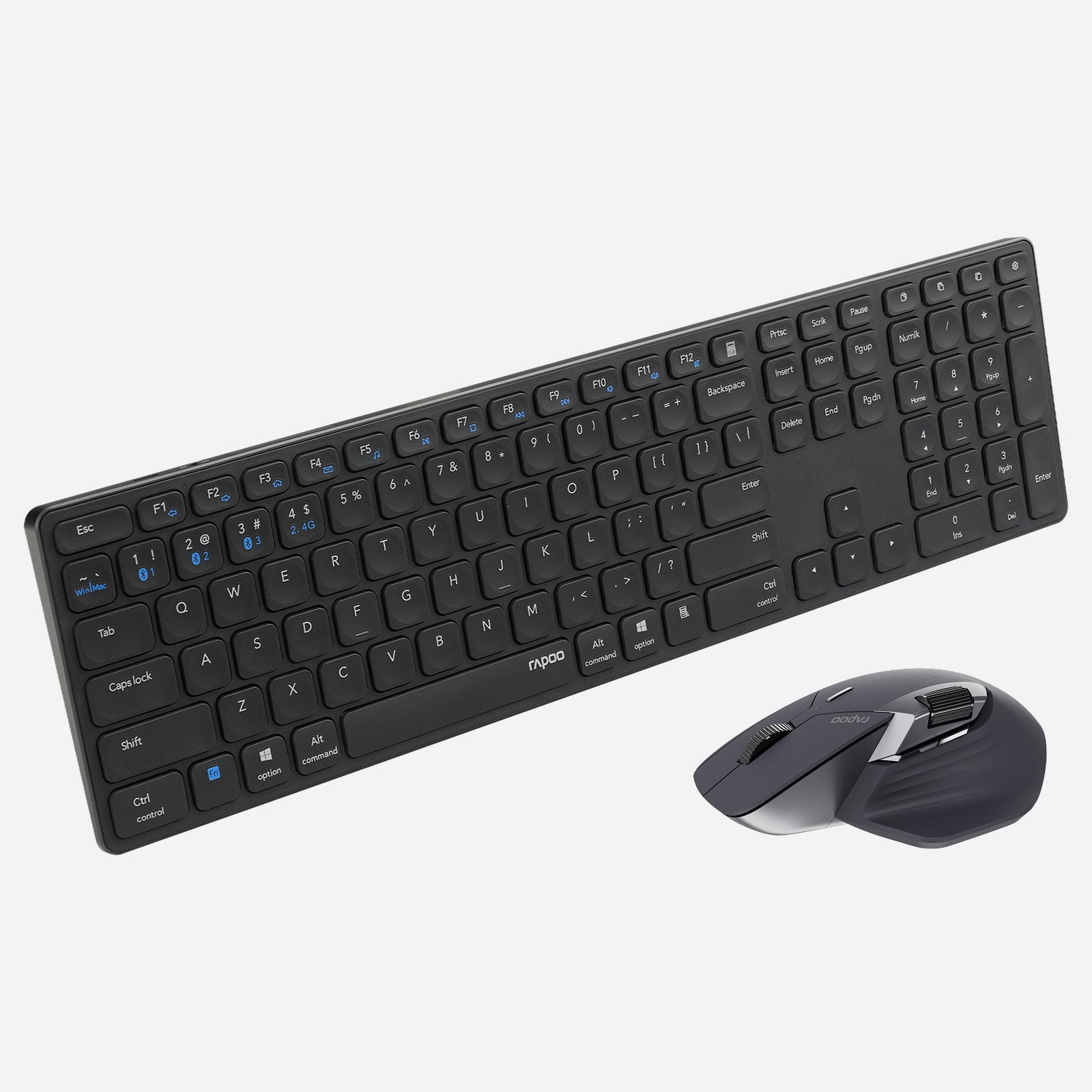
Rapoo 9560M Wireless Mouse and Keyboard Combo
Choose your option


RAPOO VT2 Max Gen-2 & V700DIY-98 Gaming Combo with P5 Charging Dock
Choose your option
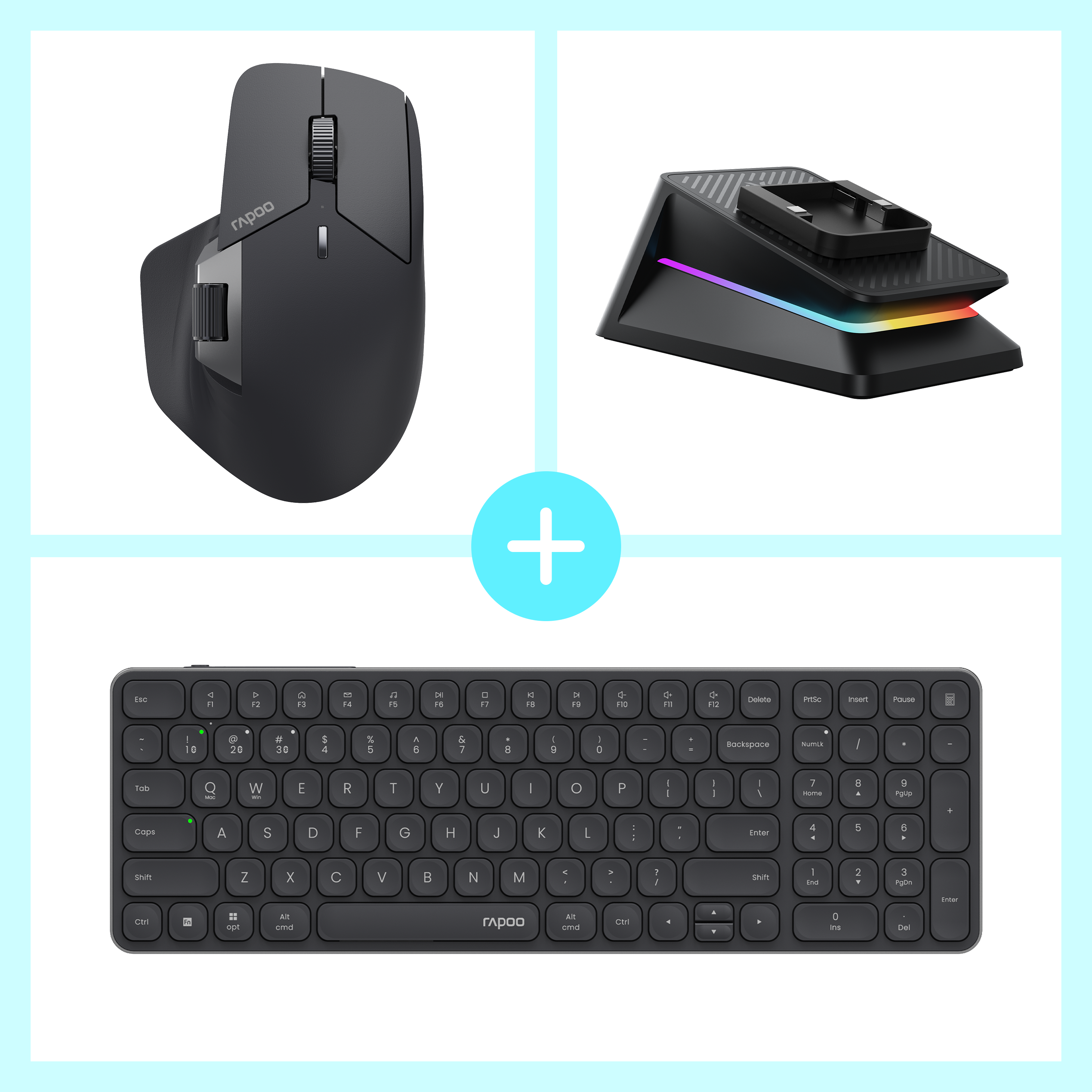

Rapoo MT760 Pro + E9350L + P5 Wireless Charging Dock Ergonomic Combo
Choose your option
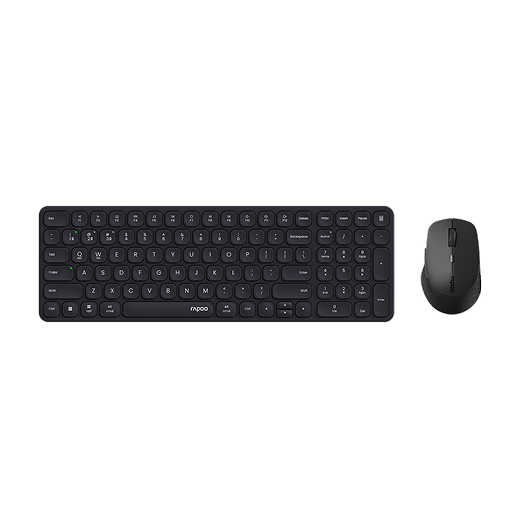
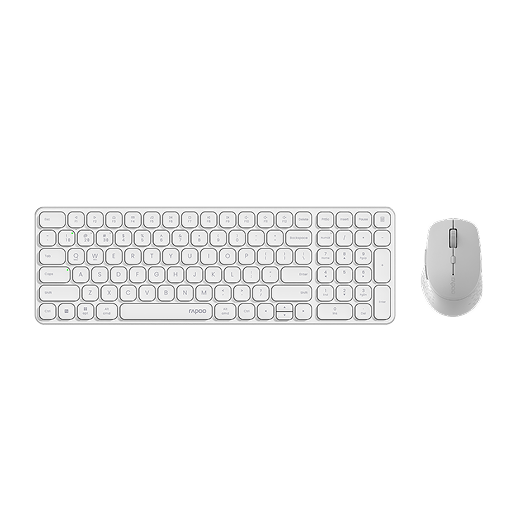
Rapoo 9360M Wireless Mouse and Keyboard Combo
Choose your option
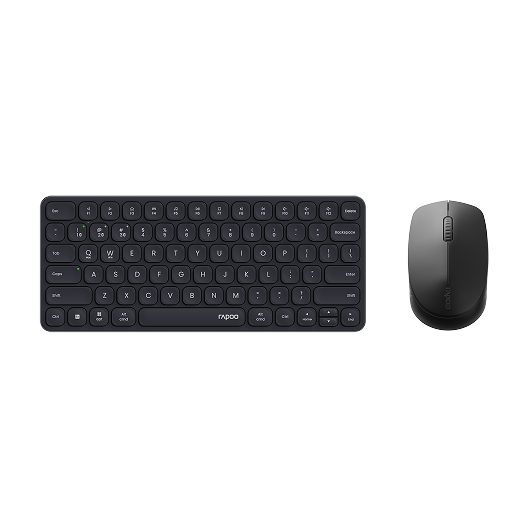
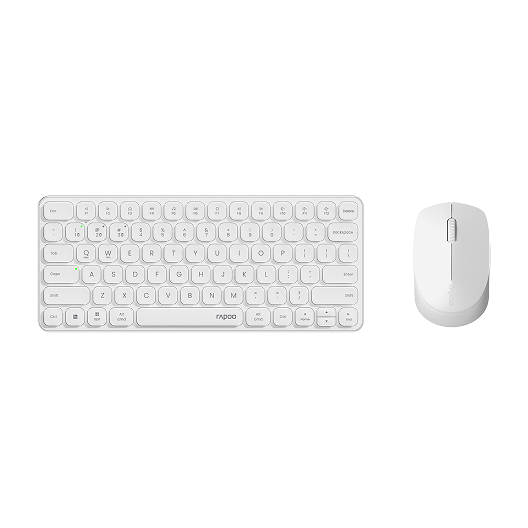
Rapoo 9010M Wireless Mouse and Keyboard Combo Silent Click
Choose your option
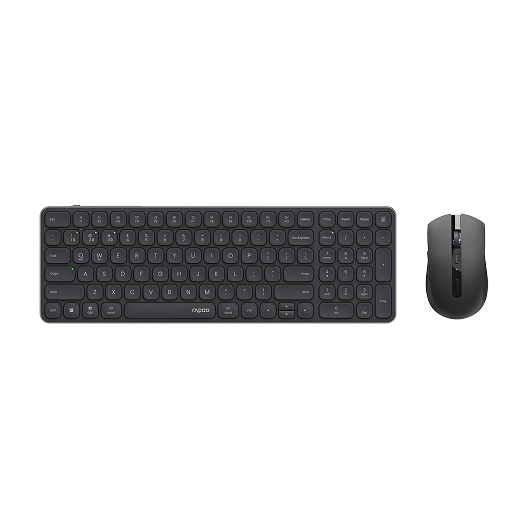
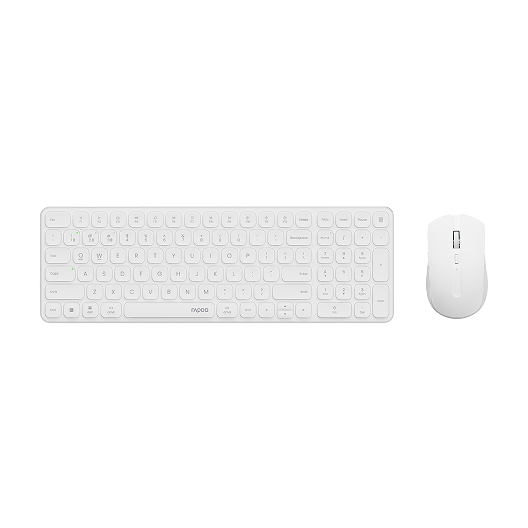
Rapoo 9350S Wireless Mouse & Keyboard Combo
Choose your option


Rapoo 9500M Multi-Device Wireless Keyboard and Mouse Combo
Choose your option
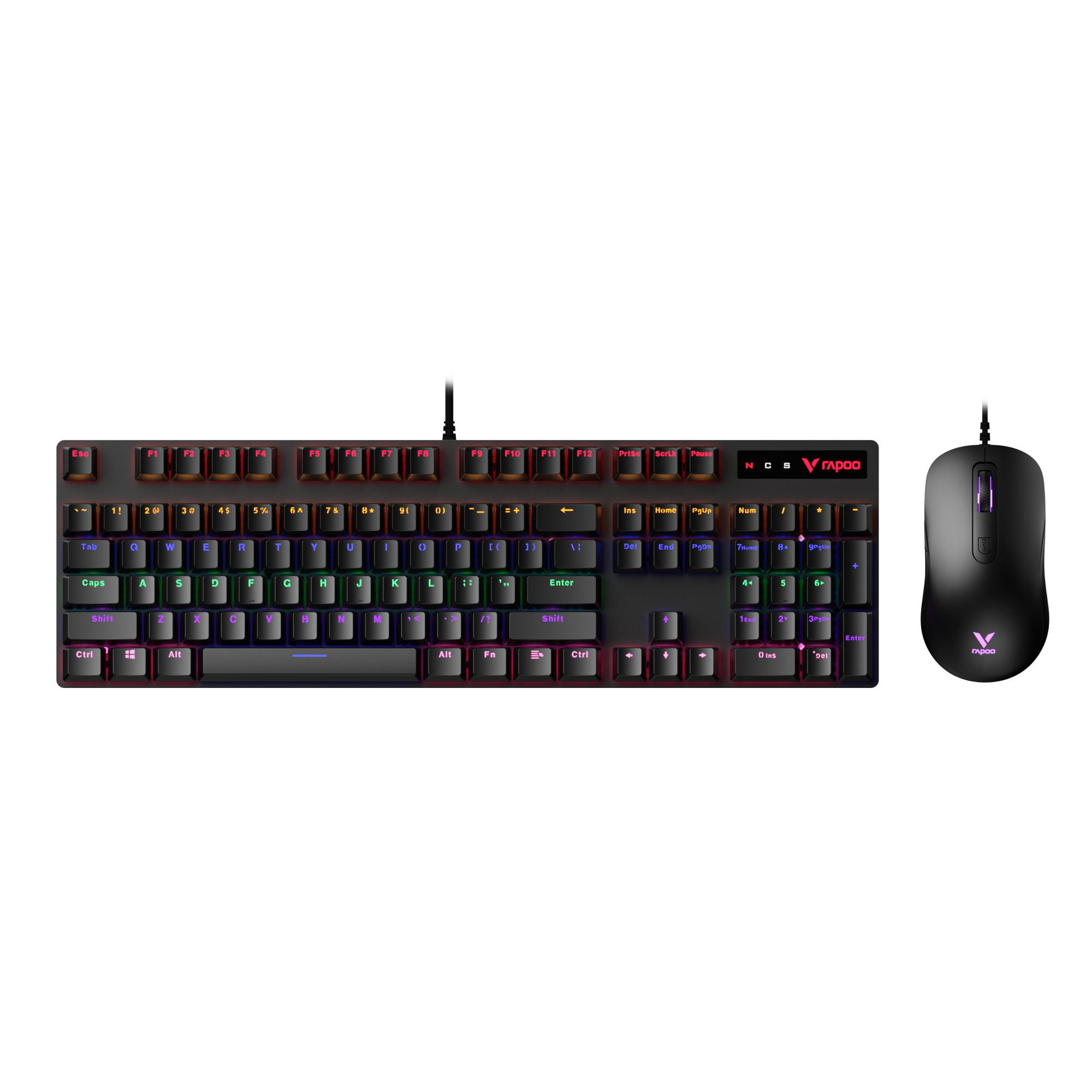
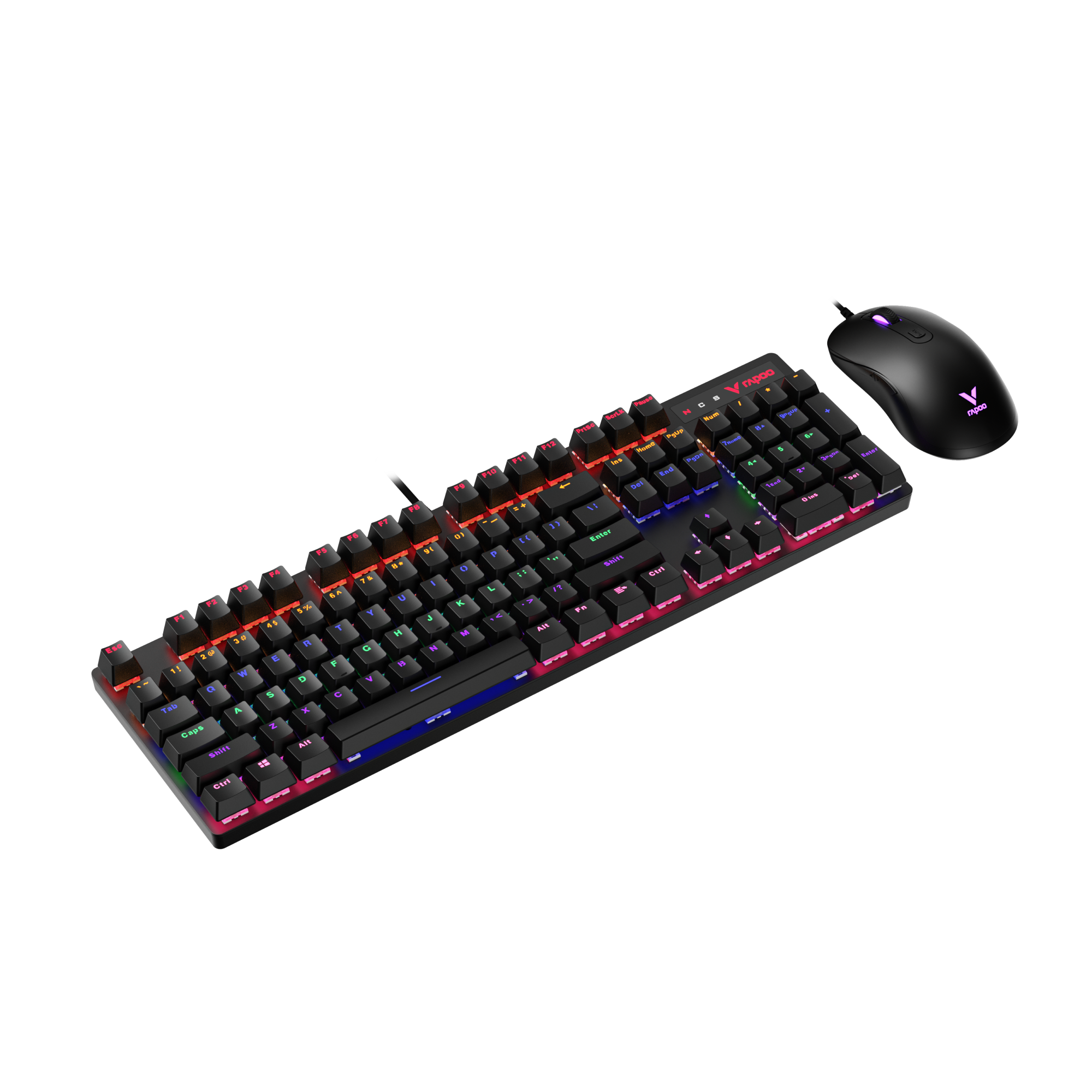
Rapoo V150S Wired Mechanical Gaming Mouse & Keyboard Combo
Choose your option
RAPOO office keyboard and mouse products are built for practical productivity, with office keyboards and mice designed to match different desk setups and work styles. For keyboards, the E9550L delivers a full-size ultra-thin layout, the E9350L offers a slim 95% design with numpad, and the E9050L gives users a compact multi-device option for smaller workspaces. On the mouse side, the MT760L / MT760 Mini focuses on ergonomic comfort and multi-device flexibility, while the MT560 and MT760 Pro add more advanced connectivity and productivity features for heavier workflows. RAPOO also offers complete office combo solutions such as the 9900M and 9010M, giving users an easy way to build a clean, efficient desktop for home offices, shared desks, and multi-device workstations.
What Makes a Good Office Keyboard and Mouse?
Comfortable typing for long workdays
A strong office keyboard and mouse setup should help you stay productive without adding hand fatigue. For office work, that usually means a keyboard with a familiar layout, smooth key travel, and a typing feel that stays comfortable through emails, spreadsheets, reports, and meetings. Slim scissor-key designs work well for users who prefer a lighter, lower-profile feel, while membrane options are often practical for general office environments.
Reliable mouse control for everyday productivity
An office mouse should feel easy to guide, responsive on common desk surfaces, and accurate enough for browsing, multitasking, document work, and detailed cursor movement. Useful office features can include adjustable DPI, side buttons, or a side scroll wheel for navigating wide spreadsheets and long documents more efficiently.
Wired or wireless workflow flexibility
Some users want the simplicity of a wired office keyboard and mouse, while others prefer the cleaner desk setup of wireless models. Wireless office combos are especially useful for shared desks, home offices, and laptop-based workstations. If you switch between devices during the day, multi-mode connectivity becomes even more valuable.
Better support for modern office setups
RAPOO’s office lineup includes multi-mode keyboards and combos that use Bluetooth and 2.4G wireless, and selected office keyboards support Windows and Mac dual-system key functions. RAPOO also highlights multi-device switching as a key benefit for office users working across multiple computers or tablets.
How to Choose the Best Office Keyboard and Mouse
Pick the right keyboard size
A full-size keyboard is usually best for accounting, data entry, and users who rely on a number pad every day. A compact office keyboard and mouse combo can be a better fit for smaller desks, flexible workstations, and users who want more room for mouse movement.
Decide between wired and wireless
A wired keyboard and mouse for office use is simple, stable, and easy to deploy in fixed workstations. A wireless office keyboard and mouse is better for clean setups, hybrid work, and cable-free desks. If convenience matters most, a wireless combo is often the stronger everyday choice.
Think about noise level
In shared offices, libraries, and home workspaces, quieter input devices can make a real difference. Softer key presses and quieter mouse clicks help reduce distraction and create a more focused environment, especially during long work sessions or video calls.
Match the mouse to your workflow
For basic office tasks, almost any reliable office mouse will work. For heavier productivity, look for features like adjustable DPI, ergonomic shaping, and faster navigation controls. Users who spend hours in spreadsheets, browsers, and design tools may benefit from a more advanced mouse paired with an office keyboard built for daily comfort.
Consider multi-device support
If your day moves between a desktop, laptop, or tablet, a multi-device keyboard and mouse for office use can simplify your setup. RAPOO’s broader office range emphasizes Bluetooth and 2.4G multi-mode connectivity, with selected products built for switching between devices more easily.
Why Choose RAPOO for Office Keyboard and Mouse Setups?
RAPOO office keyboard and mouse products are built around practical productivity needs rather than unnecessary complexity. That includes slim keyboards for tidy workspaces, full-size options for traditional desk use, and office mice designed for comfort, precision, and longer sessions. Across the lineup, RAPOO also emphasizes wireless convenience, multi-mode connectivity, and cross-device usability for modern office environments.
For users comparing the best office keyboard and mouse options, RAPOO is a strong fit for:
- home office setups
- shared office desks
- laptop-first workflows
- multi-device workstations
- users who want a clean, professional desktop look
FAQs
What is the best office keyboard and mouse setup?
What is the best office keyboard and mouse setup?
The best office keyboard and mouse setup is one that matches your daily workload, desk space, and comfort needs. For most users, that means a reliable keyboard with a comfortable typing feel and a mouse that offers precise, low-effort control for hours of work. If you handle spreadsheets and data entry, a full-size keyboard may be best. If you use multiple devices or want a cleaner desk, a wireless office keyboard and mouse combo is often the better choice. Quiet operation and ergonomic design also matter for long-term comfort.
Is a wireless keyboard and mouse good for office work?
Is a wireless keyboard and mouse good for office work?
Yes, a wireless keyboard and mouse is a great choice for office work when you want a cleaner setup and more flexibility. Wireless combos help reduce cable clutter, work well with laptops and docking stations, and are especially useful in home offices or shared desks. For many users, the convenience outweighs the extra maintenance of batteries or charging. If you move between devices, a multi-mode wireless office keyboard and mouse can be even more useful because it supports a smoother day-to-day workflow across different screens.
Are office keyboard and mouse combos good for Windows and Mac?
Are office keyboard and mouse combos good for Windows and Mac?
Yes, many office keyboard and mouse combos work well with both Windows and Mac, but compatibility features vary by model. The best option is a combo that offers simple switching, familiar key mapping, and dependable connectivity across your main devices. RAPOO’s office lineup includes selected keyboards with Windows and Mac dual-system key functions, which can make cross-platform use more convenient for mixed-device work environments. This matters most for users who work on a MacBook at home and a Windows PC at the office.
What should I look for in an office mouse?
What should I look for in an office mouse?
A good office mouse should feel comfortable for long sessions, track accurately, and fit the kind of work you do most often. For general office use, focus on shape, click feel, and dependable cursor movement. If your work involves spreadsheets, browser tabs, or multitasking, extra features like adjustable DPI, side buttons, or side scrolling can be helpful. People who work for hours at a time may also prefer a more ergonomic shape. The right office mouse should reduce effort, not add strain, during normal daily tasks.
Is a quiet keyboard and mouse better for office use?
Is a quiet keyboard and mouse better for office use?
A quiet keyboard and mouse can be a better choice for office use because it reduces noise in shared workspaces and helps create a more focused environment. That is especially useful in open offices, video meetings, libraries, and home workspaces where repeated clicks and louder typing can become distracting. Quiet devices do not need to feel soft or unresponsive to be effective. The best quiet office keyboard and mouse still delivers clear input, dependable control, and comfortable all-day use while keeping the overall desk experience more professional and less disruptive.
Full-size or compact office keyboard: which is better?
Full-size or compact office keyboard: which is better?
Neither is universally better; the right choice depends on how you work. A full-size office keyboard is usually better for finance, admin work, and frequent number entry because it includes a dedicated number pad and traditional spacing. A compact office keyboard is often better for smaller desks, portable setups, and users who want more room for mouse movement. If you are pairing it with an office mouse for productivity, your layout choice should support both typing comfort and desk efficiency. Think about task frequency, not just appearance.

About Rapoo
Leading Brand in Wireless Mice and Keyboards Since 2002. Professional-grade Wireless Gaming Mice and Keyboards at Unbeatable Price.


