


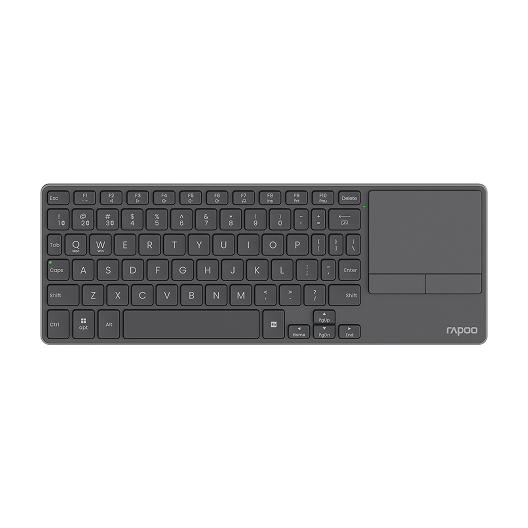
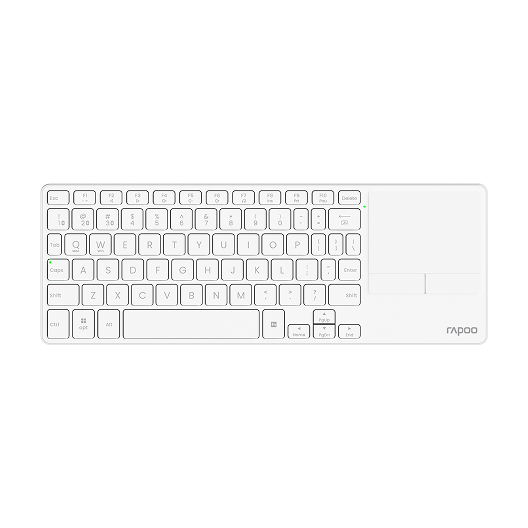


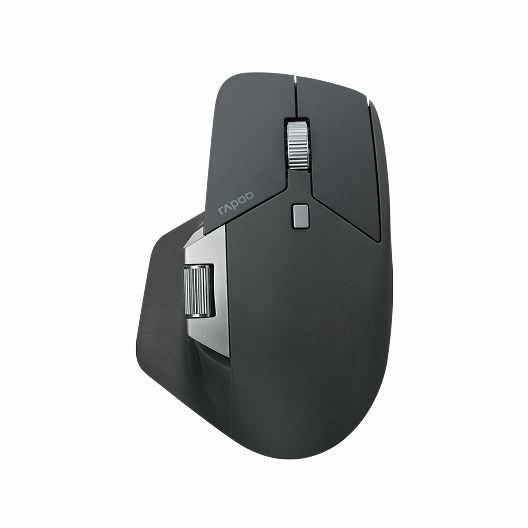
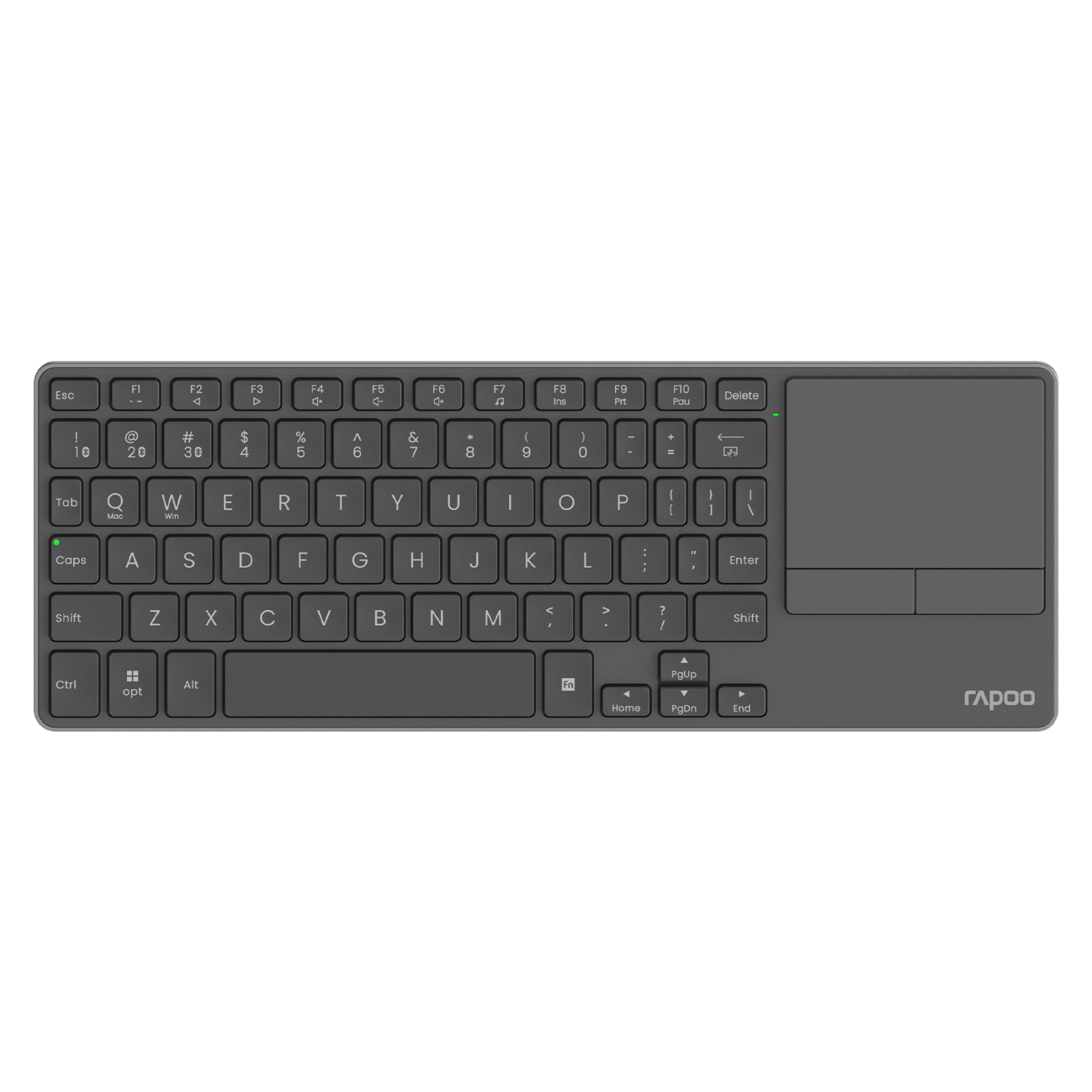
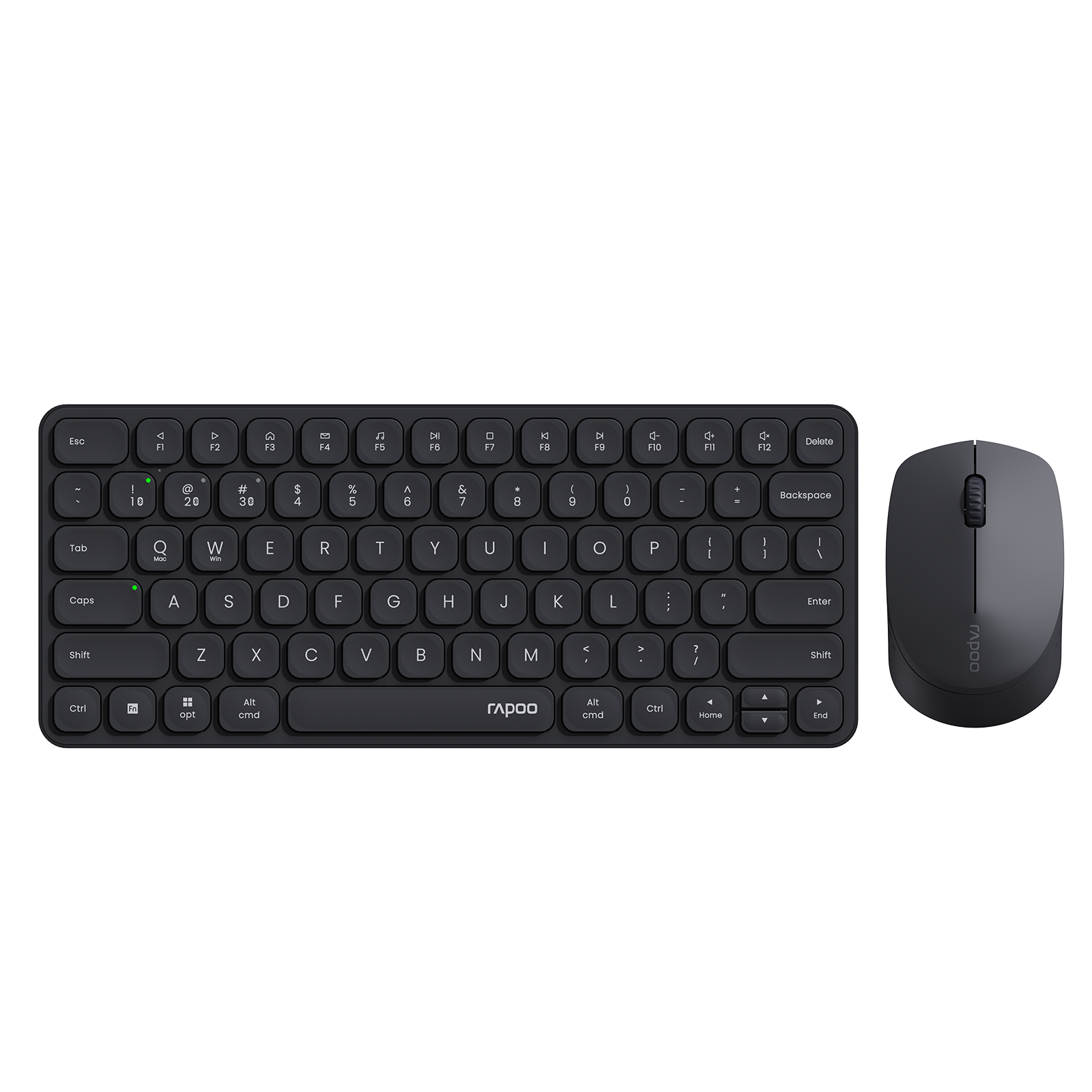


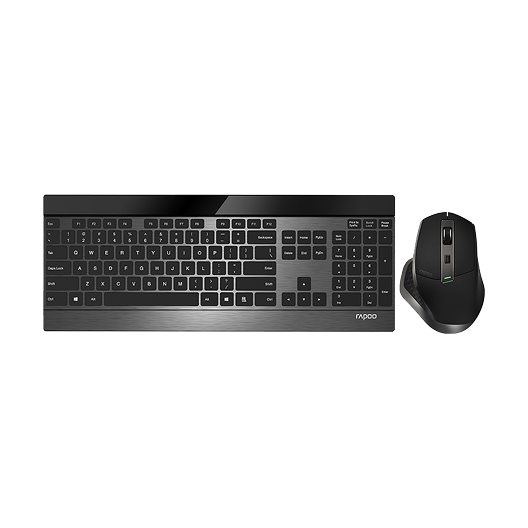
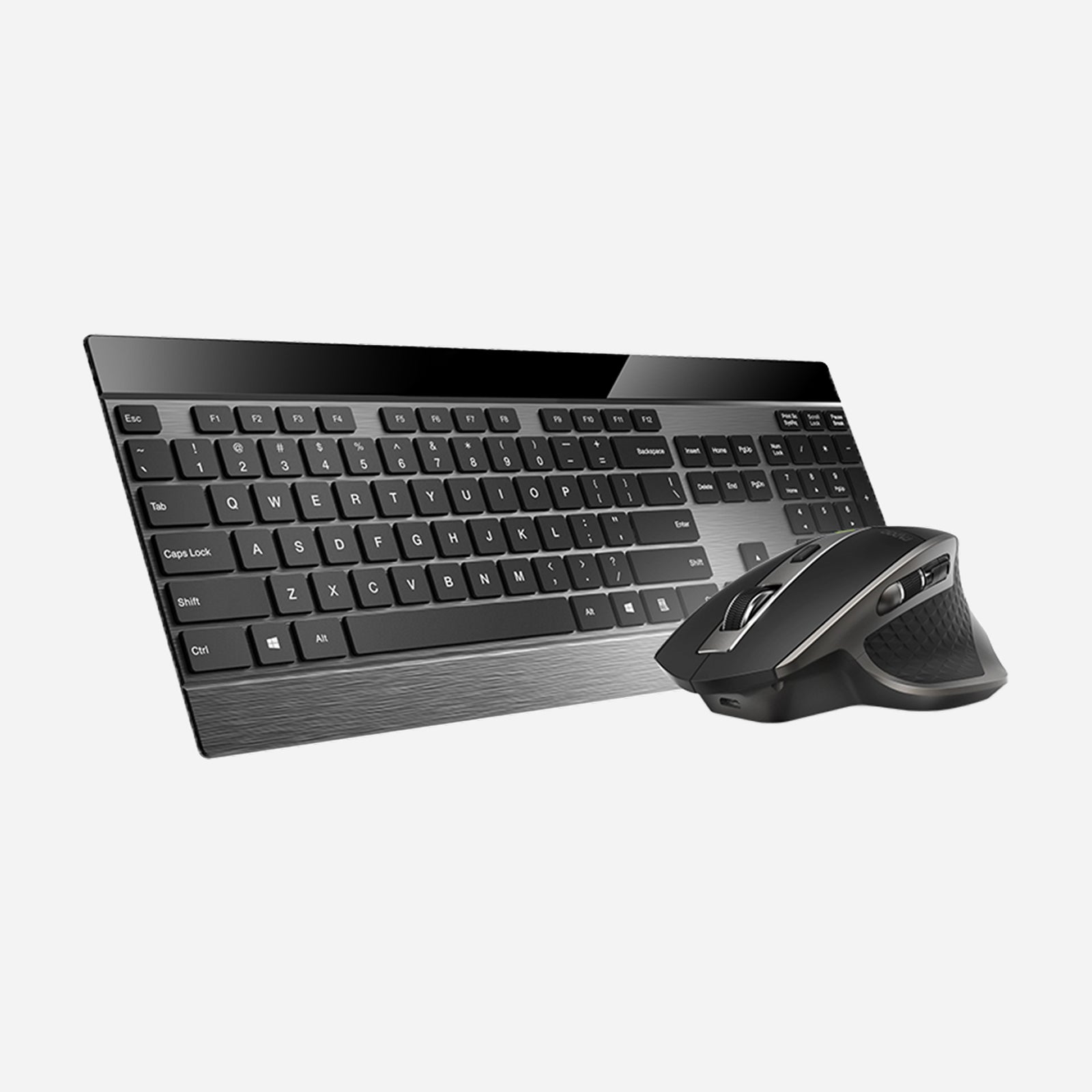
Rapoo 9900M Wireless Laser Mouse & Tri-Mode Keyboard Combo
Choose your option
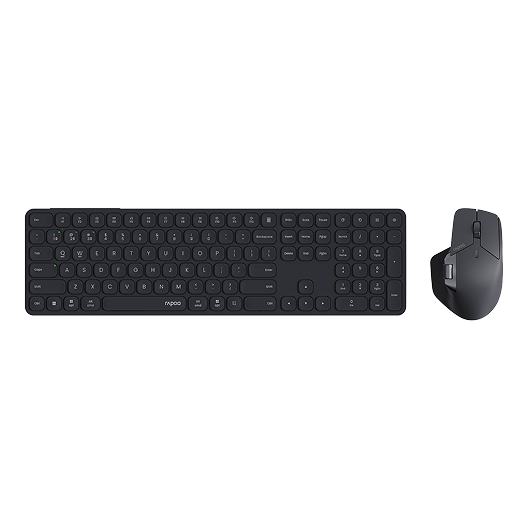
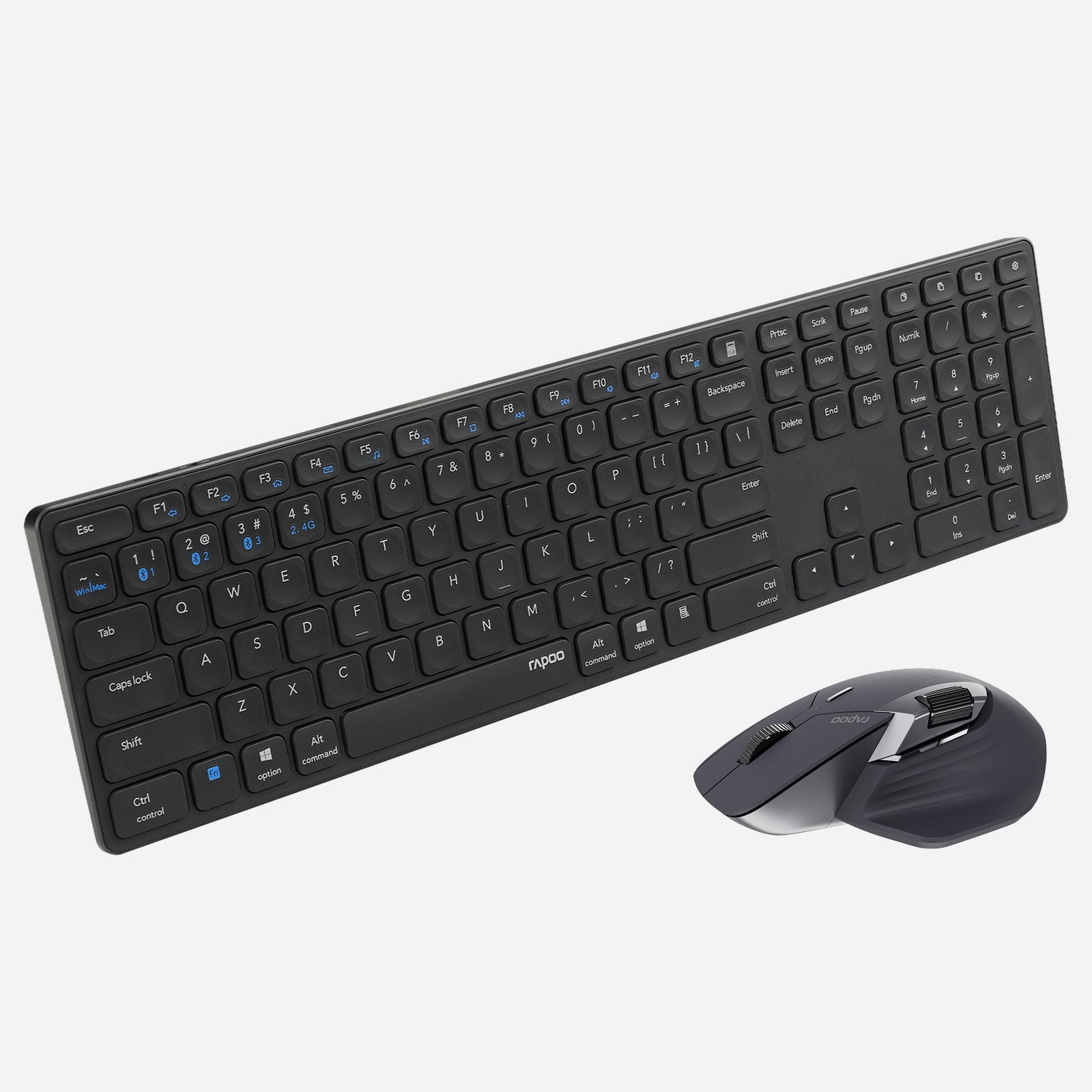
Rapoo 9560M Wireless Mouse and Keyboard Combo
Choose your option


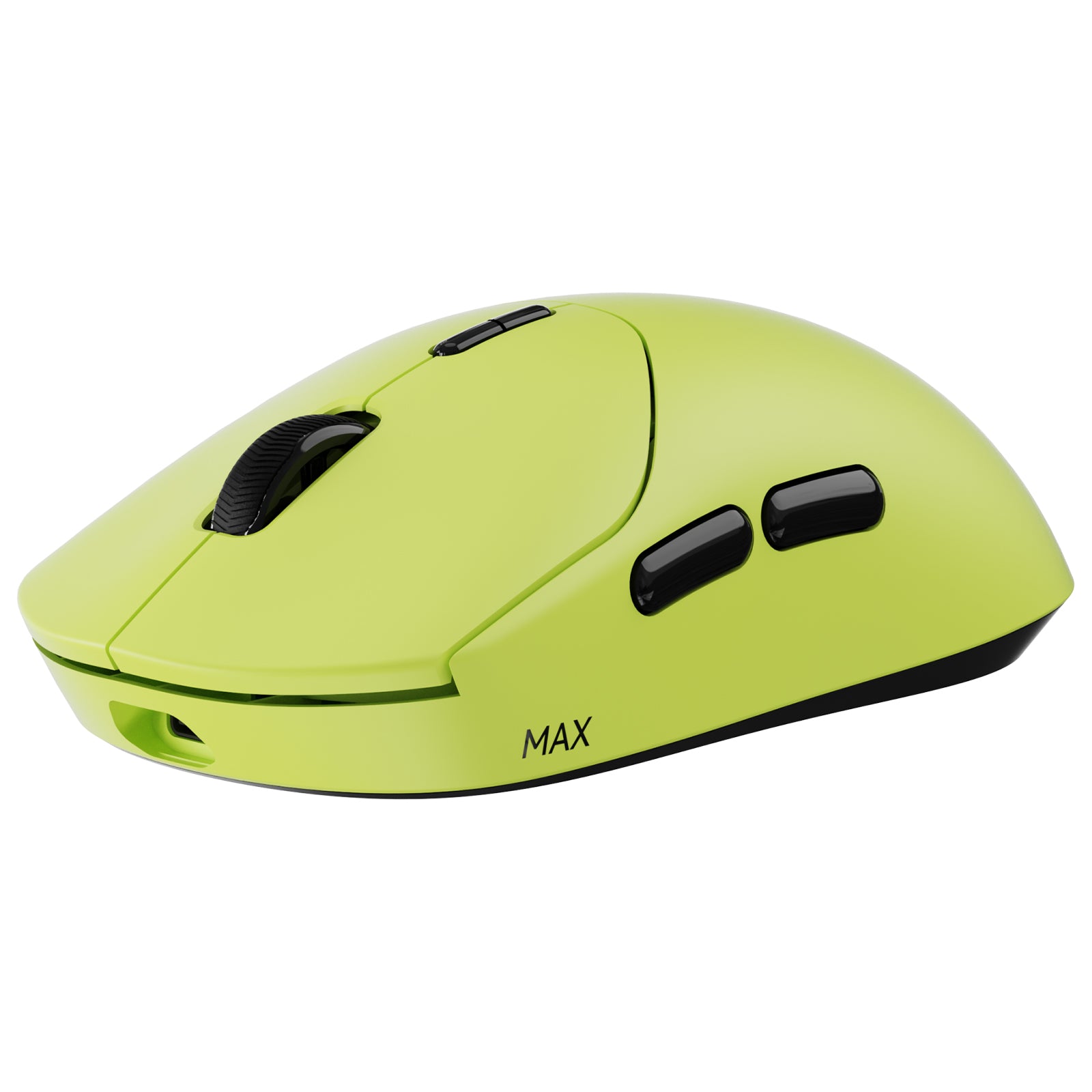
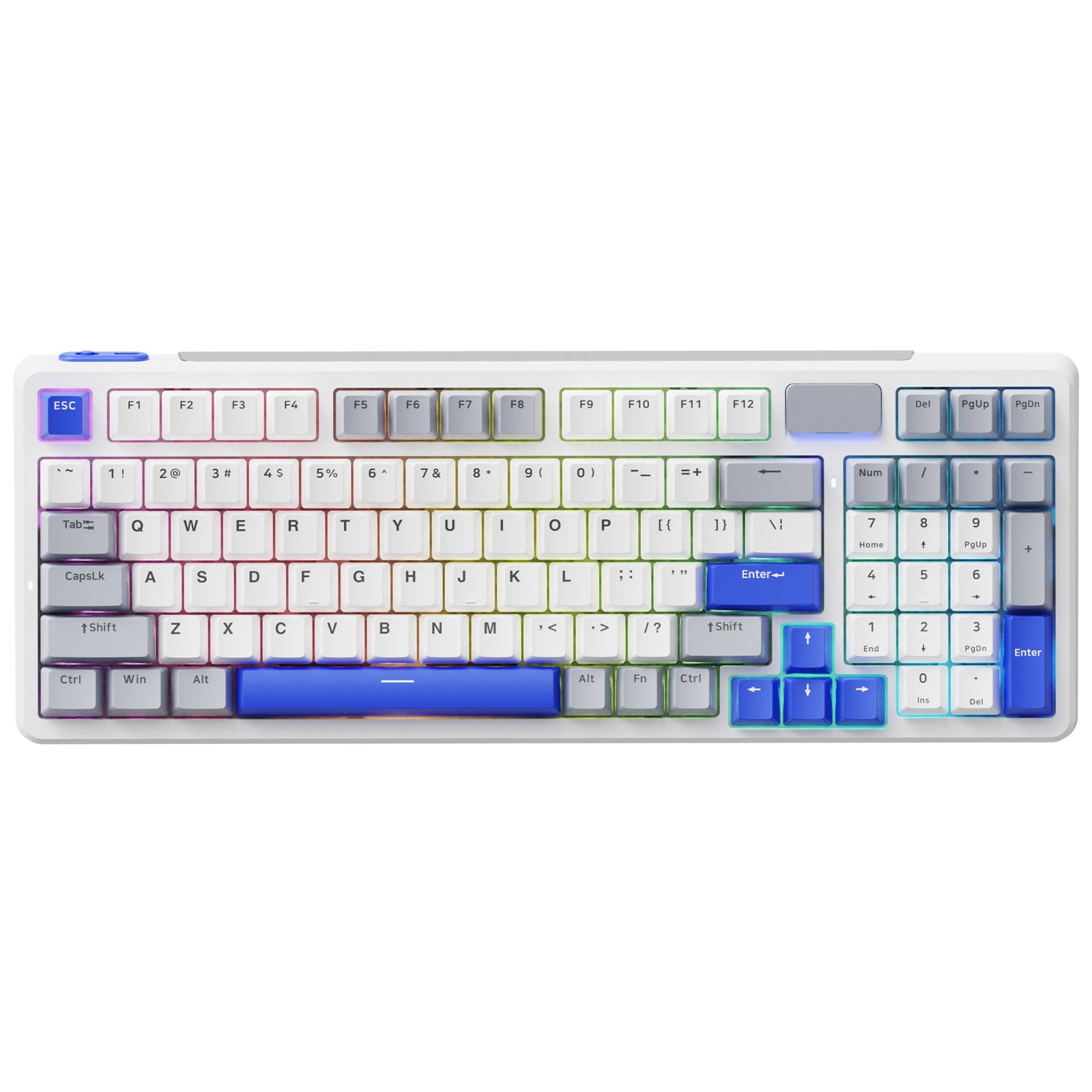
RAPOO VT2 Max Gen-2 & V700DIY-98 Gaming Combo with P5 Charging Dock
Choose your option
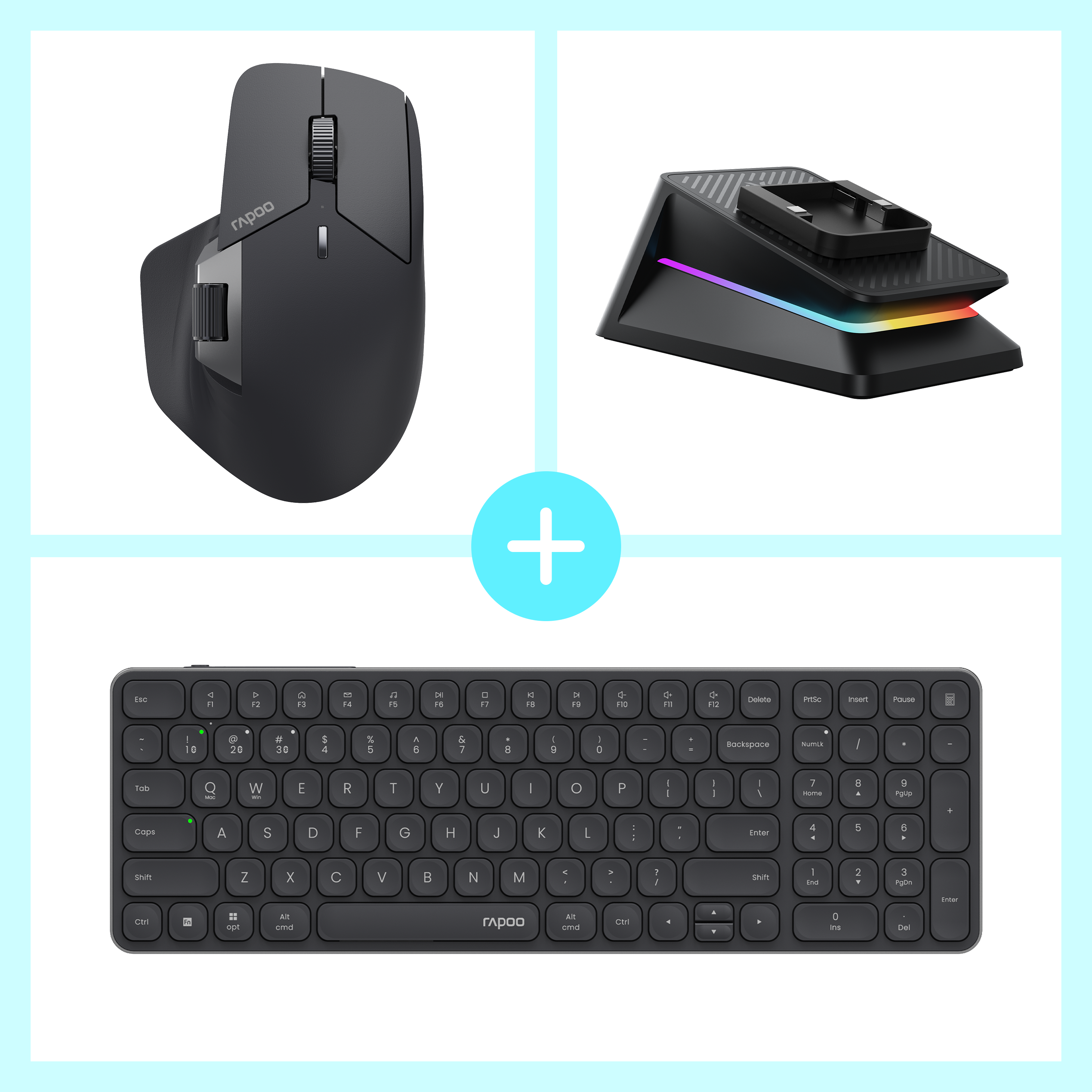

Rapoo MT760 Pro + E9350L + P5 Wireless Charging Dock Ergonomic Combo
Choose your option
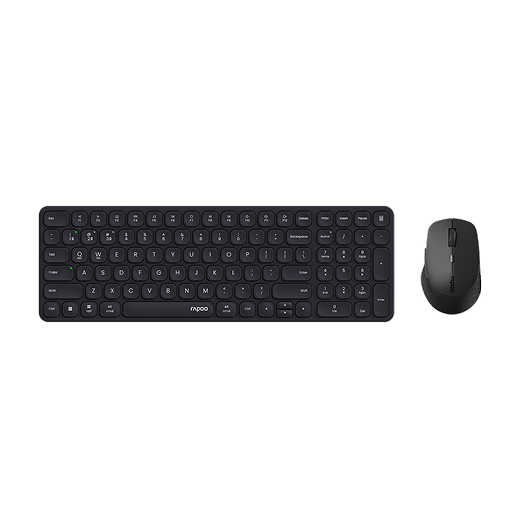

Rapoo 9360M Wireless Mouse and Keyboard Combo
Choose your option
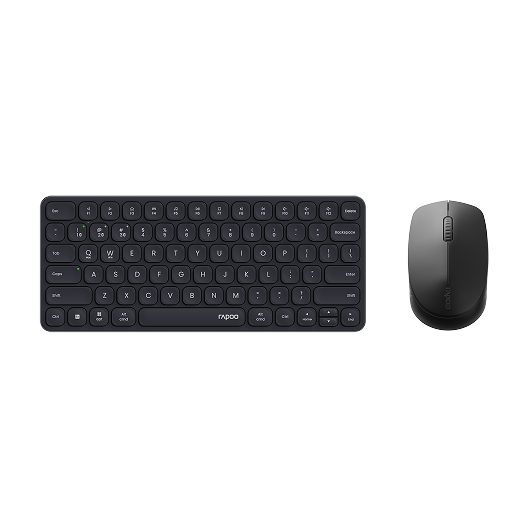
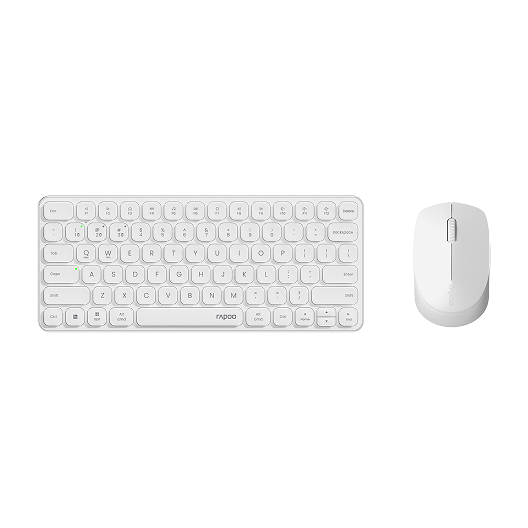
Rapoo 9010M Wireless Mouse and Keyboard Combo Silent Click
Choose your option
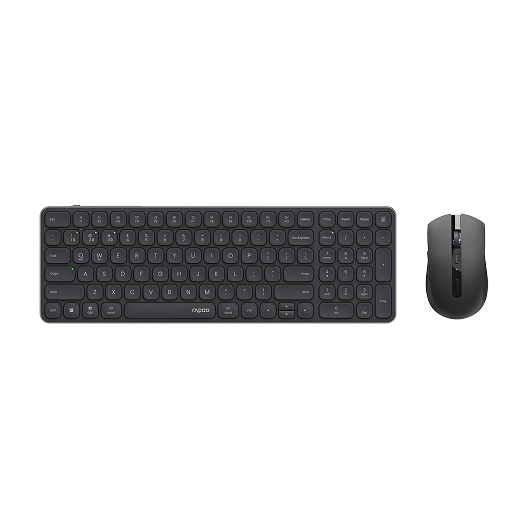
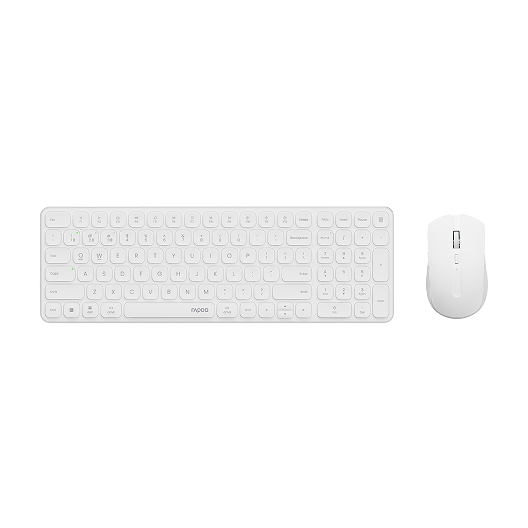
Rapoo 9350S Wireless Mouse & Keyboard Combo
Choose your option


Rapoo 9500M Multi-Device Wireless Keyboard and Mouse Combo
Choose your option
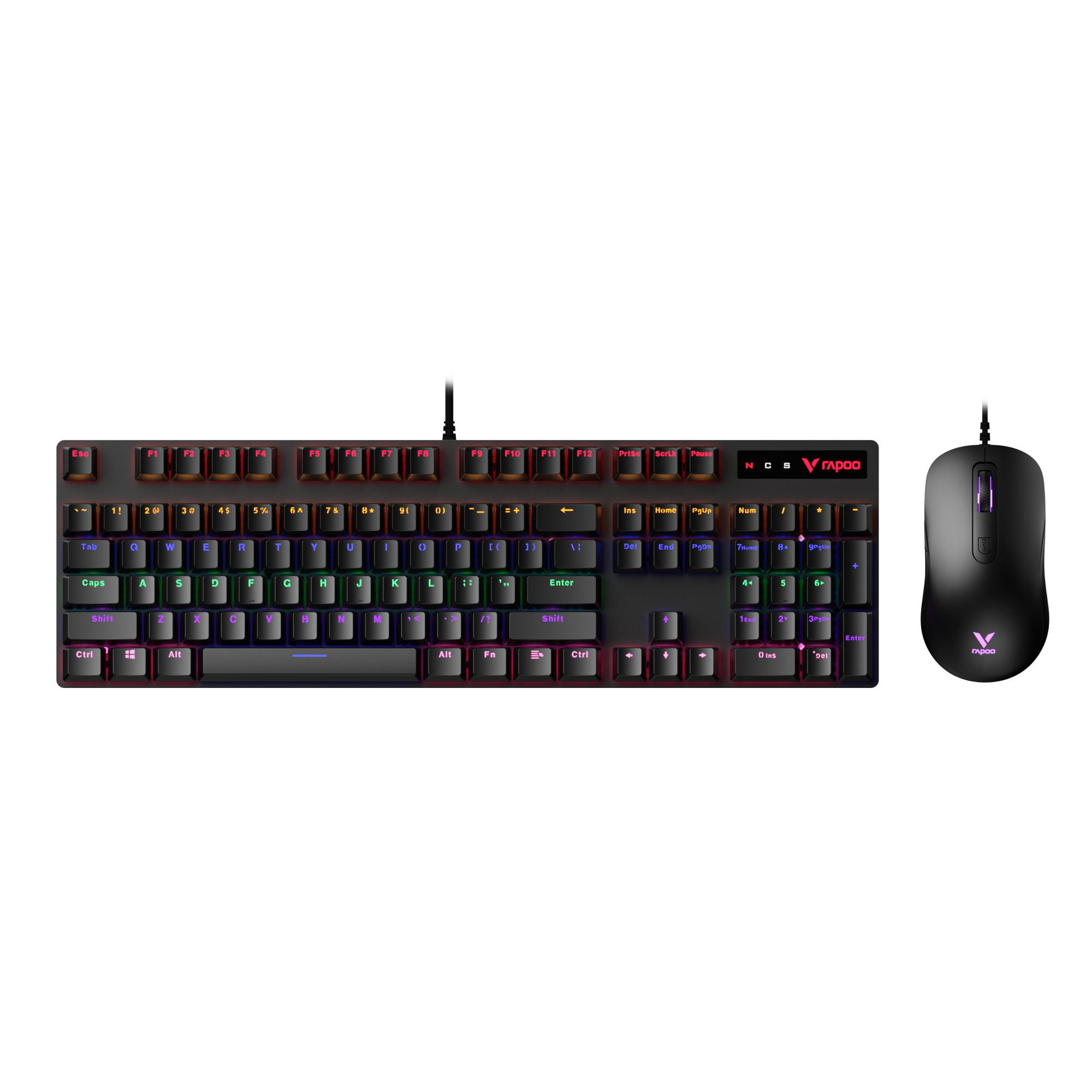
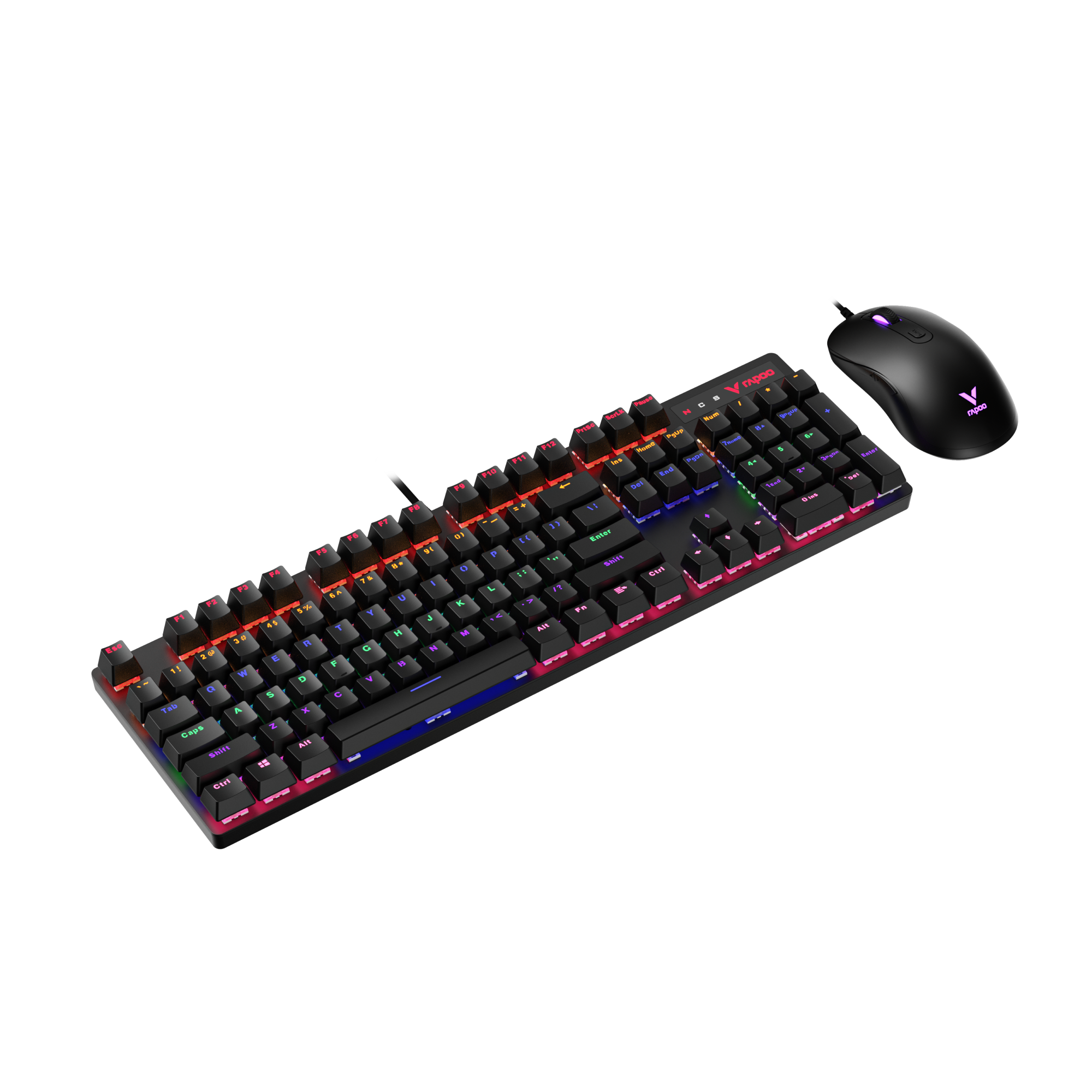
Rapoo V150S Wired Mechanical Gaming Mouse & Keyboard Combo
Choose your option
What Makes a Bluetooth Keyboard and Mouse Combo a Smart Choice?
Cleaner connectivity for modern desks
A Bluetooth keyboard and mouse combo helps reduce cable clutter and frees up workspace at home, in the office, or on the go. It is a practical choice for users who want a simple setup with fewer dongles, cleaner cable management, and easier switching between devices. For laptops, tablets, compact desks, and travel workstations, Bluetooth can make a combo feel more flexible and easier to integrate into daily use.
More than just Bluetooth
Many shoppers looking for a mouse and keyboard Bluetooth combo also want the security of extra connection options. That is why multi-mode designs matter. A well-designed combo can combine Bluetooth with 2.4G wireless for stable everyday use, while some multi-mode RAPOO devices also extend into wired connectivity in the wider product ecosystem. This makes it easier to match different workflows, operating systems, and desk setups without changing peripherals.
Comfortable typing and precise cursor control
A good Bluetooth keyboard and mouse combo should feel reliable throughout the workday. Key travel, key structure, and layout all shape typing comfort, while mouse size, button feel, and cursor accuracy affect navigation and productivity. Whether you are answering emails, working in spreadsheets, attending meetings, or browsing across multiple screens, the best combo balances comfort, consistency, and easy control.
Built for different work styles
Not every user needs the same setup. Some prefer slim, low-profile combos for portability and a cleaner look. Others want a more familiar full-size layout for long typing sessions, shortcuts, and daily office tasks. A Bluetooth combo can suit:
- home office setups
- shared desks and hot-desking
- laptop-first workspaces
- multi-device productivity
- travel and mobile work
How to Choose the Right Bluetooth Keyboard and Mouse Combo
1. Start with your main device setup
Think about where and how you work most often. If you mainly use a laptop or tablet, a slim Bluetooth keyboard and mouse combo can save space and travel more easily. If you work at a desk all day, you may prefer a larger keyboard layout with a more substantial mouse shape for comfort. Users who switch between a work laptop and a personal computer should also prioritize multi-device support.
2. Compare Bluetooth, 2.4G, and wired flexibility
Bluetooth is excellent for convenience, cleaner setups, and device compatibility, especially when USB ports are limited. A 2.4G connection can be useful for straightforward plug-and-play use and stable office performance. Wired mode matters most when you want charging while working or an always-ready connection on supported devices. For many users, the best Bluetooth keyboard and mouse combo is not just Bluetooth-only, but a multi-mode set that gives more ways to connect when your workflow changes.
3. Choose the right keyboard style
Keyboard feel has a big impact on daily comfort. Low-profile and scissor-style keys usually feel slimmer, quieter, and faster for office work. More traditional layouts can feel more familiar for users who type heavily or rely on dedicated function areas. Also consider whether you want:
- a compact layout for smaller desks
- a near-full-size layout for productivity
- quieter keys for shared spaces
- shortcut and media controls for faster workflow
4. Pay attention to the mouse
The mouse should match your hand size, grip style, and daily tasks. For routine office work, comfort and dependable tracking matter more than extreme specs. Look for a shape that feels natural over long sessions, with smooth movement, practical button placement, and cursor control that supports documents, browsing, and multi-screen navigation. If you work for long hours, an ergonomic design can improve comfort and reduce fatigue.
5. Think about compatibility and switching
A Bluetooth keyboard and mouse combo should fit the devices you actually use. Cross-platform compatibility is especially important for users working between Windows and Mac, or between desktop and mobile devices. Fast switching is also a strong value point if you move between multiple screens during the day. For hybrid work, this can be one of the biggest reasons to choose a multi-device combo over a basic wireless set.
Why RAPOO Bluetooth Combos Work Well for Everyday Productivity
RAPOO Bluetooth combo options are designed around practical daily use: comfortable typing, accurate control, and flexible wireless connectivity for modern work environments. In this category, shoppers can find slim and compact combinations that suit everything from minimalist desk setups to multi-device office routines. RAPOO’s broader multi-mode approach also supports users who want Bluetooth convenience without giving up the flexibility of 2.4G wireless, and in supported product lines, even wired use. That makes this category a strong fit for users who value cleaner setups, easy switching, and dependable productivity across different devices.
FAQs
What is a Bluetooth keyboard and mouse combo?
What is a Bluetooth keyboard and mouse combo?
A Bluetooth keyboard and mouse combo is a matched set that connects to your computer, laptop, or tablet through Bluetooth instead of relying only on wired connections. It is popular for users who want a cleaner desk, fewer cables, and easier compatibility with modern devices. Many models are designed for office work, home use, and travel, while some multi-mode combos also include 2.4G wireless for added flexibility. This makes them a practical choice for users who want convenience, portability, and a simpler everyday setup.
What should I look for in the best Bluetooth keyboard and mouse combo?
What should I look for in the best Bluetooth keyboard and mouse combo?
The best Bluetooth keyboard and mouse combo depends on how you work. Start with keyboard layout, typing comfort, mouse shape, and device compatibility. Then look at connection flexibility, especially if you want Bluetooth plus 2.4G wireless or multi-device switching. Battery type, portability, and whether the combo is better suited for travel or desk use also matter. For office productivity, most users benefit from a combo that feels comfortable over long sessions, connects easily, and works smoothly across the devices they use most often.
Is a Bluetooth keyboard and mouse combo better than a 2.4G wireless combo?
Is a Bluetooth keyboard and mouse combo better than a 2.4G wireless combo?
Bluetooth and 2.4G wireless each have different strengths. Bluetooth is great when you want a cleaner setup, fewer receivers, and easier pairing with laptops or tablets that have limited ports. A 2.4G combo is often preferred for quick plug-and-play convenience with a USB receiver. For many users, the better option is a multi-mode combo that includes both. That way, you can use Bluetooth when portability and convenience matter most, while still having 2.4G available for a simple desktop connection when needed.
Can a Bluetooth keyboard and mouse combo connect to multiple devices?
Can a Bluetooth keyboard and mouse combo connect to multiple devices?
Many Bluetooth combos can connect to more than one device, but it depends on the specific model. Multi-device support is especially useful for people who switch between a work laptop, home desktop, tablet, or other compatible devices during the day. Instead of re-pairing every time, a multi-device combo lets you move between connected systems more efficiently. This is one of the biggest advantages for hybrid workers and office users, because it supports smoother multitasking and makes a single combo more useful across different screens and platforms.
Do Bluetooth keyboard and mouse combos have lag?
Do Bluetooth keyboard and mouse combos have lag?
For everyday office work, browsing, writing, and general productivity, a good Bluetooth keyboard and mouse combo usually feels smooth and responsive. Most users will not notice meaningful lag during normal tasks. Performance can vary depending on device compatibility, signal conditions, and the quality of the combo itself, which is why multi-mode options can be appealing. Bluetooth is ideal for convenient wireless use, while an added 2.4G option can provide another connection path when you want simple plug-and-play performance in a desk-based setup.
Is a Bluetooth keyboard and mouse combo good for Windows and Mac?
Is a Bluetooth keyboard and mouse combo good for Windows and Mac?
Yes, a Bluetooth keyboard and mouse combo can be a strong choice for both Windows and Mac users, especially if it is designed for cross-platform compatibility. This matters for people who move between operating systems or want one setup that works across personal and work devices. The most useful combos support easy pairing, reliable everyday performance, and practical switching between systems. If you use more than one device regularly, choosing a combo with multi-device support and a layout designed for broad compatibility can make daily workflow much easier.

About Rapoo
Leading Brand in Wireless Mice and Keyboards Since 2002. Professional-grade Wireless Gaming Mice and Keyboards at Unbeatable Price.


