






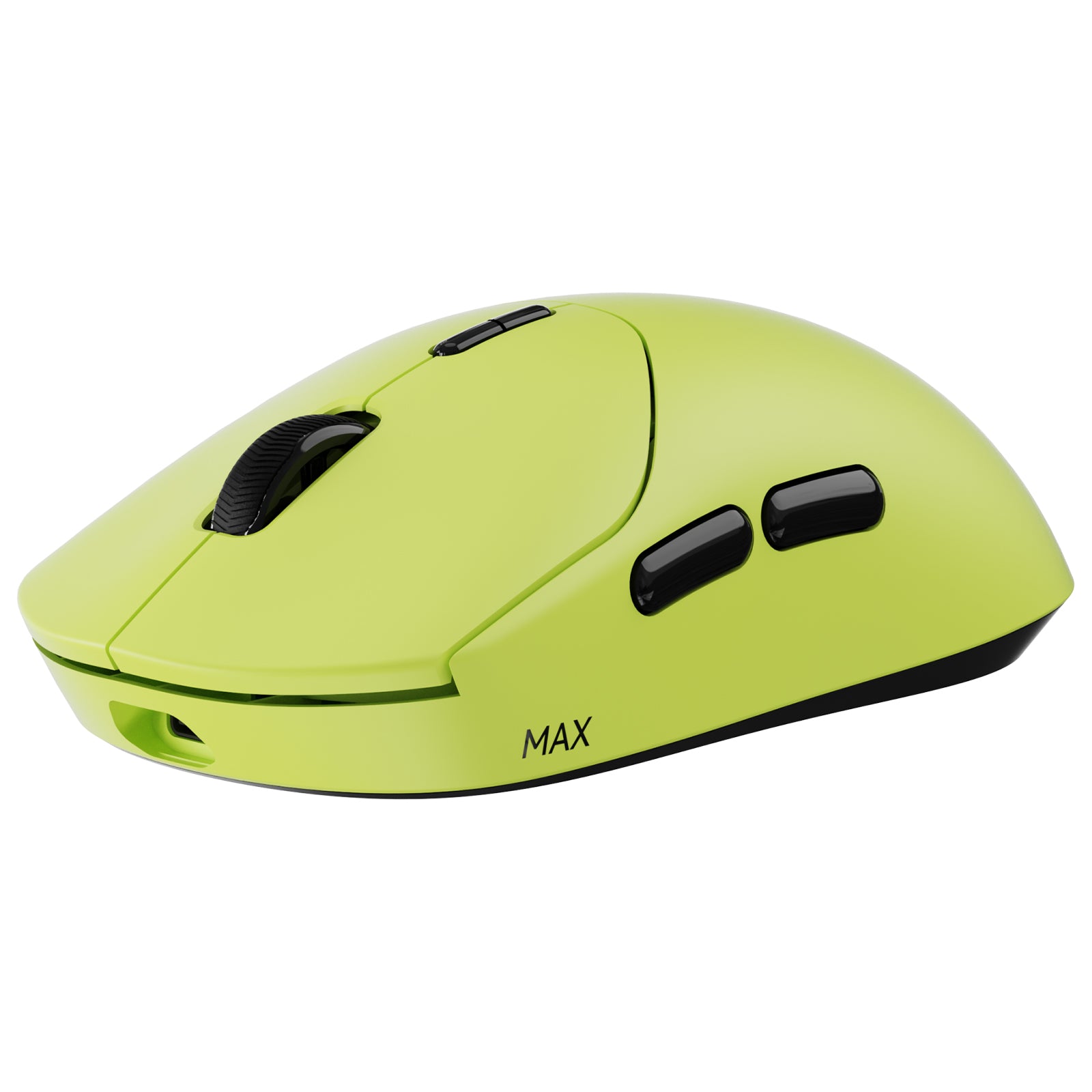
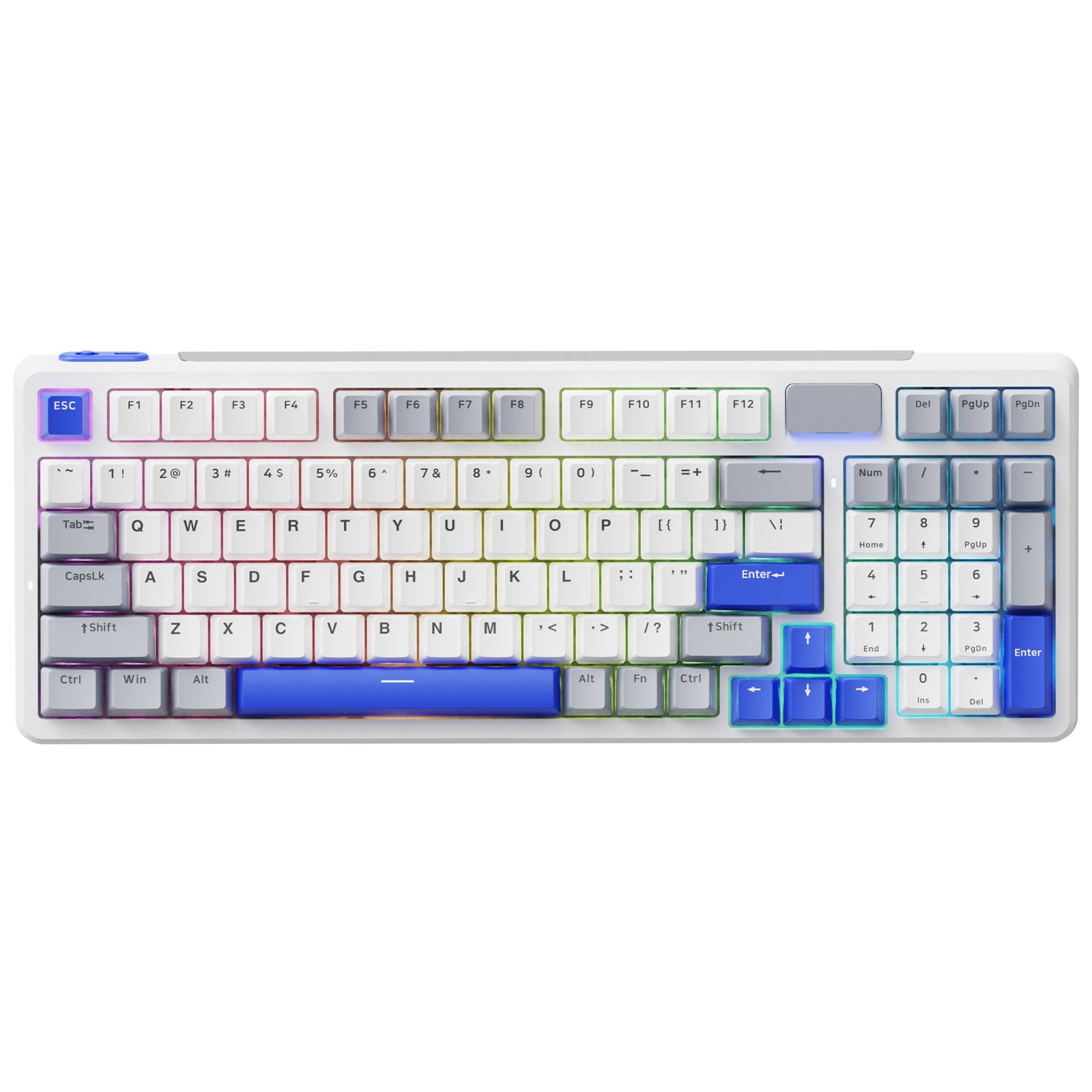
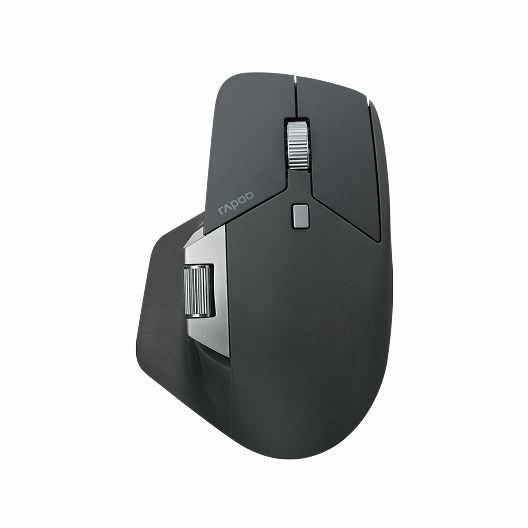




Rapoo VT6 Ultra-Lightweight 8K Wireless Gaming Mouse, PAW3398, 26K DPI, Claw/Fingertip Grip


Choose your option


Rapoo VT6 MAX Ultra-Lightweight 8K Wireless Gaming Mouse, PAW3950, 45K DPI,Claw/Fingertip Grip


Choose your option

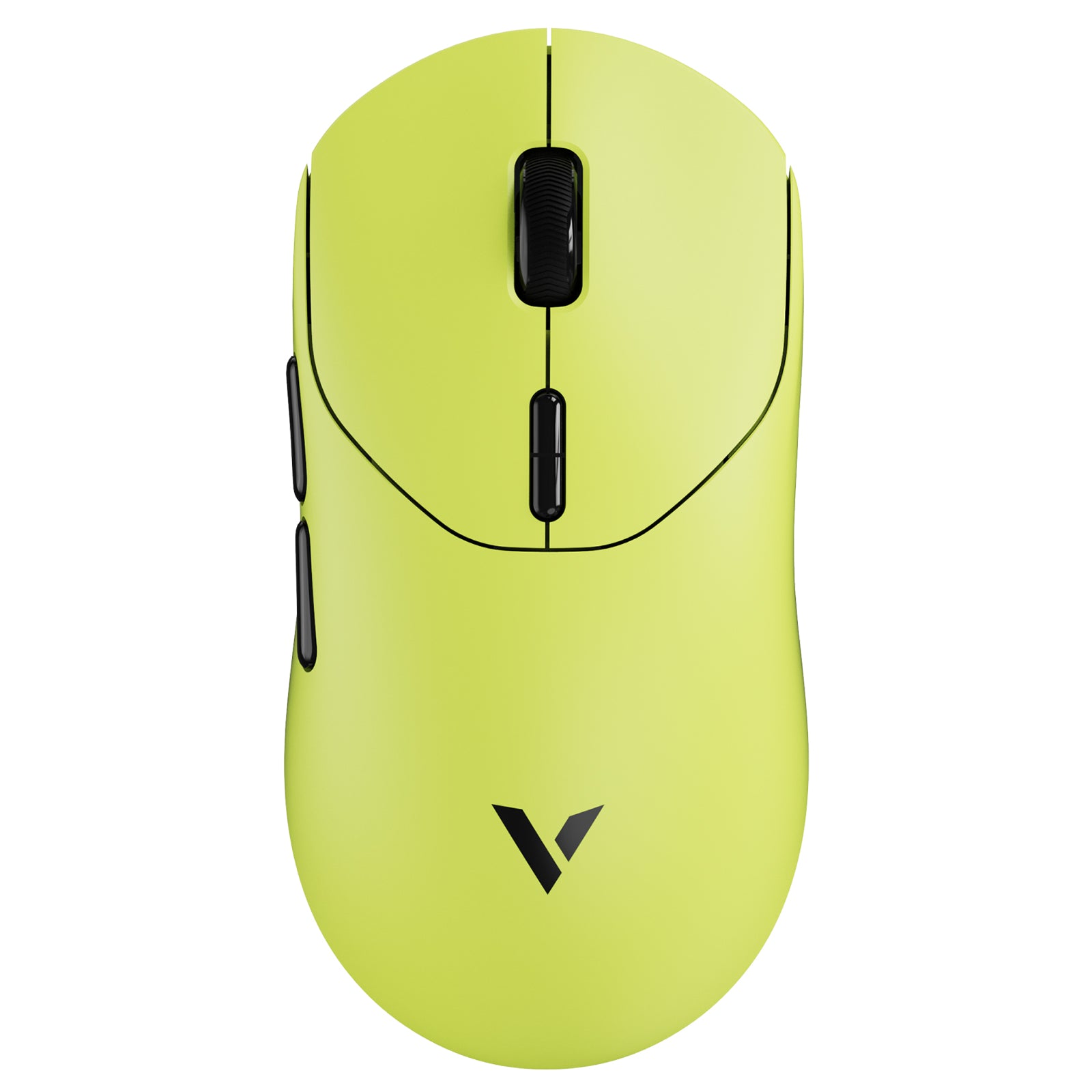
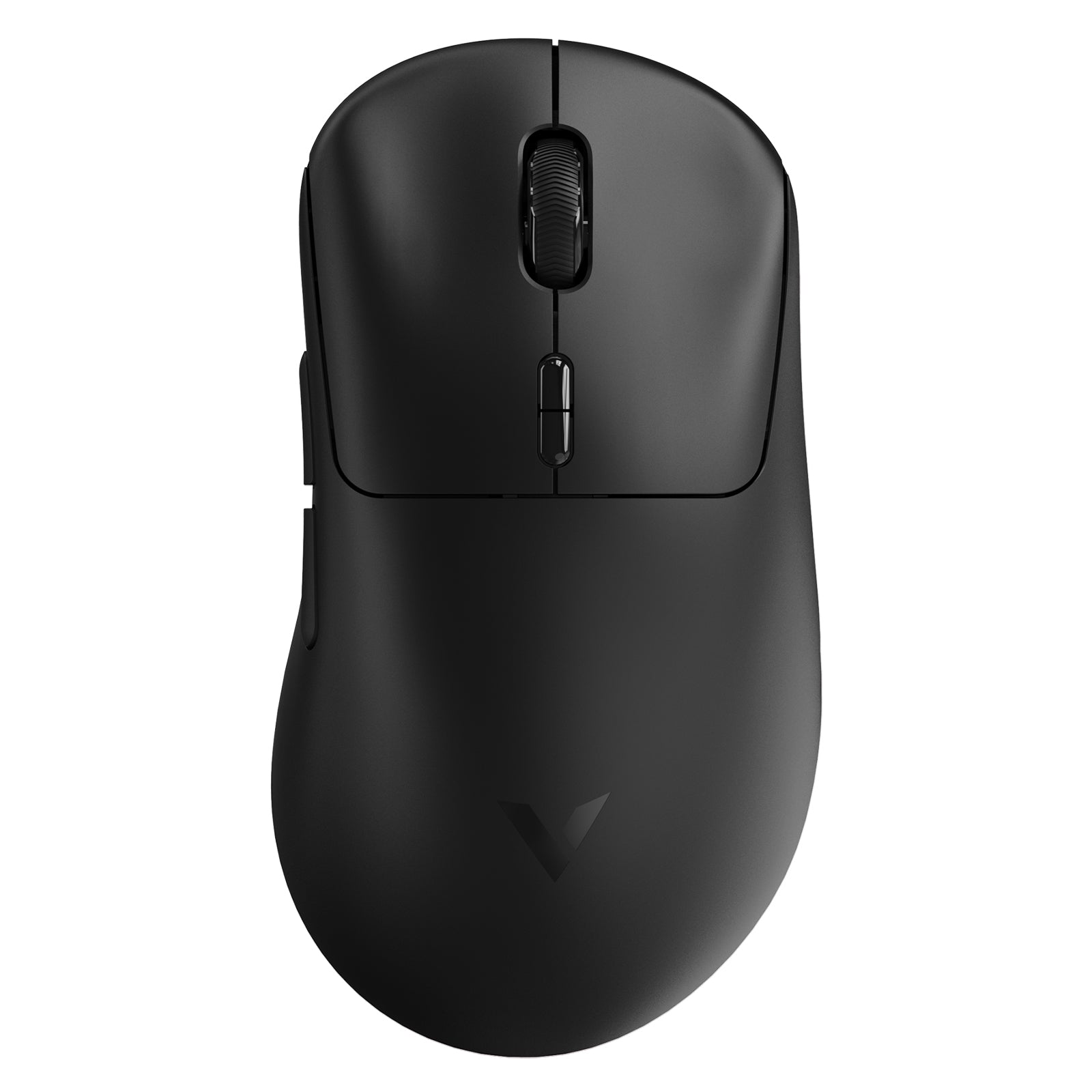
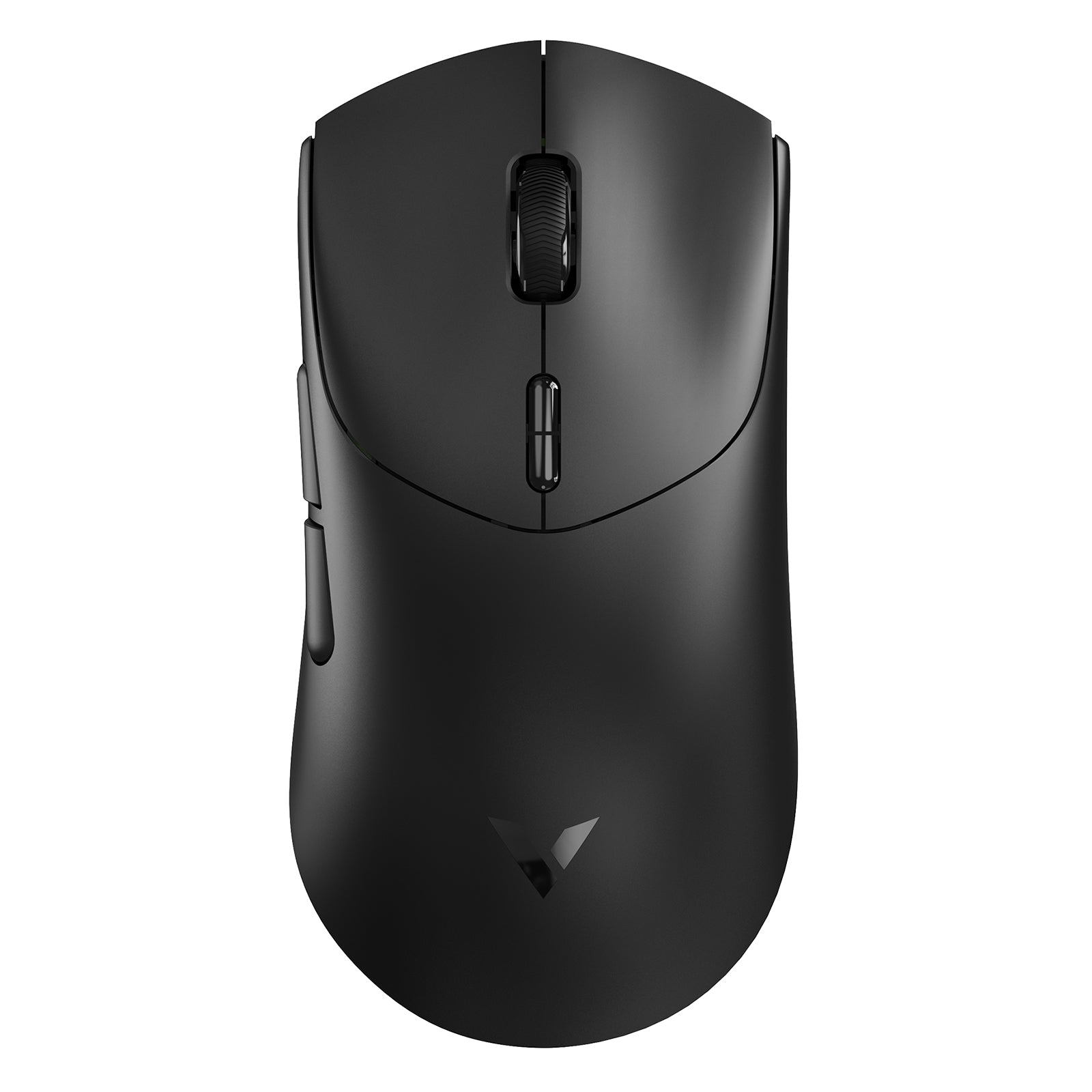
RAPOO mice with onboard memory are designed for users who want their settings to stay with the device, not just inside software. For gamers, that means saved DPI stages, button layouts, macros, and performance profiles can help keep aim and control more consistent across different PCs. For everyday users, onboard memory can make programmable shortcuts easier to carry between workstations.
Combined with RAPOO’s wireless gaming technology, A Hub configuration, ergonomic shape options, and programmable controls, this category is a strong fit for anyone who wants a more personalized mouse setup with fewer repeated adjustments. Explore RAPOO gaming mice and wireless peripherals to find the right balance of comfort, customization, and saved control.
Wireless Mice with Onboard Memory
Wireless gaming mice benefit even more from onboard memory because users often expect the same performance whether they are using 2.4GHz wireless or USB wired mode. RAPOO V-Series gaming mice are designed around wireless gaming performance, programmable controls, and A Hub configuration support, with select models offering saved onboard profiles for “set once, play anywhere” convenience.
When choosing a wireless mouse with onboard memory, look for:
- Stable 2.4GHz wireless performance for gaming responsiveness
- USB wired mode for charging, setup, or tournament-style use
- Programmable buttons for shortcuts, macros, or in-game commands
- Saved DPI profiles for consistent sensitivity
- A comfortable shape that matches your hand size and grip style
Gaming Mouse with Onboard Memory
For gaming, onboard memory is not just a convenience feature. It helps reduce setup friction and keeps performance settings consistent across different systems.
DPI and Sensitivity Control
DPI settings affect how far your cursor or crosshair moves when you move the mouse. A gaming mouse with onboard memory can keep preferred DPI stages saved, making it easier to switch between FPS aim, desktop browsing, and general gaming use.
Programmable Buttons and Macros
A mouse with onboard memory for macros can help save repeated actions, shortcut commands, or game-specific button layouts. This is useful for players who want side buttons for push-to-talk, melee, inventory, skill activation, or productivity commands outside gaming.
Polling Rate and Responsiveness
For competitive gaming, responsiveness matters. RAPOO’s higher-performance gaming mice emphasize wired and wireless gaming performance, high polling options on supported models, and A Hub-based tuning. Onboard profiles help keep those preferred settings more accessible after configuration.
Shape and Grip Style
The best mouse with onboard memory is still the one that fits your hand. Symmetrical shapes can work well for claw and fingertip grip, while ergonomic right-handed designs offer more palm support. RAPOO’s VT lineup includes multiple shapes and size options, so users can choose based on comfort as well as performance.
FAQs
What is onboard memory in a mouse?
What is onboard memory in a mouse?
Onboard memory is built-in storage inside the mouse that saves selected settings directly to the device. Depending on the model, this may include DPI levels, button assignments, macros, lighting, polling-related profiles, or other performance preferences. The main benefit is consistency: after you configure the mouse, your preferred setup can remain available even when you switch computers or do not want software running in the background. For gaming, this is especially useful because aim sensitivity and button layouts can feel familiar across different setups.
How to Choose the Right Mouse with Onboard Memory
How to Choose the Right Mouse with Onboard Memory
For FPS Gaming
Choose a lightweight gaming mouse with accurate tracking, stable wireless performance, and easy DPI control. Onboard memory is valuable because it keeps your aim settings and core button layout consistent when switching PCs or reinstalling software.
For MOBA and MMO Controls
Look for programmable buttons and macro support. A mouse with saved button assignments can make repeated actions easier to manage, especially if you use side buttons for skills, pings, item slots, or custom shortcuts.
For Everyday Productivity
A programmable mouse with onboard memory can also support work tasks such as copy/paste, browser navigation, media controls, spreadsheet shortcuts, or app switching. For office and hybrid users, saved settings are helpful when moving between workstations.
For Wireless Setups
Choose a wireless mouse that supports reliable 2.4GHz connection, USB wired mode, and saved profiles. This gives you cleaner desk setup benefits without losing your preferred controls when moving between devices.
Is a mouse with onboard memory better for gaming?
Is a mouse with onboard memory better for gaming?
A mouse with onboard memory can be better for gaming if you use custom DPI, macros, or button layouts. It does not automatically make a mouse faster, but it helps keep your preferred settings consistent. This matters for FPS players who want the same sensitivity on different PCs, MOBA players who use side buttons for commands, and competitive users who prefer one-time setup instead of relying on software every session. For RAPOO gaming mice with A Hub support, onboard profiles are especially useful for keeping performance and control settings ready after configuration.
Can a wireless mouse with onboard memory save DPI settings?
Can a wireless mouse with onboard memory save DPI settings?
Yes, many wireless mice with onboard memory can save DPI settings, but the exact behavior depends on the model and software support. For gaming, saved DPI stages are one of the most practical onboard memory features because they affect aim, cursor speed, and in-game control. A wireless gaming mouse that saves DPI profiles can feel more consistent when switching between 2.4GHz wireless mode, wired mode, and different computers. Before buying, it is worth checking whether the mouse supports onboard profile storage rather than only temporary software-based settings.
Can a mouse with onboard memory save macros?
Can a mouse with onboard memory save macros?
Some programmable mice with onboard memory can save macros, but support varies by model. For users searching for a mouse with onboard memory for macros, the key question is whether the macro is stored directly on the mouse or only inside the software. When stored onboard, the macro or button assignment can remain available after setup, which is helpful for gaming commands, productivity shortcuts, and repeated actions. For best results, choose a mouse with dedicated configuration software, programmable buttons, and clear onboard profile support.
Do I still need software if my mouse has onboard memory?
Do I still need software if my mouse has onboard memory?
You usually need software for the initial setup, but you may not need it running all the time after saving settings to onboard memory. The software is used to configure DPI, buttons, macros, lighting, and other profile details. Once the profile is saved to the mouse, the device can keep those settings available in daily use, depending on the model. This is one of the biggest reasons users choose a gaming mouse with onboard memory: it offers customization without forcing software to stay open in the background.
What should I look for in the best mouse with onboard memory?
What should I look for in the best mouse with onboard memory?
Look for the right balance of saved profiles, programmable buttons, sensor performance, wireless stability, and comfort. For gaming, prioritize accurate tracking, low-latency wireless or wired support, suitable weight, and a shape that matches your grip style. For productivity, focus on button customization, multi-device convenience, and comfortable long-session use. The best option is not just the mouse with the longest spec list, but the one that saves the settings you actually use and feels consistent across your daily setup.

About Rapoo
Leading Brand in Wireless Mice and Keyboards Since 2002. Professional-grade Wireless Gaming Mice and Keyboards at Unbeatable Price.


