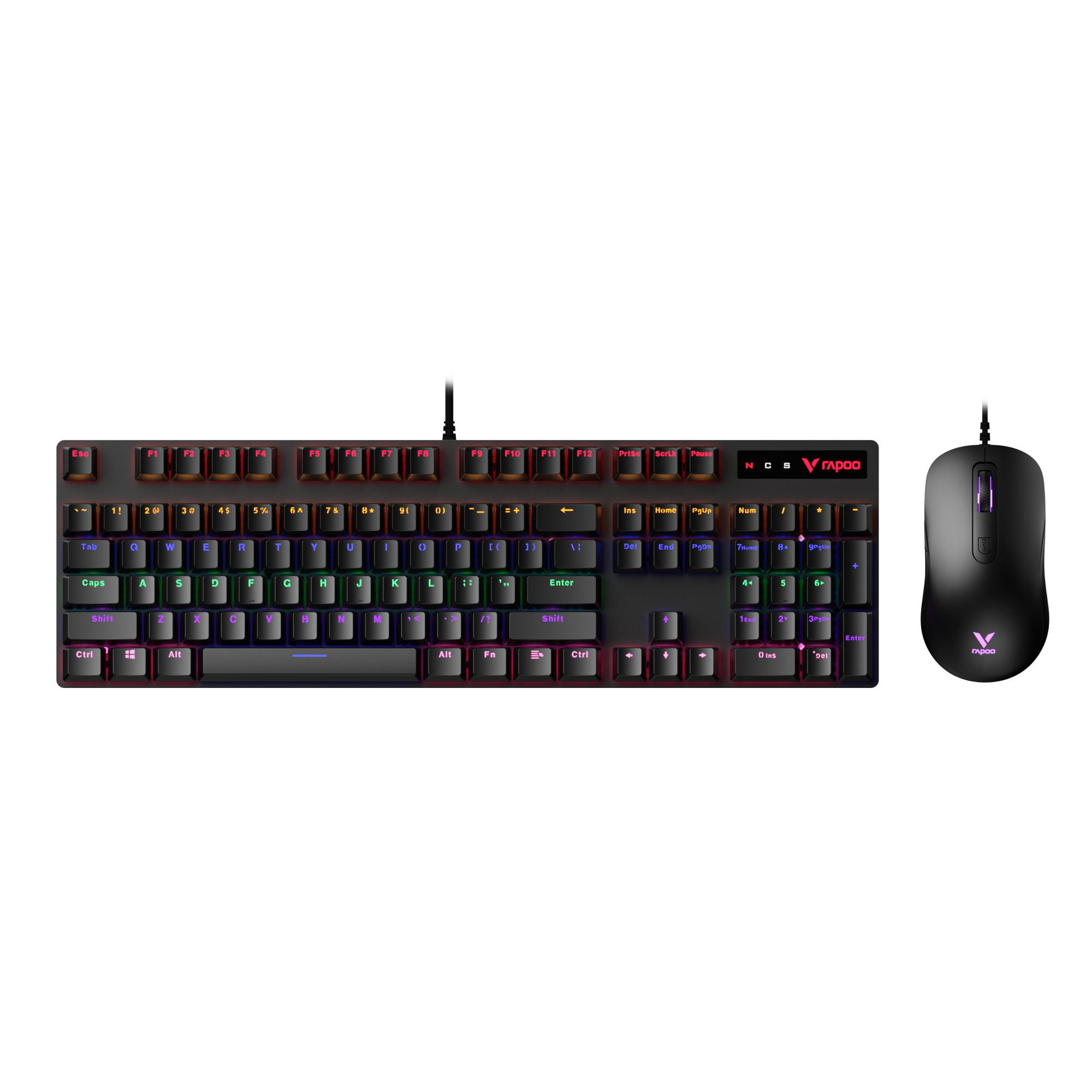
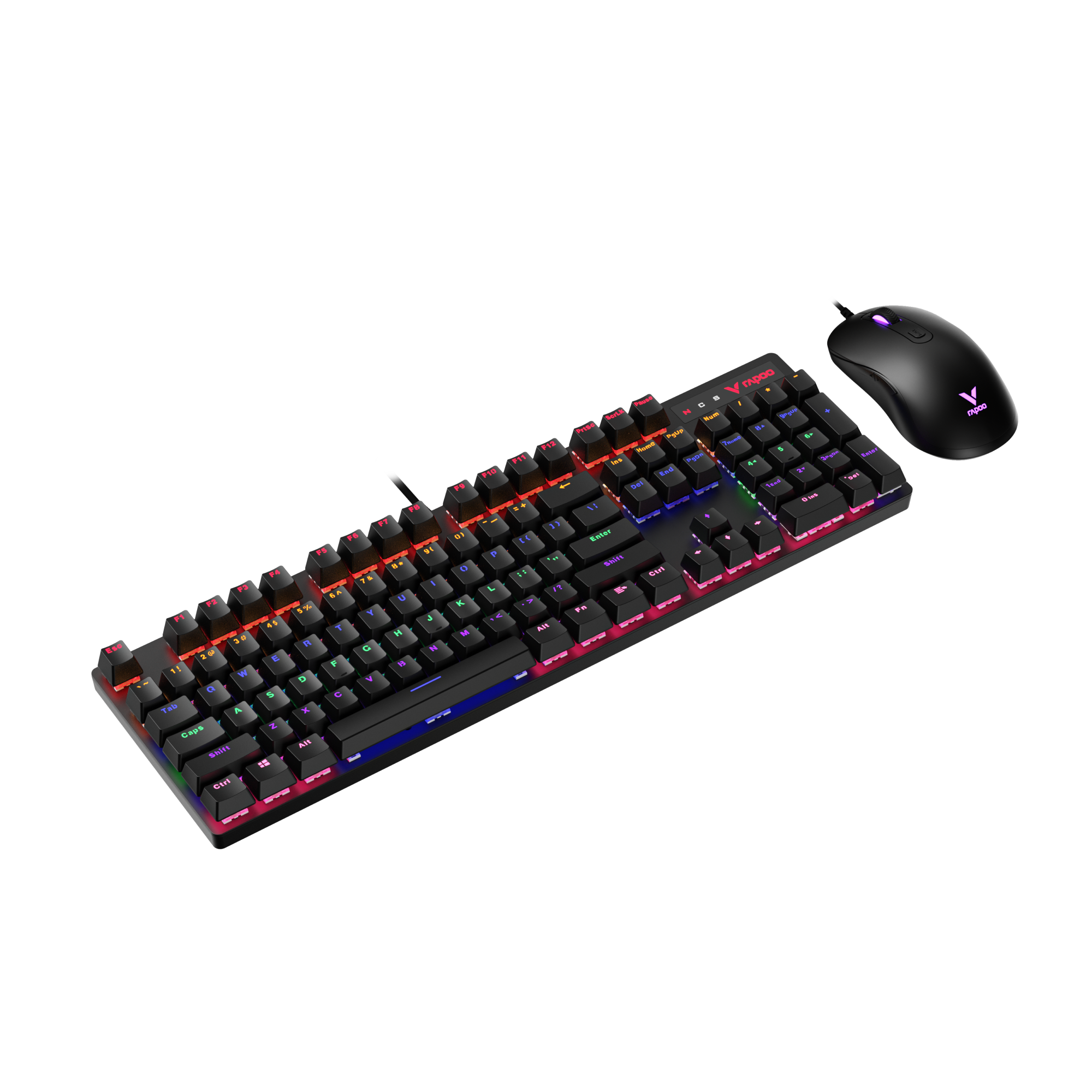
As keyboards have become an essential part of both gaming and everyday work setups, discussions around switch technology have expanded well beyond traditional mechanical designs. Today, many users choosing a new keyboard—whether for FPS gaming, office work, or long typing sessions—are faced with a common question: optical vs mechanical keyboard. With more switch technologies available than ever, understanding what actually matters in real-world use has become increasingly important.
At RAPOO, we design and develop both optical and mechanical keyboards, which means we see these questions come up regularly. Rather than focusing on brand-specific products or specifications, this guide looks at the underlying differences between optical and mechanical keyboards themselves—how they work, how they feel, and how they perform in gaming and typing scenarios. The goal isn’t to declare a winner, but to clearly explain the trade-offs so you can decide which approach fits how you type, play, and work.
Optical vs Mechanical Keyboard: Quick Comparison
Optical keyboards focus on consistency and long-term stability, while mechanical keyboards focus on tactile feedback and a more traditional typing experience.
At a fundamental level, the difference between an optical vs mechanical keyboard comes down to how a keystroke is registered—light-based actuation versus physical metal contact. That single design difference influences feel, consistency, sound, and long-term behavior.
| Aspect | Optical Keyboard | Mechanical Keyboard |
|---|---|---|
| Switch |
 |
 |
| Actuation method | Light-based (no metal contact) | Physical metal contact |
| Keystroke consistency | Very consistent over time | Can vary slightly as contacts age |
| Typing feel | Smooth, direct, uniform | More tactile and feedback-driven |
| Response behavior | Predictable repeated inputs | Depends on contact and debounce |
| Sound profile | Generally quieter | Often louder, more audible |
| Long-term stability | Less affected by wear | Contact wear may change feel |
| Who it suits best | Competitive gamers, consistency-focused users | Competitive gamers, Typists, feedback-focused users |
For gaming, optical keyboards often feel more predictable during rapid or repeated inputs. For typing and office work, many users prefer the physical feedback and familiarity of mechanical keyboards.
In terms of speed, neither option is meaningfully faster in real-world use. The difference is not raw response time, but how consistent and familiar each keystroke feels during long sessions.
How Optical Keyboard Switches Work
At a basic level, optical keyboard switches register a keypress using light instead of physical contact.

Rapoo IR Optical responsive switch
Inside each switch, a small light emitter and sensor form a light path. When you press a key, the stem moves and interrupts the light beam. The moment that light is blocked, the keyboard registers the input. There is no need for metal contacts to touch or separate.
Because of this design:
- No metal contacts touch during actuation, which removes contact-related variability.
- The actuation point is defined digitally, based on when the light signal changes—not on physical contact timing.
- Each keystroke is detected in a highly repeatable way.
Why This Matters in Real Use
The biggest advantage of optical switches is consistency.

With fewer physical variables involved in each press, optical switches tend to behave the same from one keystroke to the next. There’s no contact bounce to correct and no gradual change caused by contact wear. As a result, the keyboard’s response tends to stay stable over long periods of use.
Many users describe the feel of optical switches as more “direct” or “clean.” That doesn’t mean they are automatically better or faster—it means the input feels predictable, especially during rapid or repeated key presses.
Over time, this design can reduce subtle variations that appear as a keyboard ages, which is why optical switches are often associated with long-term stability rather than dramatic speed gains.
How Mechanical Keyboard Switches Work
Mechanical keyboard switches register a keypress through physical metal contact.

Inside each mechanical switch, there are two metal leaves positioned slightly apart. When you press a key, the stem moves downward and forces those metal contacts to touch, completing an electrical circuit. Once the circuit is closed, the keyboard recognizes the keystroke.
Because this is a physical process, mechanical switches rely on two key mechanisms:
- Metal-to-metal contact to trigger the input
- Debounce processing to confirm the signal and prevent false or repeated inputs
Why Debounce Is Needed
When metal contacts touch, they don’t form a perfectly clean signal instantly. Instead, they may briefly bounce or fluctuate for a few milliseconds. To avoid registering multiple unintended keystrokes, the keyboard applies debounce logic, waiting for the signal to stabilize before confirming the input.
This debounce delay is very small and usually not noticeable in everyday use, but it is a defining characteristic of how mechanical switches work.
Why Mechanical Switches Still Feel Different
The physical interaction between the stem, spring, and metal contacts is what gives mechanical keyboards their distinct tactile sensation. Many users rely on this feedback to control typing rhythm, reduce errors, or simply enjoy a more expressive typing experience.

That physical feedback is also why mechanical keyboards have remained popular for decades. Even though they introduce more physical variables, the sensation of a confirmed keystroke is something many typists and gamers strongly prefer.
Over time, however, repeated metal contact can lead to subtle changes in behavior, which is why mechanical switches may feel slightly different after long-term use.
Optical vs Mechanical: Feel, Response & Consistency
When comparing optical and mechanical keyboard switches, most users aren’t reacting to raw speed—they’re reacting to how each keypress feels and how consistently the keyboard responds over time.

Feel: Uniform vs Physical Feedback
The most noticeable difference is how the keystroke feels.
- Optical keyboards tend to feel smoother and more uniform from press to press. Because actuation is triggered by light rather than contact, the resistance and response feel more predictable.
- Mechanical keyboards provide more physical feedback. The sensation of metal contact and internal movement gives many users a clearer sense of when a key has actuated.
This is why typists often describe mechanical keyboards as more “expressive,” while optical keyboards are often described as more “clean” or “direct.”
Response Behavior: Predictability vs Physical Confirmation
In terms of response, the difference isn’t about instant speed—it’s about how reliably each press behaves.
- Optical switches register inputs the moment a light signal changes, which makes repeated presses feel very consistent.
- Mechanical switches rely on physical contact and debounce logic, which introduces small variations that are usually imperceptible, but technically present.
Neither approach is objectively superior. Some users prefer the predictability of optical switches, while others prefer the reassurance of physical confirmation from mechanical switches.
Consistency Over Time
Consistency is where the design differences become more apparent.
- Optical keyboards are less affected by wear during actuation, so the feel and response tend to stay similar over long periods.
- Mechanical keyboards may experience subtle changes as metal contacts age, which can slightly affect feel or response consistency.
This doesn’t mean mechanical keyboards wear out quickly—it means their behavior can evolve gradually, while optical keyboards tend to remain more stable.
Quick Feel & Consistency Comparison
| Aspect | Optical Keyboard | Mechanical Keyboard |
|---|---|---|
| Keystroke feel | Smooth and uniform | More tactile and physical |
| Response behavior | Highly predictable | Physically confirmed |
| Short-term consistency | Very consistent | Consistent, with minor variation |
| Long-term consistency | Less affected by wear | May change slightly over time |
The choice between mechanical vs optical keyboard isn’t about which is “better,” but about whether you value uniform consistency or physical feedback more in daily use.
Are Optical Switches Actually Faster?
When people compare optical vs mechanical latency, the discussion often oversimplifies where input lag actually comes from. A keyboard switch is only one small part of a much longer input chain.
Where Input Lag Really Comes From
A keypress must pass through several stages before it appears on screen:
- USB polling rate – how often the keyboard reports inputs to the computer
- Firmware processing – how the keyboard controller handles signals
- Operating system handling – how the OS schedules and processes input
- Display refresh latency – how quickly the screen can show the result
The switch itself—optical or mechanical—represents only a fraction of total end-to-end latency.
The Optical Advantage (and Its Limits)
Optical switches do remove one element: debounce delay. Because actuation is triggered by light rather than metal contact, there’s no need to wait for a bouncing signal to settle. In isolation, this makes optical actuation technically faster.
However, that advantage exists within a much larger system. Once the signal leaves the switch, it still has to move through firmware, USB polling, the operating system, and finally the display. Those stages often account for far more delay than the switch itself.
This is why optical actuation does not result in instant or dramatic speed gains in real-world use.
Human Perception and Practical Impact
From a practical standpoint, humans are very limited in how precisely they can perceive timing differences:
- Latency differences of a few milliseconds are rarely noticeable.
- What users do notice is consistency—whether each press behaves the same way every time.
This is where optical switches tend to stand out. Not because they are dramatically faster, but because their behavior is more uniform during repeated inputs.
Optical switches are not magically faster in everyday use. The real benefit lies in predictable response, not raw response time numbers.
Sound & Noise Differences
Sound is one of the most noticeable differences when comparing an optical vs mechanical keyboard, but it’s also one of the most misunderstood.
Why Optical Keyboards Are Often Quieter
Optical keyboards tend to produce less noise during actuation for two main reasons:
- No metal contact snap: Because optical switches don’t rely on metal contacts touching, there’s no contact “click” or snap during the actuation process.
- Less internal vibration: Fewer moving contact parts generally mean less vibration transmitted through the switch and keyboard housing.
As a result, optical keyboards often sound more muted and controlled, especially during fast or repeated key presses.
Noise Does Not Equal Quality
A quieter keyboard is not automatically a better keyboard.
Some users rely on audible or tactile confirmation to maintain typing rhythm and accuracy. For them, a slightly louder sound provides reassurance that a keypress has been registered. This is why many typists still prefer mechanical keyboards despite higher noise levels.
Sound preference is subjective—it reflects how a user interacts with the keyboard, not how well the keyboard performs.
Why Environment Matters More Than Specs
Where you use the keyboard matters as much as how it sounds:
- Shared environments (offices, classrooms, calls) usually benefit from quieter keyboards to reduce distraction.
- Private setups allow more freedom to prioritize feel and feedback over noise.
In other words, the right sound profile depends less on whether a keyboard is optical or mechanical, and more on your surroundings and personal comfort.
Key takeaway: When comparing optical vs mechanical sound, focus on usability and environment—not on the assumption that louder or quieter automatically means better.
Durability and Lifespan Compared
When evaluating optical vs mechanical durability, it’s important to separate marketing claims from real-world behavior. Both optical and mechanical keyboards are designed to last for years, but they age in different ways.
Mechanical Switch Durability
Mechanical switches rely on metal contacts to register each keystroke. Over time, repeated contact can lead to:
- Contact wear from constant physical interaction
- Oxidation or contamination, depending on environment and usage
- Subtle changes in feel or response, especially after long-term use
These changes are usually gradual. Most users won’t notice a sudden failure, but rather a slow shift in how the keyboard feels or responds as it ages.
Optical Switch Durability
Optical switches avoid contact wear during actuation because the signal is triggered by light. This means:
- No metal-to-metal wear at the actuation point
- More stable behavior over long periods of repeated use
The main durability advantage of optical switches is not that they last forever, but that they tend to maintain the same feel and response for a longer portion of their lifespan.
Real-World Lifespan Expectations
In normal daily use:
- Both optical and mechanical keyboards can last many years.
- Failure is more often caused by external factors—spills, dust, or electronics—than by the switch type alone.
Key takeaway:The durability difference between optical and mechanical keyboards is less about how long they last, and more about how consistently they behave as they age. Optical switches prioritize long-term stability, while mechanical switches may change subtly over time.
Optical vs Mechanical for Gaming (FPS Focus)
For FPS and other competitive games, the debate around optical vs mechanical keyboard gaming is less about features and more about input reliability under pressure.
What Competitive FPS Players Actually Need
In fast-paced shooters, keyboard input isn’t occasional—it’s constant. Players rely on:
- Consistent repeated inputs during movement and ability usage
- Predictable actuation timing to support muscle memory
- Minimal signal variance so each keypress behaves the same way
At this level, even small inconsistencies can affect confidence, especially during long sessions.
Why Optical Keyboards Are Often Preferred in FPS
Optical keyboards tend to perform well in FPS-focused use because their actuation method produces uniform input behavior.
Since inputs are triggered by light rather than metal contact, optical switches reduce reliance on debounce logic. During rapid or repeated key presses—such as strafing, peeking, or ability chaining—the response tends to feel more predictable.
This doesn’t make optical keyboards “instantly faster,” but it can make them feel more stable and trustworthy when actions are repeated hundreds or thousands of times in a session.
Why Mechanical Keyboards Still Work for Gaming
Mechanical keyboards remain widely used in competitive play for a reason.
The physical feedback provided by mechanical switches can help some players maintain rhythm and timing. That tactile confirmation reinforces when an action has been registered, which some users find essential for precision and control.
Ultimately, performance in FPS games is influenced by player preference and familiarity. Many players perform best with what feels natural to them, regardless of switch technology.
In optical vs mechanical for FPS, optical keyboards emphasize consistency under rapid input, while mechanical keyboards emphasize physical feedback and control. Neither is universally better—the right choice depends on how a player interacts with their keyboard.
Optical vs Mechanical for Typing & Office Use
When comparing optical vs mechanical keyboard typing, the priorities shift from speed and reaction to comfort, accuracy, and sustainability over long sessions.
Typing Comfort Over Long Sessions
Extended typing highlights differences that aren’t obvious in short use.
- Optical keyboards often feel smoother and more uniform, which some users find less fatiguing over long periods. The consistent actuation can make each keypress feel predictable, reducing the need to “check” whether a key has registered.
- Mechanical keyboards provide clearer physical feedback. For some typists, that feedback improves accuracy and reinforces typing rhythm, especially during focused writing or data entry.
Neither approach is inherently better—the impact on comfort depends on how much feedback a user prefers.
Office Environment and Noise Considerations
In office or shared environments, sound becomes a practical concern.
- Noise tolerance varies widely between workplaces.
- In shared spaces, louder keyboards can become distracting or disruptive.
Because optical keyboards typically generate less actuation noise, they often fit better in quiet offices or remote work setups involving calls. Mechanical keyboards may still be perfectly suitable in private offices or home environments where sound is less of an issue.
Typing Preference Summary
The difference ultimately comes down to typing style:
- Optical keyboards: smoother, quieter, and more uniform across keystrokes.
- Mechanical keyboards: more expressive, feedback-driven, and tactile.
Key takeaway: For typing and office use, the choice between optical and mechanical keyboards is less about performance and more about comfort, sound tolerance, and personal typing preference.
Pros and Cons Summary
This section summarizes the practical trade-offs in the optical vs mechanical keyboard debate. Rather than declaring a winner, it clarifies what you gain and what you give up with each option.
Optical Keyboard — Pros & Cons
Pros
- High consistency over time Keystrokes tend to feel the same from day one through long-term use, with minimal variation.
- Fewer mechanical variables Light-based actuation removes contact bounce and reduces internal variability.
- Typically quieter Less metal interaction usually results in lower actuation noise, which can be helpful in shared environments.
Cons
- Less physical feedback Some users miss the clear tactile confirmation of a physical contact point.
- Feel may seem “flat” to some users Especially for typists who rely on feedback to maintain rhythm and accuracy.
Mechanical Keyboard — Pros & Cons
Pros
- Strong tactile feedback Physical interaction provides a clear sense of actuation that many users rely on.
- Familiar typing experience Longstanding design makes the feel intuitive for many typists.
- Widely preferred by feel-focused users Especially those who value expressiveness and confirmation in each keystroke.
Cons
- Contact wear over time Metal contacts can gradually change behavior after extended use.
- Slightly more variability Debounce behavior and contact condition can introduce small inconsistencies.
If you’re still unsure, choose an optical keyboard if you value uniform response, long-term consistency, and quieter operation. Choose a mechanical keyboard if tactile feedback, typing rhythm, and a familiar feel matter more to you. Ultimately, the decision isn’t about which technology is “better,” but which set of trade-offs best fits how you type, play, and work.
FAQ
Are optical keyboards better than mechanical?
No—better depends on use case. Optical keyboards are designed around consistency and long-term stability. Their light-based actuation reduces physical variability, which can make repeated inputs feel more predictable over time.
Mechanical keyboards, on the other hand, prioritize tactile feedback and a more traditional typing feel. Many users prefer the physical confirmation they provide, especially for typing accuracy and rhythm. Neither option is universally better—the right choice depends on what you value most in daily use.
Are optical switches faster than mechanical?
Technically yes—but not in a meaningful human-perceivable way. Optical switches register a keypress using light, which eliminates contact bounce and the debounce delay found in mechanical switches. At the switch level, this makes optical actuation technically faster and more consistent.
However, real-world input speed depends on the entire system—including keyboard firmware, USB polling rate, the operating system, and display latency. In practice, the timing difference between optical and mechanical switches is usually too small for most users to reliably notice. What optical switches mainly offer is consistency, not a dramatic speed advantage.
Do optical keyboards have less input lag?
Sometimes—but the difference is usually small in real-world use. Optical keyboards can reduce one source of delay because they register keystrokes using light, eliminating physical contact bounce and the need for debounce processing. At the switch level, this means optical actuation can occur slightly earlier and more consistently than mechanical actuation.
However, total input lag is determined by the entire system, not just the switch. USB polling rate, keyboard firmware, operating system scheduling, and display refresh timing all contribute far more to what users actually feel. For most users, the latency difference between optical and mechanical keyboards is difficult to perceive. Competitive players may value the consistency optical switches provide, but switch type alone rarely determines whether a keyboard feels “laggy.”
Are optical keyboards good for typing?
Yes, for users who prefer smooth and quiet keystrokes. Optical keyboards often feel uniform and require less physical confirmation, which some typists find comfortable during long sessions.
That said, typists who rely on strong tactile feedback to maintain accuracy or rhythm may prefer mechanical keyboards. Typing comfort is highly subjective and depends on how much feedback a user expects from each keystroke.
Are mechanical keyboards better for gaming?
Not universally. Mechanical keyboards are widely used for gaming and offer clear physical feedback, which can help with timing and control for some players.
Optical keyboards, however, can provide more consistent repeated inputs during fast-paced or competitive play. For gaming, performance differences are often less important than familiarity and comfort with a given feel.
Are optical switches quieter?
Generally yes. Because optical switches do not rely on metal contacts snapping together, they tend to produce less actuation noise. That said, overall keyboard sound is still influenced by keycaps, typing force, and keyboard construction. Switch type alone does not fully determine how loud a keyboard will be.
Do optical switches wear out?
They can degrade eventually, but not from contact wear. Optical switches avoid metal-to-metal contact during actuation, which reduces one common source of long-term degradation. While other components can still age or fail over time, optical switches tend to maintain more consistent behavior because their actuation mechanism is less affected by physical wear.