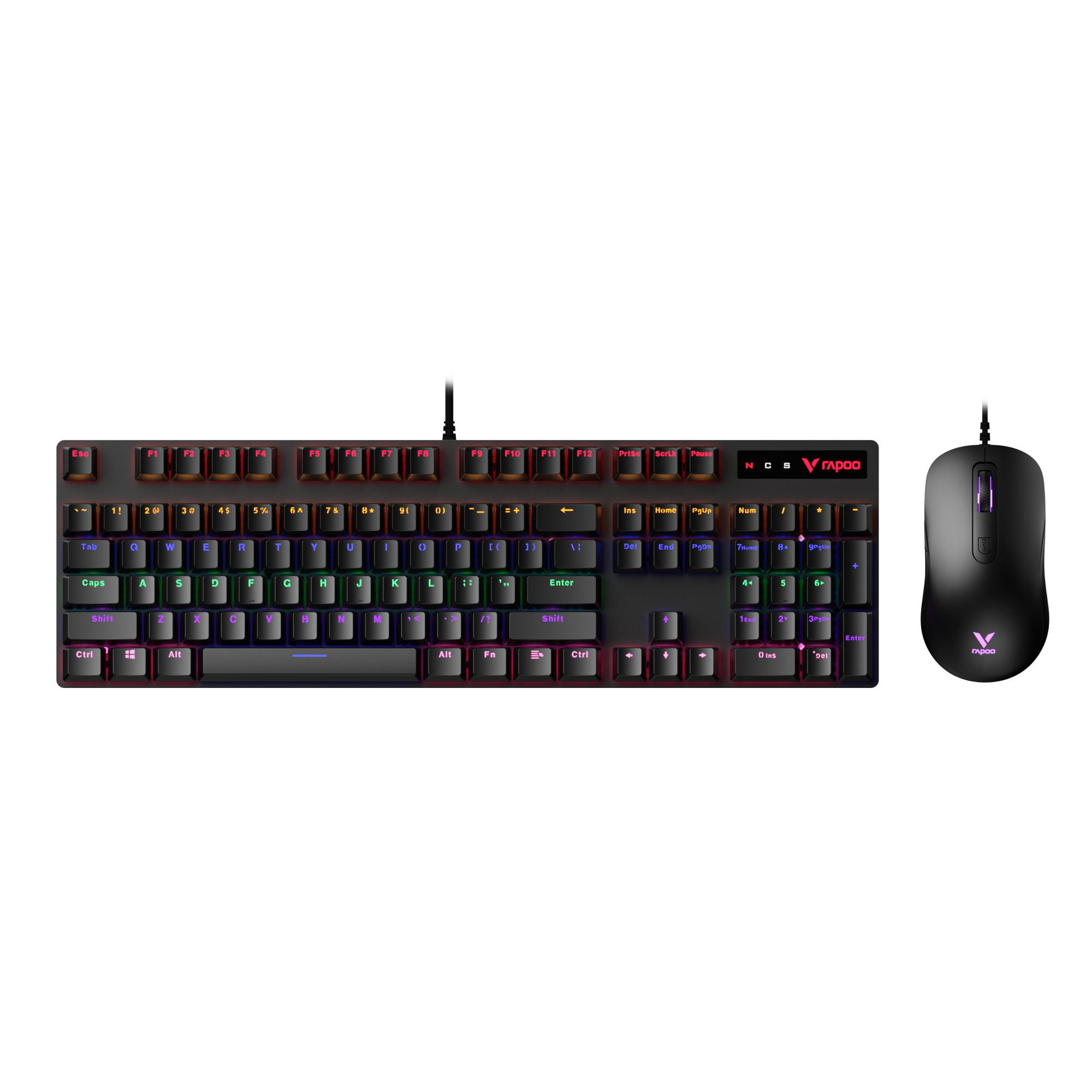
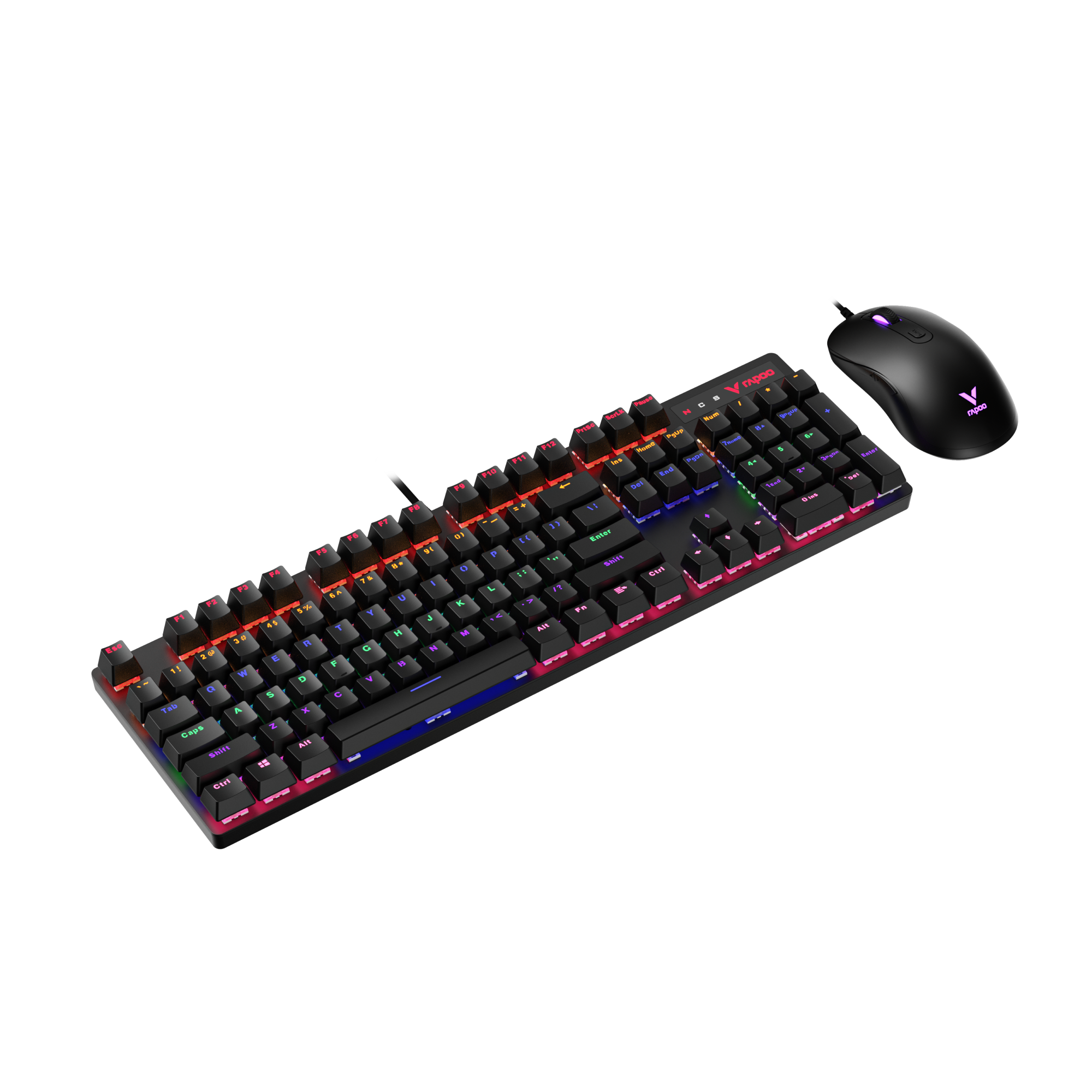
If you’ve ever used a gaming keyboard or a mechanical keyboard, you’ve probably felt it—some keyboards feel smooth and effortless, others feel more deliberate, and some are unmistakably loud. Most of the time, that difference doesn’t come from the keyboard itself, but from the switches under the keys.
At RAPOO, as one of the long-standing mechanical keyboard manufacturers, we see this question all the time: linear, tactile, or clicky—what’s the real difference, and which one actually fits how I use my keyboard? The answer isn’t about specs or hype. It’s about how a switch feels in real use—during gaming, typing, and long daily sessions.
In this guide, we’ll break down the three main keyboard switch types—linear, tactile, and clicky—in plain English, focusing on feel, sound, and real-world use cases, so you can understand what actually matters before choosing.
What Are Linear Switches?
Linear switches are keyboard switches that move straight down when pressed, without any tactile bump or clicking sound. In plain English, the keypress feels the same from top to bottom—smooth, even, and uninterrupted.

When you press a linear switch, there’s no physical signal to indicate the actuation point. The resistance stays consistent throughout the keystroke, which is why linear switches are often described as feeling “clean,” “fluid,” or “buttery.”
Common linear switch types you’ll often see include:
- Red switches – light, smooth, easy to press
- Silver switches – similar to red but with a shorter travel distance
- Black switches – linear like red, but with heavier resistance
These are all linear switches—they differ mainly in how much force they require and how far the key travels, not in feedback style.
This smooth, uninterrupted motion is why linear switches for gaming are so common. In fast-paced games, players frequently make repeated keystrokes, quick taps, or held inputs. With no bump or click slowing the motion, linear switches can feel more controlled and less fatiguing over long sessions.
The trade-off is that linear switches provide no physical confirmation that a key has actuated. For some users—especially typists or newcomers—this can lead to accidental key presses, since every press feels the same.
Best fit: Linear switches are ideal for gaming and fast, repeated keystrokes where smoothness and consistency matter more than tactile feedback.
What Are Tactile Switches?
Tactile switches are keyboard switches that include a noticeable bump during the keypress, but do not produce a loud click sound. In plain terms, you can feel when the key activates, but you don’t hear it.

As you press a tactile switch, your finger encounters a small resistance point—the tactile bump—right around the actuation point. This bump serves as physical feedback, letting you know the key has registered without needing to bottom out the key every time.
Common tactile switch types you’ll often see include:
- Brown switches – moderate tactile bump with relatively light resistance
- Clear switches – stronger, more pronounced bump with heavier feel
All of these fall under the tactile category. The main differences between them are how sharp the bump feels and how much force is required to press past it—not whether they click or make noise.
This feedback is why tactile switches for typing are so popular. The bump helps many users develop a more controlled typing rhythm, reducing accidental key presses and improving accuracy during long writing or work sessions. They’re also commonly chosen by users who split time between typing and gaming.
The downside is that the tactile bump can feel distracting to some people, especially in fast-paced games where uninterrupted motion is preferred. Compared to linear switches, the resistance change may feel slightly slower or less fluid during rapid repeated inputs.
Best fit: Tactile switches are well suited for typing, office work, and mixed use, especially for users who want physical feedback without the noise of clicky switches.
Note on electro-capacitive (Topre) switches: Electro-capacitive switches, often referred to as Topre-style switches, are not traditional mechanical switches. However, in terms of typing feel, they are usually categorized as tactile. They provide a soft, rounded bump without an audible click, offering clear feedback through a cushioned, non-metal contact design.
What Are Clicky Switches?
Clicky switches are keyboard switches that provide both a tactile bump and a distinct clicking sound when the key actuates. In simple terms, you don’t just feel the key register—you clearly hear it.
As you press a clicky switch, your finger first encounters a tactile bump, followed immediately by an audible click. This sound is generated by a dedicated click mechanism inside the switch, designed to give clear confirmation that the keypress has been registered.

Common clicky switch types you’ll often see include:
- Blue switches – light to moderate resistance with a sharp, high-pitched click
- Green switches – similar to blue but with heavier resistance and a firmer feel
These are all clicky switches. The difference between them is mainly the weight of the keypress and how strong the tactile feedback feels, not the presence of the click itself.
Clicky switches are popular with users who enjoy strong sensory feedback when typing. The combination of sound and tactile response can make typing feel more deliberate and rhythmic, which some people find satisfying and confidence-boosting.
The downside is obvious: clicky switches are the loudest keyboard switch type. The click sound is produced on every keystroke, which can be distracting or disruptive in shared spaces like offices, classrooms, or voice calls. In fast-paced gaming, the click and bump can also feel slower or less fluid compared to linear switches.
Best fit: Clicky switches are best for users who value clear feedback and don’t need to worry about noise—especially in private or sound-tolerant environments.
Linear vs Tactile vs Clicky: Feel Differences Explained

To clearly compare linear vs tactile vs clicky switches, it helps to look at how each switch type behaves during the same keypress.
Keystroke Feel Comparison
| Feel Attribute | Linear | Tactile | Clicky |
|---|---|---|---|
| Keypress motion | Smooth, uninterrupted | Smooth with a bump | Bump plus click |
| Physical feedback | None | Noticeable tactile bump | Tactile bump |
| Audible feedback | Minimal | Low to moderate | Loud, distinct click |
| Resistance change | Consistent from top to bottom | Increases briefly at the bump | Increases at the bump |
| Actuation awareness | No physical signal | Felt through the bump | Felt and heard |
| Overall feel | Clean and fluid | Controlled and deliberate | Sharp and pronounced |
From a feel perspective:
- Linear switches are completely smooth—nothing interrupts the motion.
- Tactile switches introduce a small resistance point that signals actuation.
- Clicky switches add sound on top of that bump for maximum feedback.
How Feedback Changes the Experience
Feedback plays a big role in typing confidence. With tactile or clicky switches, your fingers receive a physical signal that a keypress has registered, which can reduce accidental presses and improve rhythm. Linear switches remove that signal, which some users find faster and others find less controlled.
Resistance also changes differently across the press:
- Linear resistance stays consistent from top to bottom
- Tactile resistance increases briefly at the bump, then drops
- Clicky resistance mirrors tactile, with sound layered on top
A simple way to visualize it:
- Linear feels like sliding your finger across smooth glass
- Tactile feels like pressing a button with a soft notch
- Clicky feels like flipping a light switch with a click
Because feel is something your fingers learn over time, preference often changes with experience. What feels strange at first can become natural after days or weeks of use.
Key takeaway: When choosing between linear, tactile, and clicky switches, trust how they feel to you—not marketing claims or popularity.
Which Switch Type Is Best for Gaming?

When it comes to gaming, consistency matters more than feedback. Most in-game actions rely on repeated, predictable key presses rather than confirmation cues. A switch that feels the same every time helps build muscle memory and reduces hesitation during long sessions.
This is why linear switches for gaming are so common. Their smooth, uninterrupted keypress makes rapid movements, strafing, and key spamming feel controlled and effortless. With no bump or click interrupting the motion, many players find linear switches easier to use in fast-paced games. The trade-off is that there’s no physical signal when a key actuates, which can lead to occasional accidental presses for some users.
Tactile switches can still work well in gaming, especially for players who split time between games and typing. The tactile bump provides confirmation without the loud noise of clicky switches, which some players prefer for ability-based games or slower-paced titles where precision matters more than constant key repeats.
Clicky switches are generally the least common choice for competitive play. The loud click and extra feedback can feel distracting during intense moments, and the sound may interfere with voice chat or shared environments. That said, some casual players enjoy the strong feedback and don’t find it limiting.
Game type also matters. In fast-paced competitive games, smoother switches tend to feel more natural, while in casual or strategy games, feedback becomes less of a drawback.
For most gamers, linear switches offer the most consistent experience. Tactile switches are a solid choice for hybrid gaming and typing, while clicky switches are best reserved for casual play where noise isn’t a concern.
Which Switch Type Is Best for Typing and Office Work?

For most people, tactile switches are the best choice for typing and office work. The tactile bump provides clear feedback that helps maintain accuracy and rhythm during long typing sessions—without the loud noise of clicky switches.
Clicky switches can feel satisfying to type on, but their constant clicking is often distracting in shared offices or during calls, making them less practical in most work environments. Linear switches are quieter and smooth, which can reduce finger fatigue over time. However, the lack of feedback means some typists may press keys accidentally or bottom out more until they adapt.
Your work environment matters as much as your typing style. Quiet offices and shared spaces favor lower noise, while private rooms allow more flexibility.
Noise Levels Compared: Quiet vs Loud Switches
If noise matters, switch type makes a clear difference. Linear switches are generally the quietest, tactile switches sit in the middle, and clicky switches are the loudest by design.
| Noise Factor | Linear | Tactile | Clicky |
|---|---|---|---|
| Built-in sound | None | Minimal | Loud click |
| Keystroke noise | Low | Moderate | High |
| Office friendliness | High | Medium | Low |
| Call/stream impact | Least noticeable | Sometimes audible | Often distracting |
Why this happens:
- Linear switches lack a bump or click, so sound mainly comes from the key hitting the bottom.
- Tactile switches add a bump, which introduces a bit more noise.
- Clicky switches include a click mechanism that produces sound on every press.
Typing style and environment still matter—hard bottoming out will be louder on any switch—but the built-in click is the biggest noise driver.
Common Myths About Keyboard Switch Types
Myth: Linear switches are “faster.”
Linear switches are often marketed as faster, but real-world performance doesn’t work that way. It’s true that some linear switches—such as short-travel linear switches like silver switches—have a much shorter actuation distance (around 1.2 mm) compared to other linear options like red switches (around 2 mm). This shorter actuation can feel extremely responsive and “snappy,” especially for rapid taps and quick inputs.
However, faster actuation also comes with a trade-off. Short-travel linear switches typically require a longer release distance before the key fully disengages. In FPS games like VALORANT, precise shooting depends on clean counter-strafing—releasing one movement key or tapping the opposite direction to stop instantly before firing. If the previous movement key hasn’t fully disengaged when the opposite key is pressed, the game may still register movement, causing failed stops and crosshair drift.
This means that while short-travel linear switches can feel faster on press, they may make release timing less forgiving, which can hurt control in precision-based gameplay. A smooth switch can feel responsive, but it won’t automatically improve accuracy or reaction if clean input timing isn’t there.
Myth: Clicky switches are best for typing.
Clicky switches feel satisfying because they provide both sound and tactile feedback, but that doesn’t mean they improve typing quality. The loud click adds noise without increasing accuracy, and in shared or professional environments it often becomes a drawback rather than a benefit.
Myth: Tactile switches are a “compromise.”
Tactile switches aren’t a middle-ground weakness—they’re a deliberate choice. The tactile bump provides clear actuation feedback without the distraction of a click, which is exactly what many typists and mixed-use users want.
Myth: Beginners need a specific switch type.
There’s no “beginner switch.” New users adapt quickly to different feels, and comfort develops with use. Starting with any switch type is fine as long as it suits your environment and preferences.
The biggest misconception is confusing feel with performance. Switches don’t make you faster or more accurate on their own—how confident and comfortable you feel does.
Ignore marketing myths and spec hype. The right switch is the one that feels comfortable and consistent for you.
Start by thinking about how and where you use your keyboard most. Fast-paced gaming often favors smoother switches that feel consistent during rapid inputs, while typing or office work benefits from physical feedback that improves accuracy and comfort. Your environment matters too—shared offices, calls, or late-night use usually require quieter switches. At the same time, consider finger strength and long-session fatigue: lighter, smoother switches can reduce strain, while switches with feedback may help prevent bottoming out and unnecessary force.

If you’re still unsure which switch type you prefer—or you want to try different switch feels without buying a new keyboard each time—a hot-swappable mechanical keyboard is a practical option. Hot-swap boards let you change switches individually without soldering, making it easy to experiment and refine your preference over time. For example, RAPOO’s V700DIY series gaming keyboards support full-key hot-swapping and come preinstalled with Kailh silver switches, allowing users to explore different switch types as their habits evolve.
A simple way to decide:
- Mostly gaming → lean smooth and consistent
- Mostly typing → lean feedback and control
- Mixed use or shared space
FAQ
What is the difference between linear, tactile, and clicky switches?
The difference is mainly feel and noise—not quality. Linear switches are smooth with no feedback and are best for gaming and fast repeated inputs. Tactile switches add a noticeable bump, making them better for typing and mixed use. Clicky switches combine a bump with a loud click and are best for users who want strong feedback and type in private spaces.
Are linear switches better for gaming?
Yes, in most cases. Linear switches are widely used for gaming because their smooth, uninterrupted keystroke feels consistent during rapid or repeated movements. They aren’t objectively faster, but many players find them easier to control over long sessions where timing and consistency matter more than feedback.
Are tactile switches good for typing?
Yes. Tactile switches are well suited for typing because the tactile bump provides clear physical confirmation of each keypress. This feedback helps improve accuracy, reduce accidental presses, and maintain a steady typing rhythm, especially during long writing or office work sessions.
Why are clicky switches so loud?
Clicky switches are loud because they include a built-in click mechanism that intentionally produces an audible sound when the key actuates. This sound provides strong confirmation for the user, but it also makes clicky switches poorly suited for shared offices, calls, or quiet environments.
Are linear switches quiet compared to tactile switches?
Generally, yes. Linear switches are usually quieter than tactile switches because they don’t include a bump that adds extra sound during actuation. However, overall noise still depends on how hard you type and how much you bottom out the keys, not just the switch type itself.
Which keyboard switch type is best for beginners?
There is no single best switch for beginners, but tactile switches are often the easiest starting point. They provide clear feedback without excessive noise, making it easier to learn typing rhythm and avoid mistakes. Linear switches suit quiet environments, while clicky switches are better only if noise isn’t a concern.