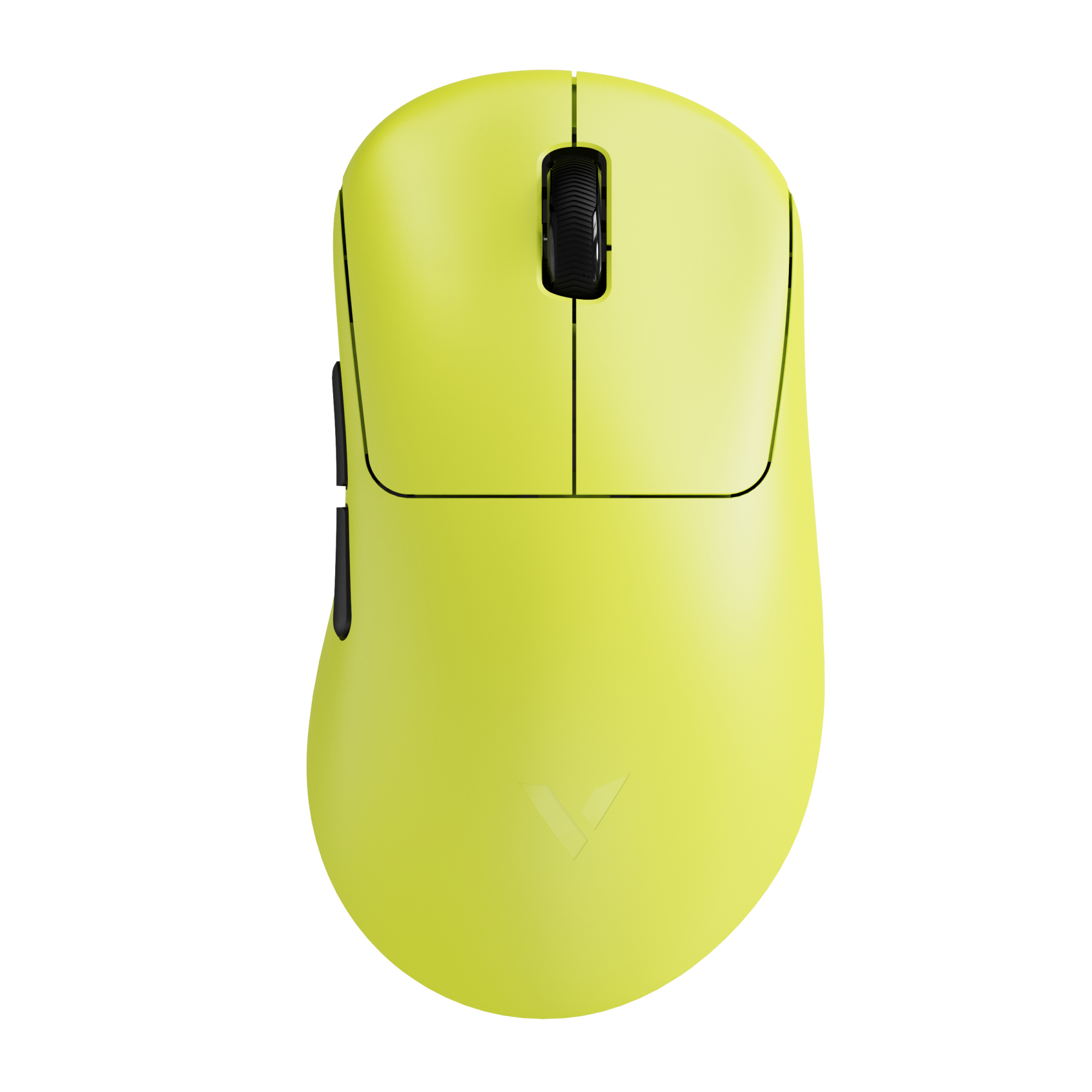
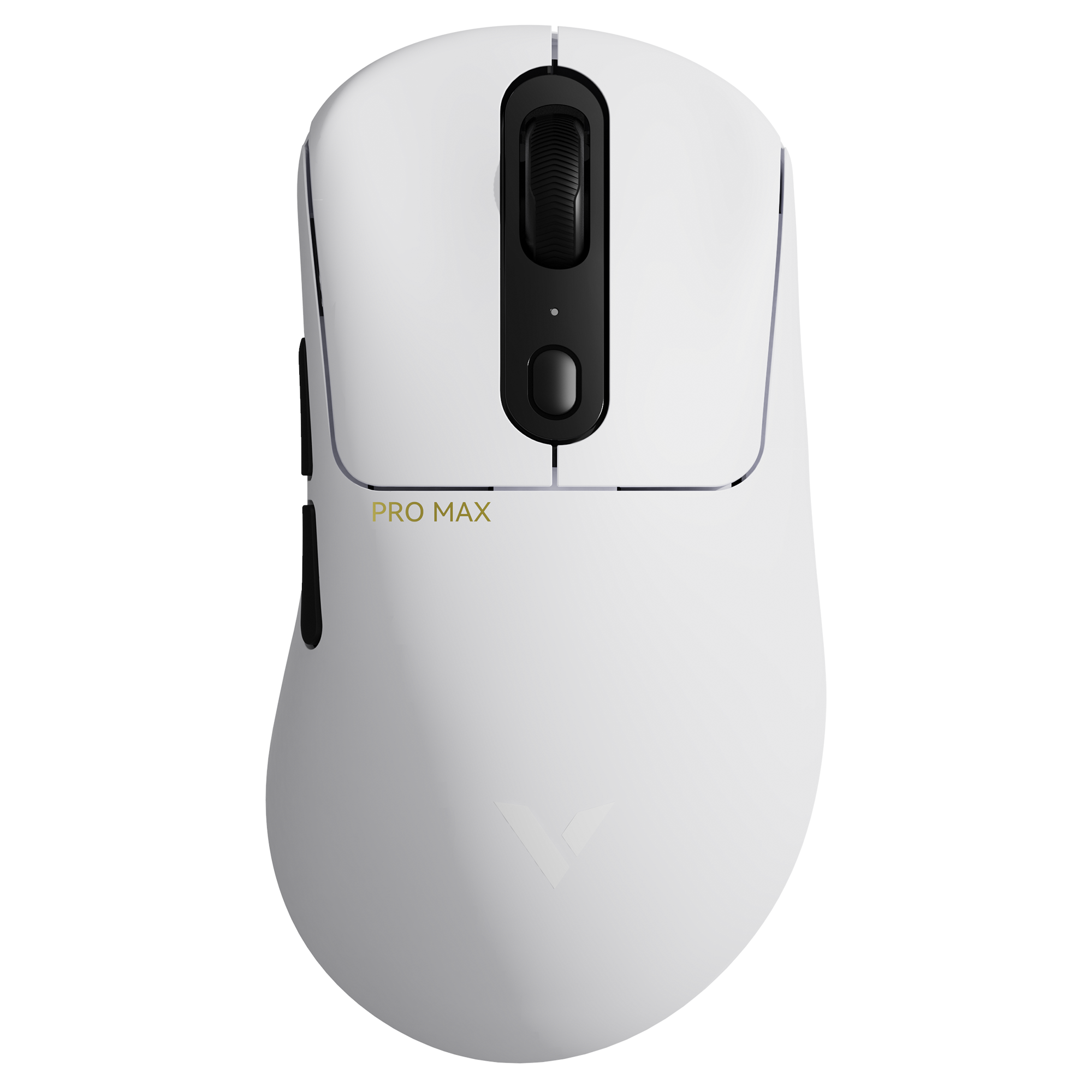
Why do two wireless gaming mice that look almost identical have a noticeable price difference? Why do some models support an 8000Hz polling rate, while others are limited to 1000Hz? And when you see Nordic 54L15 vs 54H20 in the specs, what does that actually mean for performance?
Many gamers focus on the sensor, weight, or switch type. But fewer people ask the deeper question: does the MCU affect mouse latency and overall feel? If you're searching for the difference between 54L15 and 54H20 or wondering which is better nRF54L15 or nRF54H20, the real answer isn’t just about model numbers — it’s about what those chips enable inside the mouse.
The key point is this: the MCU inside a wireless mouse plays a major role in polling rate, processing speed, wireless stability, and battery efficiency. In this guide, we’ll break down how Nordic’s 54L15 and 54H20 differ — and more importantly, how those differences translate into real-world gaming performance.
What Is Nordic 54L15 and 54H20 in a Gaming Mouse?
When discussing Nordic 54L15 vs 54H20, it’s important to understand one thing first: these chips are not sensors. They are the MCU (microcontroller unit) — the control center of a wireless gaming mouse.

In a modern Nordic MCU gaming mouse, the MCU sits between the sensor and your computer. The optical sensor captures movement data, but the MCU is responsible for processing that data, packaging it into USB reports, and transmitting it wirelessly with precise timing. In other words, the sensor tracks — the MCU decides how efficiently and how quickly that tracking information reaches your PC.
What Does the MCU Actually Do Inside a Wireless Mouse?
The MCU handles several critical functions that directly impact real-world performance:
- Sensor data processing – It interprets raw DPI tracking data and manages motion algorithms.
- Polling rate control – It determines whether the mouse reports at 1000Hz, 4000Hz, or 8000Hz.
- Wireless communication management – It maintains stable 2.4GHz connectivity and handles packet timing.
- Power management – It controls sleep states, voltage scaling, and battery optimization.
- Firmware execution – Debounce logic, motion smoothing, macro storage, and onboard profiles all run through the MCU.
This is why the question “does MCU affect mouse performance?” has a clear answer: yes — significantly. Polling consistency, click latency, wireless stability, and battery life are all influenced by the processing architecture of the chip inside.
Recommended reading: Bluetooth vs 2.4Ghz Wireless Mouse: What’s the Real Difference?
54L15 vs 54H20: Different Design Priorities
Although both chips belong to Nordic’s newer 54-series platform, they target different performance tiers.
Nordic 54L15 is designed with a strong emphasis on low power efficiency. In gaming mice, this typically translates to:
- Longer battery life
- Stable 1000Hz–4000Hz polling
- Optimized power draw during idle and active use
- Lightweight wireless designs focused on endurance
Nordic 54H20, on the other hand, is built for higher processing throughput and performance headroom. In practical mouse terms, this means:
- Better support for 8000Hz polling rate
- Faster interrupt handling
- Greater computational capacity for high-frequency reporting
- Stronger support for ultra-low latency implementations
To simplify the difference:
| Chip | Primary Focus | Typical Gaming Mouse Positioning |
|---|---|---|
| 54L15 | Low power + balanced performance | Long-lasting wireless gaming mice |
| 54H20 | High processing performance | Competitive 8K polling gaming mice |
Why This Matters More Than It Seems
Many gamers compare specs like DPI, IPS, or weight. But under the shell, the MCU determines whether those specs are fully realized. A high-end sensor paired with a limited MCU can’t sustain extreme polling rates efficiently. Likewise, an overpowered MCU may enable advanced features — but at the cost of higher energy consumption.
So when comparing Nordic 54L15 vs 54H20, you're really comparing two design philosophies:
- Efficiency-focused wireless endurance
- Performance-focused ultra-high polling capability
In the next section, we’ll break down the key hardware differences — CPU capability, memory structure, and processing headroom — and explain how those technical differences translate into measurable gaming impact.
Key Hardware Differences Between 54L15 and 54H20
Below is a spec-accurate comparison for the Nordic 54L15 vs 54H20 discussion, focused on what actually matters inside a gaming mouse (polling, latency headroom, wireless robustness, and battery efficiency).
| Feature | Nordic nRF54L15 | Nordic nRF54H20 | What it means for a mouse |
|---|---|---|---|
| CPU architecture / clock | 1× Arm Cortex-M33 @ 128 MHz + 1× RISC-V coprocessor @ 128 MHz | Multiple Arm Cortex-M33 up to 320 MHz + multiple RISC-V coprocessors | More compute headroom helps sustain high report rates and more complex firmware without timing jitter. |
| On-chip memory (NVM / RAM) | 1.5 MB NVM + 256 KB RAM | 2 MB NVM + 1 MB RAM | Bigger RAM helps buffering + more features (wireless stacks, motion logic, debounce, onboard profiles). |
| Max TX power | +8 dBm (CSP) / +7 dBm (QFN) | +10 dBm | Higher TX power can improve link margin in noisy 2.4GHz environments (crowded desks, LAN events). |
| RX sensitivity (1 Mbps BLE) | -96 dBm (1M BLE) | -99 dBm (1M BLE) | Better sensitivity = stronger reception for the same conditions (fewer drops / retries). |
| Radio current (RX) | 3.4 mA RX @ 0 dBm (@ 3 V) | as low as 1.7 mA RX (3 V, DC/DC) | Lower RX current helps efficiency during receive-heavy behavior (keeping a tight link, listening windows). |
| Radio current (TX @ 0 dBm) | 4.8 mA TX @ 0 dBm (@ 3 V) | Not listed on the product page (only RX current highlighted) | TX current matters a lot for 8K: more air-time + more packets can cost battery. |
| Sleep current | 0.7–2.9 µA (@ 3 V) | Not specified on the product page | Sleep behavior determines “real” standby drain when the mouse sits overnight. |
| High-speed USB | Not listed (L15 page highlights SPI/UART + peripherals, not HS USB) | High-speed USB 480 Mbps | Makes it easier to build advanced dongles / wired modes / richer multi-mode designs without extra controllers. |
Why these differences matter
CPU speed / architecture This is the heart of does MCU affect mouse performance? In a wireless mouse, the MCU is constantly juggling sensor bursts, click scanning, packet scheduling, and USB reporting timing. The nRF54H20’s multi-M33 up to 320 MHz gives more scheduling and processing headroom than the nRF54L15’s 128 MHz M33 + 128 MHz RISC-V setup.
This doesn’t just mean “higher clock” — it determines whether a mouse can sustain very high report rates with fewer timing compromises.
RAM / firmware complexity A jump from 256 KB RAM (L15) to 1 MB RAM (H20) is huge in embedded terms. More RAM can mean cleaner buffering (sensor → motion pipeline → radio → USB), more robust wireless stacks, and room for features like richer onboard profiles—while still keeping the timing stable. This is one reason some brands lean “H-series” for their flagship designs.
Processing headroom and “8K stability” Users often ask why some gaming mice support 8k polling rate. A big part of the answer is whether the platform can keep every 0.125 ms timing window consistent under load (sensor interrupts + RF + USB report). Extra compute headroom doesn’t guarantee 8K, but it reduces how close you are to the edge—which affects stability and consistency.
Wireless robustness (TX power + sensitivity) H20’s +10 dBm TX and -99 dBm sensitivity (1M BLE) vs L15’s +8/+7 dBm TX and -96 dBm (1M BLE) means H20 can offer a stronger link budget on paper. In mouse terms, better link budget can translate into fewer retransmissions and steadier behavior in congested 2.4GHz environments (though antenna design and firmware matter a lot too).

Does the MCU Affect Mouse Polling Rate?
Yes — the MCU directly influences how high a mouse’s polling rate can go and how stable it remains under load. Polling rate refers to how often the mouse sends updates to the PC: 1000Hz (1ms), 4000Hz (0.25ms), or 8000Hz (0.125ms) per report. As the rate increases, the timing window shrinks dramatically — meaning the MCU must process sensor data, manage wireless transmission, and schedule USB reports far more frequently and precisely.

Both Nordic 54L15 and 54H20 support 8000Hz, but sustaining it consistently is where architecture matters. Higher polling amplifies system pressure: more interrupts, tighter scheduling, more radio packets, and higher power draw. That’s why searches like does MCU affect mouse latency or why some mice support 8K polling rate are really about processing headroom and timing stability.
What Changes as Polling Rate Increases?
- CPU workload increases → more frequent sensor reads and report formatting
- Wireless bandwidth pressure rises → tighter packet scheduling
- Power consumption increases → more active cycles per second
- Firmware optimization becomes critical → less room for inefficiency
In practical terms:
- 54H20 offers more processing margin, making high polling easier to stabilize under heavy use.
- 54L15 is highly efficient and can support 8K with careful tuning, but it’s especially well-balanced for 1000–4000Hz designs focused on endurance and efficiency.
The MCU doesn’t just “allow” a polling rate — it determines how cleanly and efficiently that rate is delivered.
nRF54L15 vs nRF54H20: Wireless Stability and Signal Processing
Core RF & System-Level Specs (Directly Related to Link Stability)
| Parameter | nRF54L15 | nRF54H20 | What It Means for a Mouse |
|---|---|---|---|
| Max TX Power | +8 dBm (CSP) / +7 dBm (QFN) | +10 dBm | Higher TX power improves link margin in noisy environments |
| RX Sensitivity (BLE 1M) | ~ –96 to –98 dBm | ~ –99 to –100 dBm | Better sensitivity helps reduce packet loss |
| RX Current (3V, DC/DC) | ~3.4 mA | ~1.7 mA | Lower RX current improves efficiency during active link maintenance |
| CPU Frequency | 128 MHz M33 | Up to 320 MHz M33 |
Higher compute headroom during heavy
traffic |
| RAM | 256 KB | 1 MB | Larger buffers for packet handling and scheduling |
| Max Data Rate (2.4GHz proprietary) | Up to 4 Mbps | Up to 4 Mbps | Both can support high-throughput custom protocols |
Wireless stability is not just about signal strength — it’s about how well the system handles interference, packet retries, and processing under load. The slight RF advantage of the 54H20 — higher TX power and stronger RX sensitivity — improves link margin in crowded 2.4GHz environments (LAN events, Wi-Fi-dense setups, metal desks). Its larger RAM and higher CPU ceiling also help manage packet buffering and retransmission logic when running 4000Hz–8000Hz polling.
That said, the 54L15 remains highly balanced. Its RF performance is already strong enough for competitive wireless gaming, and when paired with optimized firmware and antenna design, packet loss rates remain extremely low. The difference isn’t that one is “stable” and the other isn’t — it’s that 54H20 provides more headroom under extreme load, while 54L15 delivers excellent stability with better power efficiency.
In short:
- 54H20 → stronger load tolerance and interference margin
- 54L15 → well-balanced stability with lower power cost
For most real-world gaming setups, both are capable — but system tuning determines the final experience.
Is 54H20 Overkill for Most Gamers?
This is the real decision point in the Nordic 54L15 vs 54H20 discussion. On paper, 54H20 clearly offers more processing headroom and system resources. But the important question isn’t “Which is stronger?” — it’s “Who actually benefits from that extra headroom?”
Let’s break it down by user type.
🟢 Casual Users (Office, General Gaming, 1000Hz–2000Hz)
For everyday gaming, browsing, and productivity, 54L15 is more than sufficient. At 1000Hz polling, latency is already extremely low, and the difference between chip architectures becomes practically invisible in real-world use.
In this category, efficiency matters more than extreme throughput. A 54L15-based mouse typically delivers:
- Excellent wireless stability
- Long battery life
- Lower heat and lower active power draw
For most players outside competitive FPS environments, 54H20 would likely be unnecessary overhead.
🟡 Competitive Players (Serious FPS, 4000Hz–8000Hz Consideration)
For competitive gamers, the answer depends on configuration and sensitivity.
If you:
- Play fast-paced FPS titles
- Run high refresh rate monitors (240Hz+)
- Use 4000Hz or experiment with 8000Hz polling
Then additional MCU headroom can help maintain stable timing under load. That doesn’t mean 54L15 can’t do it — it can — but 54H20 offers more margin during extreme input bursts and heavy scheduling scenarios.
For many competitive players, well-optimized 54L15 implementations are already more than enough. The difference becomes situational rather than dramatic.
🔴 Esports Players / 8K Enthusiasts
This is where 54H20 makes the most sense.
If your goal is:
- Sustained 8000Hz polling
- Maximum processing headroom
- Multi-mode support (USB + 2.4G + Bluetooth)
- Future-proof hardware architecture
Then the additional CPU speed, RAM, and system resources of 54H20 provide breathing room at the edge of performance.
It’s not that 54L15 cannot achieve 8K — it can. But 54H20 makes high-frequency operation easier to stabilize and scale.
Final Perspective
For the majority of gamers, 54H20 is not strictly necessary.
But for users chasing maximum performance margins, extreme polling rates, or long-term hardware scalability, it offers advantages that go beyond marketing numbers.
In other words:
- 54L15 = balanced efficiency + strong performance
- 54H20 = maximum headroom + high-end positioning
The right choice depends less on specs — and more on how you actually play.
nRF54L15 vs nRF54H20: Which One Should You Choose?
At this point, the Nordic 54L15 vs 54H20 decision isn’t about which chip is “better” — it’s about which one aligns with your priorities. Both are modern, capable wireless SoCs. The difference lies in efficiency vs performance headroom.
Here’s a simple decision guide:
✅ If You Want Longer Battery Life
→ Choose 54L15
- Lower active power profile
- Strong sleep-state efficiency
- Ideal for 1000–4000Hz setups
- Better balance between performance and endurance
For users who care about fewer charging cycles and consistent daily use, 54L15-based mice are often the smarter pick.

Rapoo VT0 MAX Gen-2 Wireless Gaming
- MCUNORDIC 54L15
- Switch120-Million Optical Switch
- PollingUp to 8000Hz
- LOD0.7–1.7mm
RAPOOBg10 ✅ If You Want More Stable 8K Headroom
→ Choose 54H20
- Higher CPU frequency (up to 320MHz cores)
- Larger RAM (1MB vs 256KB)
- More processing margin at extreme polling rates
If you plan to run sustained 8000Hz polling, especially in competitive FPS scenarios, the additional headroom helps maintain timing consistency.
✅ If You Care About Budget Efficiency
→ Choose 54L15
- Leaner architecture
- Lower integration complexity
- Well-optimized for high-performance wireless without premium overhead
For most gamers, the performance difference at 1000Hz–4000Hz will be minimal, making 54L15 a cost-effective choice.
✅ If You Want Future-Proof Hardware
→ Choose 54H20
- Larger memory footprint
- Multi-core architecture
- High-speed USB integration
- Greater scalability for advanced firmware features
For enthusiasts who want maximum spec flexibility and next-generation positioning, 54H20 provides more expansion headroom.
FAQ
1. Does the MCU affect gaming mouse performance?
Yes. The MCU (microcontroller unit) manages sensor data processing, polling rate timing, wireless transmission, debounce logic, and power control. While latency is also influenced by the sensor, firmware optimization, and receiver design, the MCU determines how efficiently these components work together. A stronger MCU provides more processing headroom, especially at higher polling rates, reducing the risk of timing instability under heavy load.
2. Why do some gaming mice support 8000Hz polling?
Supporting 8000Hz polling requires extremely tight timing — the mouse must send an update every 0.125ms. This increases CPU workload, wireless packet frequency, and scheduling precision requirements. Not all MCU architectures are optimized to sustain that frequency consistently while maintaining battery efficiency. Mice that support 8000Hz typically use higher-performance SoCs and carefully optimized firmware to manage the increased data throughput.
3. Is 8000Hz polling rate noticeable?
For most users, the difference between 1000Hz and 8000Hz is subtle. The theoretical latency improvement from 1ms (1000Hz) to 0.125ms (8000Hz) is measurable, but human perception and overall system latency often mask much of that gain. Competitive FPS players using high-refresh monitors (240Hz+) may benefit from smoother micro-adjustments, but for casual gaming and everyday use, 1000Hz–4000Hz is already extremely responsive.
4. Does 8K polling reduce battery life?
Yes, in most cases. Higher polling rates increase CPU wake cycles, radio transmissions, and USB report frequency, which all consume more power. Even with efficient wireless SoCs, running at 8000Hz typically shortens battery life compared to 1000Hz or 4000Hz. The actual impact depends on firmware optimization and power management design, but higher polling almost always trades endurance for performance.
5. Which Nordic chip is better for wireless gaming mice?
It depends on the target use case. The nRF54L15 is optimized for power efficiency and balanced wireless performance, making it ideal for long-lasting 1000–4000Hz gaming mice. The nRF54H20 offers greater processing headroom, more RAM, and higher peak performance capability, which can be advantageous for sustained 8000Hz polling and feature-rich, high-end designs. Neither is universally “better” — they serve different design priorities.
6. Is Nordic 54H20 worth the extra cost?
For most gamers running 1000Hz or 4000Hz, the practical difference may be minimal, making 54L15-based mice a strong value option. However, for enthusiasts who want stable 8000Hz polling, multi-mode flexibility, or future-proof hardware headroom, 54H20 can justify its premium positioning. The value ultimately depends on whether you prioritize efficiency and balance, or maximum performance margin.