






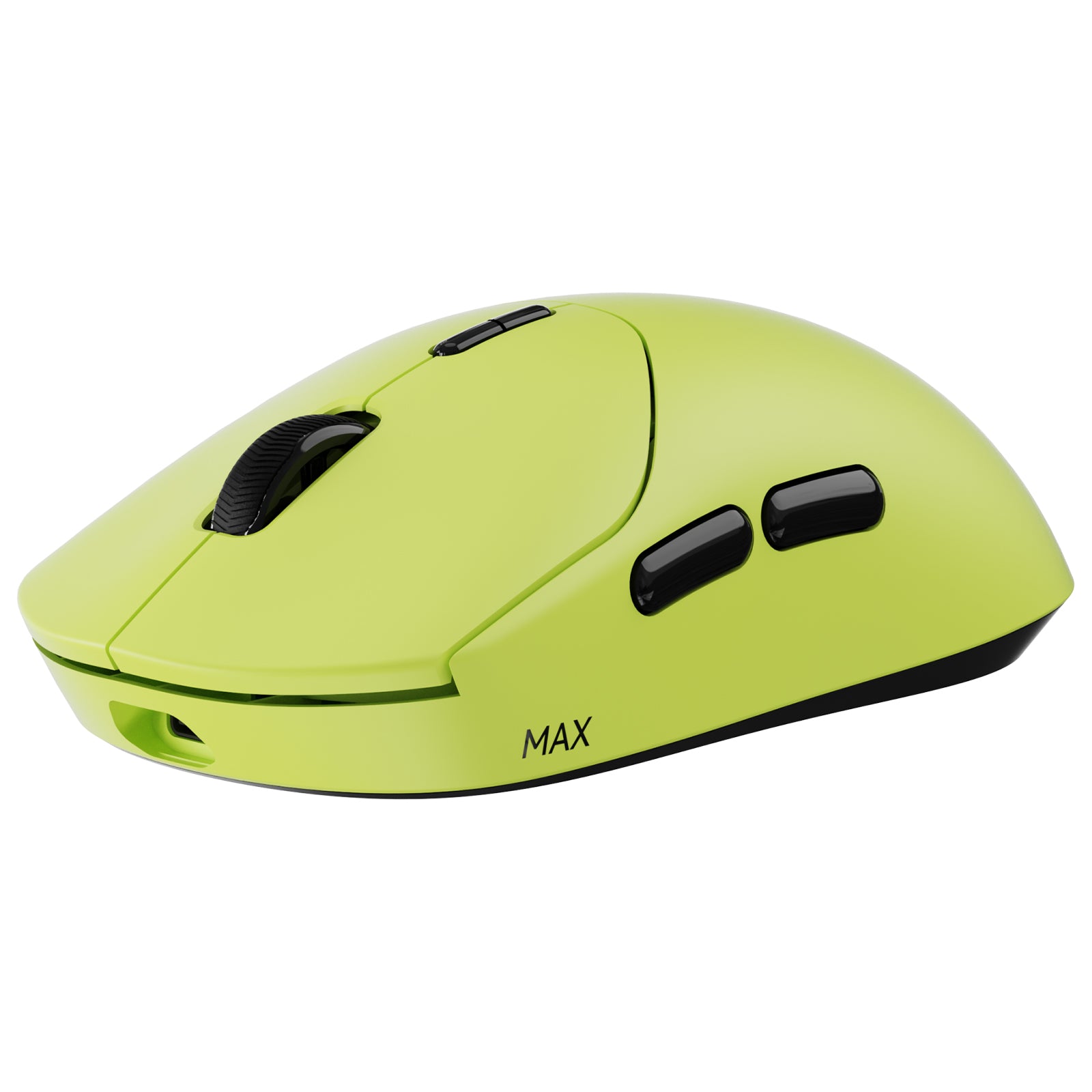
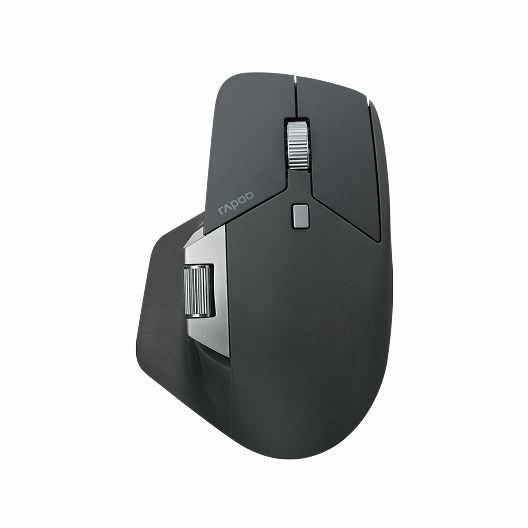




Rapoo VT2 Max Gen-2 53g Ultra-Lightweight Wireless Gaming Mouse | 8K Polling Rate & PAW3950 Sensor


Choose your option


Rapoo VT3 Max Gen-2: Ultra-lightweight Wireless Ergonomic Esports Mouse | PAW3950 Sensor | 8K Polling Rate

Choose your option


Rapoo VT7 Max Gen-2 8K Wireless Gaming Mouse Ultra Lightweight


Choose your option

Rapoo MT760 Pro Ergonomic Wireless Mouse,NearLink + Bluetooth 5.0 Multi-Device, 12K DPI, 2K Polling, Ergo for Work & Gaming, 11 Programmable Buttons
Choose your option

Rapoo VT2 Wireless Gaming Mouse 8K Polling Rate Ultra Lightweight
Choose your option


Rapoo VT3S Max Gen-2 8K Wireless Gaming Mouse Ultra Lightweight

Choose your option


Rapoo VT3 Gen-2 8K Ergonomic Wireless Gaming Mouse Ultra Lightweight, 26000 DPI Optical Sensor

Choose your option


Rapoo VT7 Gen-2 8K Polling Rate Wireless Gaming Mouse Ultra Lightweight


Choose your option
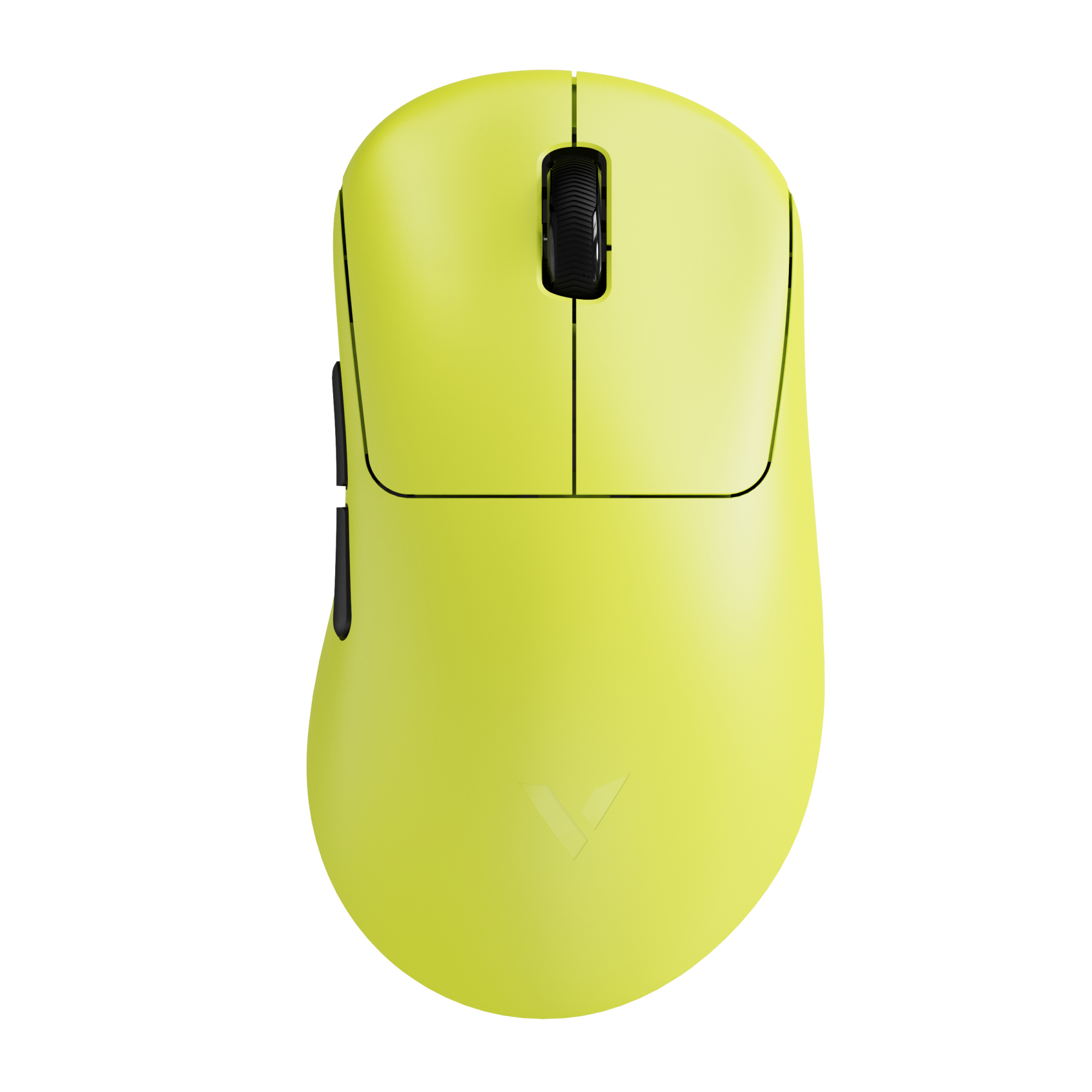

Rapoo VT3S Gen-2 8K Wireless Gaming Mouse Ultra Lightweight

Choose your option


Rapoo VT1 Max Gen-2 8K Wireless Gaming Mouse Ultra Lightweight

Choose your option

Rapoo VT0 Max Gen-2 Wireless Gaming Mouse | 8K Hz Polling | Ultra-Lightweight
Choose your option


Rapoo MT760L / MT760Mini Multi-Device Wireless Mouse

Choose your option

Rapoo VT9 MAX Gen-2 8K Wireless Gaming Mouse Ultra Lightweight

Choose your option

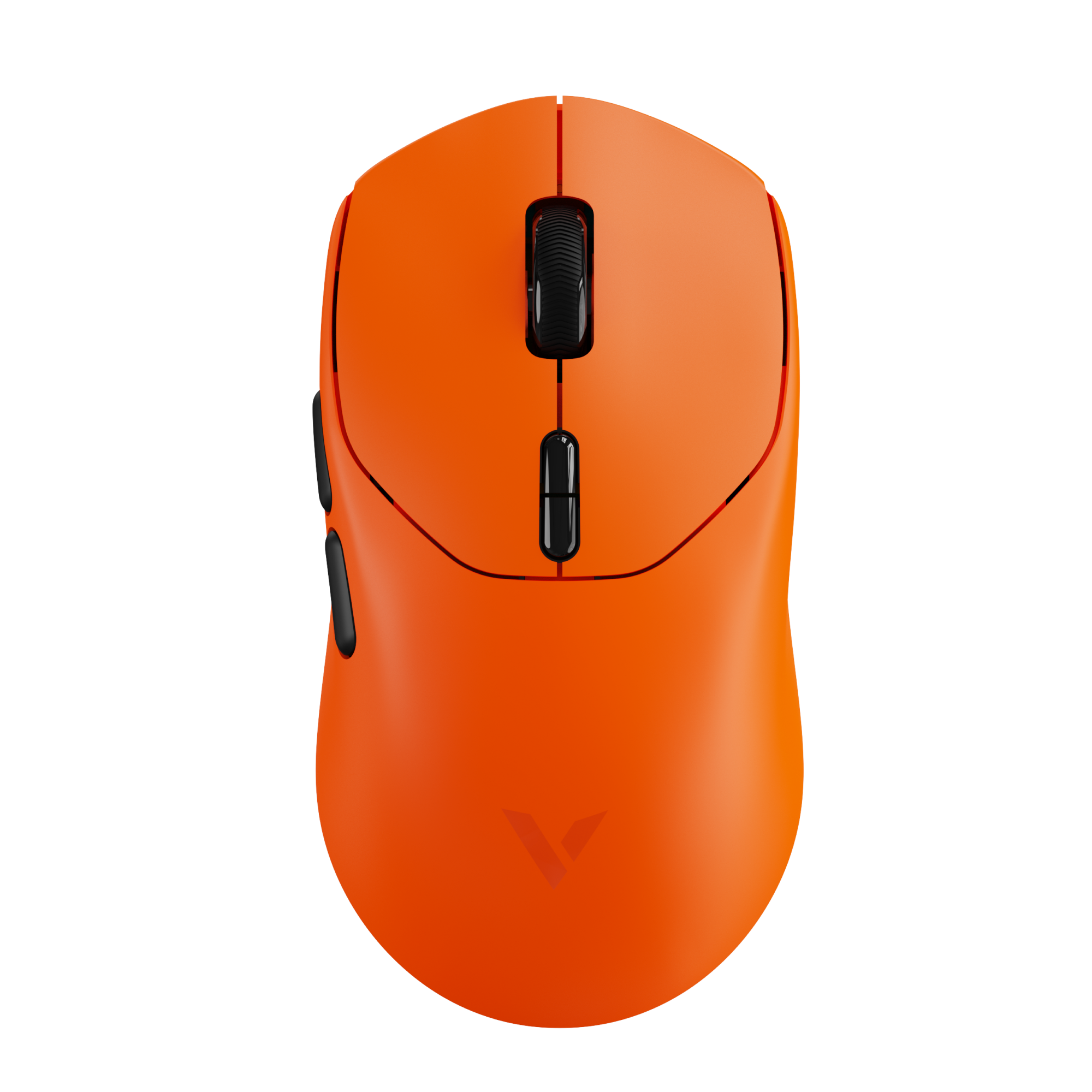
Rapoo VT1 Gen-2 8K Wireless Gaming Mouse Ultra Lightweight

Choose your option


Rapoo VT0 Gen-2 8K Wireless Gaming Mouse Ultra Lightweight

Choose your option
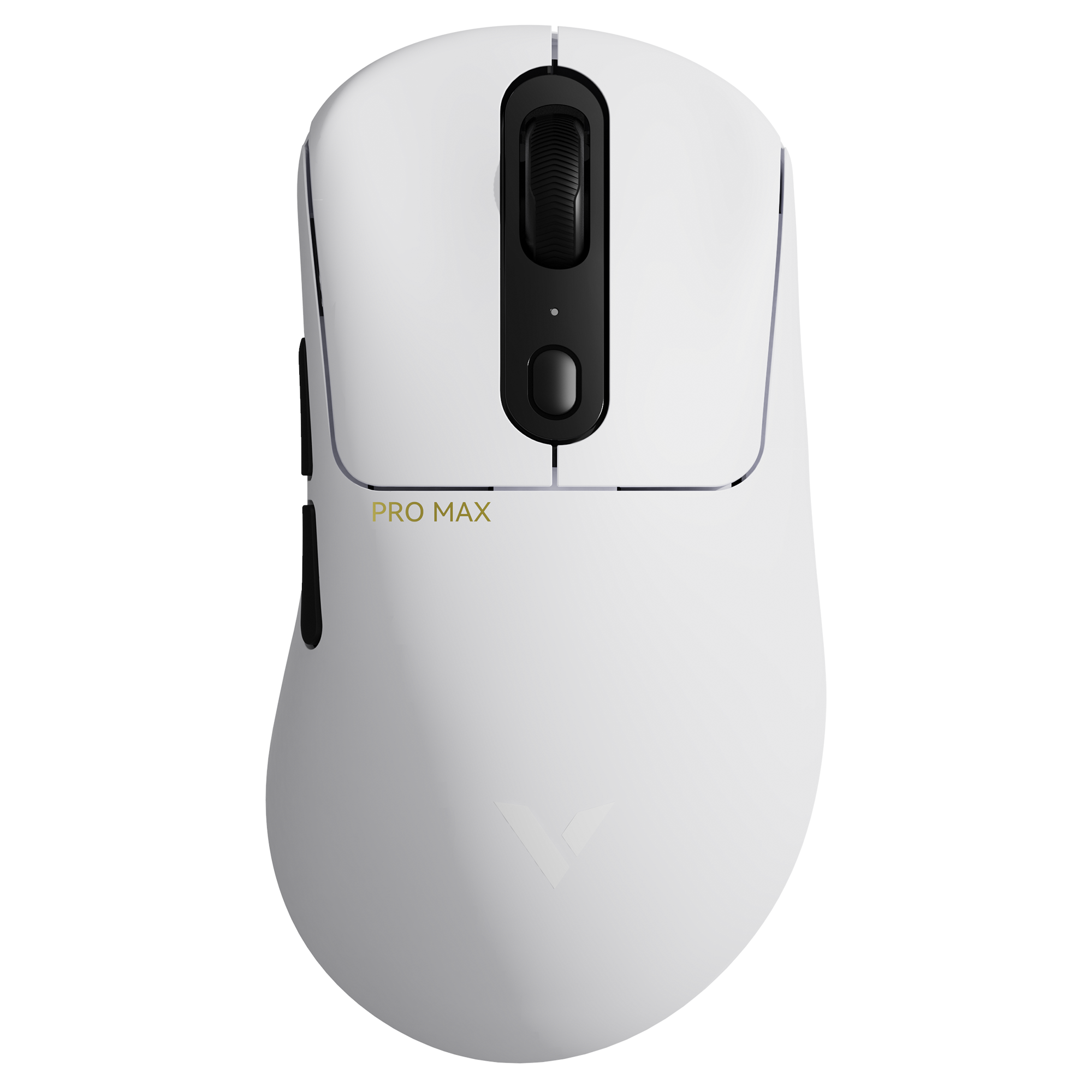

Rapoo VT3 Pro Max Wireless Gaming Mouse
Choose your option


Rapoo VT9Pro Wireless Gaming Mouse with PAW3398 Sensor

Choose your option

Rapoo VT9 Gen-2 8K Wireless Gaming Mouse Ultra Lightweight
Choose your option
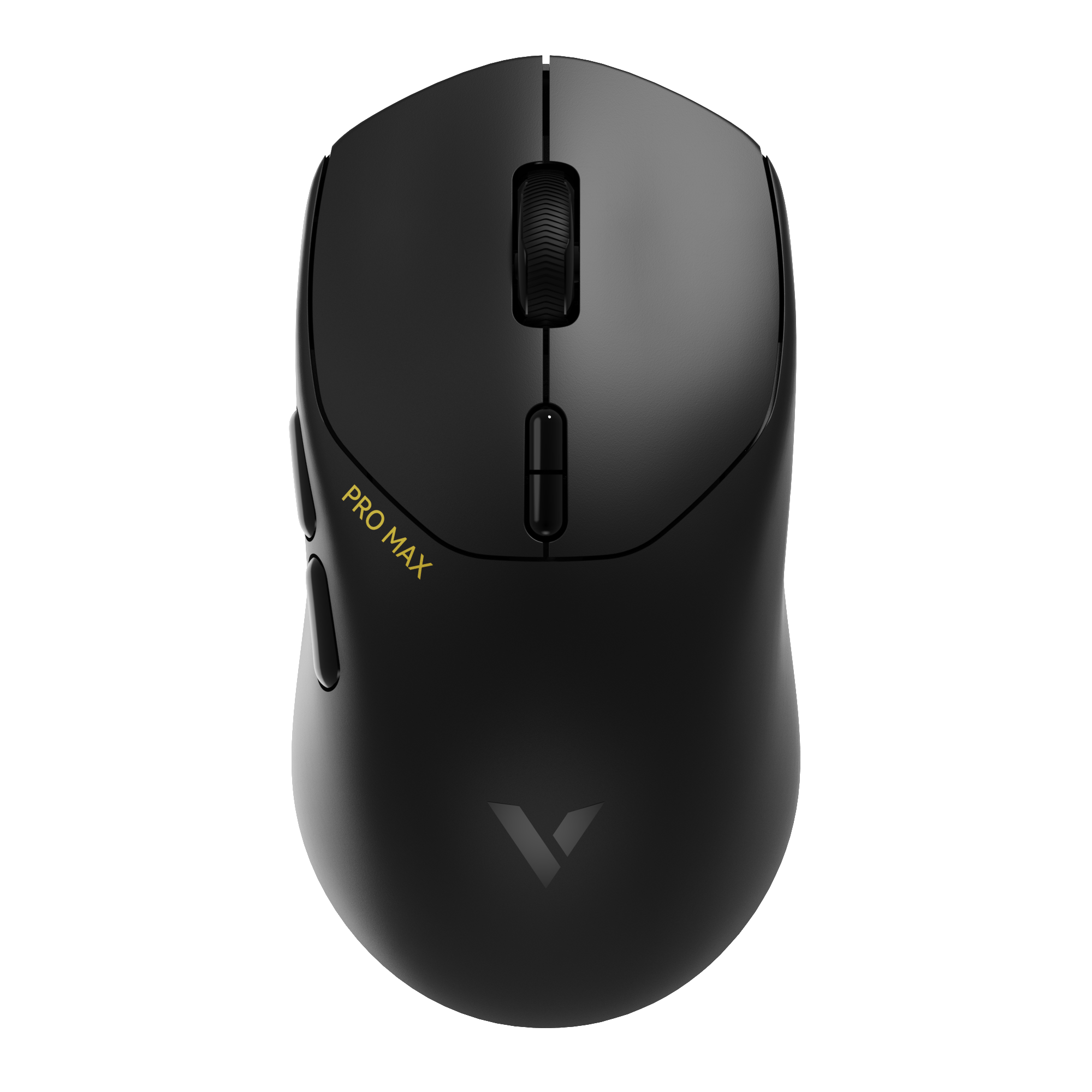
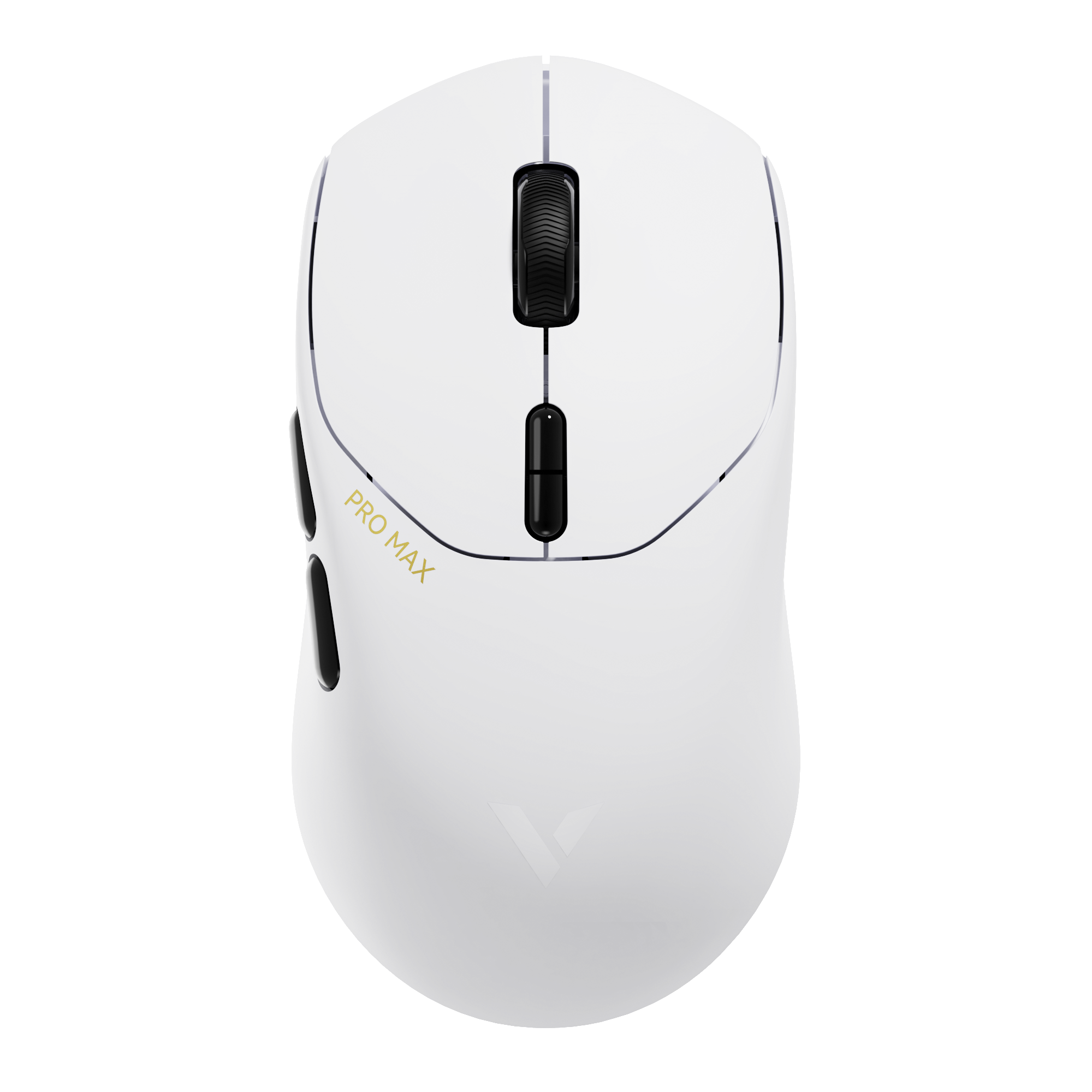
Rapoo VT1 Pro Max Wireless Gaming Mouse
Choose your option


Rapoo VT7 Series Gen-2 8K Wireless Gaming Mouse Ultra Lightweight
Choose your option
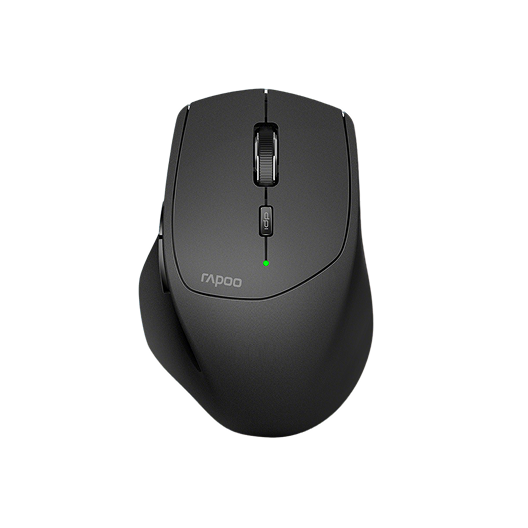
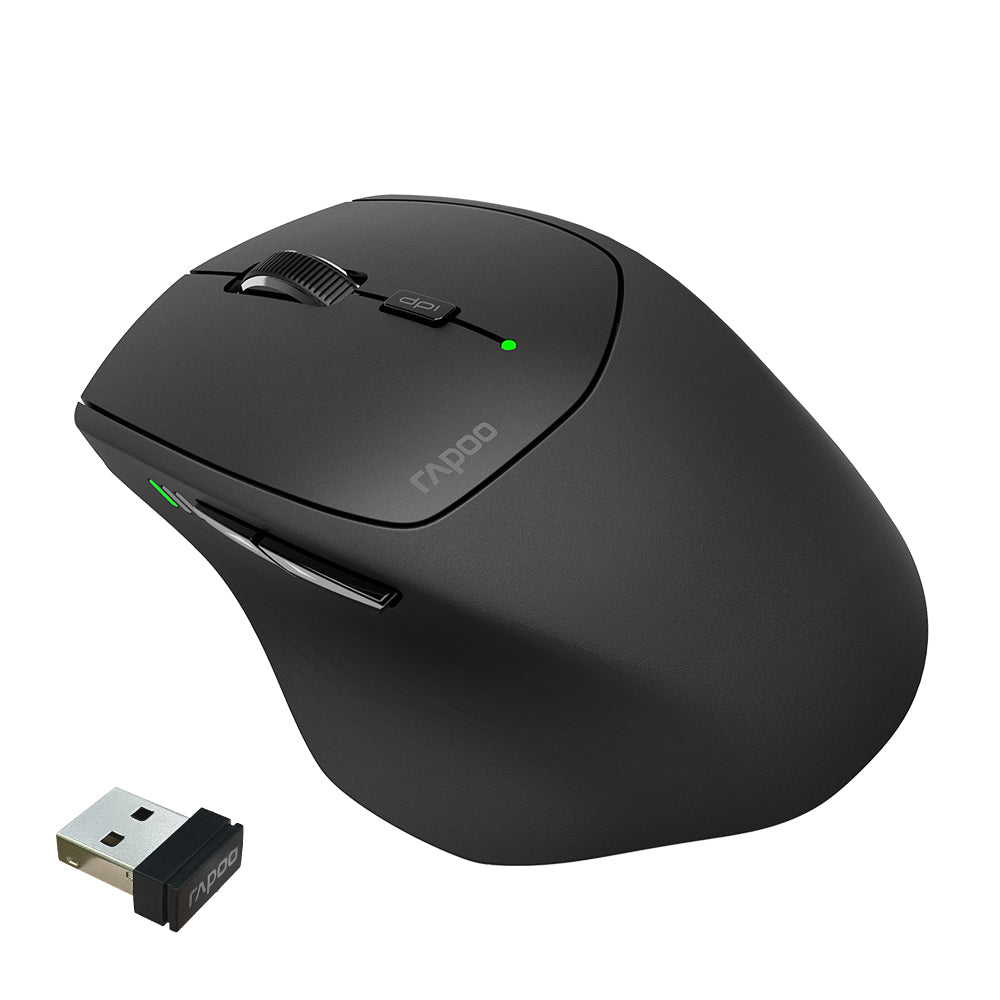
Rapoo MT550 Multi-Device Wireless Optical Mouse
Choose your option


Rapoo MT560 Multi-mode Wireless Mouse


Choose your option


Rapoo V30L Wired/Wireless Lightweight Gaming Mouse
Choose your option

Rapoo VT3S Max Master 8K Wireless Gaming Mouse
Choose your option
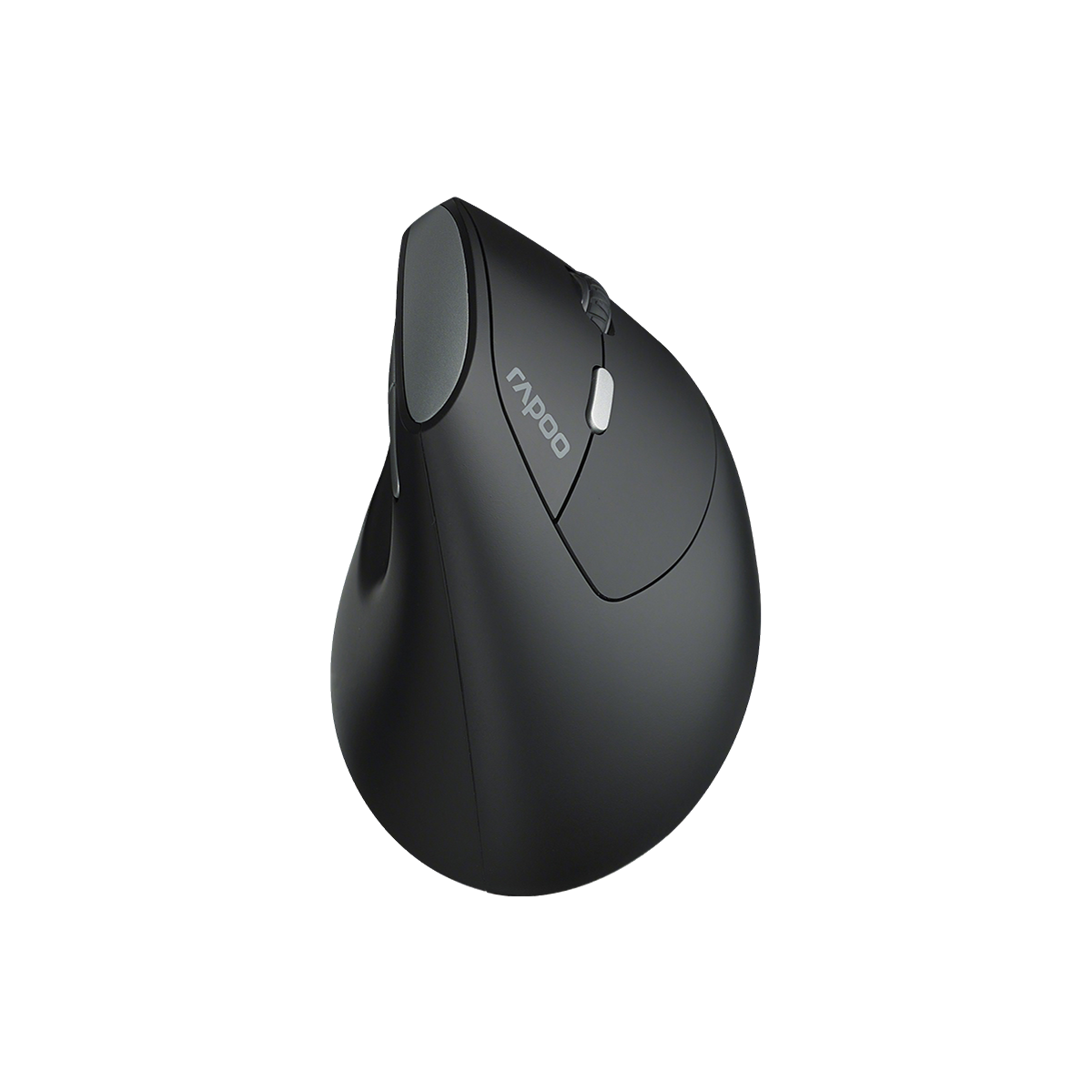
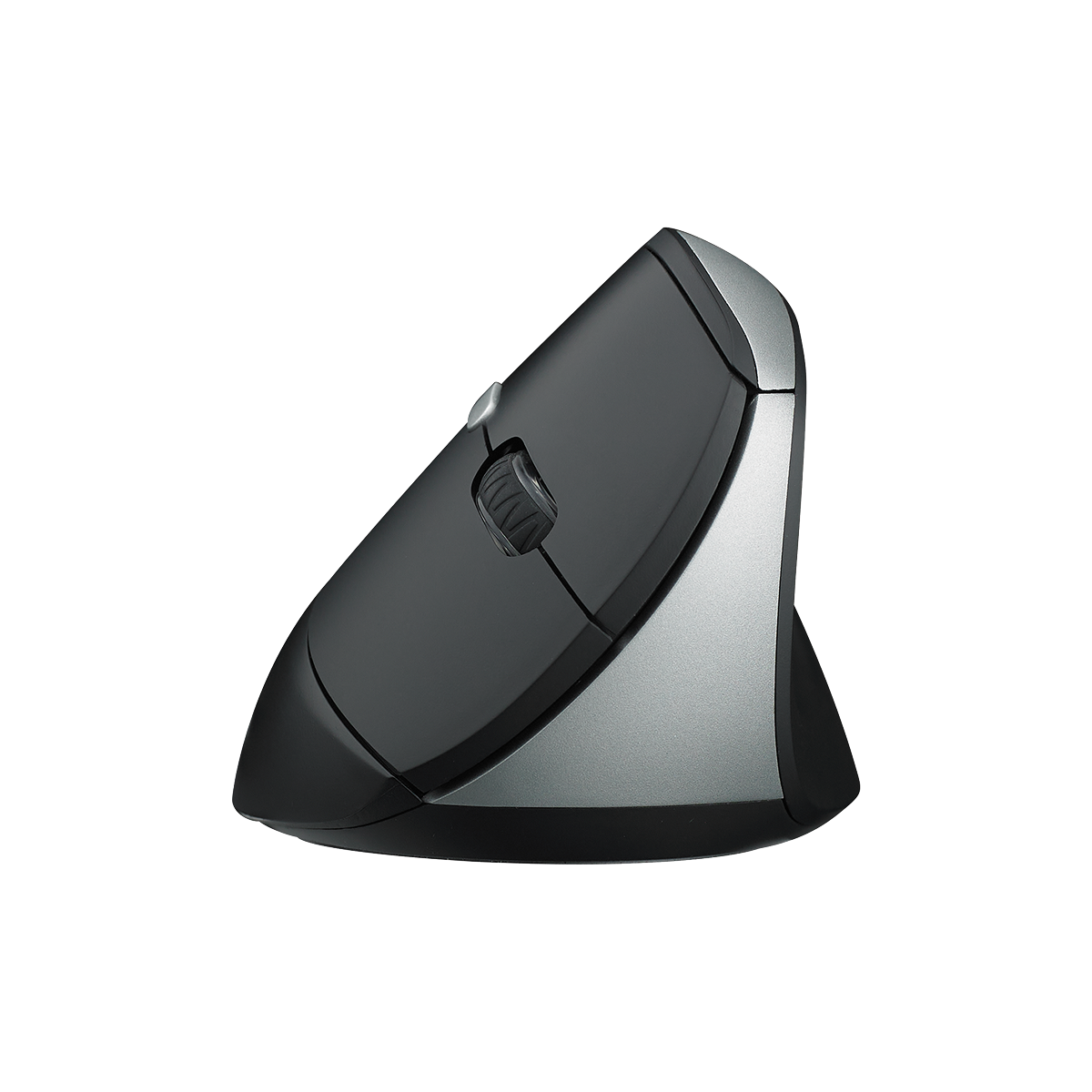
Rapoo EV250 Silent Vertical Ergonomic Wireless Optical Mouse
Choose your option
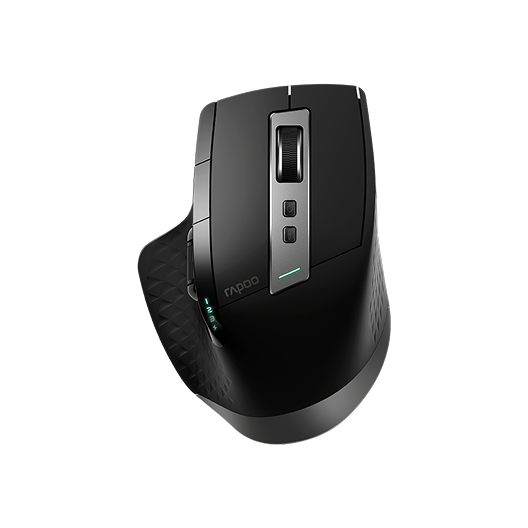

Rapoo MT750 Multi-Device Wireless Ergonomic Mouse
Choose your option


Rapoo VT3s Air Max Ultralight 8K Wireless Ergonomic Gaming Mouse
Choose your option


Rapoo VT0 Max Master 8K Wireless Gaming Mouse
Choose your option


Rapoo VT0 Air Max Ultralight 8K Wireless Ergonomic Gaming Mouse
Choose your option
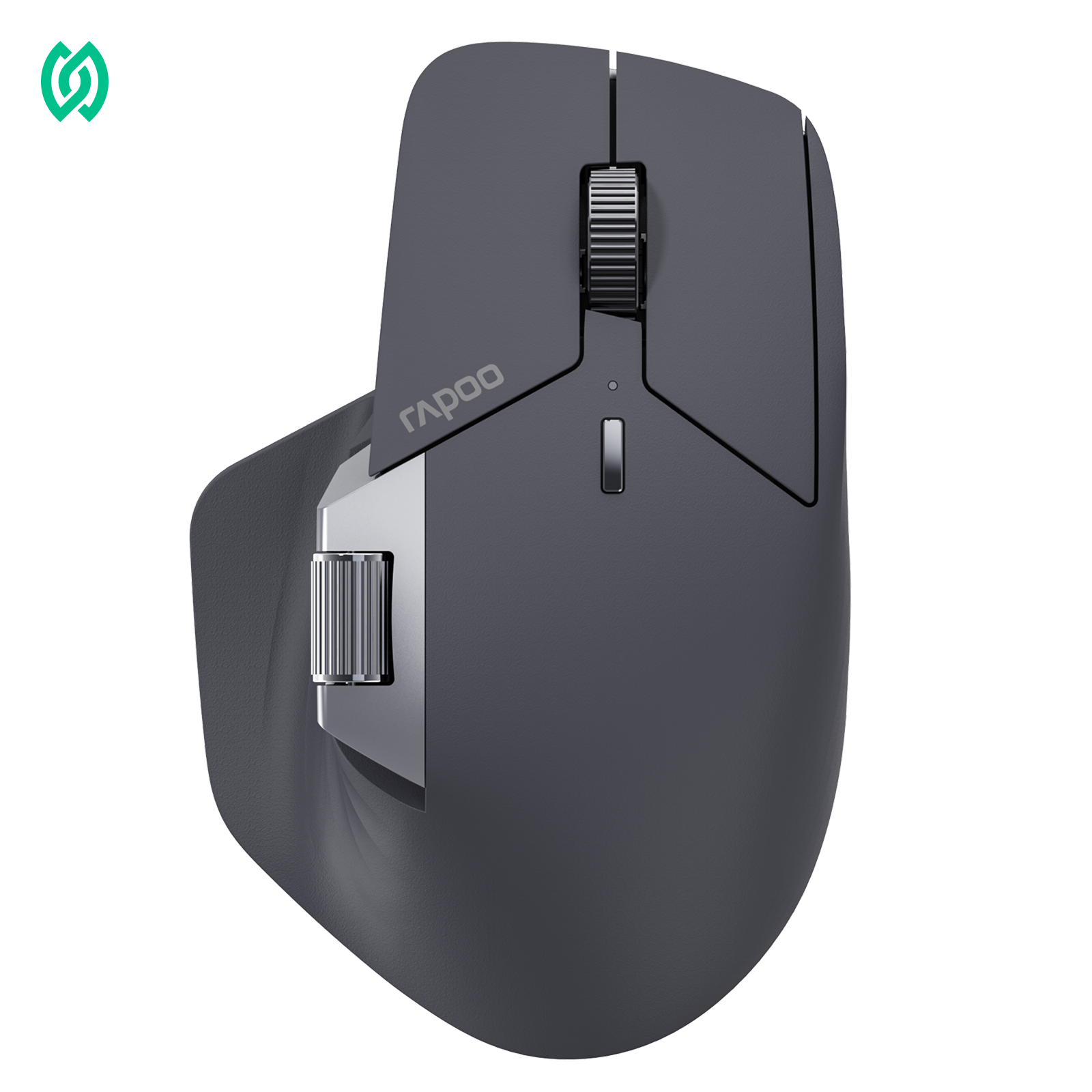
How to choose the right multi-device wireless mouse

Start with your device mix
If you’ll use Windows + macOS, a multi-device mouse with straightforward pairing and quick channel switching is key. For tablet-heavy setups, Bluetooth pairing convenience often matters most.

Bluetooth vs 2.4GHz for everyday work
Bluetooth is great for clean setups and modern laptops, while 2.4GHz receiver connections can feel more “plug-and-go” on desktops. If you move between devices often, having both options can make switching easier.
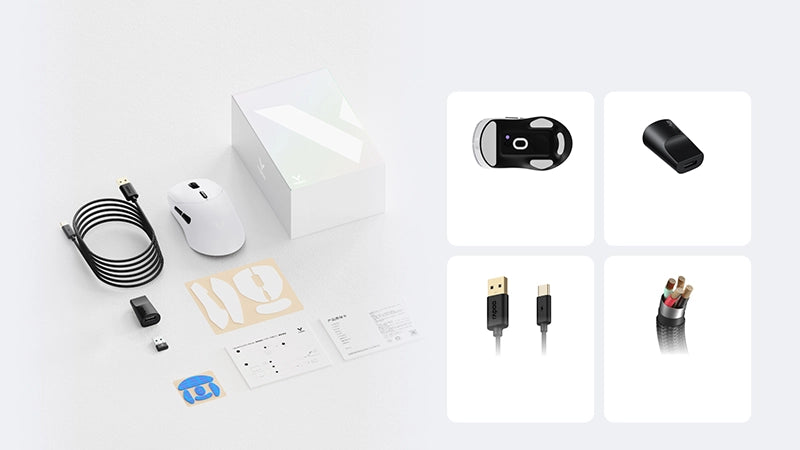
3 Channel Wireless Mouse for Seamless Multi-Device Switching
RAPOO 3 channel wireless mice are made for multi-device setups, letting you connect to multiple computers or tablets and swap between them with minimal interruption. This collection focuses on dependable wireless connectivity, precise cursor control, and comfortable shapes for long work sessions—ideal for home offices, shared desks, and on-the-go productivity.
What defines a 3 channel wireless mouse?

Multi-device switching (3 channels)
Connect up to three devices and toggle between them for workflows like laptop + desktop + tablet.
Look for clear channel indicators and easy switching placement so you can move between screens quickly.

Wireless connection options
Many multi-device mice combine Bluetooth and a 2.4GHz receiver connection for flexible pairing.
Choose the connection type that matches your devices and your workspace (travel, office, or home).

Responsiveness and stability
For productivity, the priority is stable signal and predictable movement rather than extreme gaming specs.
A reliable connection reduces dropouts when you’re switching devices frequently.
FAQs
What is a 3 channel wireless mouse?
What is a 3 channel wireless mouse?
A 3 channel wireless mouse is a multi-device mouse that can pair with up to three devices and switch between them using a channel selector. It’s designed for people who work across multiple screens—like a laptop, desktop, and tablet—without constantly re-pairing.
Can a 3 channel wireless mouse connect to three devices at the same time?
Can a 3 channel wireless mouse connect to three devices at the same time?
It can be paired to three devices and stay ready to switch, but you typically control only one device at a time. The mouse sends input to the currently selected channel, so switching channels changes which device receives clicks and movement.
Is Bluetooth or 2.4GHz better for a multi-device mouse?
Is Bluetooth or 2.4GHz better for a multi-device mouse?
Both can work well. Bluetooth is convenient for laptops and tablets without using a USB port, while 2.4GHz receiver connections are often simple for desktops and consistent at a desk. Many users prefer having both so they can match each device to the best connection.
Are rechargeable multi-device mice good for everyday office work?
Are rechargeable multi-device mice good for everyday office work?
Yes—rechargeable models are a practical fit for daily use because you can top up power instead of replacing batteries. For multi-device workflows, the biggest benefit is staying ready to switch devices throughout the day with fewer interruptions.
What DPI is good for a 3 device wireless mouse?
What DPI is good for a 3 device wireless mouse?
A moderate DPI range works for most people—lower for precise control and higher for large monitors or faster navigation. If you use multiple screens, adjustable DPI helps you keep cursor speed consistent when switching between different display sizes and resolutions.
How do I switch between devices on a 3 channel wireless mouse?
How do I switch between devices on a 3 channel wireless mouse?
Most 3 channel mice use a dedicated button or switch to change channels. Pair each device once, then tap the selector to move from channel 1 to 2 to 3. For the smoothest workflow, assign each channel to a specific device you use regularly.
Built for modern multi-device desks
A 3 channel wireless mouse is a simple upgrade for anyone juggling multiple computers or a mix of laptop, desktop, and tablet. With quick channel switching, dependable wireless performance, and comfortable shapes made for long sessions, you can keep your focus on work instead of reconnecting accessories.
RAPOO multi-device mice are a strong match for home offices, shared workspaces, and travel setups where flexibility matters. Pair your mouse with a wireless keyboard, add a mouse pad for steadier movement, and build a cleaner, more efficient workstation around RAPOO peripherals.


About Rapoo
Leading Brand in Wireless Mice and Keyboards Since 2002. Professional-grade Wireless Gaming Mice and Keyboards at Unbeatable Price.


