










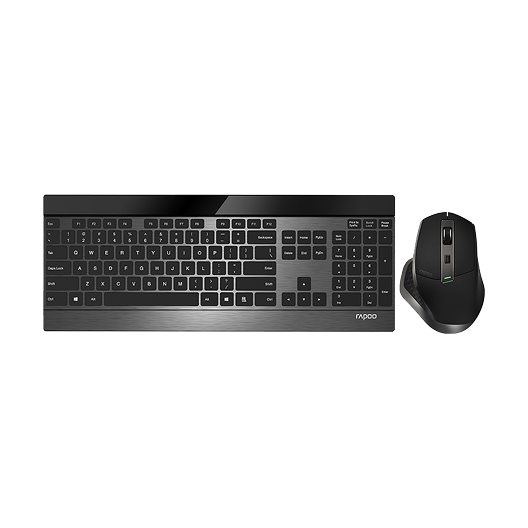
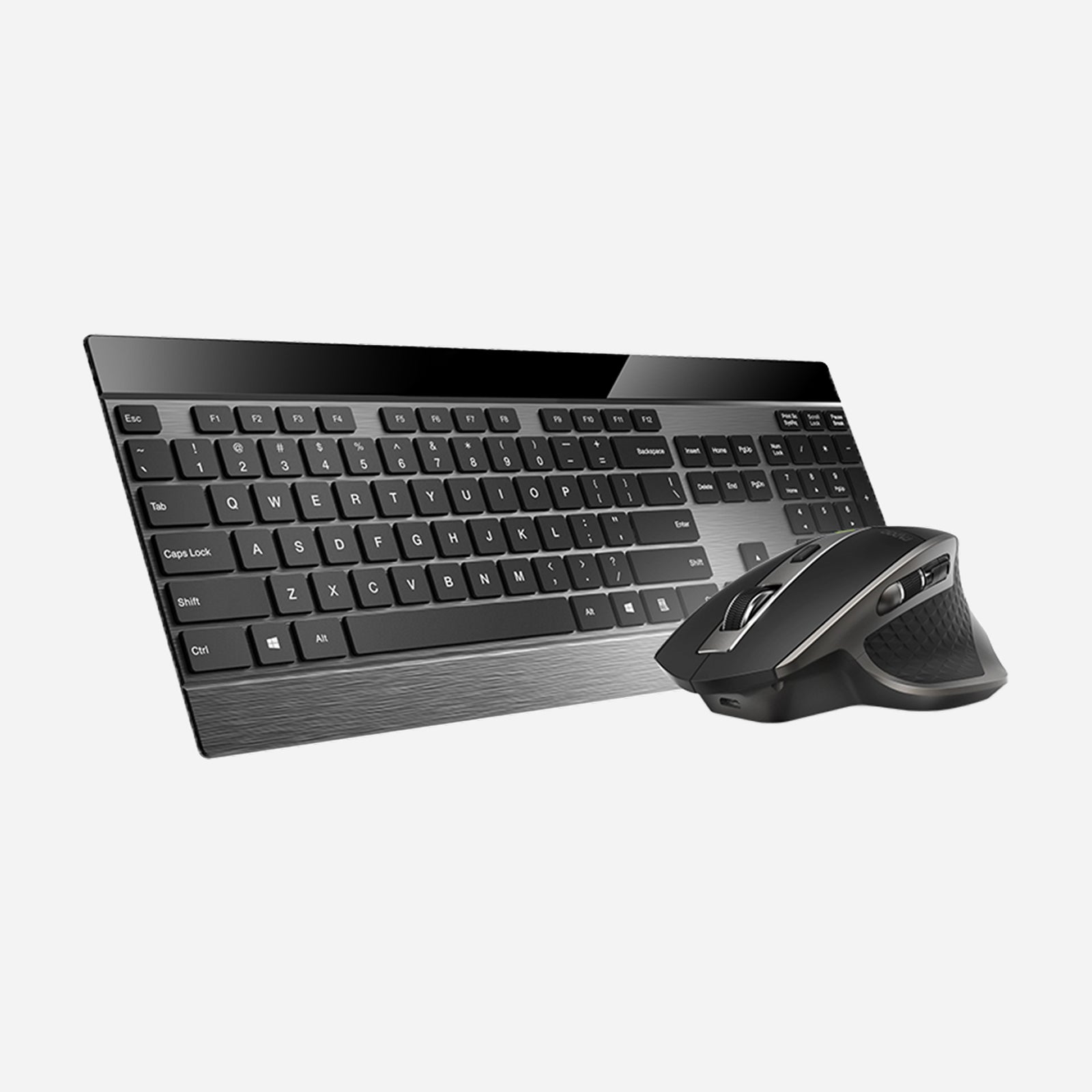
Rapoo 9900M Wireless Laser Mouse & Tri-Mode Keyboard Combo
Choose your option
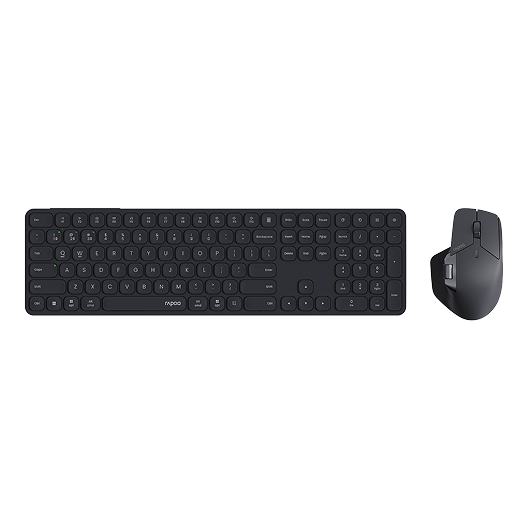
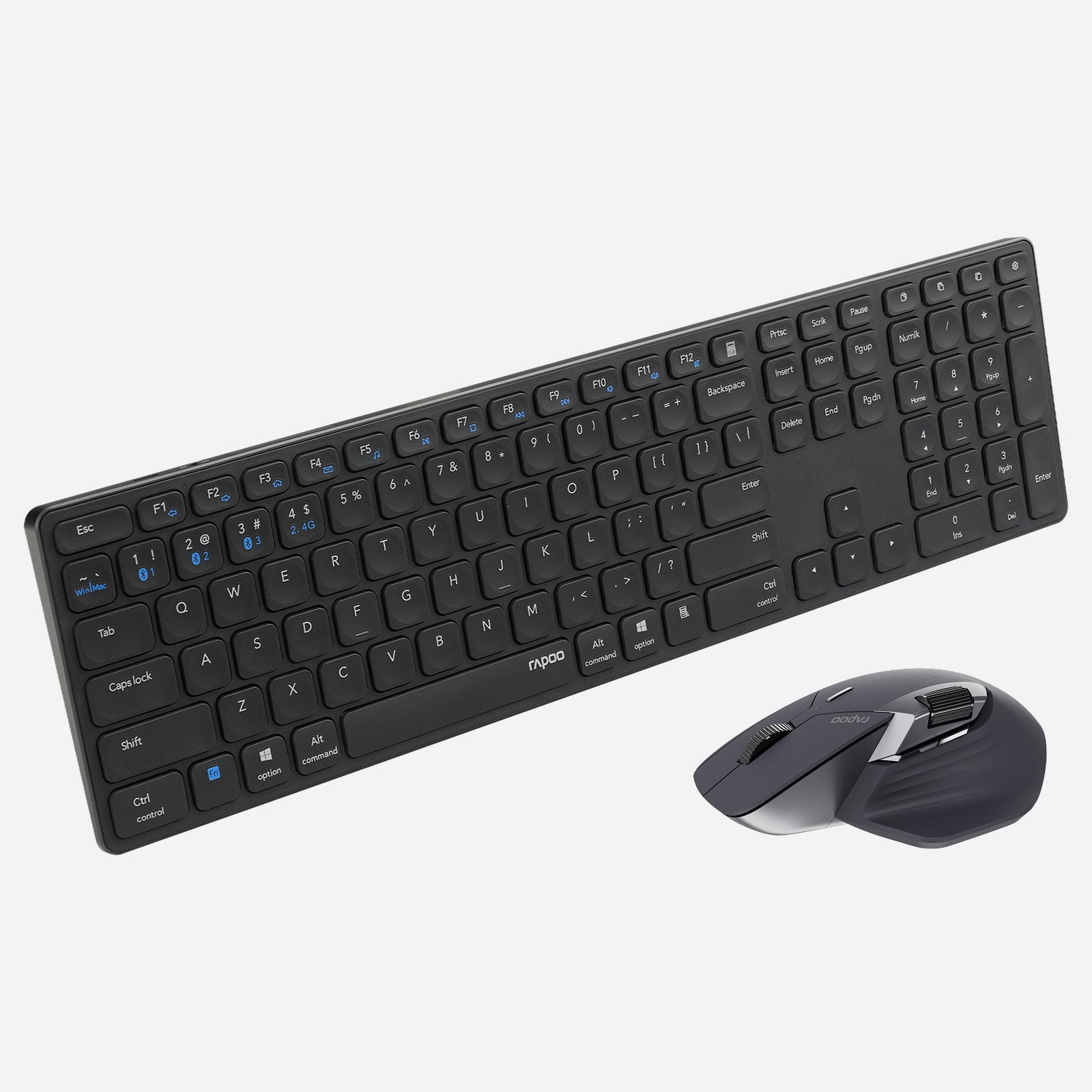
Rapoo 9560M Wireless Mouse and Keyboard Combo
Choose your option
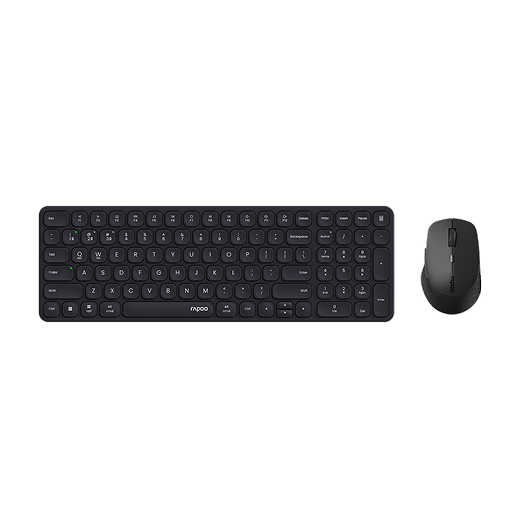

Rapoo 9360M Wireless Mouse and Keyboard Combo
Choose your option
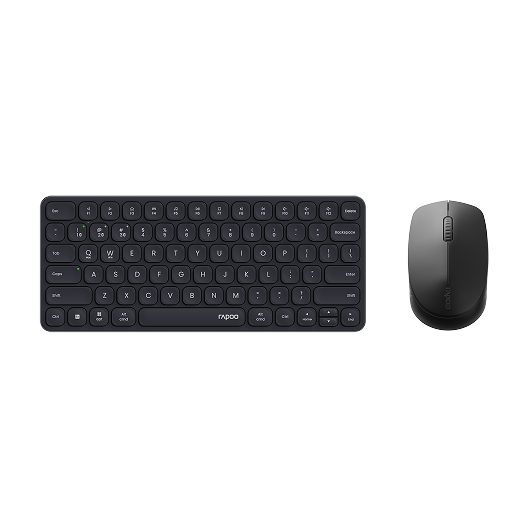
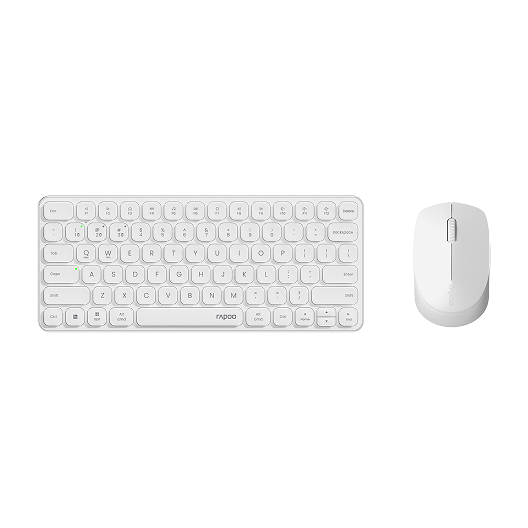
Rapoo 9010M Wireless Mouse and Keyboard Combo Silent Click
Choose your option
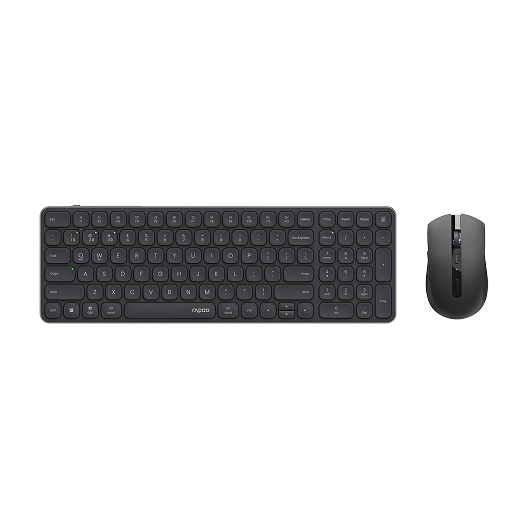
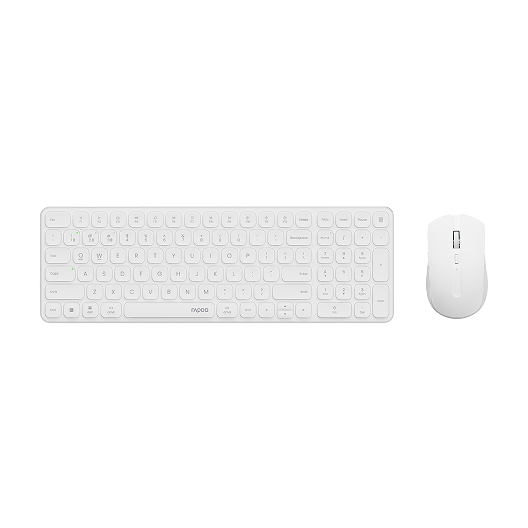
Rapoo 9350S Wireless Mouse & Keyboard Combo
Choose your option
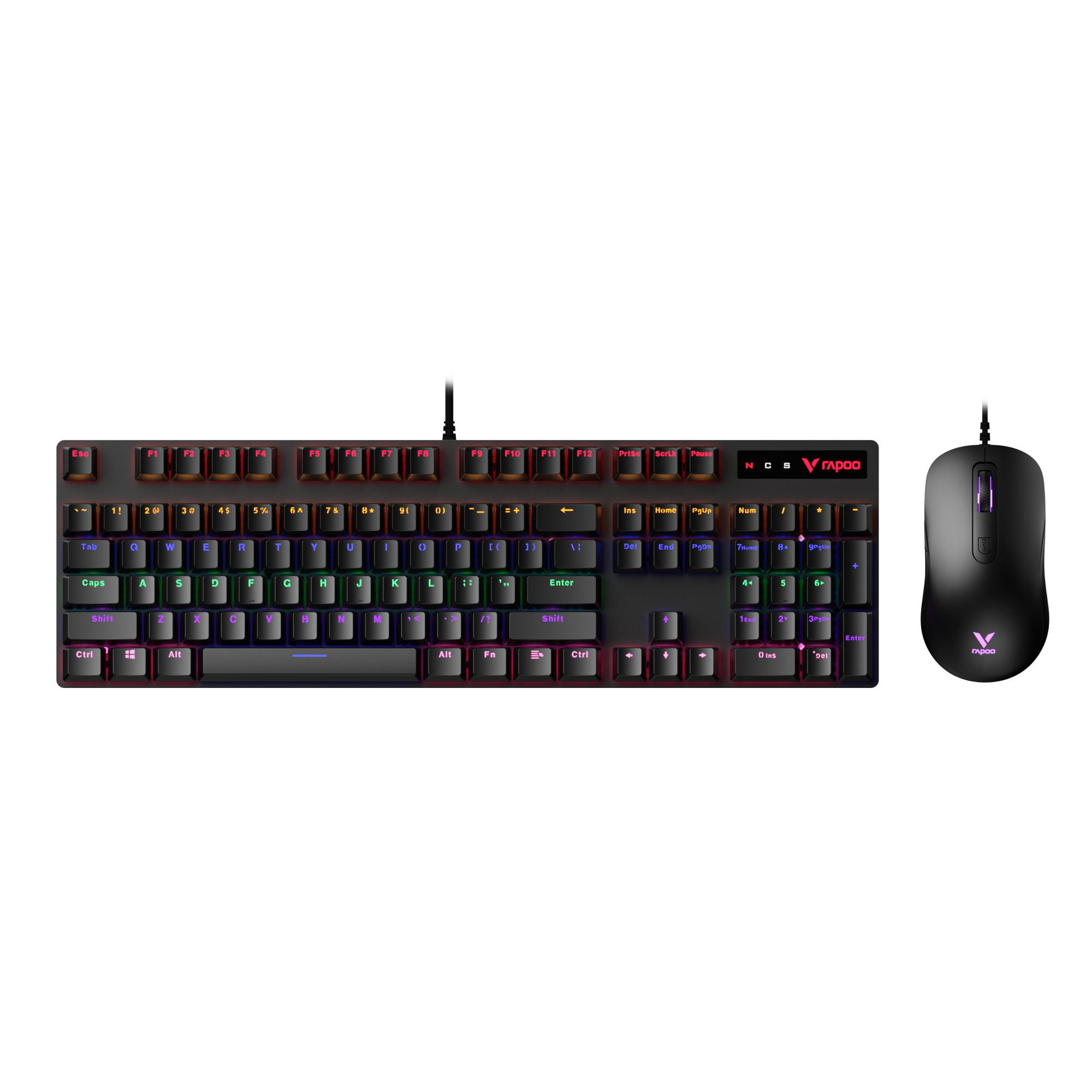
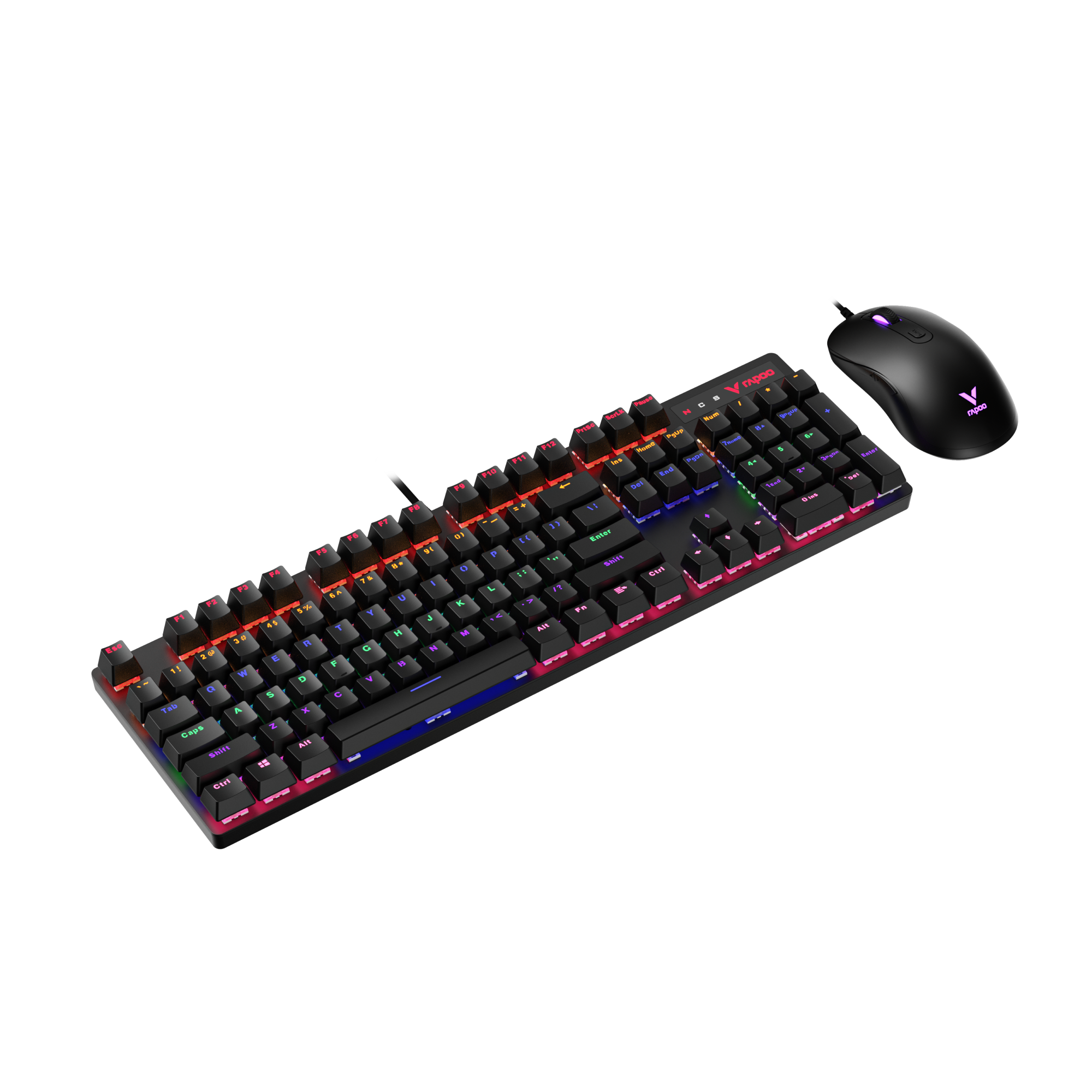
Rapoo V150S Wired Mechanical Gaming Mouse & Keyboard Combo
Choose your option
A silent wireless keyboard and mouse combo is one of the easiest ways to build a cleaner, quieter, and more comfortable desktop. Whether you want an ultra-slim office setup, a compact combo for a smaller desk, or a more ergonomic mouse for all-day use, RAPOO offers practical options that fit real work habits. This category is designed for users who value quiet typing, reduced click noise, multi-device flexibility, and clutter-free wireless convenience. And if you want to go beyond a standard office combo, RAPOO also gives you room to explore quieter mechanical keyboards, ergonomic mice, and matching desktop accessories for a more complete setup.
What Defines a Silent Wireless Keyboard and Mouse Combo?
Quiet typing for shared spaces
A good silent keyboard and mouse combo should make everyday work feel smoother without adding unnecessary noise. For many users, that means low-profile keys, softer key travel, and a typing feel that stays controlled during long work sessions. RAPOO’s slim combo lineup, including models such as the 9560M, 9900M, 9360M, 9350S, and 9010M, is designed around compact, office-friendly typing with layouts that fit different desks and workflows.
Quiet mouse clicks that still feel responsive
A silent mouse and keyboard wireless setup is not only about the keyboard. The mouse matters just as much, especially in home offices, libraries, shared rooms, and late-night work sessions. RAPOO’s silent and ergonomic mouse families help reduce click noise while keeping navigation comfortable, making them a strong fit for users who want a quieter desktop without losing everyday precision.
Wireless freedom with multi-device convenience
The best silent wireless keyboard and mouse combo should reduce both cable clutter and workflow friction. RAPOO multi-mode combos support practical wireless use across laptops, desktops, and other compatible devices, helping users switch between workstations more easily. That makes this category especially relevant for people using Windows and Mac devices, hybrid work setups, or multi-device desks.
Layout options for different desk sizes
Not every user wants the same keyboard footprint. Some prefer a fuller layout for everyday office work, while others want a more compact setup to save space. In this collection, RAPOO offers both larger slim desktop combos and more compact silent keyboard and mouse combo options, so shoppers can choose based on typing habits, workspace size, and portability needs.
Why Choose RAPOO for a Silent Wireless Keyboard and Mouse?
RAPOO combines practical office comfort with a wider product ecosystem than many standard combo brands. That matters because users shopping for a silent keyboard and mouse combo often want more than just “quiet.” They also want better layout choices, flexible wireless connectivity, and mouse comfort that holds up through long hours.
With RAPOO, shoppers can choose:
- Slim scissor-key combos for a quiet, clean office setup
- Compact combos for smaller desks and everyday portability
- Multi-mode wireless options for switching across devices
- Ergonomic silent mouse options for longer, more comfortable use
- Quieter mechanical alternatives like the V700DIY series, which uses Gasket Mount design for a softer, more cushioned typing experience than many traditional mechanical keyboards
If someone wants the clean simplicity of a silent wireless combo but also likes the idea of a quieter mechanical-style desk, RAPOO gives them room to grow within the same brand ecosystem.
How to Choose the Right Silent Wireless Keyboard and Mouse Combo
1. Choose your layout first
The right combo starts with the keyboard size. If you work with spreadsheets, numbers, or a more fixed desktop setup, a larger layout may feel more natural. If your desk is limited or you want something easier to move around, a compact combo can make more sense. RAPOO’s lineup covers both, from more spacious ultra-slim combos to smaller everyday desktop sets.
2. Decide how quiet you want the typing feel to be
For most office buyers, the quietest experience usually comes from slim scissor-style keyboards. They keep key travel controlled and reduce the louder, sharper sound you often get from taller switches. That makes them a smart match for work calls, libraries, shared spaces, and late-night use. If you want a softer mechanical feel instead of a standard office keyboard, RAPOO’s V700DIY series is worth considering because its Gasket Mount structure helps create a more muted, cushioned typing experience.
3. Pick the right mouse shape
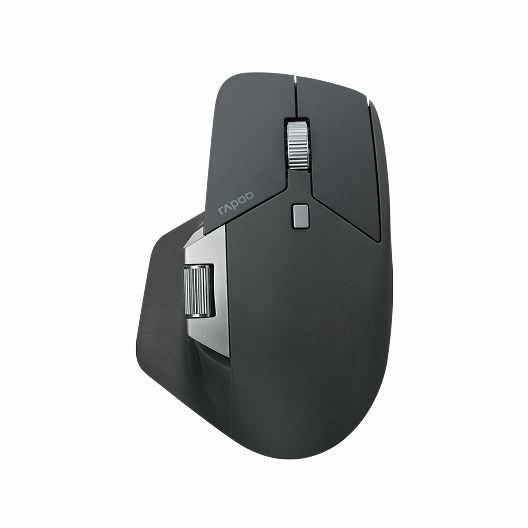
A silent mouse and keyboard combo should also fit your hand comfortably. For basic navigation, a standard compact mouse can work well. For longer work sessions, an ergonomic shape can feel noticeably better. RAPOO’s MT series and MT760 family are especially useful for users who spend hours at a desk and want quieter clicks with more hand support.
4. Look at wireless flexibility
Some users only need a simple 2.4G connection. Others want Bluetooth plus 2.4G so they can move between devices more easily. If you regularly switch between a laptop, desktop, and tablet, a multi-mode silent wireless keyboard and mouse combo is often the better long-term choice.
5. Match the combo to your real use case
The best silent keyboard and mouse combo is not the one with the most features. It is the one that fits how you actually work. For general office use, quiet typing and easy switching matter most. For shared rooms, silent clicks become even more important. For long sessions, mouse comfort and keyboard layout should carry more weight than anything else.
RAPOO Silent Combo Options at a Glance
For premium slim desktop setups
Models like 9560M and 9900M suit users who want a cleaner, more polished desk with quiet everyday typing, multi-device wireless use, and a more refined office feel.
For compact everyday workspaces
Models like 9360M, 9350S, and 9010M are a strong fit for smaller desks, home offices, student spaces, and users who prefer a quieter combo with a lighter visual footprint.
For quieter comfort beyond a standard combo
If the mouse matters just as much as the keyboard, RAPOO’s MT760 series and related ergonomic office mice add another layer of comfort for users who want quiet clicks and better long-session support.
For users who want a quieter mechanical-style desk
The V700DIY series is not a standard combo, but it is a relevant option for shoppers who want to move beyond a traditional silent office set and build a quieter mechanical wireless setup with a softer typing feel.
FAQs
What is the best silent wireless keyboard and mouse combo?
What is the best silent wireless keyboard and mouse combo?
The best silent wireless keyboard and mouse combo depends on how and where you work. If you want a cleaner desk and quieter daily typing, a slim scissor-key combo is usually the strongest choice. If you switch between multiple devices, multi-mode wireless support becomes more important. If comfort matters most, pair quiet typing with a more ergonomic mouse shape. RAPOO offers several combo styles, so the right option depends on whether you prioritize compact size, full desktop comfort, multi-device use, or quieter long-session productivity.
Is a silent keyboard and mouse combo really quieter than a standard combo?
Is a silent keyboard and mouse combo really quieter than a standard combo?
Yes, a silent keyboard and mouse combo is generally quieter than a standard combo, but the difference depends on the design. Quiet combos often use softer key structures, lower-profile keys, and mouse switches designed to reduce sharp click noise. The goal is not to eliminate sound completely, but to make typing and clicking less distracting in shared environments. That is especially useful in offices, bedrooms, classrooms, and remote work spaces where constant keyboard noise or loud mouse clicks can become annoying over time.
Are silent wireless keyboard and mouse combos good for office work?
Are silent wireless keyboard and mouse combos good for office work?
They are often one of the best choices for office use. A silent wireless keyboard and mouse setup helps reduce desk clutter, keeps the workspace tidier, and creates a calmer environment for meetings, calls, and focused work. Quiet combos are especially helpful in shared offices, home offices, and study spaces where noise carries easily. They also work well for users who type for long periods and want a smoother everyday feel. For most office buyers, quietness, comfort, and reliable wireless connectivity matter more than flashy features.
Can a silent wireless keyboard and mouse connect to multiple devices?
Can a silent wireless keyboard and mouse connect to multiple devices?
Yes. Many silent wireless keyboard and mouse combos can connect to more than one device, especially when they support multi-mode wireless such as Bluetooth 5.0, Bluetooth 4.0, and 2.4GHz wireless. This is a major advantage for users who switch between a laptop, desktop, tablet, or other work devices throughout the day. RAPOO’s silent keyboards support fast switching across up to 4 devices and are compatible with both Windows and Mac OS. On the mouse side, quiet ergonomic models like the MT760 Mini and MT760L can connect to up to 5 devices, while the MT760PRO supports up to 7 devices, making them ideal for flexible multi-device workflows.
What is the difference between a silent combo and a quiet mechanical setup?
What is the difference between a silent combo and a quiet mechanical setup?
A silent combo is usually built for office comfort first, often with slim scissor-style keys and quieter mouse clicks. A quiet mechanical setup gives you more key feel and customization, but it may not be as naturally quiet as a low-profile office combo. That said, newer designs such as gasket-mounted keyboards can soften the typing sound and feel compared with many traditional mechanical boards. The main difference is purpose: silent combos are simpler and more office-friendly, while quiet mechanical setups are better for users who want more personality in the typing experience.
Should I choose an ergonomic mouse with a silent keyboard combo?
Should I choose an ergonomic mouse with a silent keyboard combo?
If you spend long hours at a desk, an ergonomic mouse can be a smart upgrade. A silent keyboard helps reduce typing noise, but mouse comfort affects how your hand and wrist feel through the day. Ergonomic mice are designed to support a more natural hand position, which can feel better during extended work sessions. When combined with quiet clicking, they make a silent mouse and keyboard combo even more practical for productivity. This is especially useful for office users, remote workers, designers, and anyone navigating documents or spreadsheets for hours.

About Rapoo
Leading Brand in Wireless Mice and Keyboards Since 2002. Professional-grade Wireless Gaming Mice and Keyboards at Unbeatable Price.


