






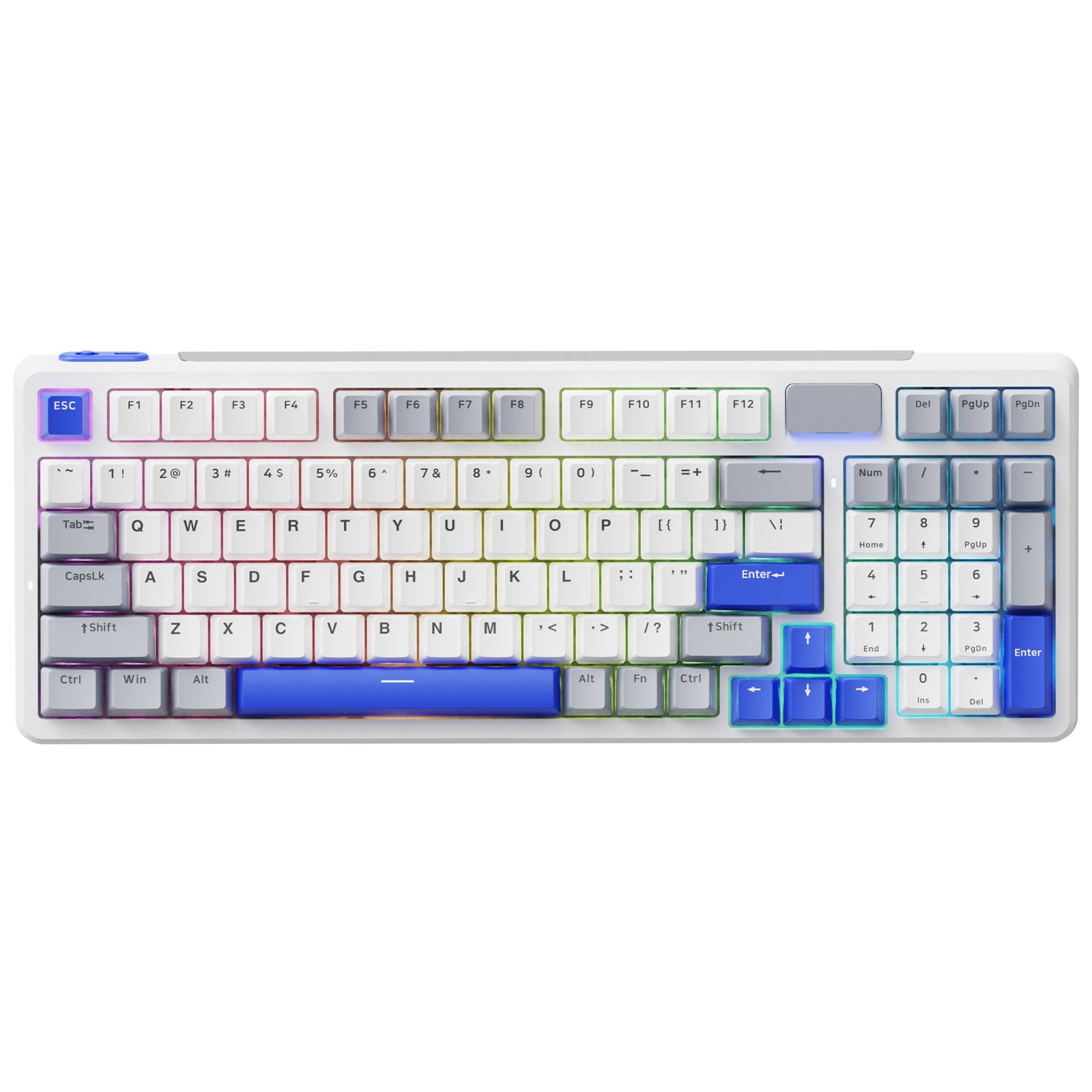




Rapoo V700DIY-98 Wireless Tri-mode Gasket Structure Mechanical Gaming Keyboard
Choose your option


Rapoo V700DIY-75 Tri-mode Gasket Structure Mechanical Gaming Keyboard

Choose your option


Rapoo V500 Pro Wired Mechanical Gaming Keyboard 104/98/87 Keys

Choose your option


Aesco A83 Air Wireless Mechanical Keyboard | RGB Backlit | Hot-Swappable
Choose your option
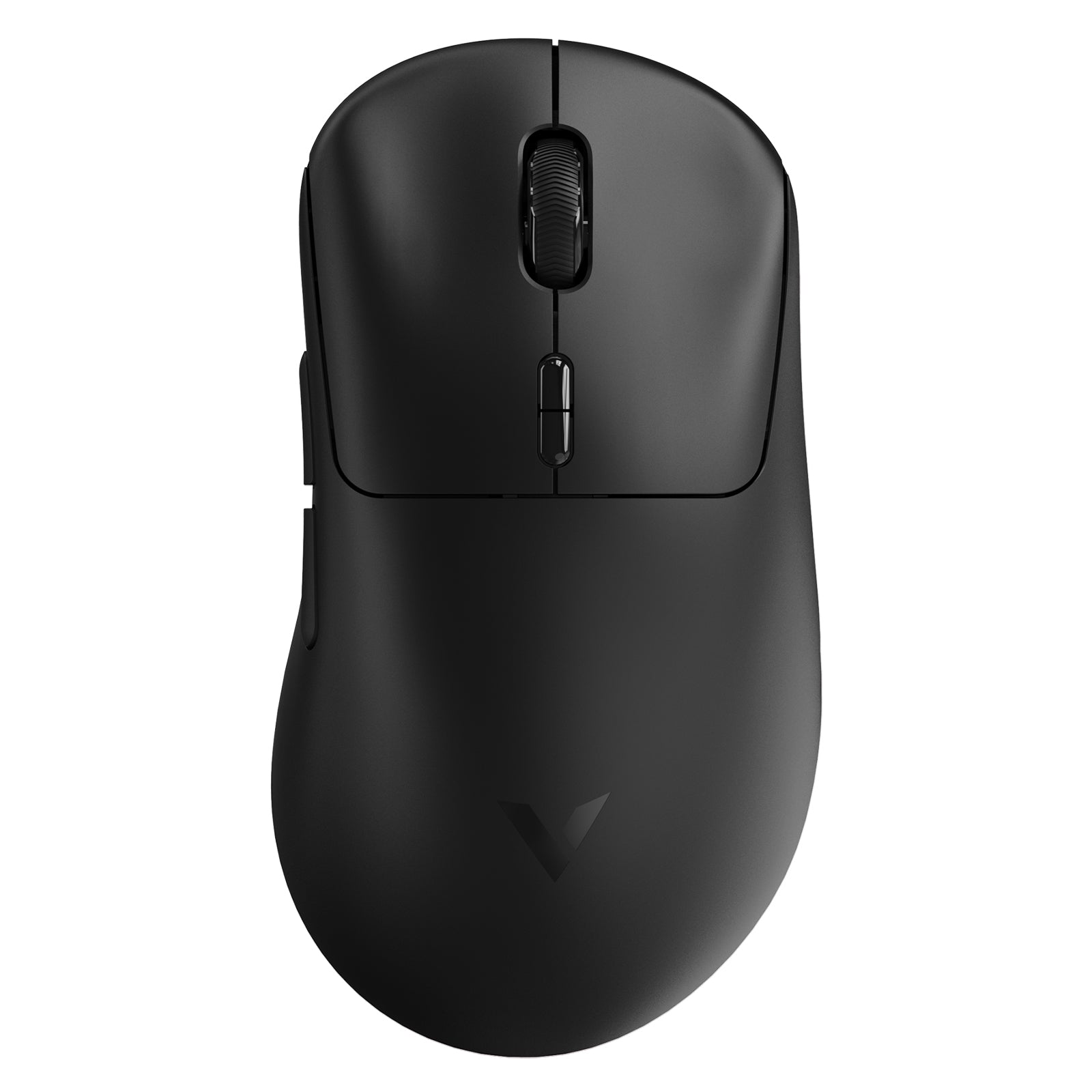
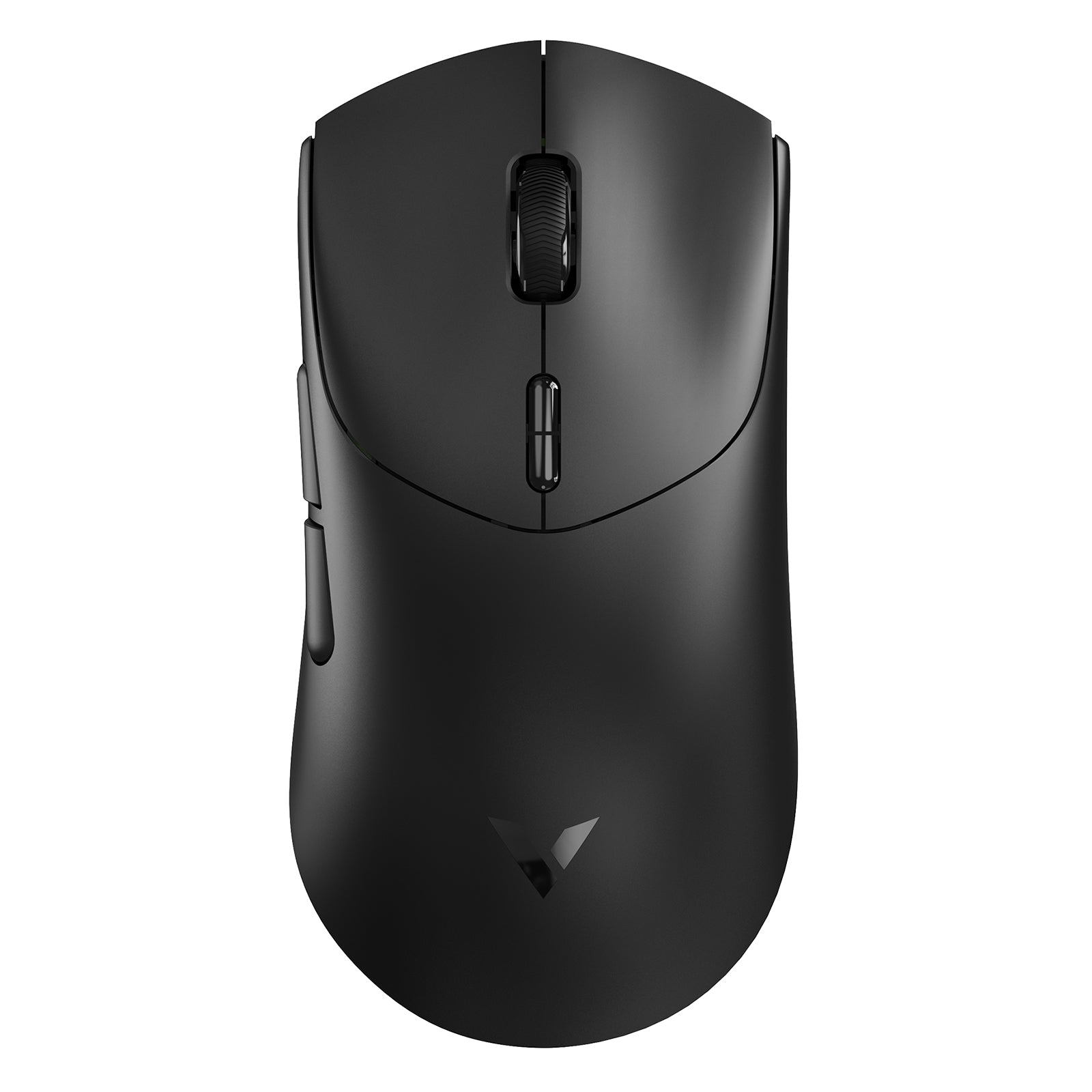
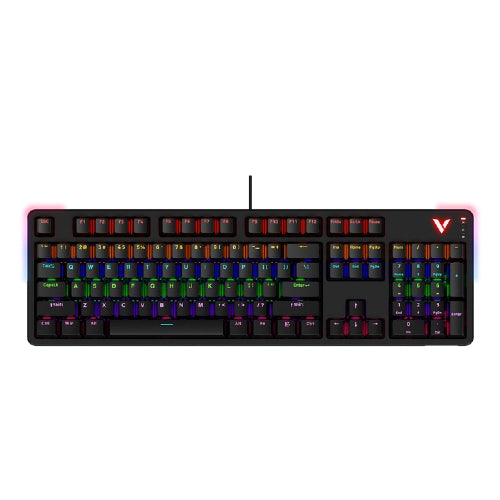
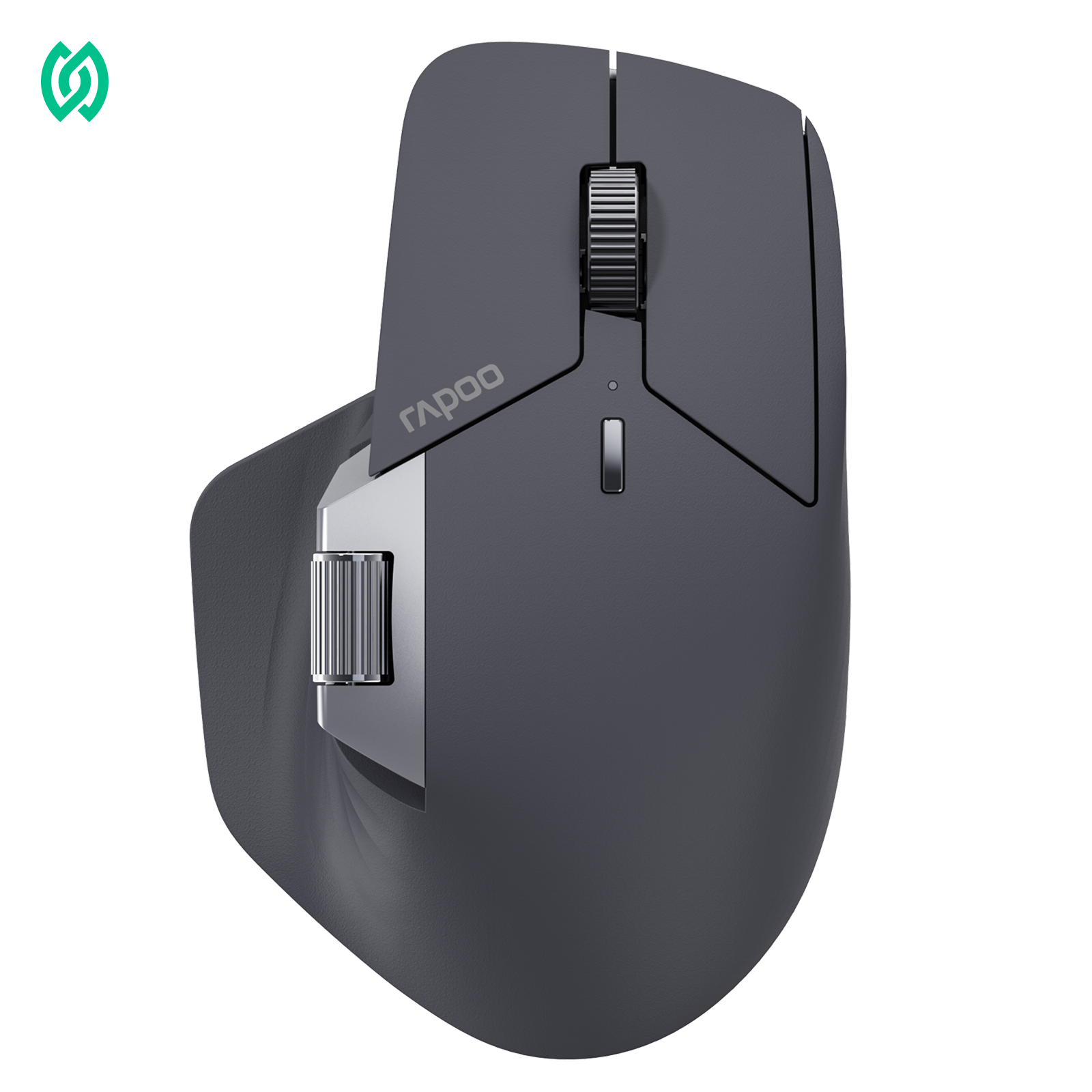
FAQs
How to Choose the Right Programmable Keyboard?
How to Choose the Right Programmable Keyboard?
1) Choose an open, widely supported firmware (QMK / VIA)
Look for support for widely adopted firmware like QMK or VIA. These options give you full keymap and macro control without proprietary software lock-in. RAPOO programmable keyboards are designed with onboard memory, so your settings can stay with the keyboard across devices.
2) Decide on switch feel (and hot-swappable if you like to experiment)
If you prefer a more responsive typing feel and longer lifespan, mechanical switches are typically a better fit than membrane. If you want flexibility, choose a keyboard with hot-swappable sockets, so you can change switches without soldering—useful for dialing in sound and feel over time.
3) Pick the right connection for your setup
- Wired USB-C: stable, plug-and-play, and best for consistent responsiveness
- Bluetooth: clean setup and multi-device pairing, with potential for slightly higher input delay
- Multi-mode (wired + Bluetooth, or wired + 2.4GHz + Bluetooth if available): best for switching between laptop/desktop/tablet without changing your workflow
4) Check build quality details that affect daily use
- Aluminum cases tend to feel more solid and premium; plastic is lighter and often more portable
- Internal foam or dampening can reduce echo and improve typing acoustics
- A stable frame and non-slip base matter more than flashy features when you type for hours
What makes a keyboard programmable?
What makes a keyboard programmable?
A programmable keyboard lets you change what keys do—beyond standard typing. You can remap keys to new functions, create macros for repeated actions, and often build layers so one keyboard layout supports multiple workflows. For work and programming, this means faster shortcuts, fewer mouse movements, and a layout that matches your habits instead of forcing you to adapt.
Are programmable keyboards good for programming?
Are programmable keyboards good for programming?
Yes—especially if you rely on shortcuts, window switching, or repetitive commands. Programmable keyboards help you keep common IDE actions, terminal commands, and navigation on easy-to-reach keys. Compact layouts can be excellent for programmers when paired with layers, while TKL or full-size options work well if you prefer dedicated function and navigation keys.
What’s the difference between a programmable keyboard and a regular keyboard?
What’s the difference between a programmable keyboard and a regular keyboard?
A regular keyboard typically has fixed key functions, so you use the operating system or apps for most shortcuts. A programmable keyboard lets you redefine keys, set macros, and (on many models) store your layout so it stays consistent across devices. If you want a keyboard that adapts to your workflow—rather than the other way around—programmability is the upgrade.
Does a programmable keyboard work on Mac and Windows?
Does a programmable keyboard work on Mac and Windows?
Most programmable keyboards work on both, but the experience depends on how the customization is handled. Some rely on software, others can save settings to the keyboard so your keymap travels with you. If you switch between Mac and Windows often, look for models that support easy profile switching and common Mac/Windows modifier layouts.
Wireless programmable keyboard vs wired: which should I choose?
Wireless programmable keyboard vs wired: which should I choose?
Choose wired if you want the simplest, most consistent connection and never move your keyboard. Choose wireless if you value a clean desk, portability, or multi-device switching. If responsiveness matters to you—especially for fast shortcut-heavy workflows—wireless options that include 2.4GHz can feel more immediate than Bluetooth in some setups.
What are macro keys, and do I need them?
What are macro keys, and do I need them?
Macro keys are keys you can assign to custom actions—like launching apps, running shortcut sequences, or controlling media. You don’t always need dedicated macro keys because many programmable keyboards let you place macros on any key or layer. But dedicated macro keys can be helpful if you want always-on shortcuts without changing layers or memorizing extra key combos.
What is a QMK programmable keyboard?
What is a QMK programmable keyboard?
A QMK programmable keyboard is a keyboard that supports deeper key remapping and advanced features like layers, shortcuts, and macros through QMK firmware. Instead of being limited to basic software remaps, QMK-style programming can help you create a consistent layout across devices and workflows. For buyers, the main value is flexibility—especially if you want custom layers for coding, productivity hotkeys, or a layout that stays familiar across Mac and Windows.
A programmable keyboard is one of the quickest upgrades for a faster workflow: remap awkward keys, keep your most-used shortcuts under your fingers, and carry the same layout across devices. Whether you prefer a compact layout for a cleaner desk, a TKL for balanced functionality, or a full-size board for number-heavy tasks, programmability helps reduce friction in everyday work. Explore RAPOO options built for Mac and Windows setups, including wired reliability and wireless flexibility for multi-device switching. If you’re unsure where to start, pick the layout you like first—then choose the level of remapping and macro control that matches how you actually type and work.


About Rapoo
Leading Brand in Wireless Mice and Keyboards Since 2002. Professional-grade Wireless Gaming Mice and Keyboards at Unbeatable Price.


