










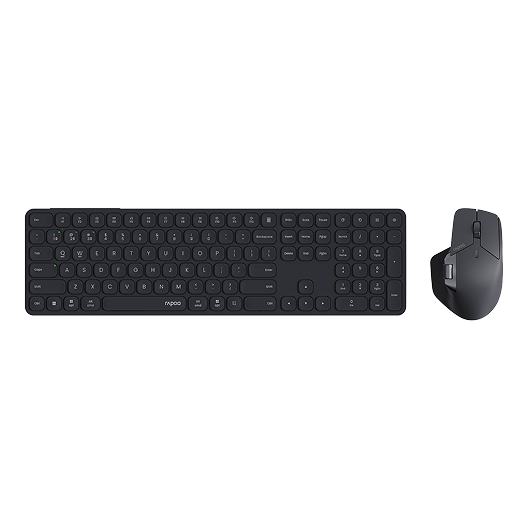
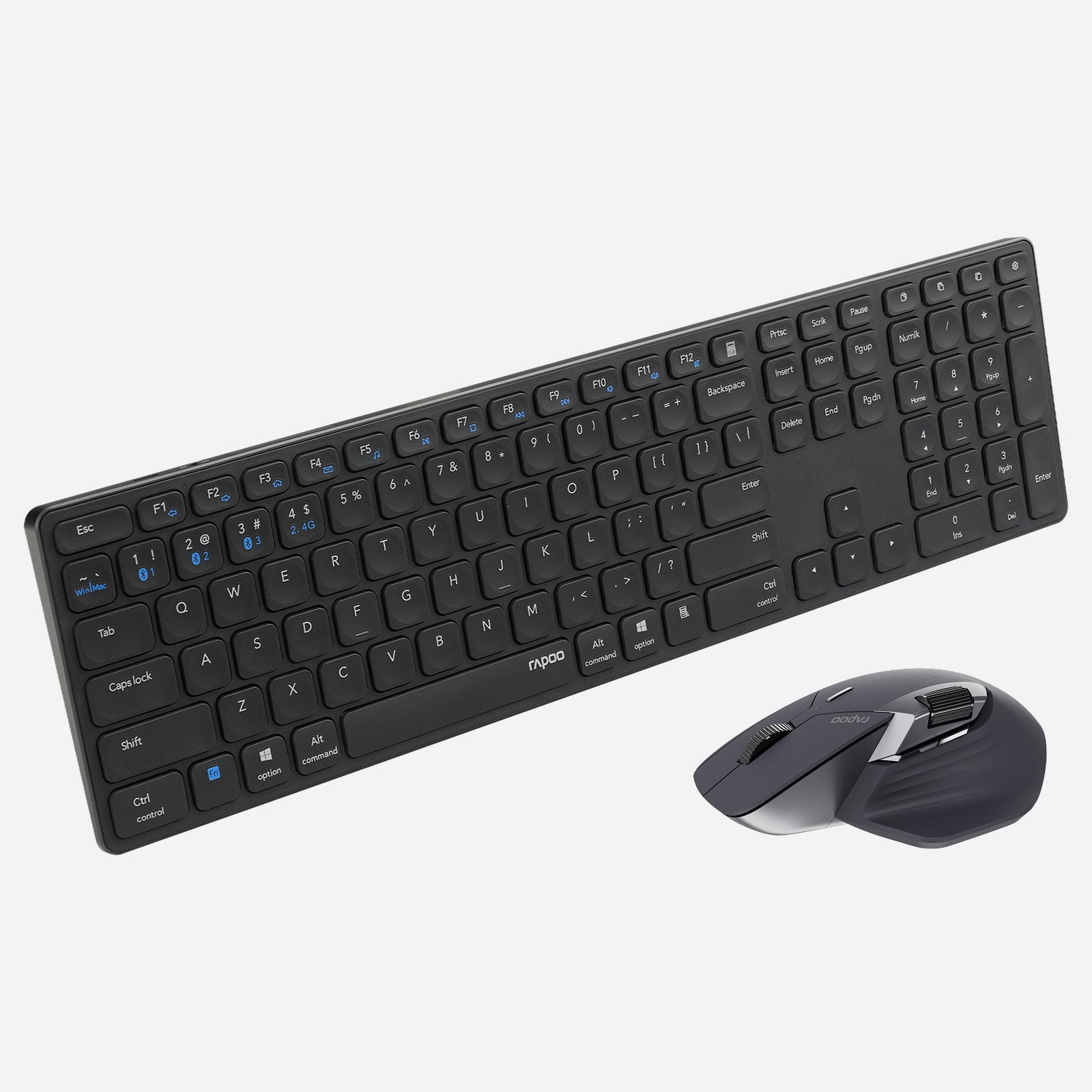
Rapoo 9560M Wireless Mouse and Keyboard Combo
Choose your option
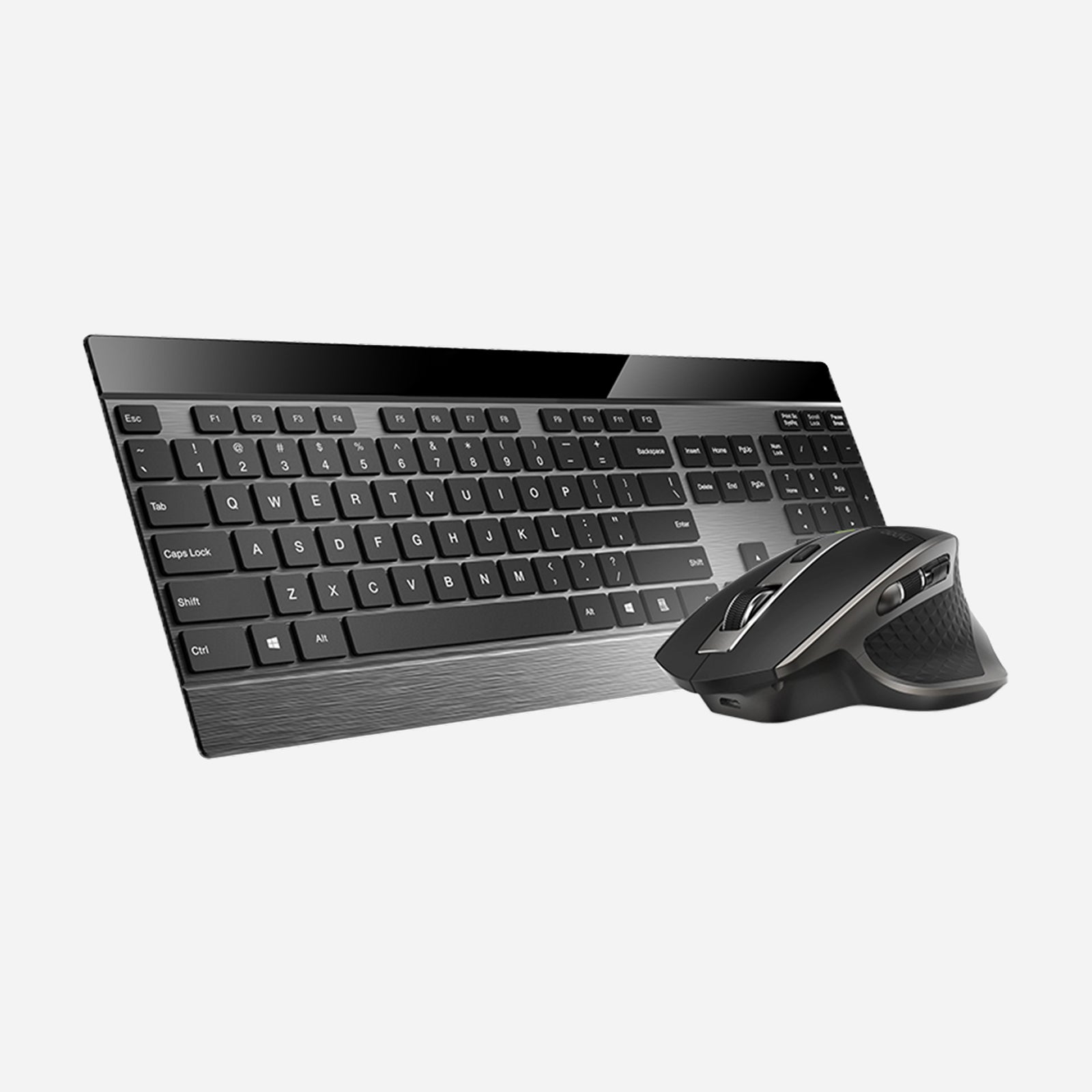
Rapoo 9900M Wireless Laser Mouse & Tri-Mode Keyboard Combo
Choose your option
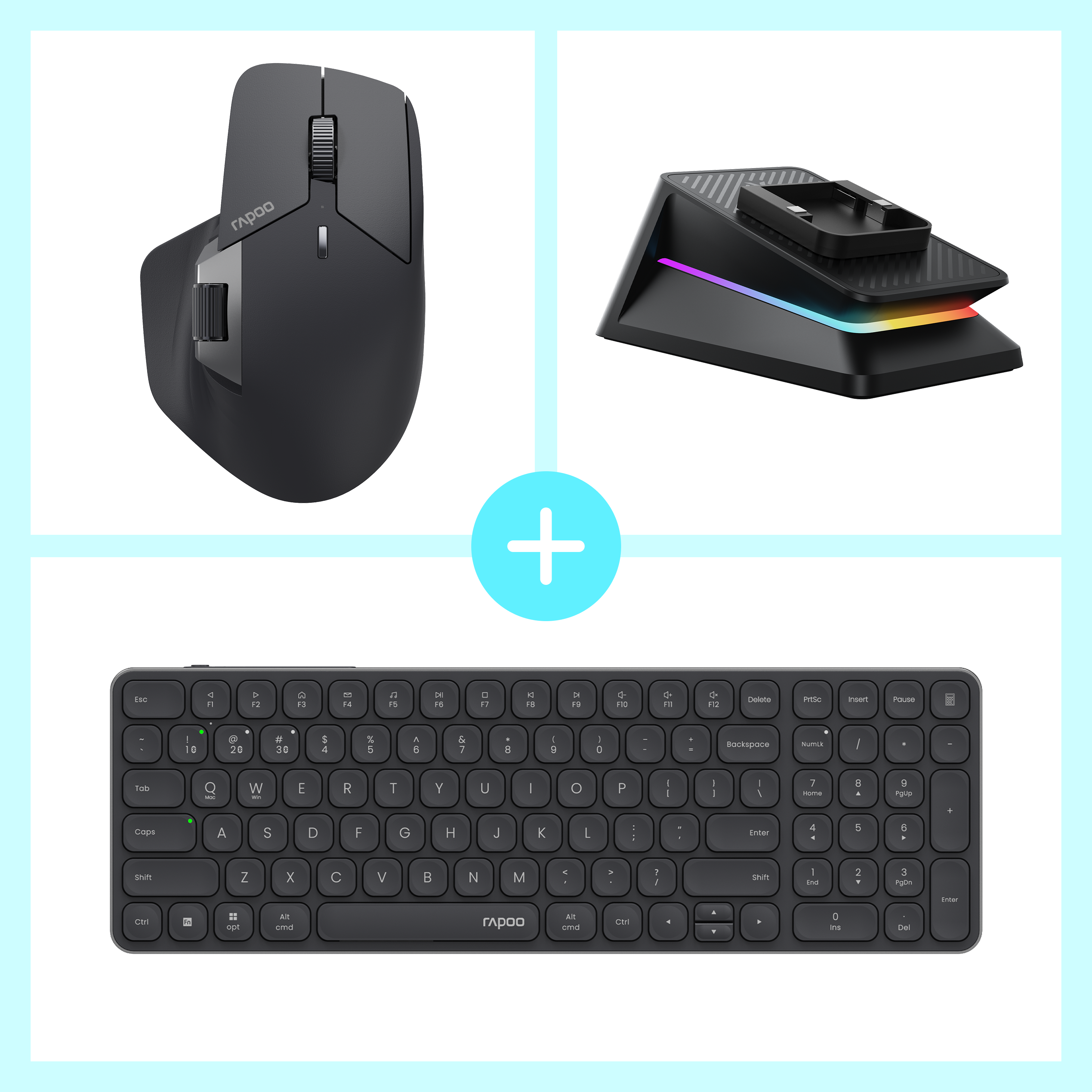

Rapoo MT760 Pro + E9350L + P5 Wireless Charging Dock Ergonomic Combo
Choose your option
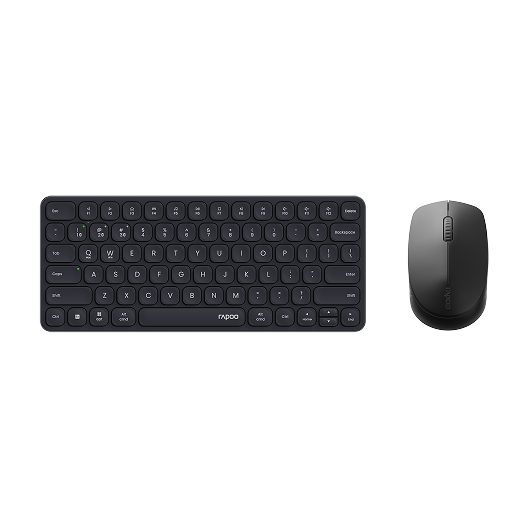
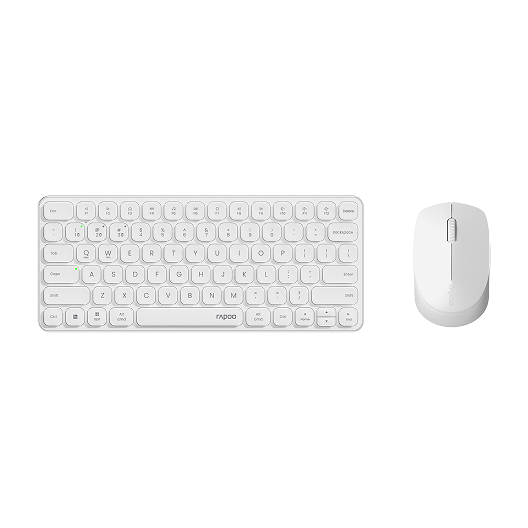
Rapoo 9010M Wireless Mouse and Keyboard Combo Silent Click
Choose your option
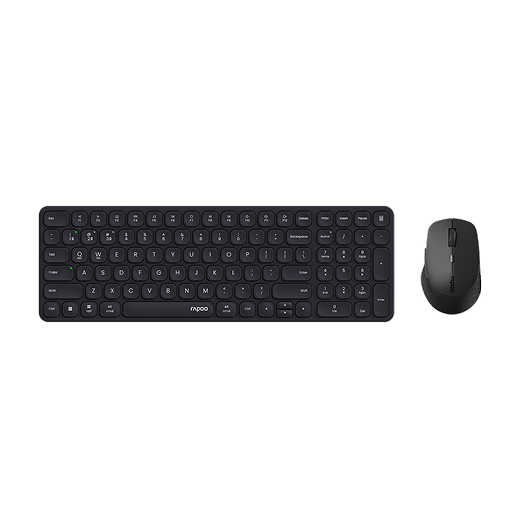
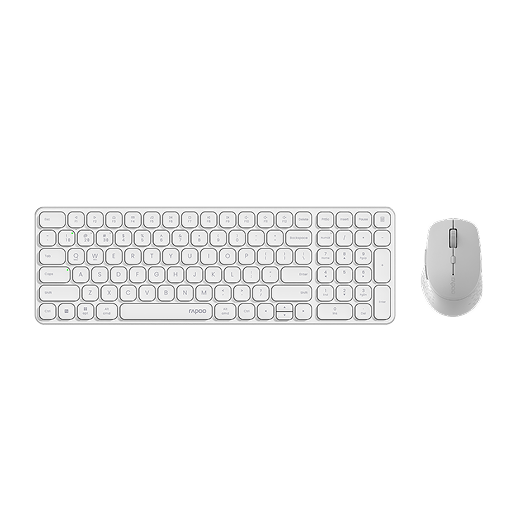
Rapoo 9360M Wireless Mouse and Keyboard Combo
Choose your option
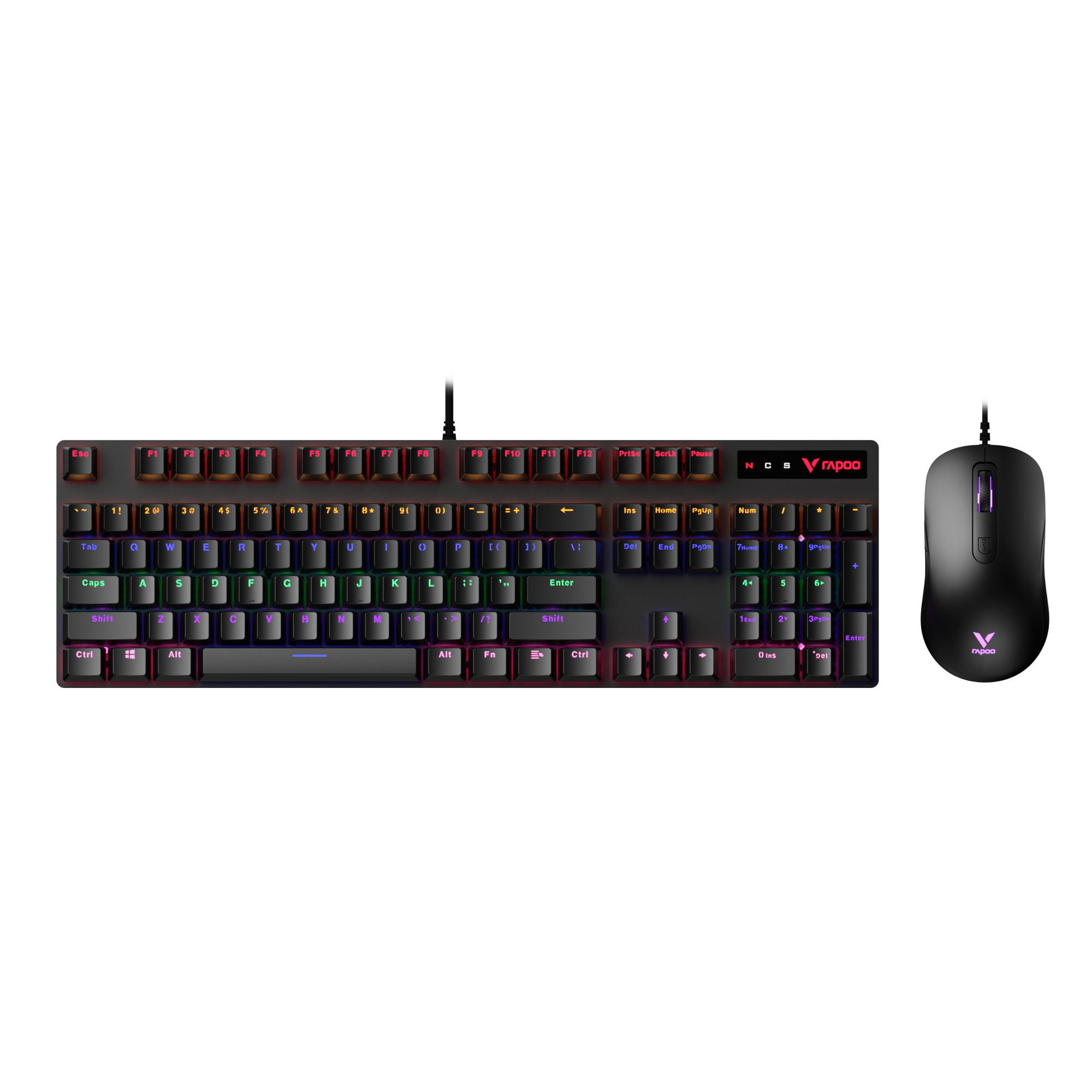
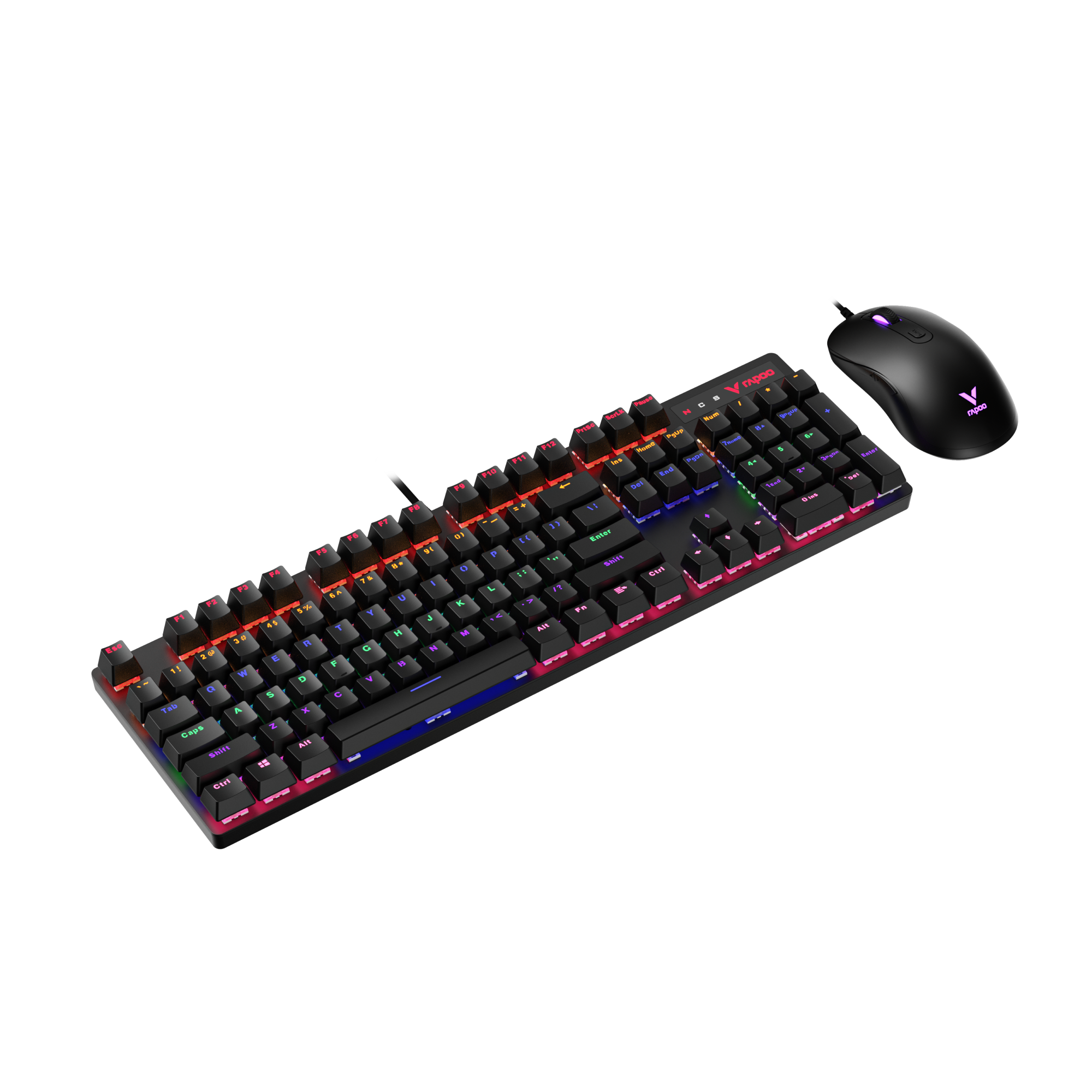
Rapoo V150S Wired Mechanical Gaming Mouse & Keyboard Combo
Choose your option
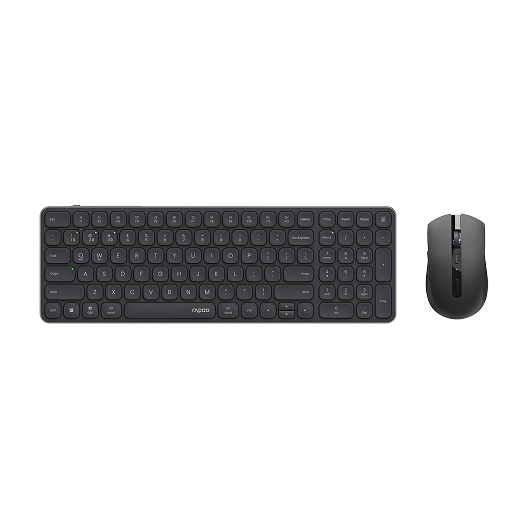
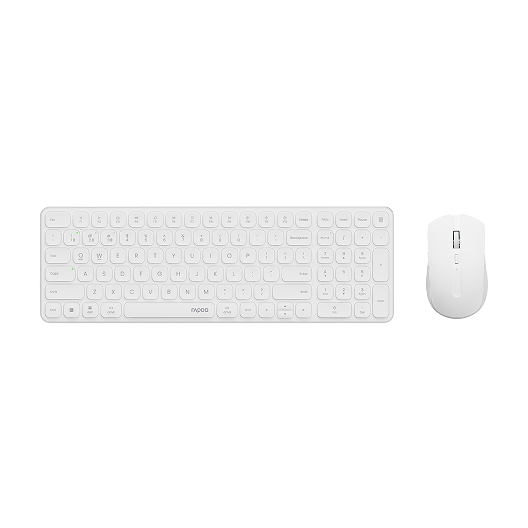
Rapoo 9350S Wireless Mouse & Keyboard Combo
Choose your option

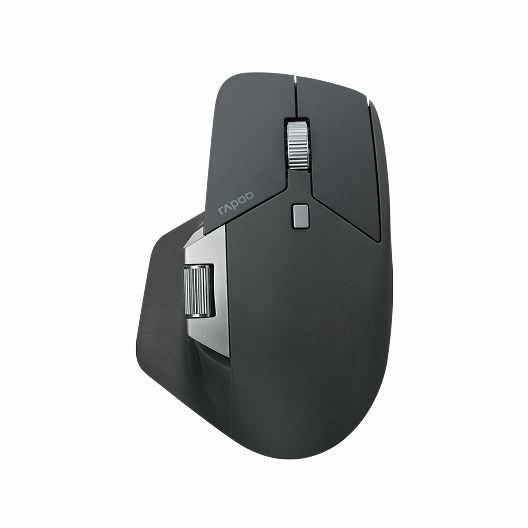
Rapoo MT760 Pro Ergonomic Wireless Mouse,NearLink + Bluetooth 5.0 Multi-Device, 12K DPI, 2K Polling, Ergo for Work & Gaming, 11 Programmable Buttons
Choose your option


Rapoo MT760L / MT760Mini Multi-Device Wireless Mouse

Choose your option
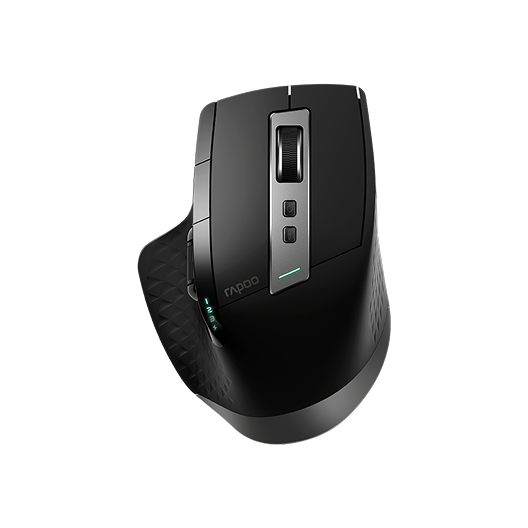

Rapoo MT750 Multi-Device Wireless Ergonomic Mouse
Choose your option
An ergonomic keyboard and mouse wireless combo is not just about reducing cables. It is about building a workspace that feels better hour after hour. RAPOO brings strong value to this category by offering practical wireless flexibility, multi-device convenience, and comfort-focused options for modern office users. Whether you want a more dedicated ergonomic combo or a slimmer keyboard paired with a better-shaped wireless mouse, the goal is the same: more natural movement, smoother productivity, and less friction in daily work. Explore RAPOO ergonomic peripherals to create a setup that supports long-term comfort, efficient switching, and a cleaner desktop experience.
Why Choose an Ergonomic Wireless Combo?
An ergonomic keyboard and mouse wireless combo is built to make daily computer use feel more natural and less tiring.
- A more comfortable typing angle can help reduce hand and wrist strain during long workdays.
- A better-shaped mouse supports smoother movement and a more relaxed grip.
- Wireless connectivity keeps your desk cleaner and easier to organize.
- Multi-device support makes it easier to switch between a laptop, desktop, or tablet.
- Ergonomic combos are especially useful for office work, remote work, content creation, and other tasks that involve hours of typing and clicking.
For many users, the biggest benefit is not just comfort in the first hour, but better consistency over the entire day.
What Defines a Good Ergonomic Keyboard and Mouse Wireless Combo?
Comfortable keyboard feel
A good ergonomic combo starts with a keyboard that feels easy to type on for extended periods. That may mean a slim profile, comfortable key travel, well-spaced keys, or a layout that supports a more natural hand position. For many office users, the goal is less finger fatigue and more accurate typing, not aggressive gaming-style feedback.
Better mouse support
The mouse matters just as much as the keyboard. A more ergonomic mouse shape can support your palm better, reduce awkward wrist angles, and make daily movement feel smoother. This is especially important for users who spend hours navigating spreadsheets, documents, browsers, and creative tools.
Reliable wireless flexibility
A modern ergonomic wireless combo should do more than remove cables. It should give you stable connectivity, easy switching, and compatibility with the devices you use most. That is where multi-mode wireless becomes especially useful for work-from-home setups and mixed-device desks.
Productivity-focused design
The best ergonomic combos are made for real daily use. That means practical features like multimedia shortcuts, adjustable cursor control, quiet operation, and layouts that fit naturally into office environments without adding unnecessary complexity.
How to Choose the Right Ergonomic Wireless Keyboard and Mouse Combo
Choose based on your work style
If you type for hours every day, prioritize keyboard comfort first. If your workload involves more navigation, scrolling, and precision movement, focus on mouse shape and control. The right combo should match how you actually work, not just how the product looks on the page.
Decide between a dedicated ergonomic combo and a flexible setup
Some users want an all-in-one ergonomic wireless combo, while others prefer to build a more personalized setup. A dedicated ergonomic combo is simple and convenient. A flexible setup gives you more freedom to pair a slim keyboard with a more supportive ergonomic mouse.
This is one of the most useful angles for RAPOO. Users who want a more traditional ergonomic combo can look at options like the 8810ME. Users who prefer a cleaner, slimmer keyboard for long typing sessions may also like a setup approach, pairing a multi-mode keyboard direction such as the 9900M with a RAPOO ergonomic mouse that better fits their hand shape and workflow.
Think about connectivity and device switching
For modern office users, wireless should also mean flexible. If you regularly switch between a desktop, laptop, and tablet, look for a combo that supports more than one connection type. This matters even more in hybrid work environments where one keyboard and mouse may be used across multiple devices in the same day.
Consider desk space and typing preference
A larger keyboard may feel more familiar and supportive for full-time desk work. A slimmer or more compact keyboard can be better for cleaner setups and smaller workspaces. The best choice depends on whether you want a classic office feel or a more minimal desktop layout.
Best Uses for an Ergonomic Wireless Keyboard and Mouse Combo
An ergonomic wireless combo can be a strong fit for many everyday work scenarios:
- Home office setups where comfort matters over long sessions
- Hybrid work desks where users switch between multiple devices
- Shared workstations that benefit from a cleaner cable-free setup
- Laptop-first workflows that need a more comfortable external keyboard and mouse
- Productivity-heavy tasks like writing, spreadsheets, research, design, and browsing
For long-session users, the value comes from combining comfort, flexibility, and a more organized workspace in one setup.
RAPOO Ergonomic Combo Positioning
RAPOO is a strong fit for this category because its lineup does not force users into a one-size-fits-all approach. Some users want a complete wireless ergonomic combo. Others want a slim keyboard with multi-device support and the freedom to choose a more ergonomic mouse separately.
That flexibility is useful for long-term office users. A user may prefer the familiar efficiency of a slim keyboard for typing, but still want the hand support of a more ergonomic RAPOO mouse for daily navigation. This makes the category broader, more practical, and more aligned with real office buying behavior.
FAQs
What is the best ergonomic wireless keyboard and mouse combo for office use?
What is the best ergonomic wireless keyboard and mouse combo for office use?
The best ergonomic wireless keyboard and mouse combo for office use is the one that supports your daily posture, typing habits, and desk setup. Some users prefer a true ergonomic combo with a more supportive mouse and comfort-focused keyboard layout. Others prefer a slim keyboard with a separate ergonomic mouse for a more customized setup. For office work, look for comfortable typing, reliable wireless connectivity, easy device switching, and a mouse shape that feels natural over long sessions rather than focusing only on appearance.
Is an ergonomic keyboard and mouse combo worth it?
Is an ergonomic keyboard and mouse combo worth it?
Yes, an ergonomic keyboard and mouse combo can be worth it for anyone who spends long hours at a computer. The main benefit is improved day-to-day comfort. A better keyboard angle and a more supportive mouse shape can help reduce fatigue during typing, browsing, and office tasks. It may not completely solve discomfort on its own, but it can make a real difference when combined with a better desk setup and healthier working posture. For many users, the improvement is most noticeable during longer workdays, not just short sessions.
Can a wireless ergonomic keyboard and mouse combo connect to multiple devices?
Can a wireless ergonomic keyboard and mouse combo connect to multiple devices?
Many modern wireless ergonomic combos can connect to multiple devices, especially when they support Bluetooth along with 2.4GHz wireless. This makes them more practical for users who move between a laptop, desktop, and tablet during the day. Multi-device support is particularly useful in home office and hybrid work environments where one keyboard and mouse need to handle more than one screen. If convenience and flexibility matter to you, choosing a combo with multi-mode wireless support is often better than choosing a basic single-connection set.
What makes a keyboard and mouse combo ergonomic?
What makes a keyboard and mouse combo ergonomic?
A keyboard and mouse combo is considered ergonomic when it is designed to support a more natural hand, wrist, and arm position during everyday use. That can include a more comfortable keyboard profile, easier key reach, and a mouse shape that supports the palm more effectively. Ergonomic design is not always dramatic or unusual-looking. In many cases, it simply means the products are easier to use for longer periods without feeling awkward or tiring. The goal is comfort, control, and better long-session usability rather than flashy design.
Should I buy an ergonomic combo or choose the keyboard and mouse separately?
Should I buy an ergonomic combo or choose the keyboard and mouse separately?
That depends on how specific your comfort needs are. An ergonomic combo is a good choice if you want a simple, ready-to-use solution with matched design and connectivity. Buying the keyboard and mouse separately can be better if you already know what works best for your hands and typing style. For example, some users prefer a slim keyboard for fast, comfortable typing but want a more ergonomic mouse for extra hand support. A separate setup often gives you more personalization, while a combo gives you more convenience.
Is a vertical or ergonomic mouse better for long work sessions?
Is a vertical or ergonomic mouse better for long work sessions?
For long work sessions, many users find that an ergonomic or vertical mouse feels more comfortable than a standard mouse because it can encourage a more natural hand position. The best choice depends on what feels most natural to you. A vertical mouse may help users who want to reduce wrist twisting, while a more traditional ergonomic mouse can offer better palm support without requiring as much adjustment. If you spend most of your day clicking, dragging, scrolling, and switching between applications, mouse shape can make a bigger difference than many buyers expect.

About Rapoo
Leading Brand in Wireless Mice and Keyboards Since 2002. Professional-grade Wireless Gaming Mice and Keyboards at Unbeatable Price.


