






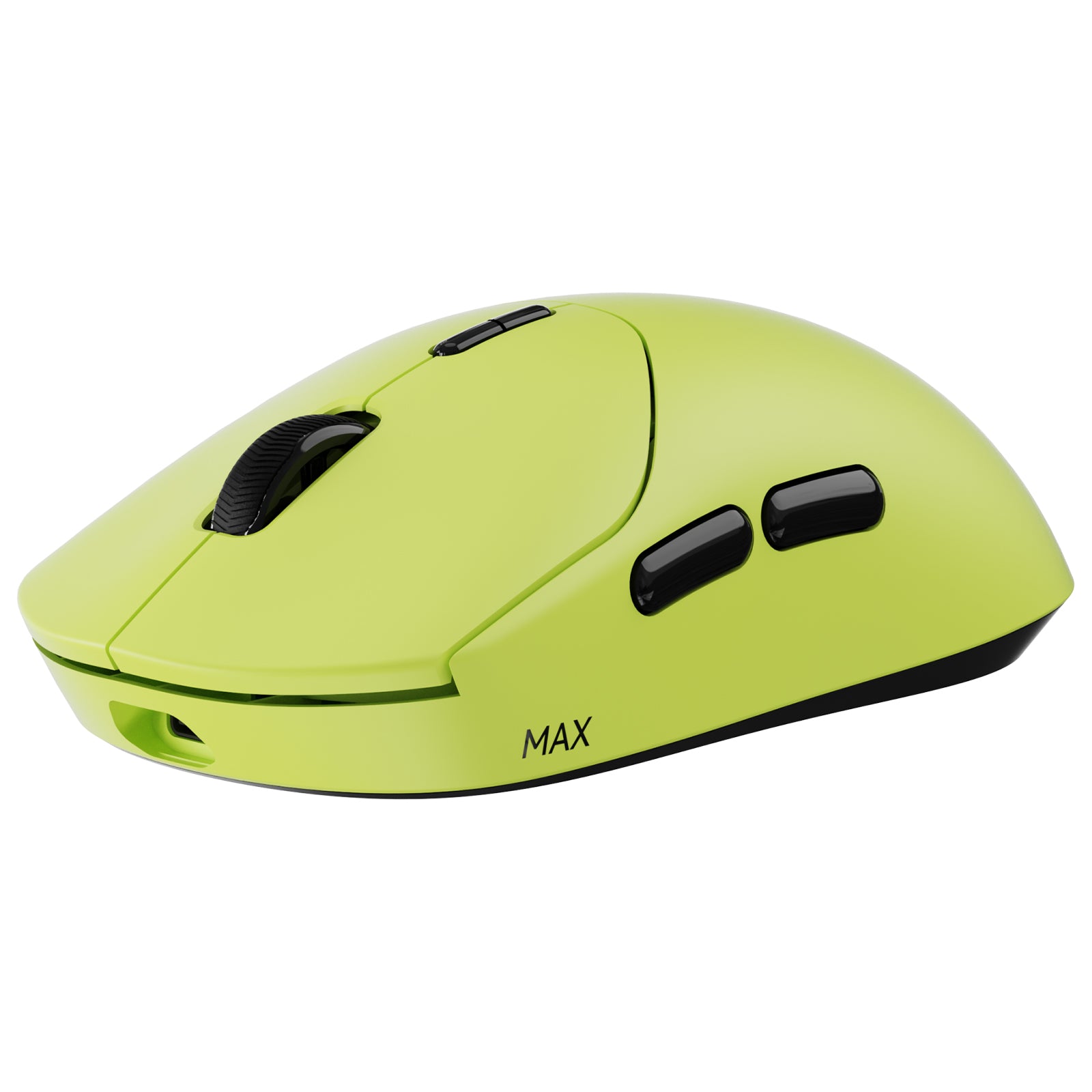
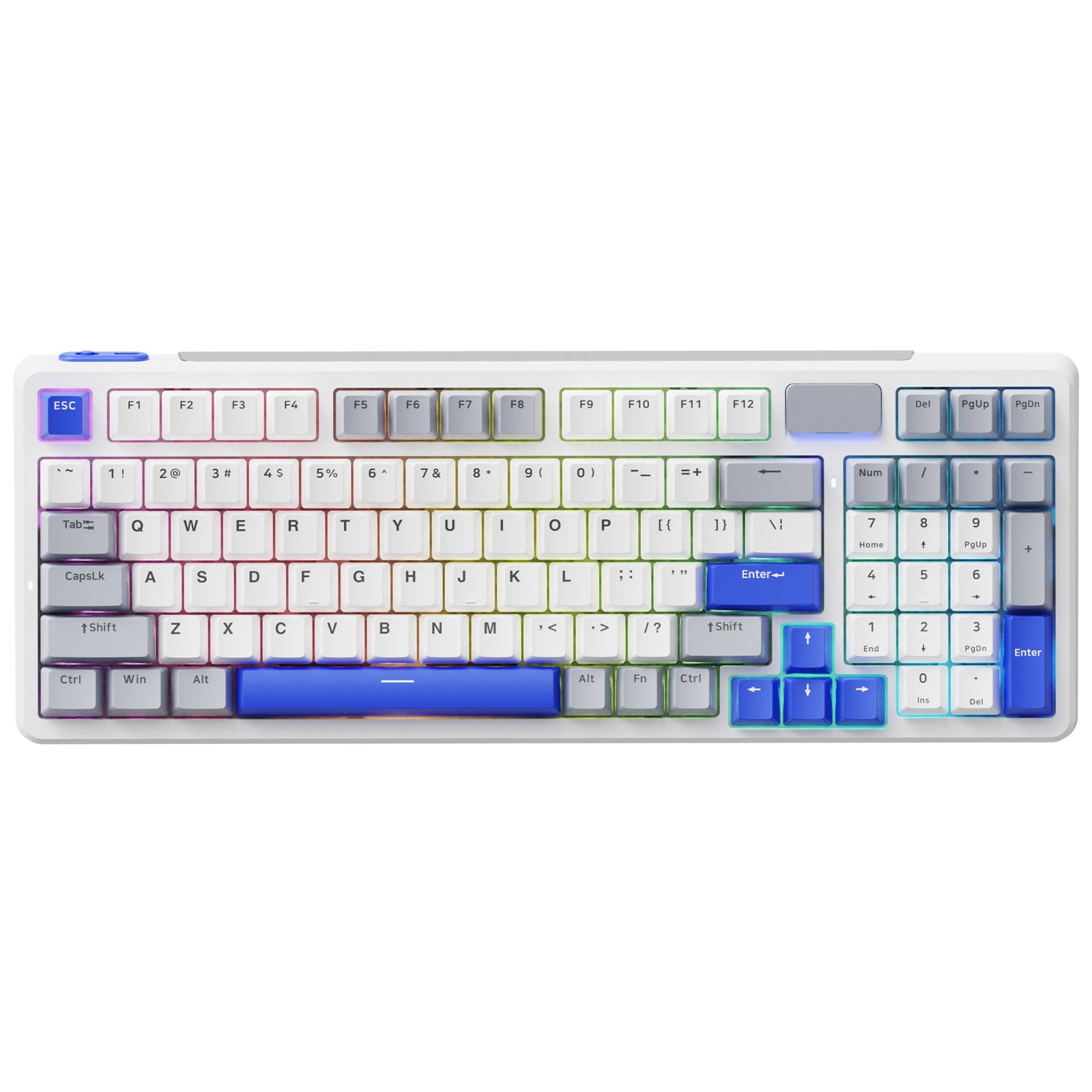
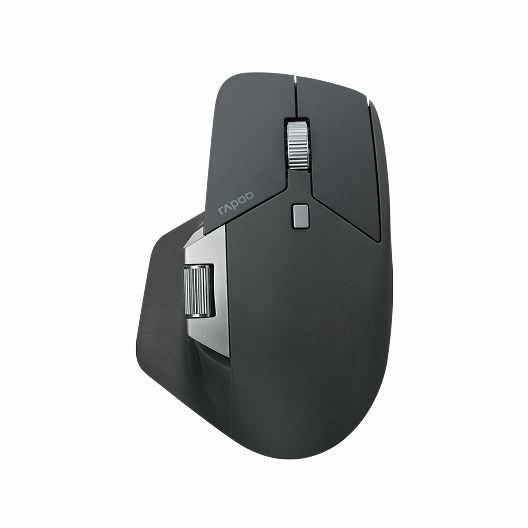




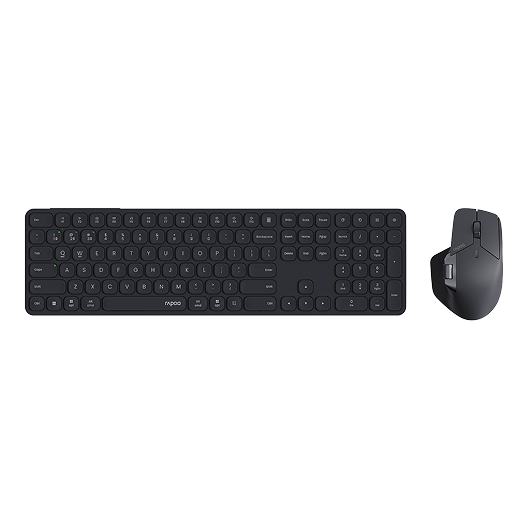
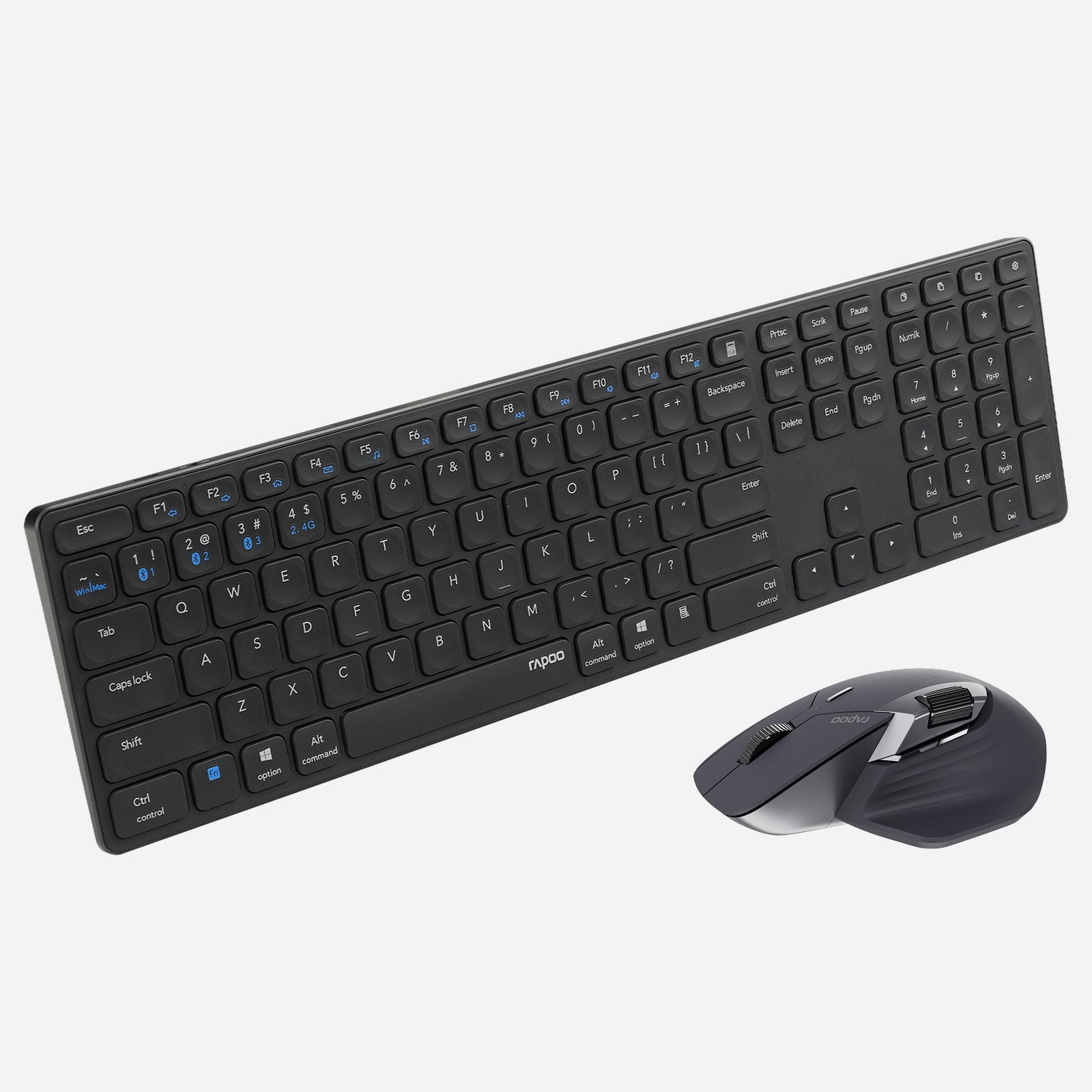
Rapoo 9560M Wireless Mouse and Keyboard Combo
Choose your option
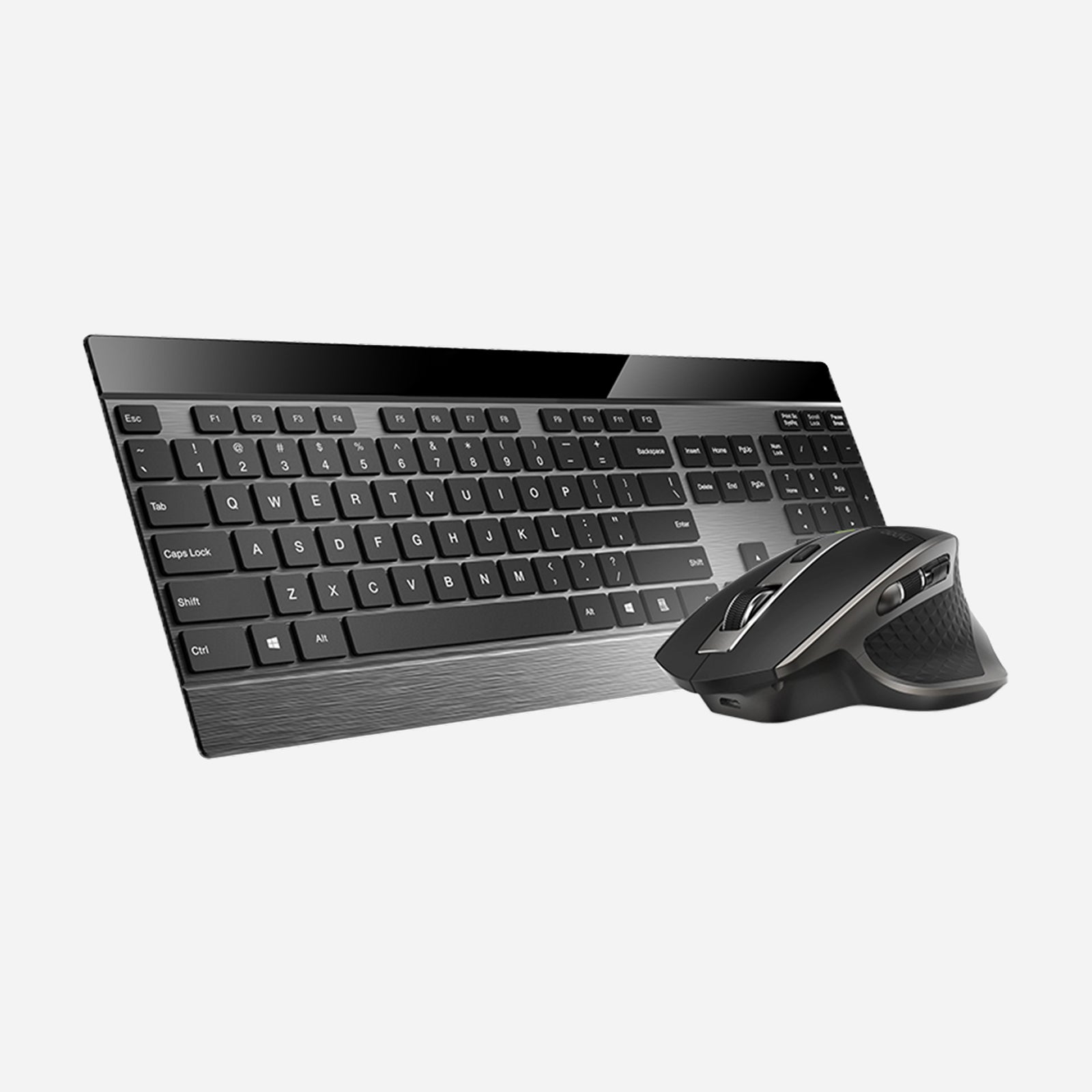
Rapoo 9900M Wireless Laser Mouse & Tri-Mode Keyboard Combo
Choose your option
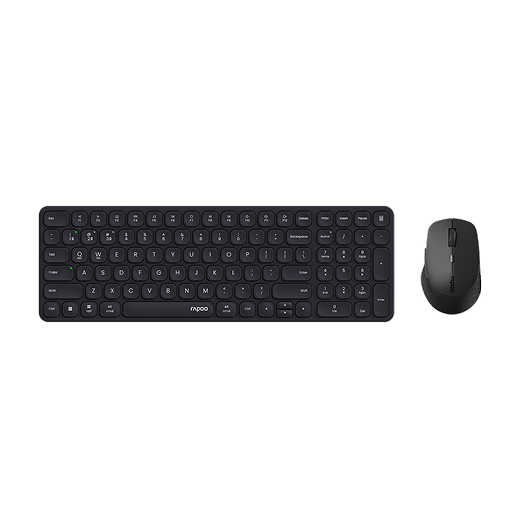
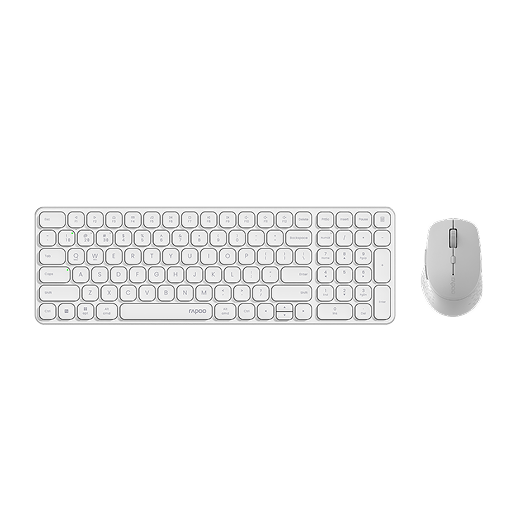
Rapoo 9360M Wireless Mouse and Keyboard Combo
Choose your option
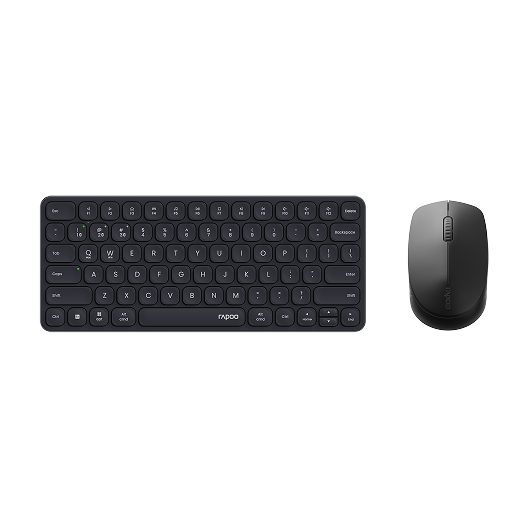
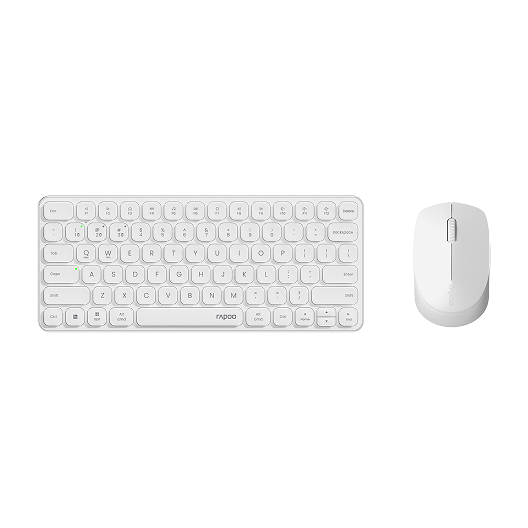
Rapoo 9010M Wireless Mouse and Keyboard Combo Silent Click
Choose your option
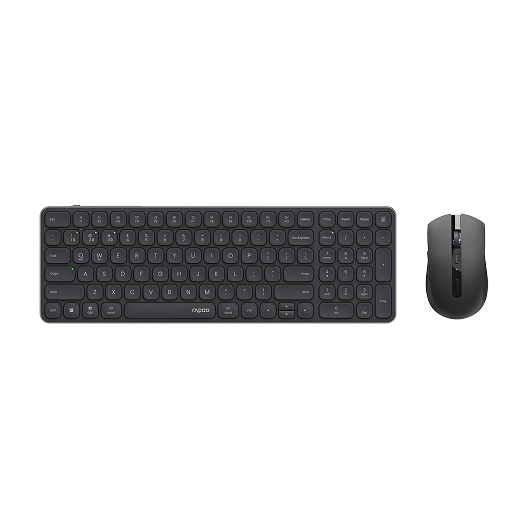
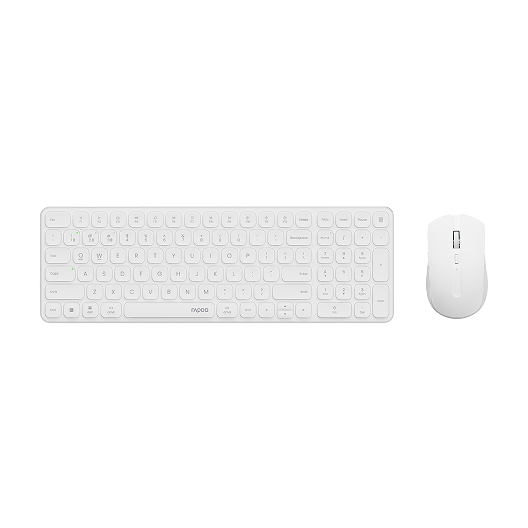
Rapoo 9350S Wireless Mouse & Keyboard Combo
Choose your option
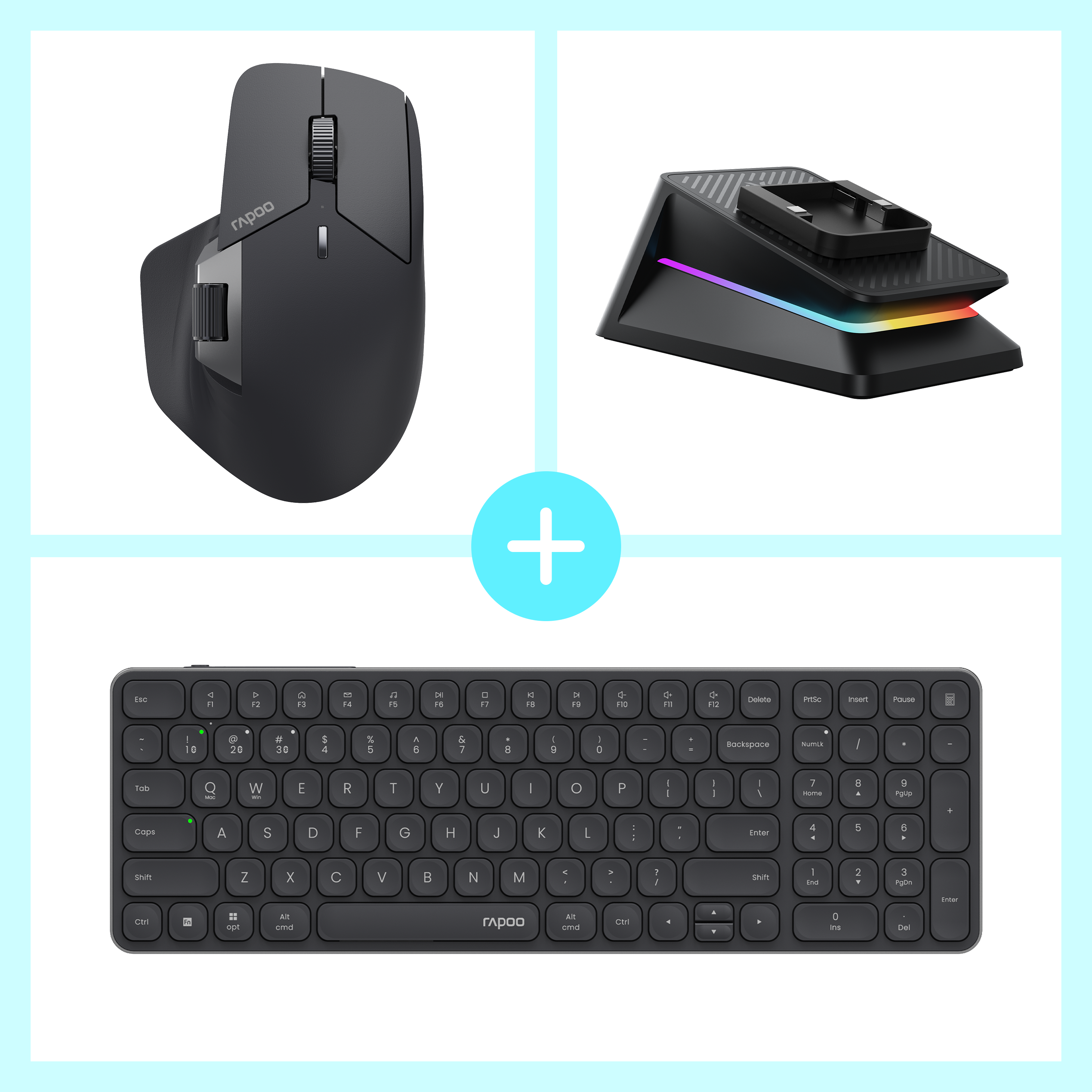

Rapoo MT760 Pro + E9350L + P5 Wireless Charging Dock Ergonomic Combo
Choose your option
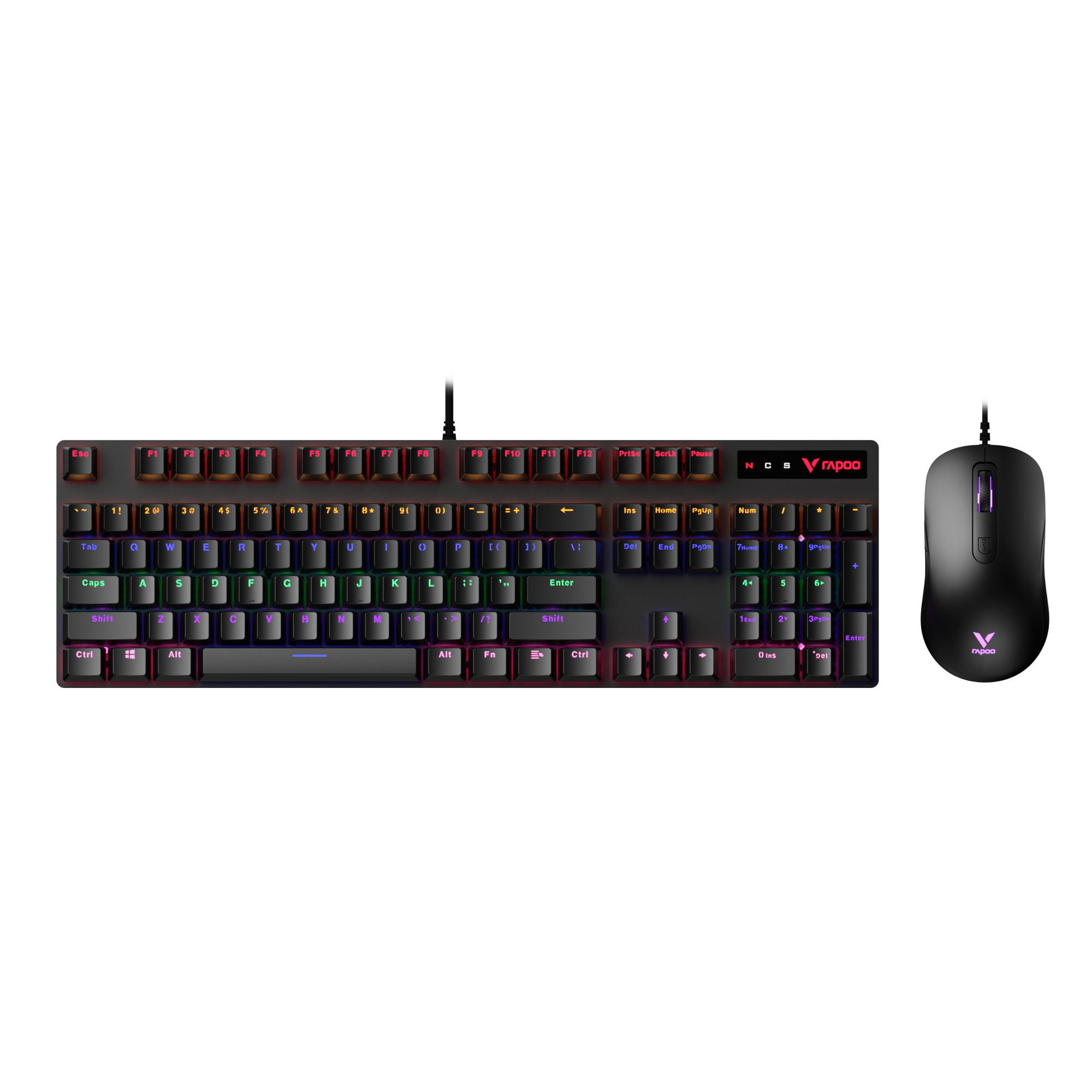
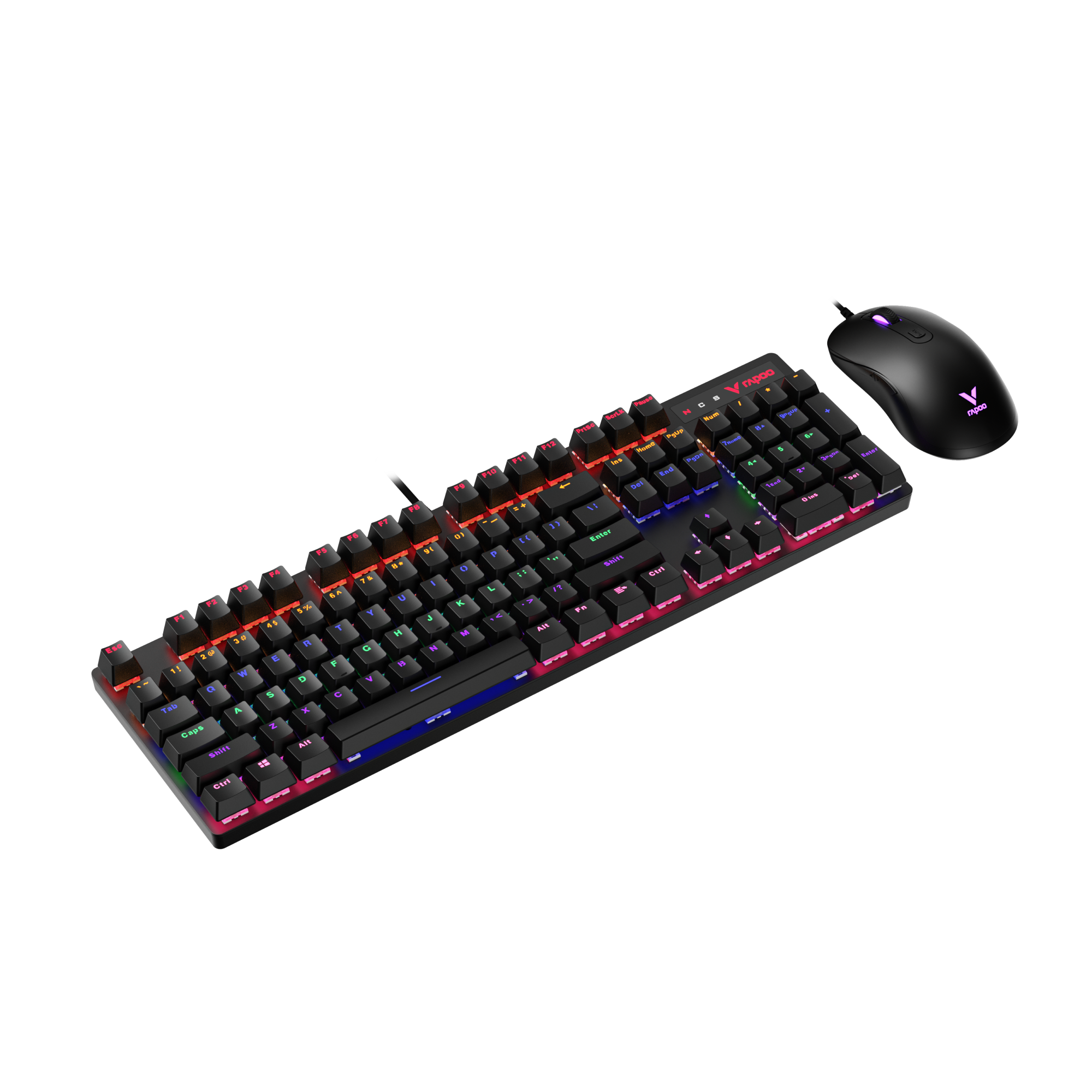
Rapoo V150S Wired Mechanical Gaming Mouse & Keyboard Combo
Choose your option
A well-made mini keyboard and mouse setup helps you do more with less space. It keeps your desk cleaner, makes travel easier, and supports the way many people now work across laptops, tablets, and compact desktop stations. Across its broader compact and multi-mode range, RAPOO combines slim keyboard design, practical mouse control, and flexible wireless connectivity for modern daily use. That makes this category a strong destination for users who want compact peripherals that still feel comfortable and dependable.
Why Choose RAPOO for a Mini Keyboard and Mouse Combo?
RAPOO’s compact lineup fits this category well. The E9050L uses a 78-key compact layout, while the E9310M uses a 99-key compact layout. RAPOO also offers compact combo options such as the 9050S, 9320M, and 9360M, with Bluetooth 4.0, Bluetooth 5.0, and 2.4G wireless support, plus Windows and Mac key compatibility on relevant models. That gives this category real product depth for users who want a mini wireless keyboard and mouse without giving up everyday usability.
How to Choose the Right Mini Keyboard and Mouse
1. Start with keyboard size
Not every mini keyboard feels the same. Some layouts are ultra-slim and highly portable, while others keep more everyday keys for easier adjustment. If you want the smallest footprint possible, a more minimal layout makes sense. If you still want a familiar typing experience, a compact layout with a little more spacing is often the better choice.
2. Decide how you want to connect
For many shoppers, the real difference is not just size but flexibility. A mini wireless keyboard and mouse is ideal for uncluttered desks, quick setup, and portable use. Bluetooth is useful for tablets and modern laptops, while 2.4G wireless is often preferred for simple plug-and-play stability on desktops and office PCs.
3. Think about your daily use
If your setup is mainly for email, spreadsheets, browsing, and general office work, comfort and consistency matter more than extra features. Look for a combo with smooth typing, a comfortable mouse shape, and dependable battery life. If you move between rooms or devices often, portability becomes even more important.
4. Match the mouse to your workflow
A mini setup should not mean a cramped experience. A good mouse for this category should feel easy to control, fit naturally in the hand, and work well for everyday productivity. For travel, many people prefer a smaller mouse body. For longer desk sessions, a slightly fuller shape may feel better even in a compact combo.
5. Choose compact, not compromise
The best compact keyboard and mouse combo is not simply the smallest one. It is the one that balances desk space, portability, comfort, and connection options. That balance is what makes a mini setup practical for both home and work.
Mini Wireless Keyboard and Mouse vs. Standard Combo
Mini wireless keyboard and mouse
Best for:
- travel
- smaller desks
- laptop-first users
- flexible multi-device setups
- cleaner minimalist workspaces
Standard keyboard and mouse combo
Best for:
- full-time desk setups
- users who want a larger typing area
- people who rely heavily on a number pad
- those who prefer a more traditional keyboard layout
Which one is better?
A mini keyboard and mouse is the better choice when portability, space-saving, and flexibility matter most. A standard combo is better when you want maximum familiarity and full-size spacing. For many modern users, especially those using laptops or working in smaller spaces, compact wins on practicality.
FAQs
What is a mini keyboard and mouse?
What is a mini keyboard and mouse?
A mini keyboard and mouse is a compact input set designed to take up less desk space than a traditional full-size combo. The keyboard usually uses a smaller layout, while the mouse is selected for portability and everyday comfort. This type of setup is popular for laptop users, home offices, travel use, and smaller workstations. It gives you the essential typing and cursor control you need without the bulk of a larger desktop setup, making it a practical choice for modern, flexible work environments.
Is a mini wireless keyboard and mouse good for work?
Is a mini wireless keyboard and mouse good for work?
Yes, a mini wireless keyboard and mouse can be very good for work, especially for email, documents, browsing, meetings, and general office tasks. The main benefits are a cleaner desk, easier portability, and faster setup across different spaces. For many users, the key is choosing a combo that still feels comfortable during longer sessions. A well-designed compact set should offer stable wireless performance, responsive typing, and smooth mouse control, so it stays practical for productivity rather than feeling like a compromise.
What is the difference between a mini keyboard and mouse and a compact keyboard and mouse combo?
What is the difference between a mini keyboard and mouse and a compact keyboard and mouse combo?
The terms are close, but they are not always identical. A mini keyboard and mouse usually suggests a smaller, more portable setup with an emphasis on saving space. A compact keyboard and mouse combo can include mini options, but it may also describe slightly larger layouts that still reduce desk footprint compared with full-size sets. In practice, both appeal to users who want space efficiency, wireless convenience, and easier portability. The main difference usually comes down to how small the keyboard layout is.
Are mini keyboard and mouse combos good for travel?
Are mini keyboard and mouse combos good for travel?
Yes, mini keyboard and mouse combos are a strong choice for travel because they are easier to pack, quicker to set up, and better suited to temporary workspaces. They work well in hotel rooms, shared offices, classrooms, and mobile work setups where desk space is limited. Wireless models are especially useful because they reduce cable clutter and help you move between devices more easily. For frequent travelers, a compact combo can be a much more practical option than carrying a full-size keyboard and separate larger mouse.
Can a mini keyboard and mouse work with laptops and tablets?
Can a mini keyboard and mouse work with laptops and tablets?
Yes, many mini keyboard and mouse setups are designed specifically for laptops and tablets, especially when they support wireless connectivity such as Bluetooth or 2.4G. This makes them useful for users who want a better typing and navigation experience than a built-in laptop keyboard or trackpad can provide. The most versatile options are those that can switch between multiple devices and work across different operating systems. That is especially helpful for users who move between work and personal devices throughout the day.
Is a mini keyboard and mouse good for gaming?
Is a mini keyboard and mouse good for gaming?
A mini keyboard and mouse can work for casual gaming, light multiplayer games, and general entertainment, but it is usually chosen more for portability and desk efficiency than for competitive gaming performance. For everyday gaming, a compact combo may still feel comfortable and convenient, especially in smaller setups. However, players who need advanced switches, specialized sensors, or game-focused features may prefer dedicated gaming keyboards and gaming mice instead. For mixed-use setups, though, a compact combo can still be a smart all-around option.

About Rapoo
Leading Brand in Wireless Mice and Keyboards Since 2002. Professional-grade Wireless Gaming Mice and Keyboards at Unbeatable Price.


