





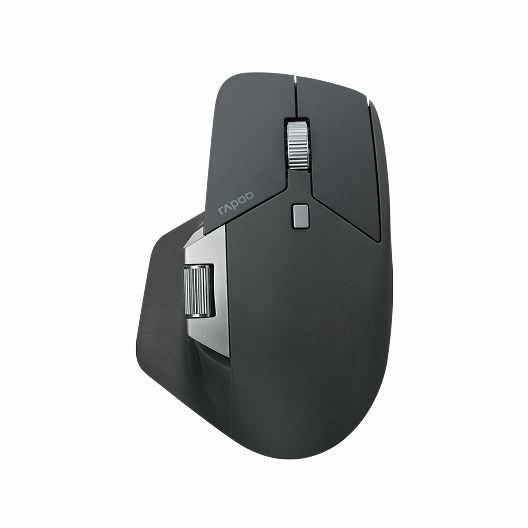





Rapoo E900T Portable Mini Wireless Keyboard with Touchpad
Choose your option
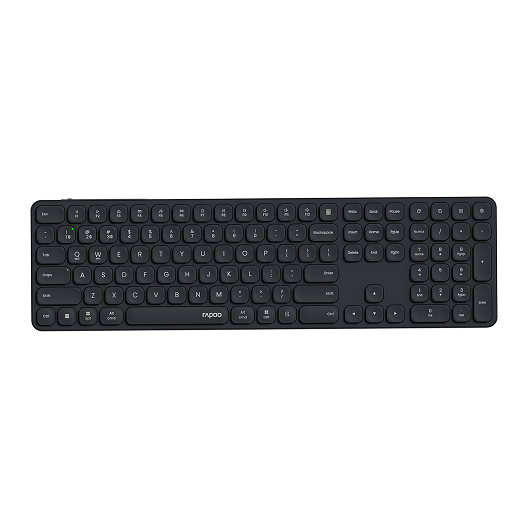
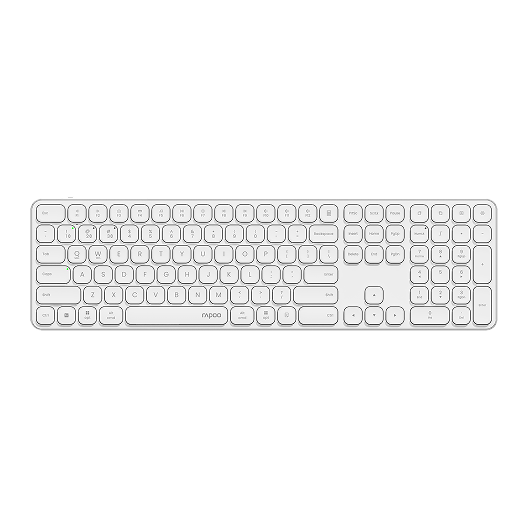
Rapoo E9550L Multi-Device Wireless Keyboard Blade-Series
Choose your option
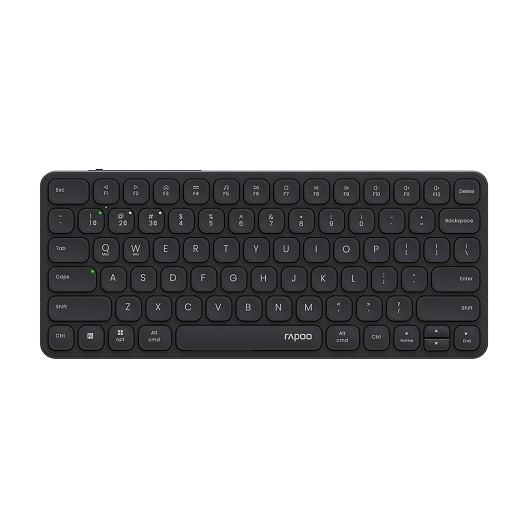
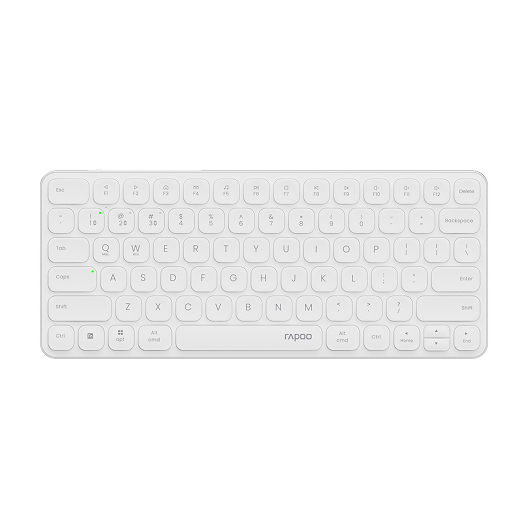
Rapoo E9050L Multi-Device Wireless Keyboard Blade-Series
Choose your option
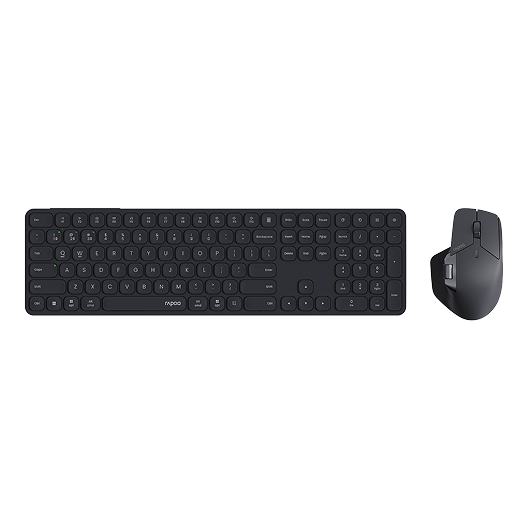
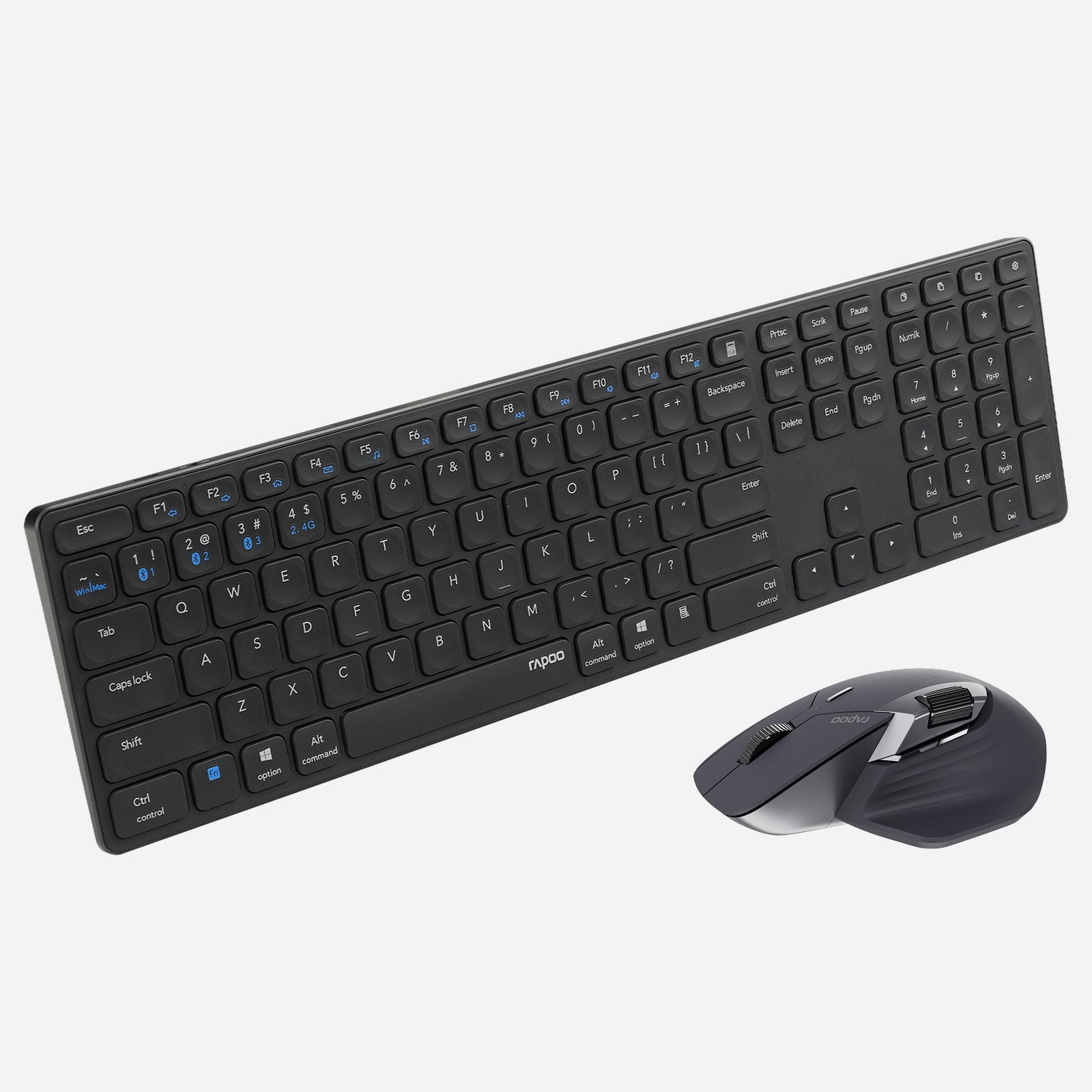
Rapoo 9560M Wireless Mouse and Keyboard Combo
Choose your option
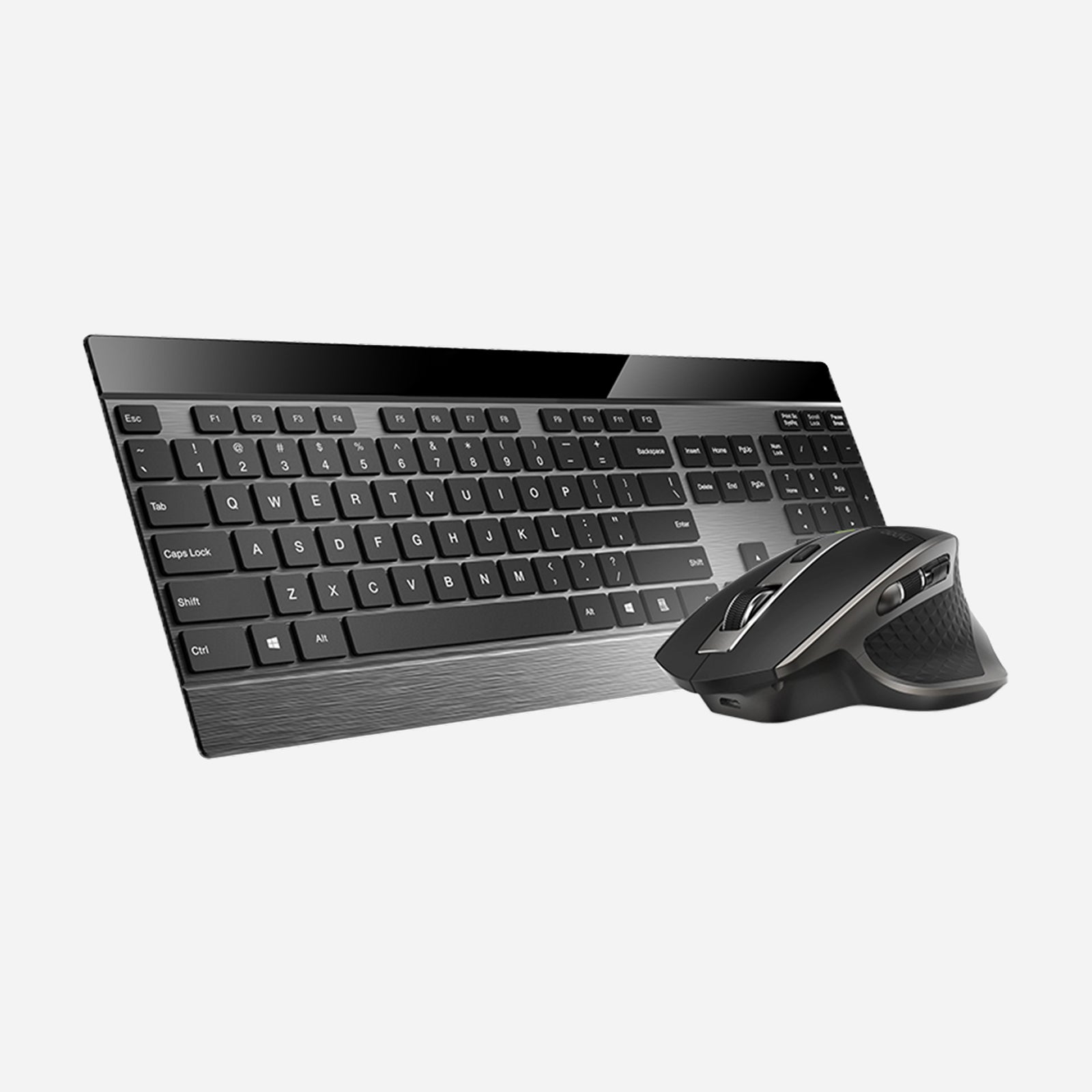
Rapoo 9900M Wireless Laser Mouse & Tri-Mode Keyboard Combo
Choose your option
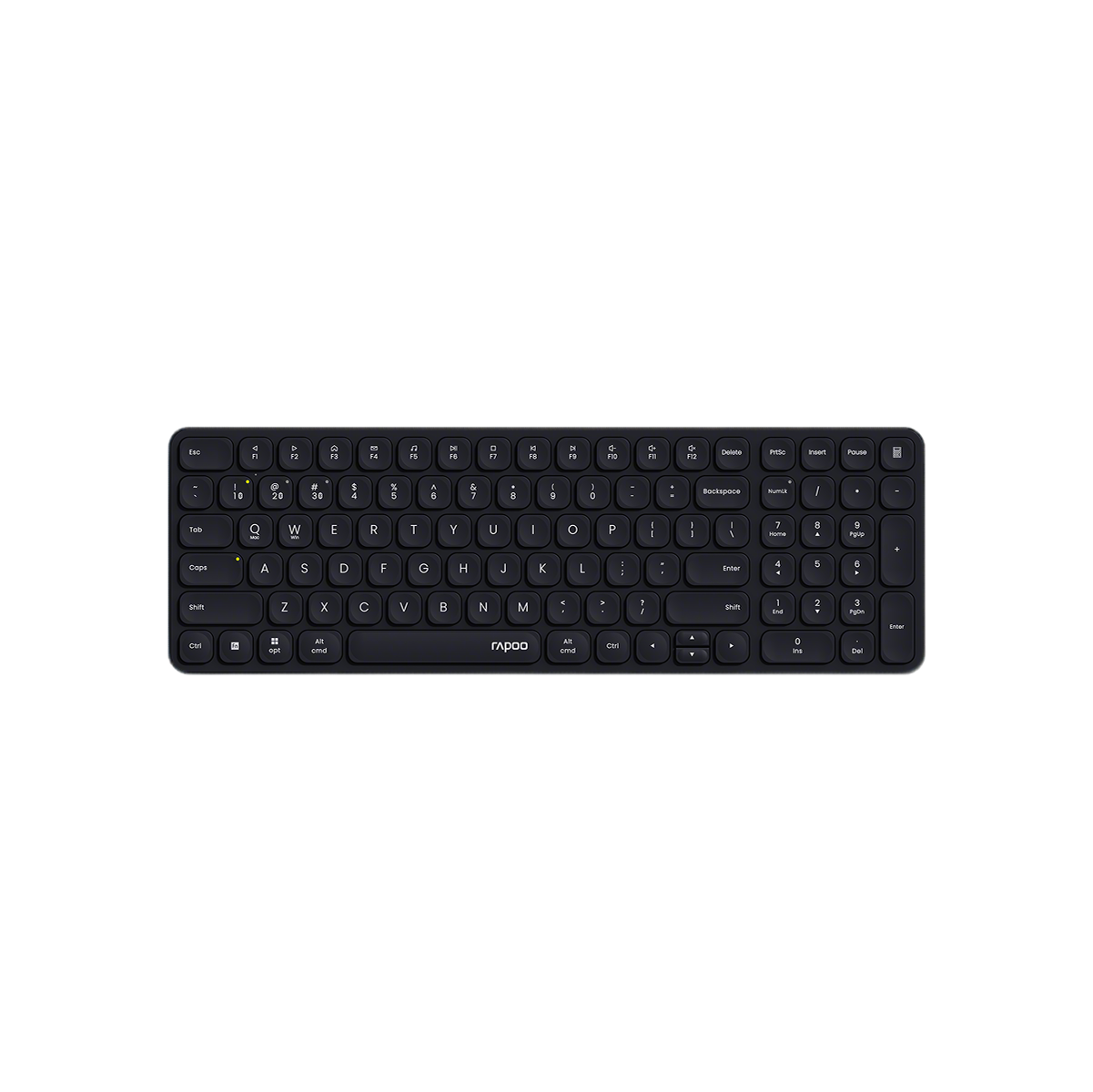
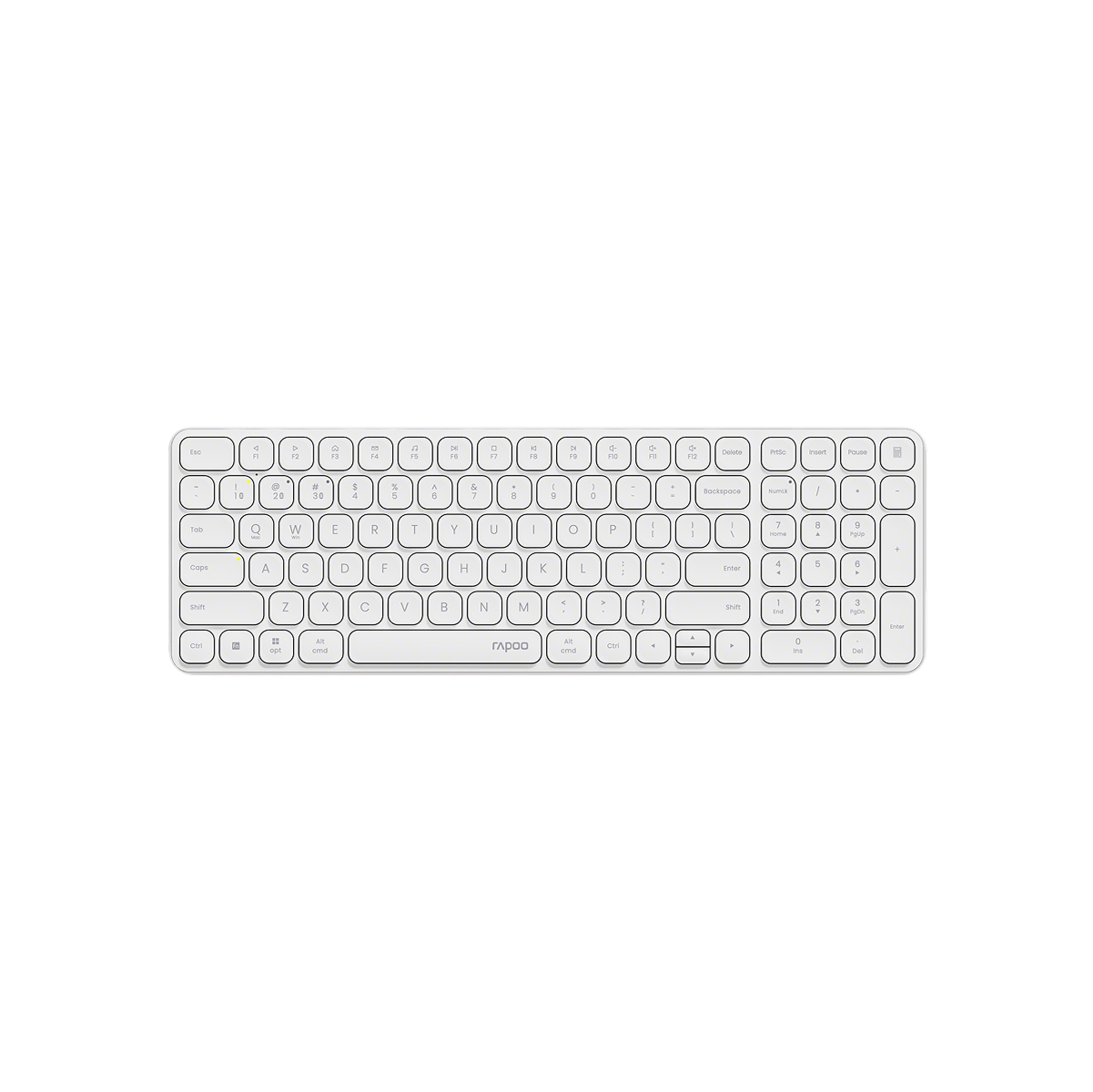
Rapoo E9310M Multi-Device Wireless Keyboard with Number Pad
Choose your option
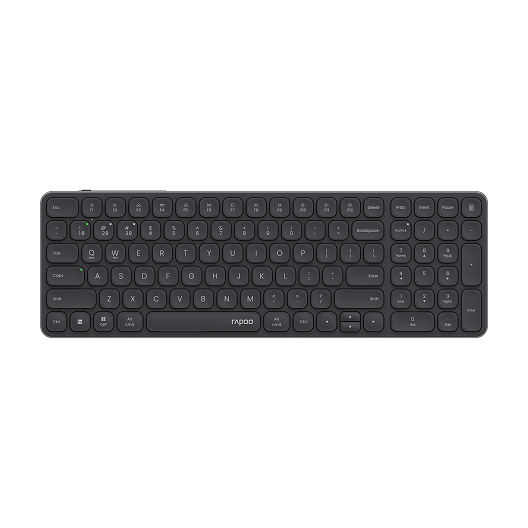
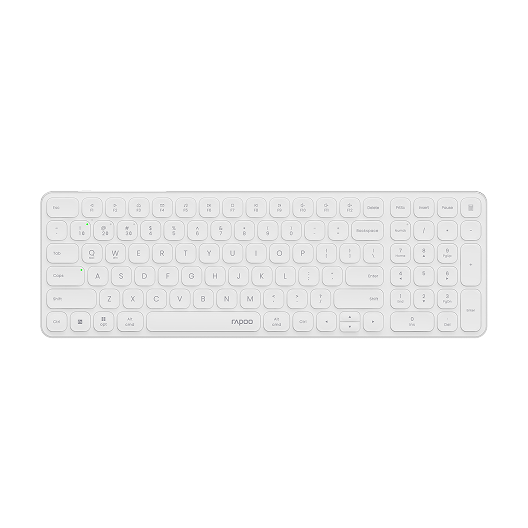
Rapoo E9350L Multi-Device Wireless Keyboard Blade-Series
Choose your option
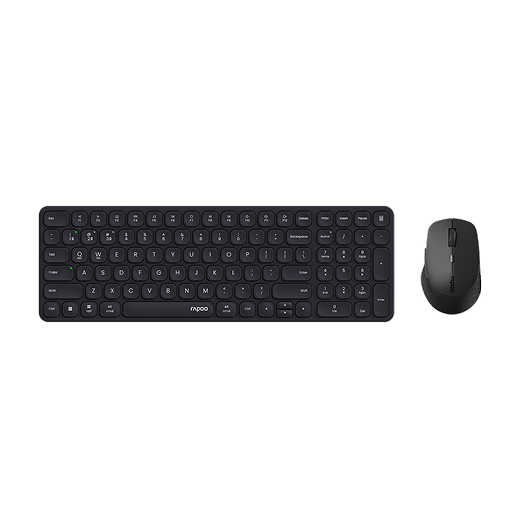
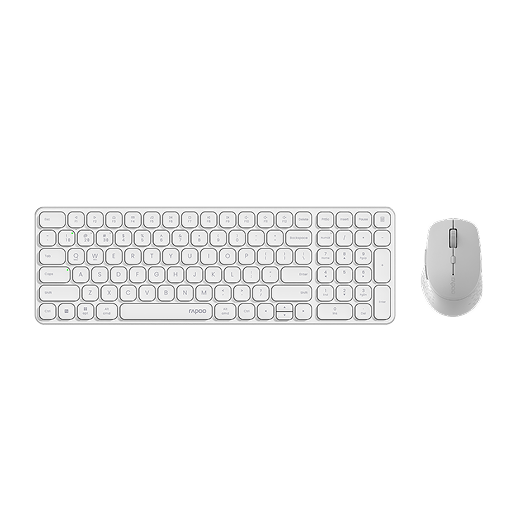
Rapoo 9360M Wireless Mouse and Keyboard Combo
Choose your option
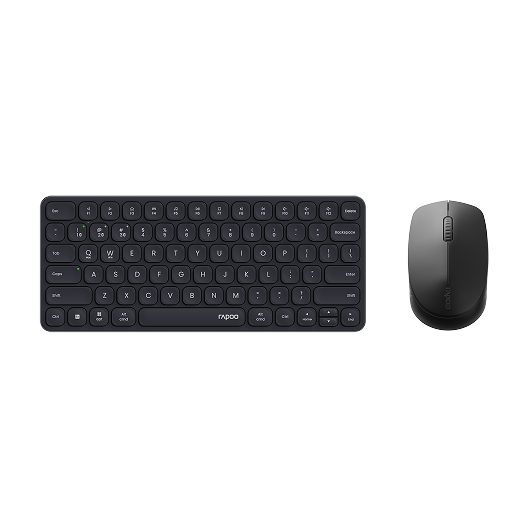
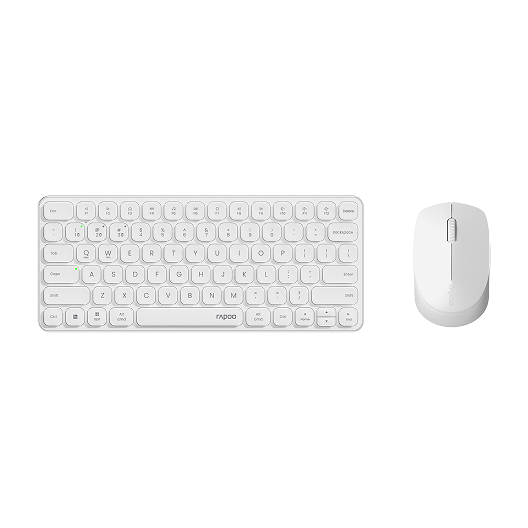
Rapoo 9010M Wireless Mouse and Keyboard Combo Silent Click
Choose your option
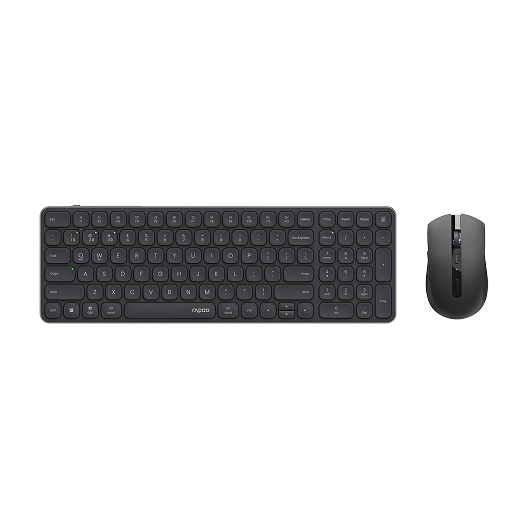
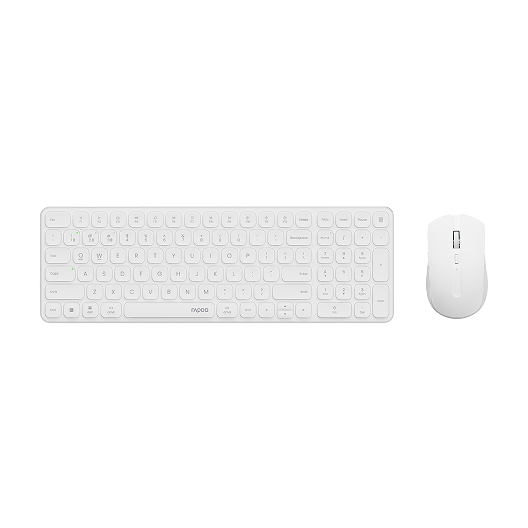
Rapoo 9350S Wireless Mouse & Keyboard Combo
Choose your option
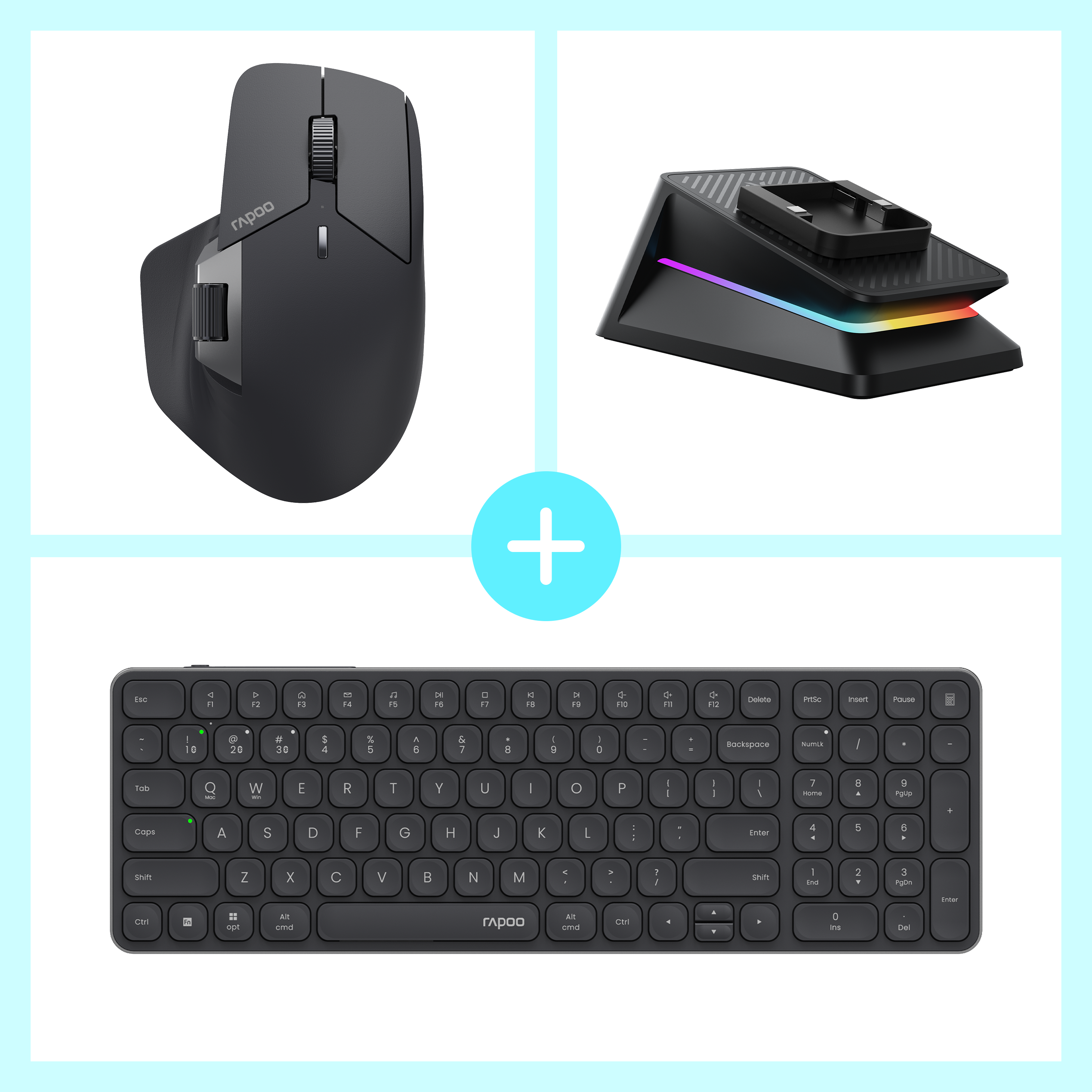

Rapoo MT760 Pro + E9350L + P5 Wireless Charging Dock Ergonomic Combo
Choose your option
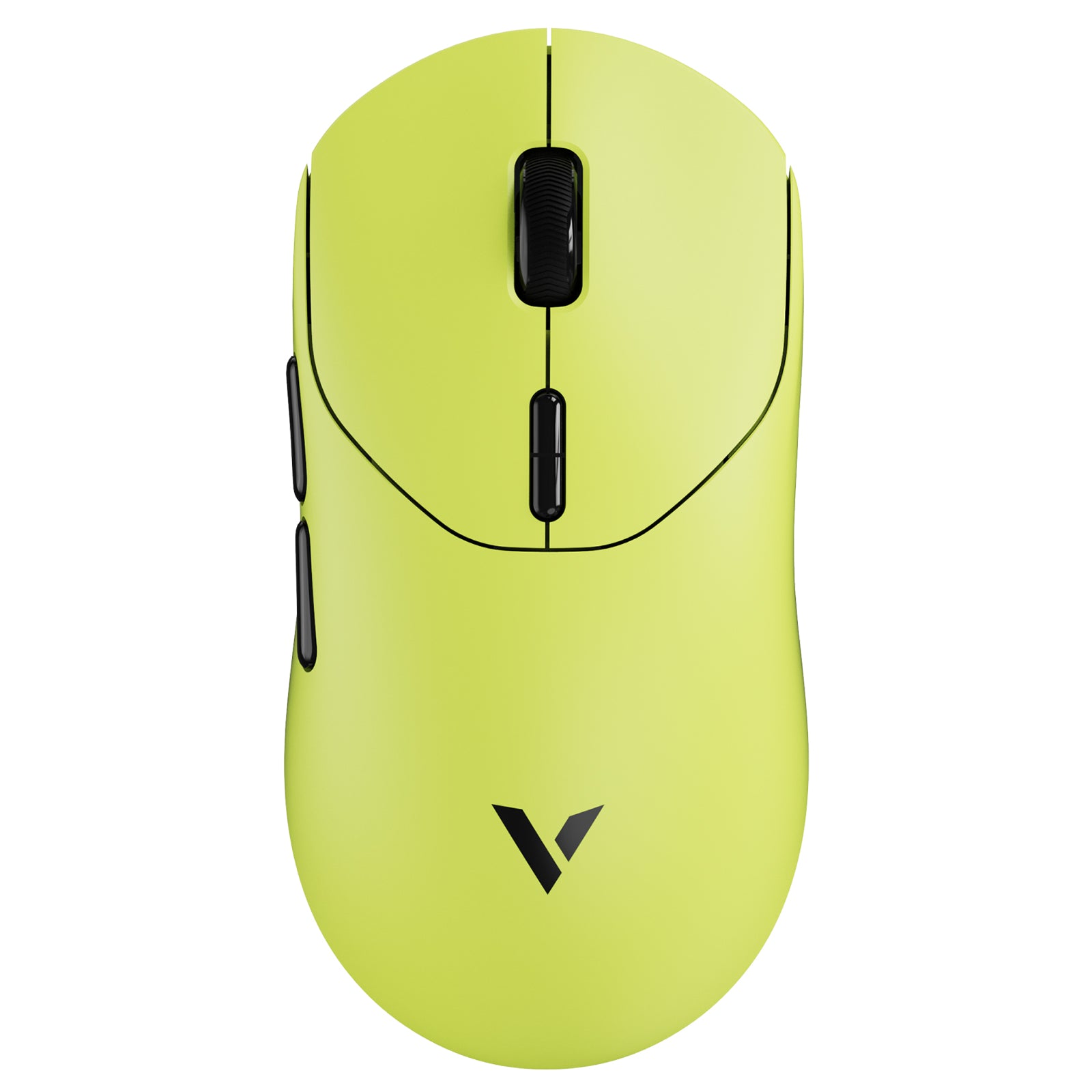
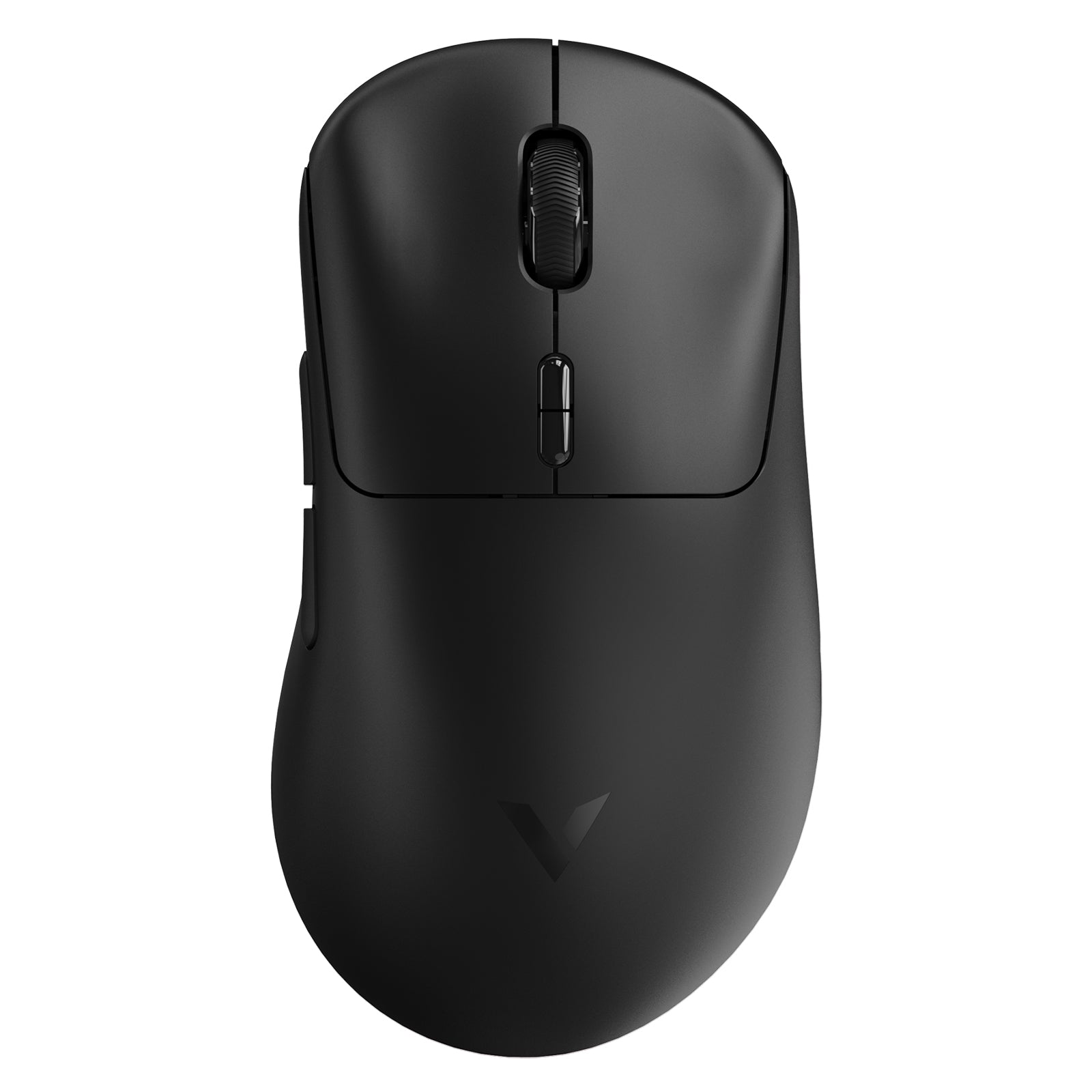
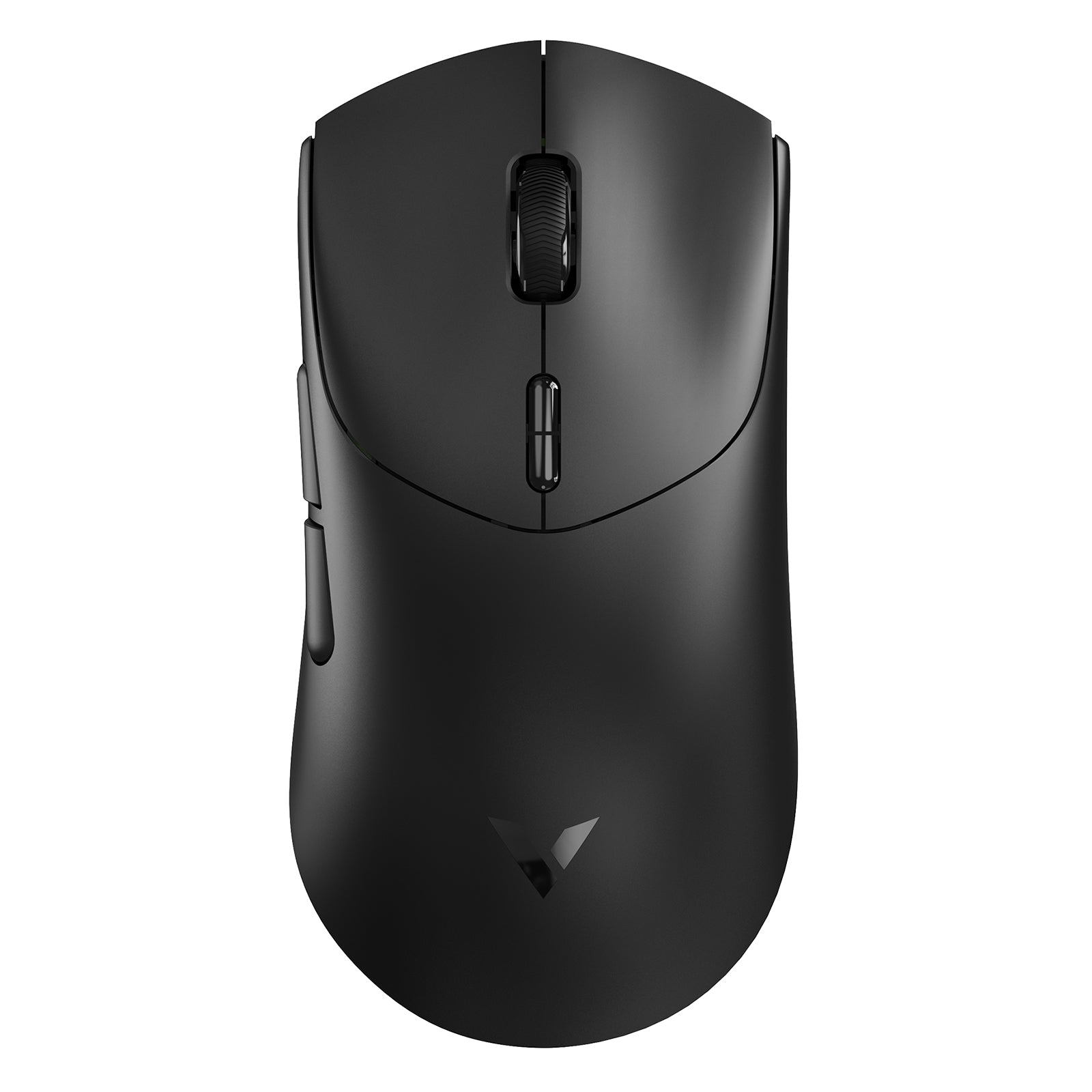
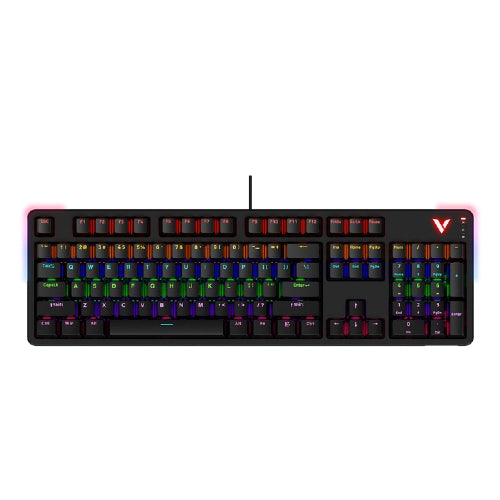
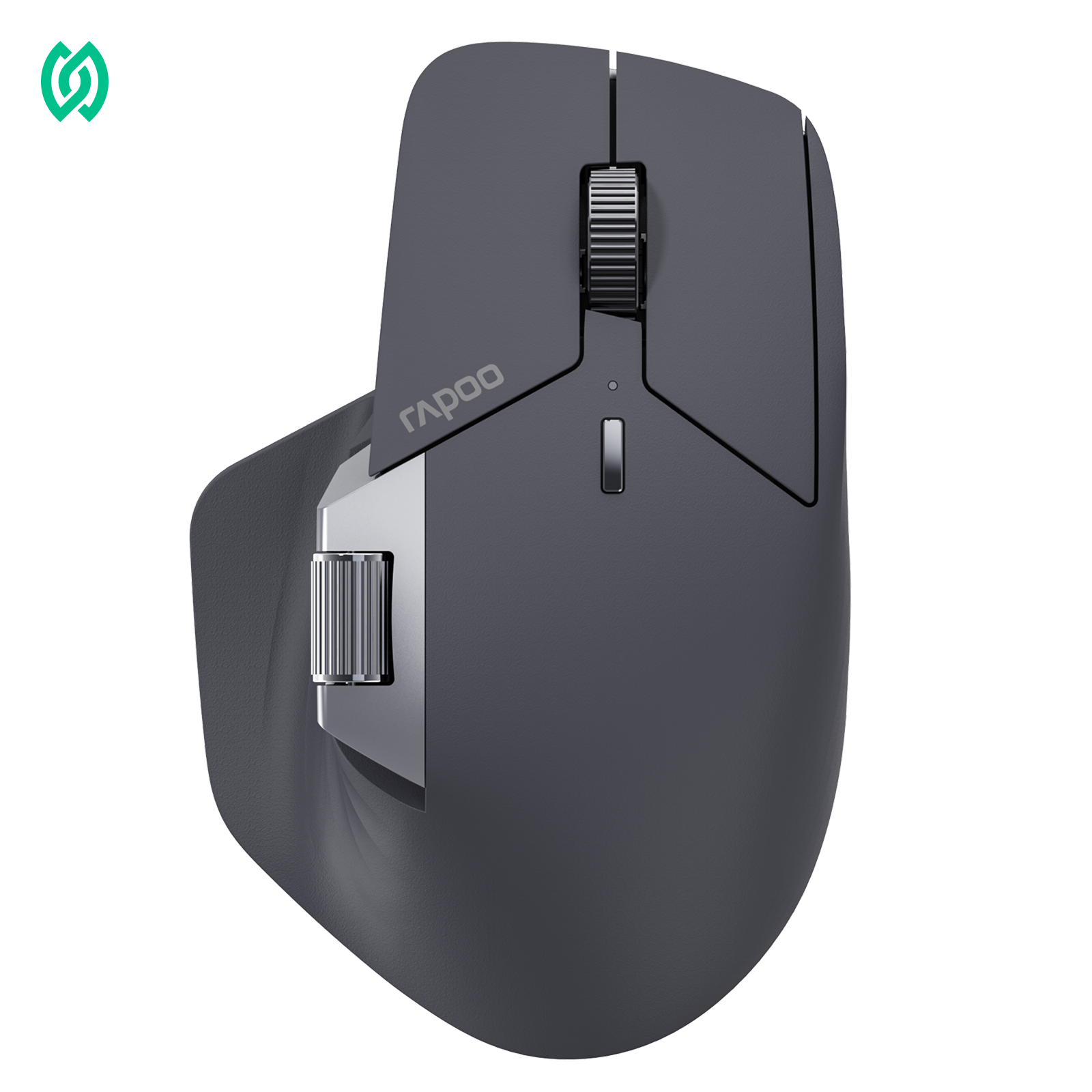
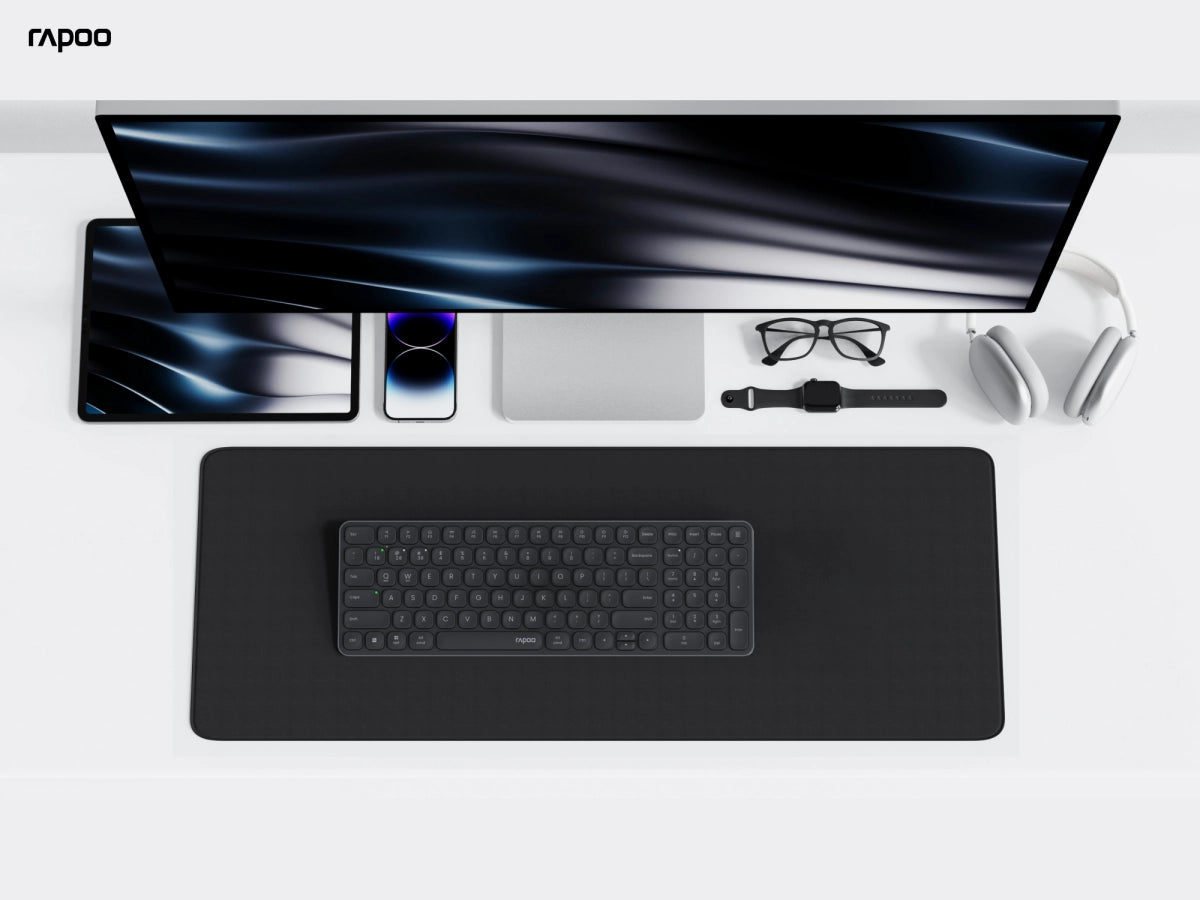
If you want a dependable keyboard that keeps your workspace calm and comfortable, membrane keyboards are a smart everyday choice. RAPOO offers membrane keyboards designed for real-world use—quiet typing for shared spaces, familiar layouts for office work, and slim options for clean setups.
Whether you’re replacing an old office keyboard, building a simple home workstation, or looking for a comfortable membrane computer keyboard for daily typing, you can choose the layout and profile that fits your desk and habits. Browse the collection to compare slim vs full-size options and find the right fit for your workflow.
FAQs
What should I look for in a quiet membrane keyboard?
What should I look for in a quiet membrane keyboard?
Start with a membrane design (already quieter for most users), then choose a layout that helps you type naturally—less stretching can reduce heavy key presses. Slim and low-profile styles can also encourage lighter typing. For the best overall experience, pick a RAPOO membrane keyboard that fits your desk and routine, and keep the keyboard stable on the surface to minimize extra sound.
How to Choose the Right Membrane Keyboard
How to Choose the Right Membrane Keyboard
1) Start with the layout
Choose the size that fits your desk and workflow. Full-size is best if you rely on a number pad for spreadsheets or data entry. Slim or compact (including 75%) works better for smaller desks, travel, or a cleaner setup where you want more mouse space.
2) Pick your “quiet” level for the space you’re in
If you work in a shared office, take calls often, study in a dorm, or type late at night, a quiet membrane keyboard helps keep noise down without changing the way you type or forcing a new learning curve.
3) Prioritize comfort for long typing sessions
For all-day use, aim for a key feel that stays consistent and easy to press across the board. A good membrane keyboard for typing should feel stable and predictable so your hands don’t tire out during long emails, reports, or schoolwork.
4) Align the keyboard with your main use case
- Office work: focus on comfort, familiar spacing, and reliable daily performance
- Everyday typing: look for a smooth, low-effort key feel and quieter operation
- Work + home use: choose a layout and profile that fits both environments without switching setups
- Travel & business trips: prioritize slim/compact membrane keyboards—they’re typically lighter and thinner than mechanical keyboards, making them easier to pack and helping reduce carry weight on the go
Are membrane keyboards good for typing?
Are membrane keyboards good for typing?
Yes—membrane keyboards are a strong choice for everyday typing because the key presses are typically smooth, soft, and consistent. Many people prefer them for long work sessions since they can feel less harsh on the fingers. If you type emails, documents, or homework daily, a RAPOO membrane keyboard can offer comfortable keystrokes and an easy transition from standard office keyboards.
Are membrane keyboards good for office work?
Are membrane keyboards good for office work?
They’re often ideal for office work, especially in shared spaces. Membrane keyboards are generally quieter and feel familiar for productivity tasks like email, spreadsheets, and writing. If you want a simple, reliable keyboard for daily use, a RAPOO membrane computer keyboard in full size (with number pad) or slim layout can fit common office workflows without extra complexity.
Are membrane keyboards quieter than mechanical keyboards?
Are membrane keyboards quieter than mechanical keyboards?
In most typical setups, yes—membrane keyboards tend to sound more muted because of how the key press lands. That makes them a popular option for meetings, shared rooms, and late-night use. If quiet typing is a priority, look for a RAPOO membrane keyboard that matches your preferred layout and key feel, then pair it with a stable desk surface for even less noise.
Learn more: What Is a Mechanical Keyboard?
Should I choose a slim or full-size membrane keyboard?
Should I choose a slim or full-size membrane keyboard?
Choose slim if you want a lower-profile look, easier portability, and less desk clutter. Choose full size if you use a number pad often, work with spreadsheets, or prefer traditional spacing. RAPOO offers membrane keyboards in different layouts so you can match your desk setup and daily tasks—without changing how you type.
What’s a good membrane keyboard for typing comfort?
What’s a good membrane keyboard for typing comfort?
A good membrane keyboard for typing should feel consistent across keys, require comfortable press effort, and suit your hand position. If you type for hours, prioritize a layout that supports your workflow (full size vs slim) and a key feel that doesn’t cause fatigue. RAPOO membrane keyboards are built around practical comfort for everyday use—work, study, and home.
Are membrane keyboards good for gaming?
Are membrane keyboards good for gaming?
Yes—membrane keyboards can work well for casual to moderate gaming, especially if you want a quieter setup for shared rooms, late-night play, or voice chat. They’re comfortable for long sessions and handle everyday games like RPGs, strategy, and sandbox titles without issue.
For competitive FPS or MOBA, many players still prefer mechanical keyboards for their crisper feedback and more “responsive” feel during rapid inputs. If you game on a membrane keyboard, look for a layout you can control easily (like 75% or full-size) and consistent key feel so your movement and ability keys stay predictable.

About Rapoo
Leading Brand in Wireless Mice and Keyboards Since 2002. Professional-grade Wireless Gaming Mice and Keyboards at Unbeatable Price.


