





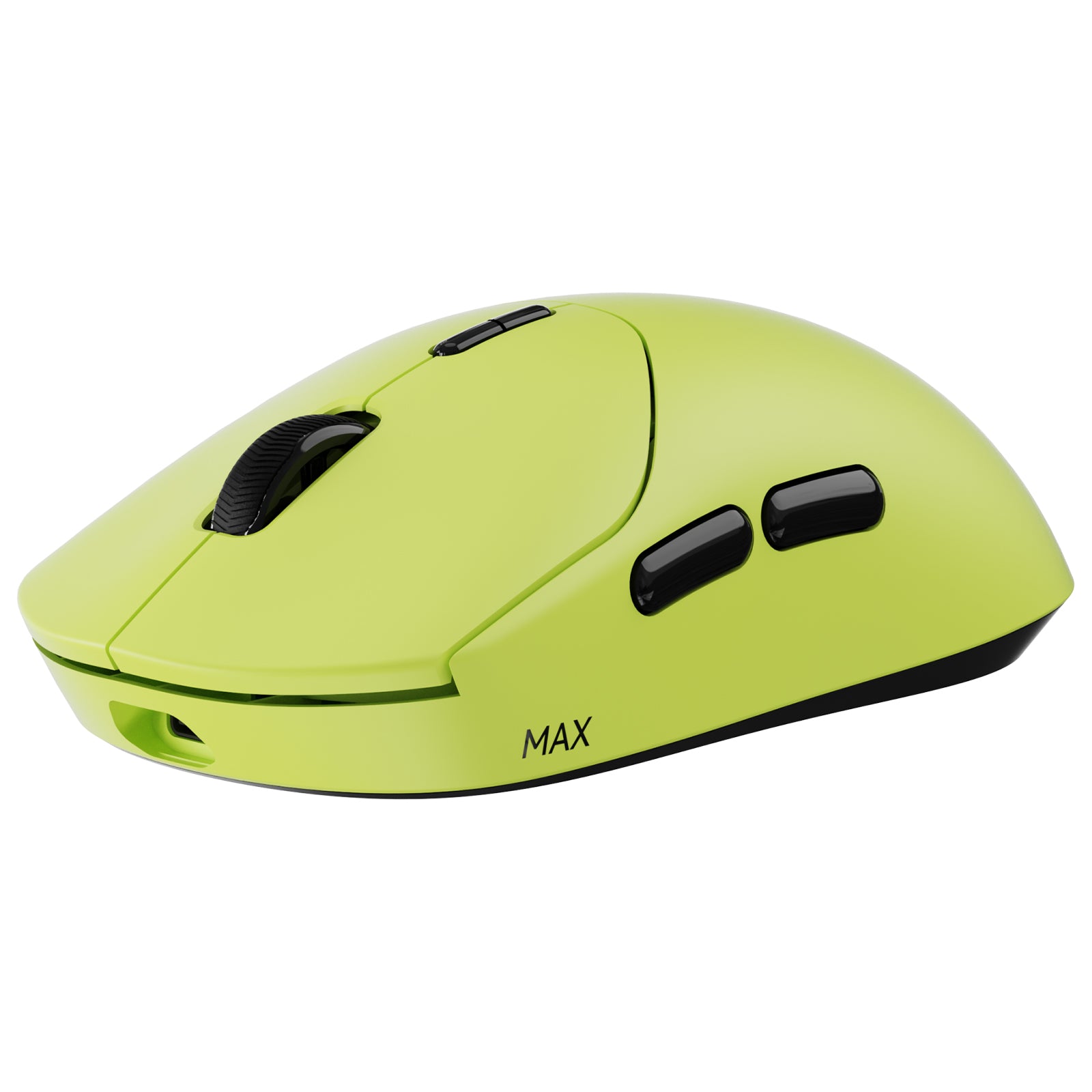
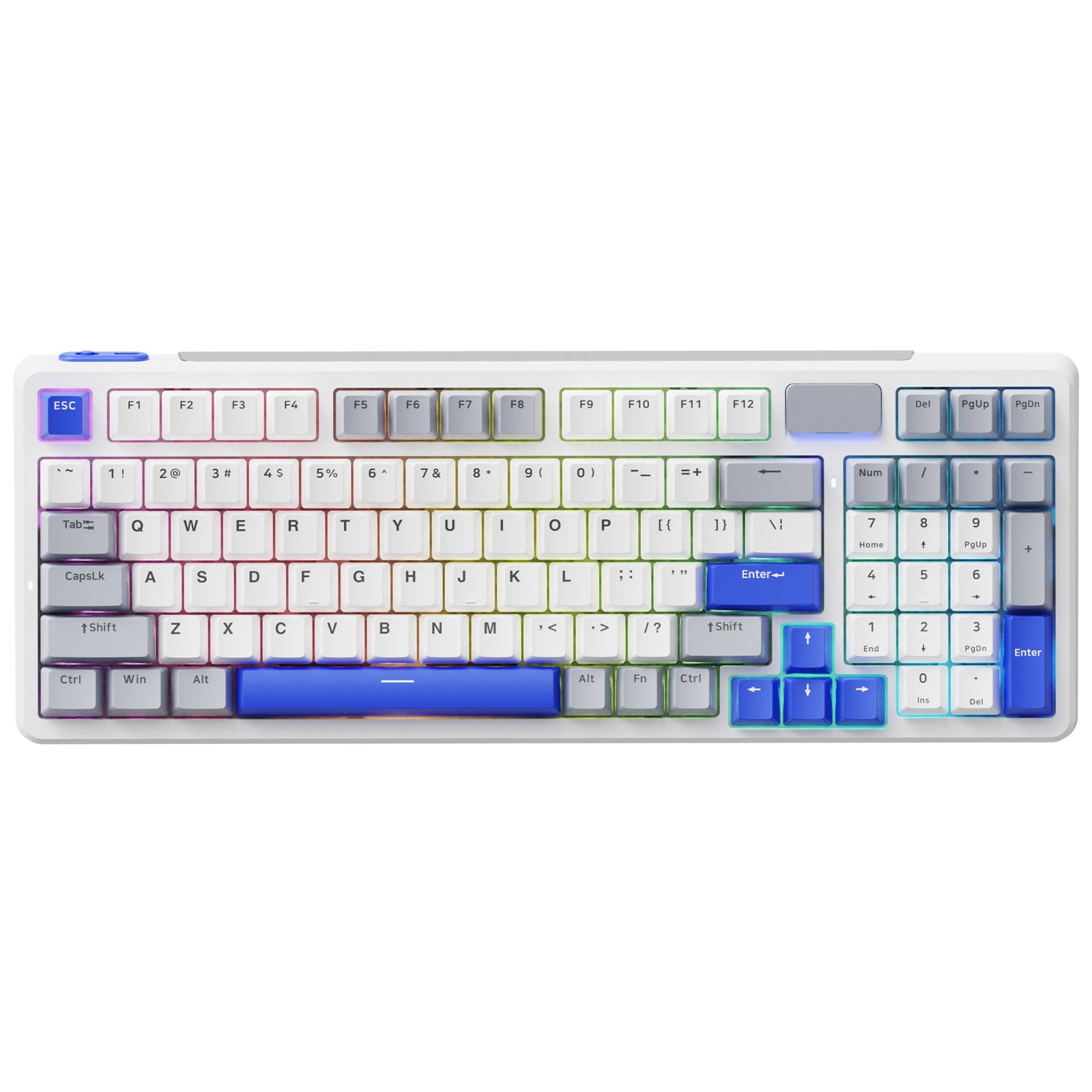




Rapoo V700DIY-98 Wireless Tri-mode Gasket Structure Mechanical Gaming Keyboard
Choose your option


Rapoo V700DIY-75 Tri-mode Gasket Structure Mechanical Gaming Keyboard

Choose your option


Rapoo V500 Pro Wired Mechanical Gaming Keyboard 104/98/87 Keys

Choose your option
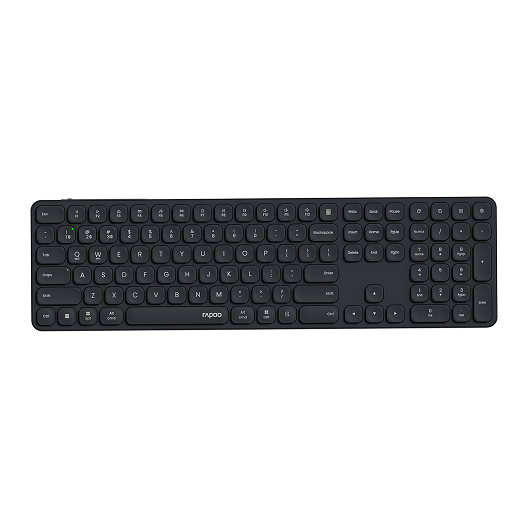
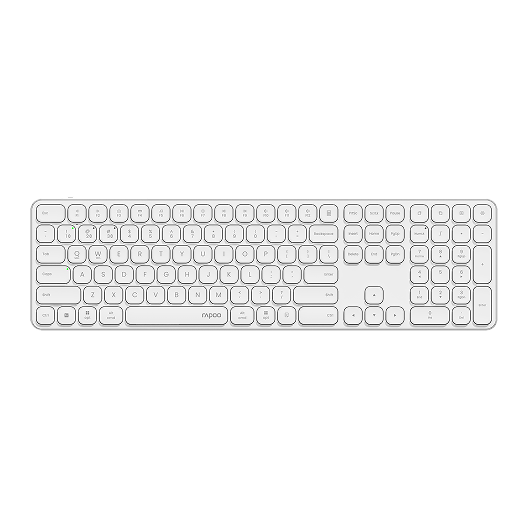
Rapoo E9550L Multi-Device Wireless Keyboard Blade-Series
Choose your option
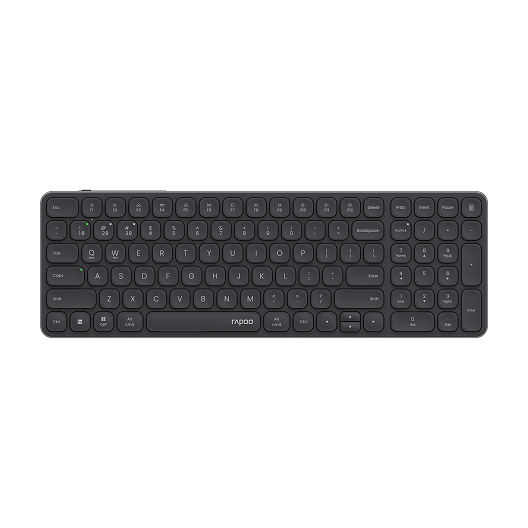
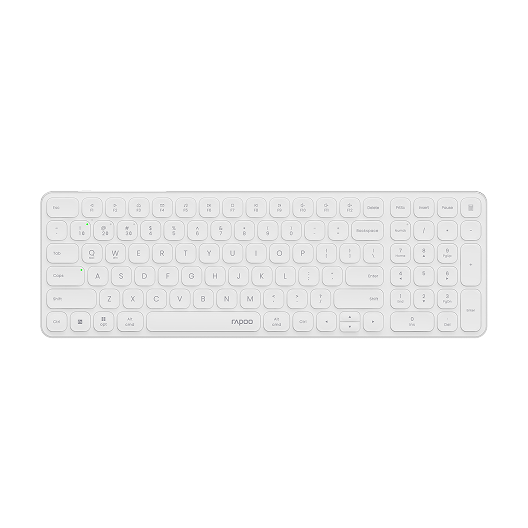
Rapoo E9350L Multi-Device Wireless Keyboard Blade-Series
Choose your option
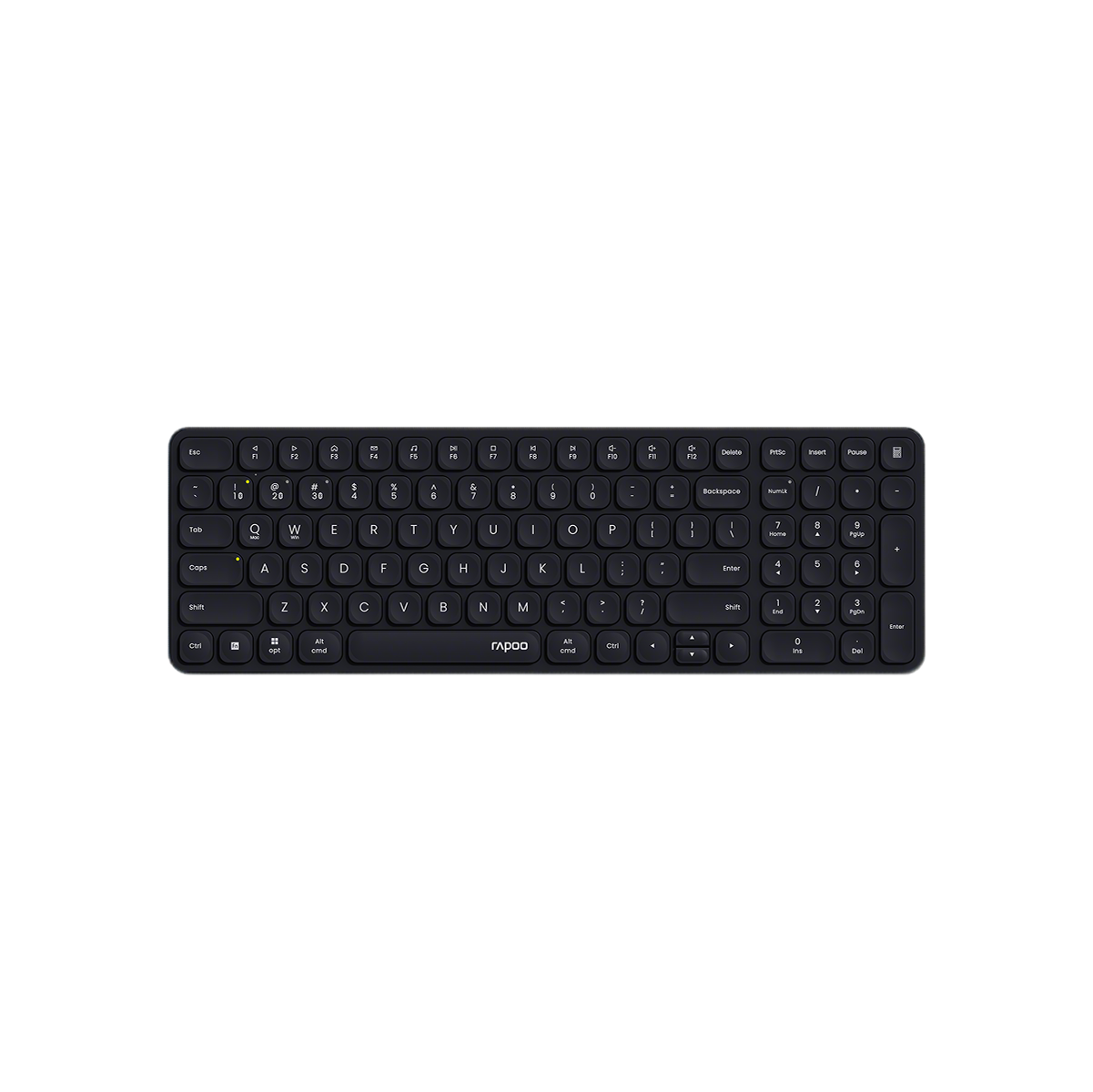
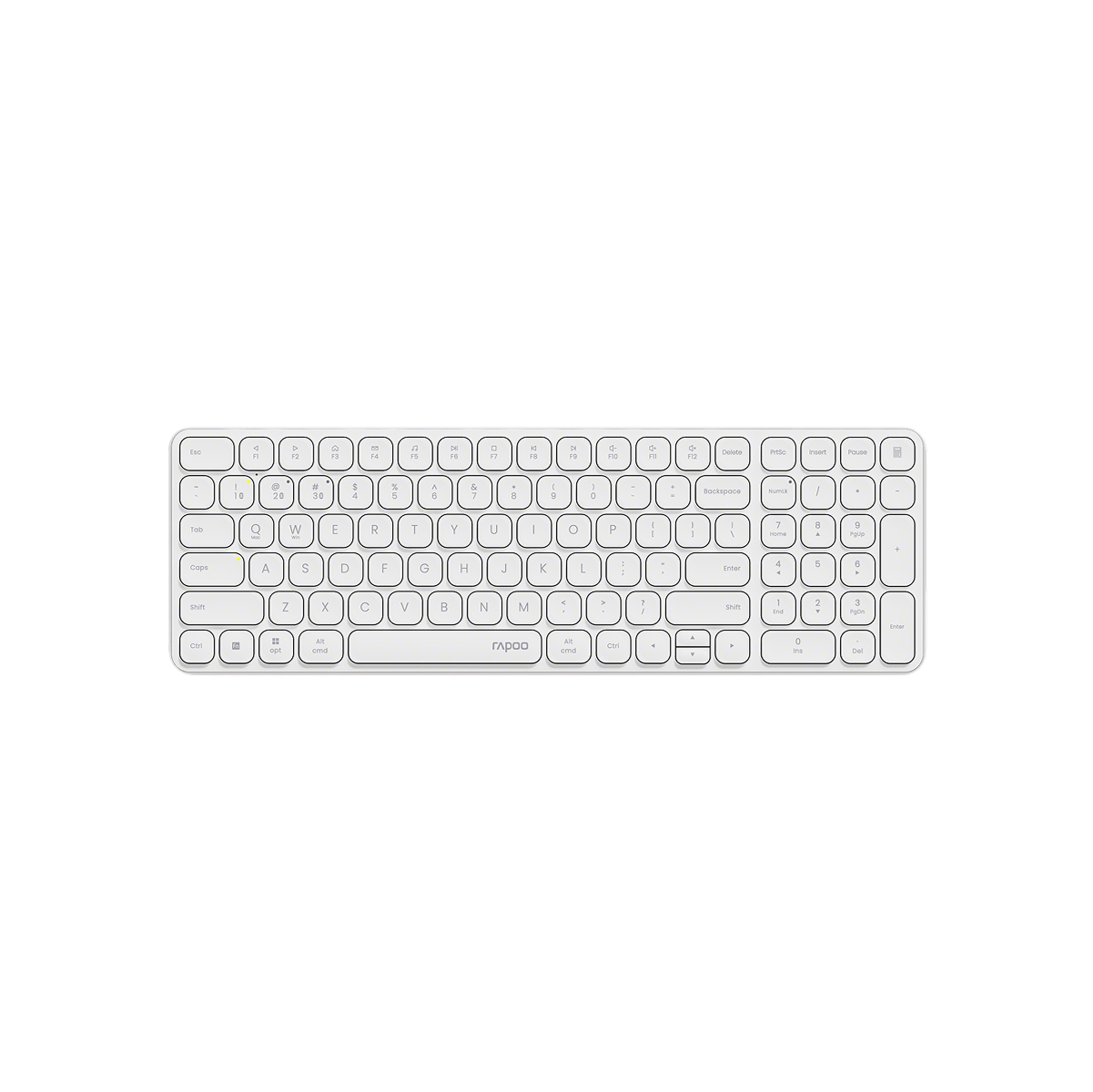
Rapoo E9310M Multi-Device Wireless Keyboard with Number Pad
Choose your option
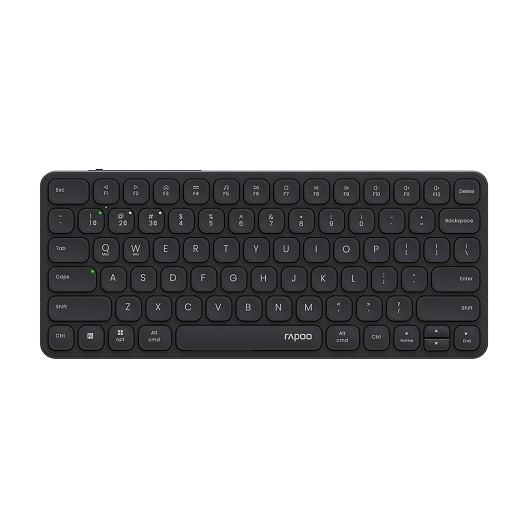
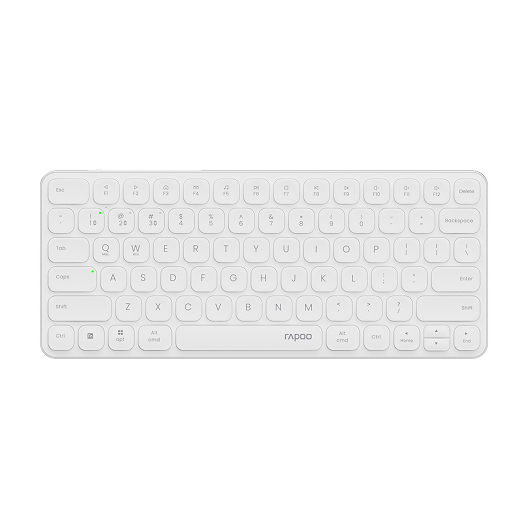
Rapoo E9050L Multi-Device Wireless Keyboard Blade-Series
Choose your option

Rapoo E900T Portable Mini Wireless Keyboard with Touchpad
Choose your option


Aesco A83 Air Wireless Mechanical Keyboard | RGB Backlit | Hot-Swappable
Choose your option
If you want a compact keyboard that fits modern gaming and everyday setups, a 70 keyboard is a smart category to explore. It offers the space-saving benefits of a smaller board while still delivering the functionality most users rely on every day. RAPOO brings this category to life with compact keyboard designs that focus on responsive performance, comfortable typing, and flexible connectivity. Whether you are building a cleaner gaming desk, upgrading your work setup, or moving toward a more efficient 70 percent keyboard layout, RAPOO compact keyboards are built to help you get more from every inch of desk space.
70 Keyboard vs Larger Keyboard Layouts
A 70 keyboard layout is appealing because it removes extra bulk while still feeling more complete than ultra-compact boards. Compared with larger formats, it offers several advantages:
- More room for mouse movement
- Easier placement on smaller desks
- Cleaner cable and accessory management
- Better portability
- A more modern compact desktop look
Compared with a full-size keyboard, a 70 percent layout usually feels faster to reach across and easier to integrate into tighter workspaces. Compared with very small compact boards, it often feels more comfortable for users who still want a practical everyday typing layout.
FAQs
How to Screenshot on a 70 Percent Keyboard
How to Screenshot on a 70 Percent Keyboard
Taking a screenshot on a 70 percent keyboard usually depends on whether the keyboard has a dedicated Print Screen key or uses a function-layer shortcut. On many compact keyboards, screenshot commands are accessed through a combination such as Fn + a mapped key instead of a full-size dedicated button. On Windows, you can also use Windows + Shift + S to open the Snipping Tool, which works regardless of keyboard layout. For Mac users, Command + Shift + 3 or Command + Shift + 4 remains the standard method. If you use a 70 keyboard, checking the key legend and function layer is the easiest way to find the screenshot shortcut.
How to Choose the Right 70 Keyboard?
How to Choose the Right 70 Keyboard?
Choosing the right 70 percent keyboard depends on how you plan to use it and what kind of typing experience you prefer.
1. Think about your layout preference
Some users want the most compact footprint possible, while others want a layout that still feels familiar. If you use arrow keys, function-layer shortcuts, or navigation controls often, a compact board with a thoughtful layout will feel more practical than an ultra-minimal option.
2. Decide between mechanical and membrane
For many shoppers, a 70 keyboard is most attractive in mechanical form because it offers a more precise, responsive, and customizable typing experience. Mechanical keyboards are especially popular for gaming and enthusiasts who value switch feel and consistency.
If your focus is quiet office use, a softer-feeling keyboard may be a better fit. The right choice depends on whether you prioritize speed, tactile response, customization, or quieter typing.
3. Consider wired, wireless, or tri-mode use
A lot of users shopping for a 70 keyboard want flexibility. Wired models are often preferred for simple plug-and-play performance and low-latency gaming. Wireless or tri-mode keyboards are great for cleaner desks, multi-device use, and switching between work and personal setups.
4. Look at keycap feel and build quality
A compact keyboard gets used heavily, so material quality matters. Stable construction, durable keycaps, and a comfortable typing angle all contribute to a better long-term experience. This is especially important if the keyboard will be used for both work and gaming.
5. Match the board to your setup goals
The best 70 keyboards are not just about size. They should fit the way you work and play. Some users want a keyboard mainly for competitive gaming and fast response. Others want an all-around option that looks clean on a desk and works well for typing, multitasking, and casual gaming.
What is a 70 keyboard?
What is a 70 keyboard?
A 70 keyboard is a compact keyboard layout designed to reduce size while keeping the keys most users need for gaming, work, and daily typing. It is usually chosen by people who want more desk space and a cleaner setup than a full-size keyboard provides. Many shoppers looking for a 70 percent keyboard are interested in layouts that feel efficient, practical, and easier to use in smaller workspaces without sacrificing comfort.
Is a 70 percent keyboard good for gaming?
Is a 70 percent keyboard good for gaming?
Yes, a 70 percent keyboard can be very good for gaming. Its smaller footprint creates more mouse space, which is especially useful in fast-paced games where wider mouse movement matters. Many gamers prefer compact layouts because they help position the keyboard and mouse more comfortably. A good 70 keyboard can also deliver strong responsiveness, mechanical key feel, and a cleaner overall setup, making it a popular choice for both competitive and casual players.
What is the benefit of a 70 keyboard layout?
What is the benefit of a 70 keyboard layout?
The biggest benefit of a 70 keyboard layout is efficiency. It gives you a smaller keyboard that takes up less desk space while still supporting everyday usability. This makes it a strong option for users who want a compact setup for gaming, studying, working, or mixed use. A 70 keyboard can also improve comfort by allowing a better hand position between the keyboard and mouse, especially on smaller desks or in minimalist setups.
Is a 70 keyboard better than a full-size keyboard?
Is a 70 keyboard better than a full-size keyboard?
That depends on your needs. A 70 keyboard is better if you want a compact setup, more room for mouse movement, and a cleaner desk layout. A full-size keyboard may still be better for users who need a dedicated number pad and the most traditional layout possible. For many users, the 70 percent keyboard offers a better balance between compact size and daily usability, which is why it remains such a popular option.
Are 70 keyboards good for typing?
Are 70 keyboards good for typing?
Yes, 70 keyboards can be very good for typing, especially if you want a compact board that still feels practical for daily use. Many users adapt quickly to the smaller layout and enjoy the reduced hand movement across the keyboard. Typing comfort depends on the switch type, keycap feel, and overall build quality, but a well-designed compact keyboard can work very well for work, school, and general productivity as well as gaming.
How do I choose the best 70 keyboard?
How do I choose the best 70 keyboard?
To choose the best 70 keyboard, start with how you plan to use it. Look at layout comfort, switch type, wired versus wireless connectivity, and build quality. If you game often, prioritize fast response and a stable key feel. If you use the keyboard for both work and play, focus on a layout that feels comfortable over long sessions. The best 70 keyboards combine compact design, reliable performance, and a typing experience that matches your preferences.

About Rapoo
Leading Brand in Wireless Mice and Keyboards Since 2002. Professional-grade Wireless Gaming Mice and Keyboards at Unbeatable Price.


