






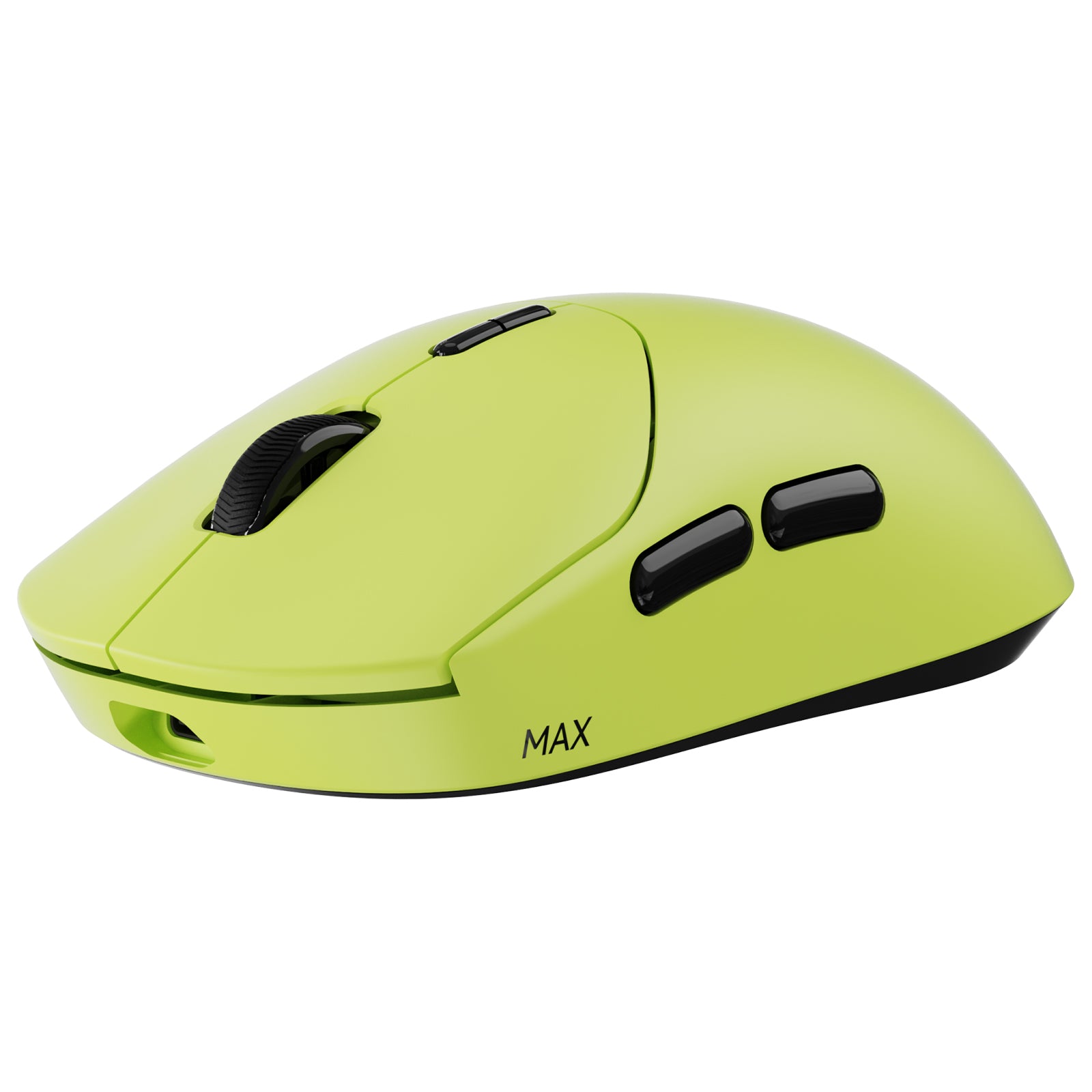




Rapoo VT2 Max Gen-2 53g Ultra-Lightweight Wireless Gaming Mouse | 8K Polling Rate & PAW3950 Sensor


Choose your option


Rapoo VT3 Max Gen-2: Ultra-lightweight Wireless Ergonomic Esports Mouse | PAW3950 Sensor | 8K Polling Rate

Choose your option


Rapoo VT7 Max Gen-2 8K Wireless Gaming Mouse Ultra Lightweight


Choose your option


Rapoo VT3S Max Gen-2 8K Wireless Gaming Mouse Ultra Lightweight

Choose your option


Rapoo VT1 Max Gen-2 8K Wireless Gaming Mouse Ultra Lightweight

Choose your option

Rapoo VT0 Max Gen-2 Wireless Gaming Mouse | 8K Hz Polling | Ultra-Lightweight
Choose your option


Rapoo VT9 MAX Gen-2 8K Wireless Gaming Mouse Ultra Lightweight

Choose your option
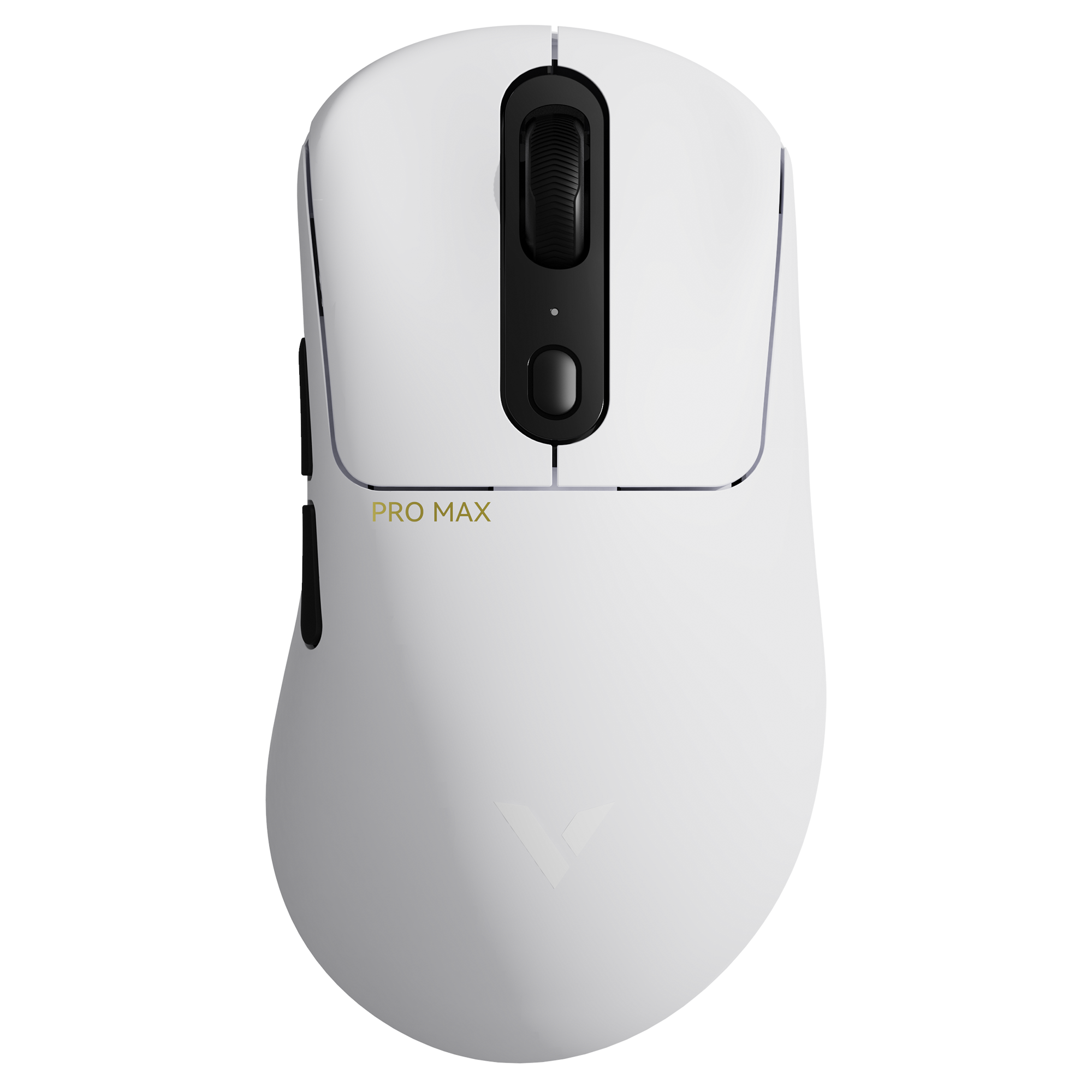

Rapoo VT3 Pro Max Wireless Gaming Mouse
Choose your option
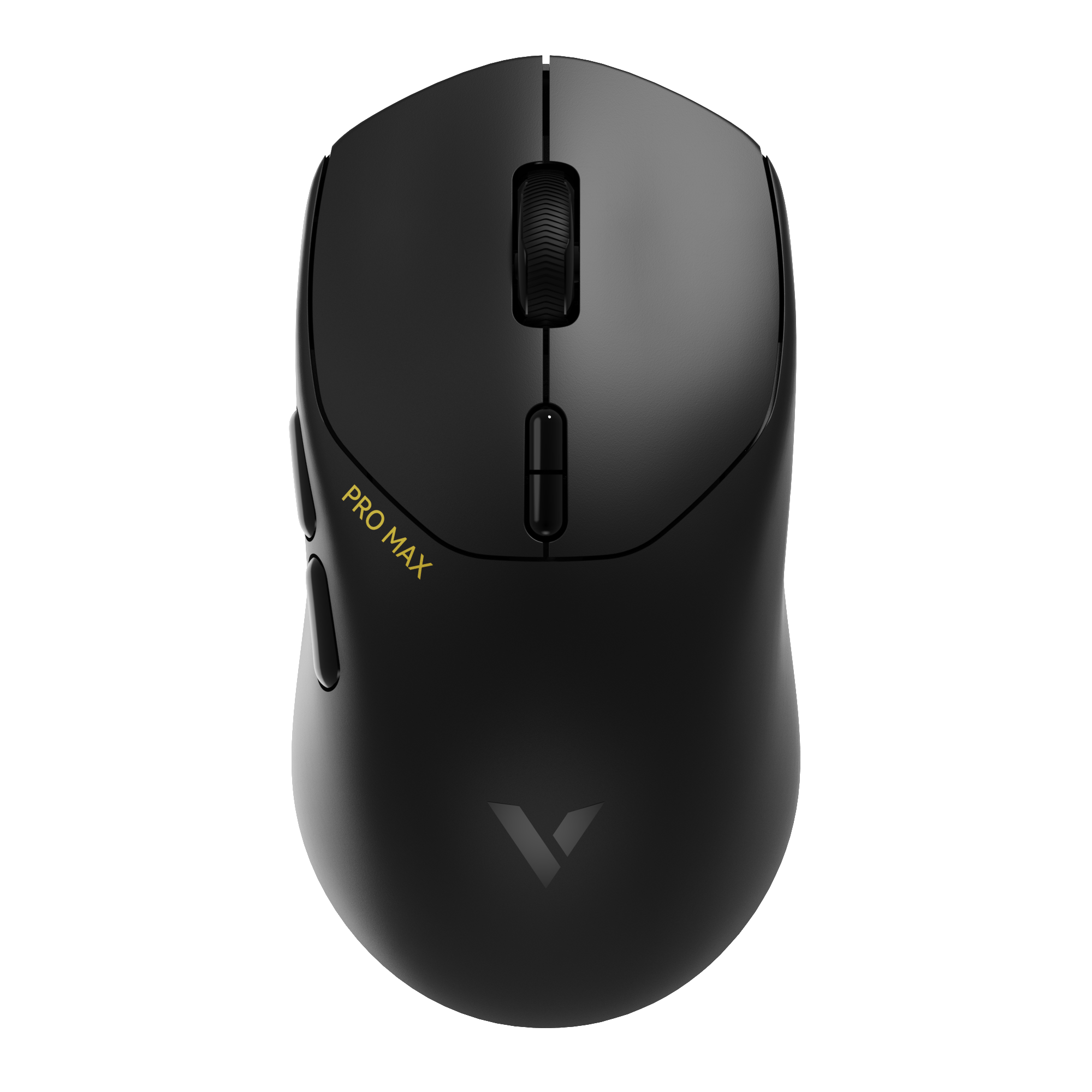
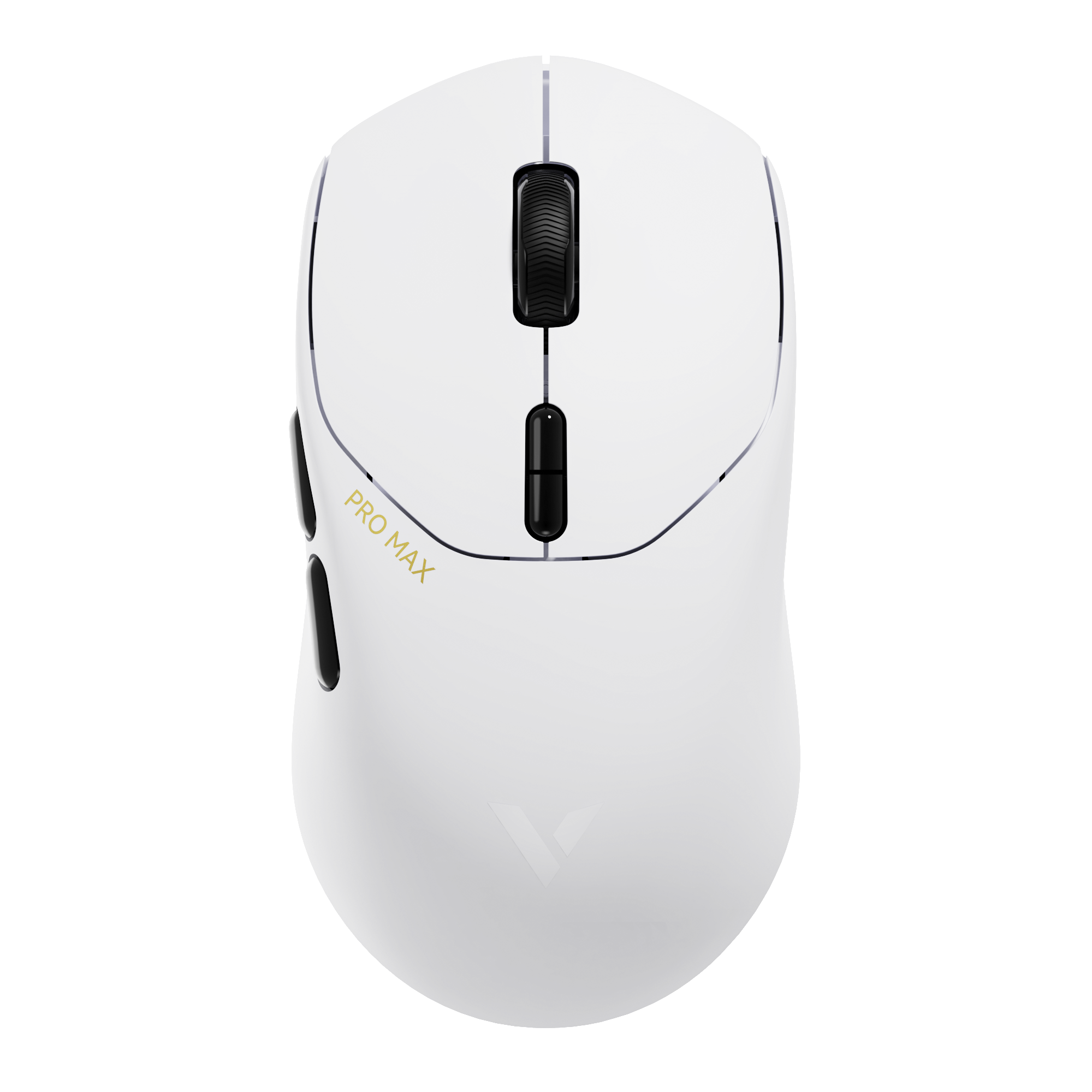
Rapoo VT1 Pro Max Wireless Gaming Mouse
Choose your option


RAPOO VT2 Max Gen-2 & V700DIY-98 Gaming Combo with P5 Charging Dock
Choose your option

Rapoo VT3S Max Master 8K Wireless Gaming Mouse
Choose your option


Rapoo VT3s Air Max Ultralight 8K Wireless Ergonomic Gaming Mouse
Choose your option


Rapoo VT0 Max Master 8K Wireless Gaming Mouse
Choose your option


Rapoo VT0 Air Max Ultralight 8K Wireless Ergonomic Gaming Mouse
Choose your option


Rapoo VT6 MAX Ultra-Lightweight 8K Wireless Gaming Mouse, PAW3950, 45K DPI,Claw/Fingertip Grip


Choose your option
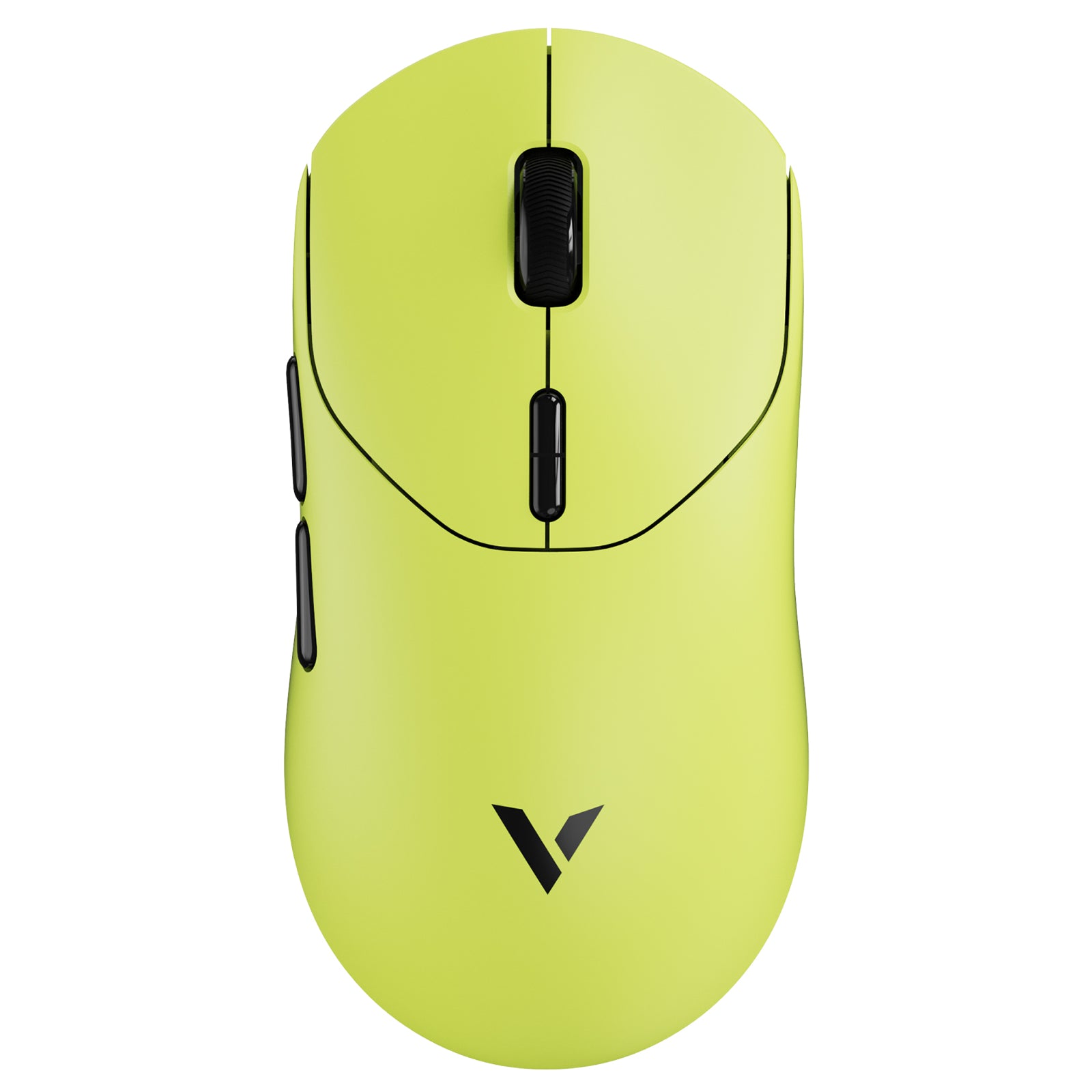
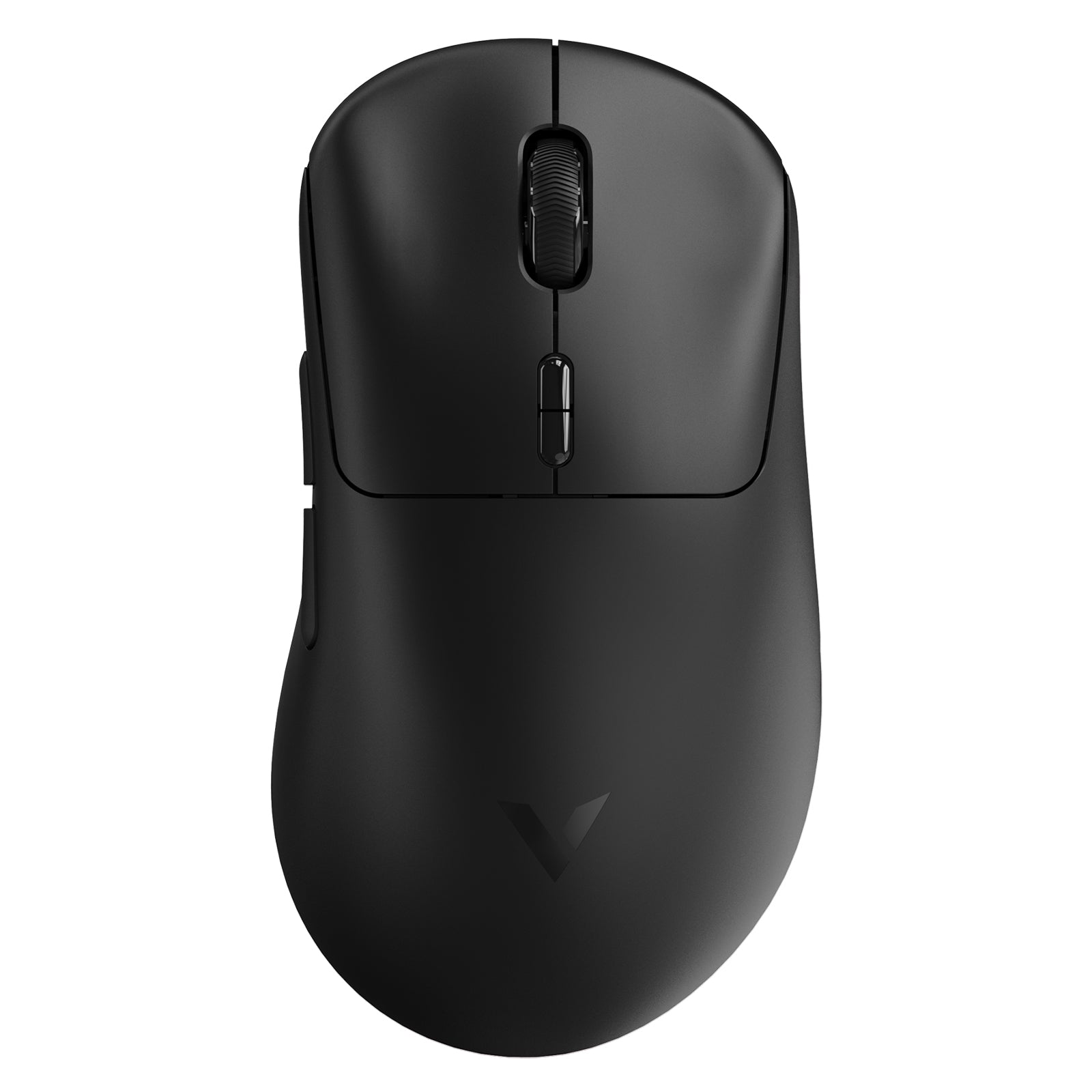
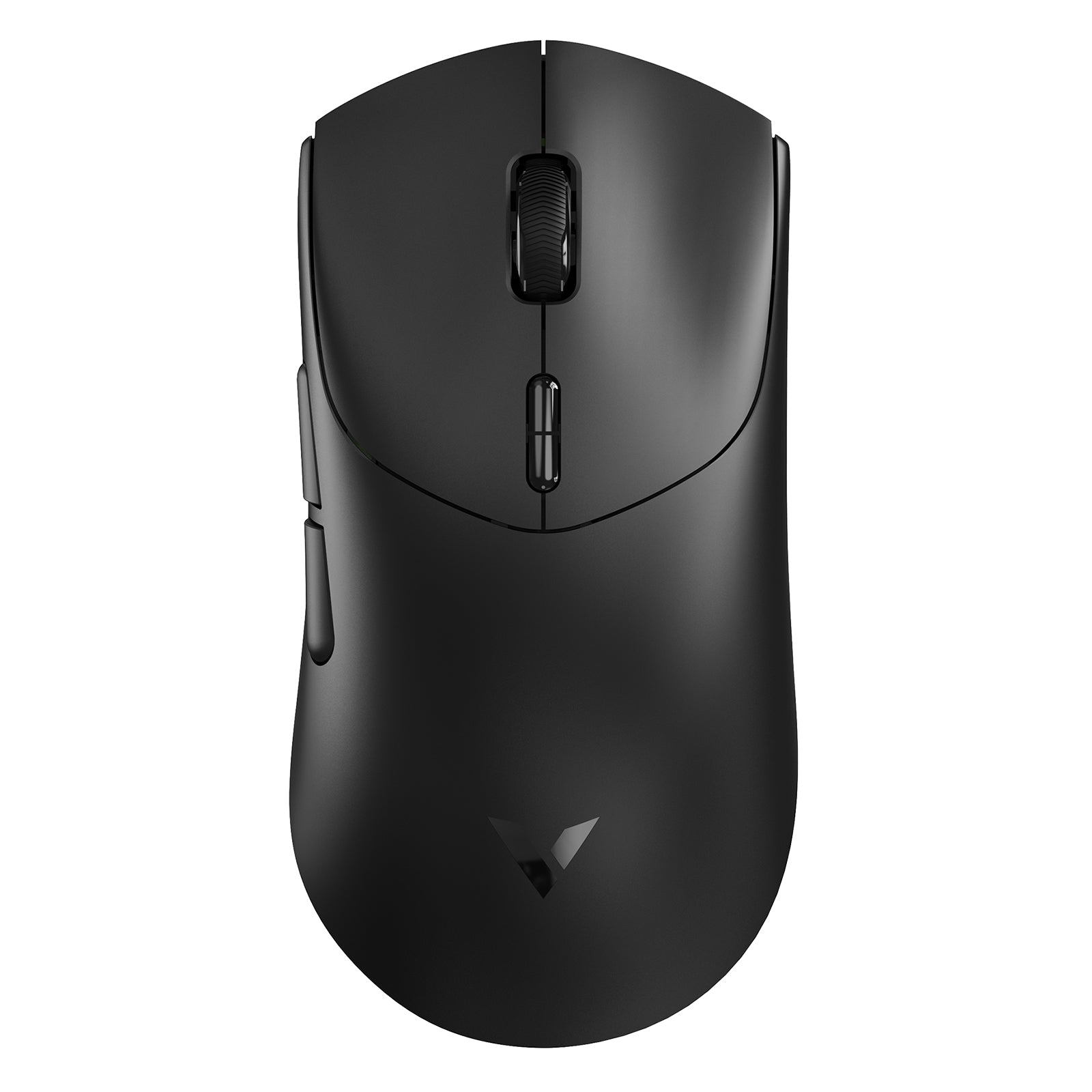
RAPOO PAW3950 gaming mice are built for players who want flagship tracking performance with flexible tri-mode connectivity. Designed for low latency, high polling responsiveness, and multi-device setups, these wireless gaming mice combine precision sensor control with 2.4GHz, Bluetooth, and wired options for gaming and daily use.
What defines a PAW3950 sensor gaming mouse
1) Flagship tracking ceiling (built for competitive motion)
A PAW3950 gaming mouse is designed to stay stable when you move fast and make micro-corrections at the same time. It’s especially relevant for FPS players who want smooth low-speed control without sacrificing high-speed tracking headroom.
Key performance elements users look for in a PAW3950 sensor mouse include:
- Up to 30,000 DPI sensitivity headroom
- Up to 750 IPS tracking speed ceiling
- 50G acceleration support for aggressive movement stability
Most players won’t “use” the maximum values directly, but the higher ceiling helps keep tracking reliable across different sensitivity styles and surfaces.
2) Tri-mode connectivity that matches real usage
RAPOO PAW3950 wireless gaming mice in this collection emphasize flexibility because many buyers don’t use just one device. A 3 mode mouse can switch cleanly between gaming and work setups without changing peripherals.
You’ll typically use each mode like this:
- 2.4GHz wireless gaming mouse mode: best for low-latency play and stable response
- Bluetooth gaming mouse mode: best for laptops, travel, and multi-device switching
- Wired gaming mouse mode: best for stable play while charging and consistent connection
If you’re searching for a 2.4GHz Bluetooth wired mouse, this is exactly the intent tri-mode is built for.
3) Polling rate and responsiveness (where “fast” actually shows up)
Many shoppers researching PAW3950 also search “8K polling rate mouse” because high polling is associated with lower input reporting latency and more granular motion updates.
But the practical reality is simple:
- The benefit is most noticeable when your setup can take advantage of it (connection mode + system + display).
- Higher polling can increase system workload and power draw in wireless mode.
- For many players, a stable 1000Hz experience still feels excellent.
That’s why on a category page, “high polling” should be treated as an available performance path, not a universal requirement.
4) Adjustable LOD for cleaner resets (a real competitive detail)
LOD (lift-off distance) affects how quickly the sensor stops tracking when you lift the mouse. FPS players who use low sensitivity lift often—so LOD tuning can improve “reset cleanliness.”
A PAW3950 adjustable LOD gaming mouse helps by:
- Reducing unintended cursor drift during repositioning
- Making lift-and-reset movements feel more controlled
- Improving consistency for low-sens aiming routines
For casual or high-sens play, the difference can be subtle—but it’s a meaningful quality signal for competitive buyers.

Frequently Asked Questions
How do I choose the right PAW3950 gaming mouse for my hand size and grip?
How do I choose the right PAW3950 gaming mouse for my hand size and grip?
Choosing the right PAW3950 gaming mouse isn’t just about sensor specs—it’s about fit, comfort, and how the mouse feels during long sessions. RAPOO offers multiple PAW3950 models in different sizes and shapes so players can match performance with ergonomics.
For example:
- VT2 Max Gen 2 – well-balanced for medium to large hands, offering strong control and competitive stability.
- VT7 Max Gen 2 – better suited for larger hands, providing more surface support and fuller palm contact.
- VT0 MAX Gen 2 – optimized for smaller hands or fingertip-focused users who prefer a more compact, lightweight feel.
RAPOO also prioritizes user experience through ergonomic design. Models like the VT3 right-handed PAW3950 mouse are shaped specifically to support natural palm positioning, reducing fatigue during extended gaming sessions.
When selecting your PAW3950 wireless gaming mouse, consider:
- Your hand size (small, medium, large)
- Your grip style (claw, palm, fingertip)
- Whether you prefer lightweight agility or fuller hand support
- Your typical usage mode (2.4GHz competitive play vs Bluetooth multi-device use)
The sensor ensures top-tier tracking across the lineup—the difference comes down to shape, size, and how naturally the mouse fits your hand.
What is a PAW3950 sensor mouse?
What is a PAW3950 sensor mouse?
A PAW3950 sensor mouse uses a flagship optical engine designed for high tracking headroom and consistent control. In practice, that means stable tracking for competitive play, wide DPI tuning range, and strong performance during fast swipes and micro-adjustments. The biggest “real” benefits usually come from the full mouse system: shape, weight, wireless stability, and firmware tuning. If you want a modern high-end wireless gaming mouse that supports competitive feel in 2.4GHz mode and flexible daily use via Bluetooth, PAW3950 is a strong foundation.
Learn more: PAW3395 vs PAW3950: What’s the Real Difference & Which Sensor Is Better?
What does tri-mode mean on a PAW3950 wireless gaming mouse?
What does tri-mode mean on a PAW3950 wireless gaming mouse?
Tri-mode means the mouse supports 2.4GHz wireless, Bluetooth, and wired connections. For gaming, 2.4GHz is typically preferred for low-latency responsiveness and stable signal. Bluetooth is best for multi-device switching, laptops, and travel. Wired mode is useful when you want consistent power, stable play, and charging during long sessions. If you search for a “2.4GHz Bluetooth wired mouse” or “3 mode mouse,” tri-mode is designed to match that exact buying intent.
Is an 8K polling rate mouse necessary?
Is an 8K polling rate mouse necessary?
For most players, it’s not required. An 8K polling rate mouse can reduce input reporting latency in theory, but the practical benefit depends on your connection mode, system performance, and display refresh rate. Higher polling can also increase system workload and battery drain in wireless setups. Many competitive players still run 1000Hz because it’s stable and feels responsive. Treat high polling as an optional performance feature—especially when using wired or 2.4GHz—rather than a must-have for every setup.
What DPI is good for gaming on a PAW3950 gaming mouse?
What DPI is good for gaming on a PAW3950 gaming mouse?
Most competitive players use moderate DPI and rely on in-game sensitivity for control. The value of a PAW3950 30,000 DPI mouse is flexibility—fine tuning across different games, monitors, and preferences—not that you should play at ultra-high DPI. For FPS, consistency matters more than extremes: choose a DPI you can repeat reliably, then tune sensitivity so your crosshair control stays stable under pressure. If you change DPI often, use steps that keep your aim feel consistent rather than chasing maximum numbers.
What is adjustable LOD and why does it matter?
What is adjustable LOD and why does it matter?
LOD (lift-off distance) is how high the mouse can be lifted before tracking stops. Adjustable LOD lets you tune how quickly the sensor stops tracking during repositioning. For low-sensitivity FPS players who lift and reset frequently, a lower LOD can reduce unintended cursor drift and make resets feel cleaner. For higher-sensitivity or casual play, you may notice less difference. On a PAW3950 sensor gaming mouse, adjustable LOD is a practical tuning feature that supports consistent control rather than a flashy spec.

RAPOO PAW3950 sensor gaming mice are designed for players who want a modern competitive ceiling plus everyday flexibility. With tri-mode connectivity, you can game in low-latency 2.4GHz mode, switch devices through Bluetooth, or plug in for stable wired play and charging.
PAW3950 tracking headroom supports fast flicks and steady micro-control, while adjustable LOD tuning helps keep resets clean for low-sensitivity FPS users. When choosing the right PAW3950 sensor mouse, focus on the factors that decide real performance: grip fit, weight balance, wireless stability, and the connection mode you actually use. Explore RAPOO’s PAW3950 collection to find the mouse that matches your playstyle and setup.

About Rapoo
Leading Brand in Wireless Mice and Keyboards Since 2002. Professional-grade Wireless Gaming Mice and Keyboards at Unbeatable Price.


