






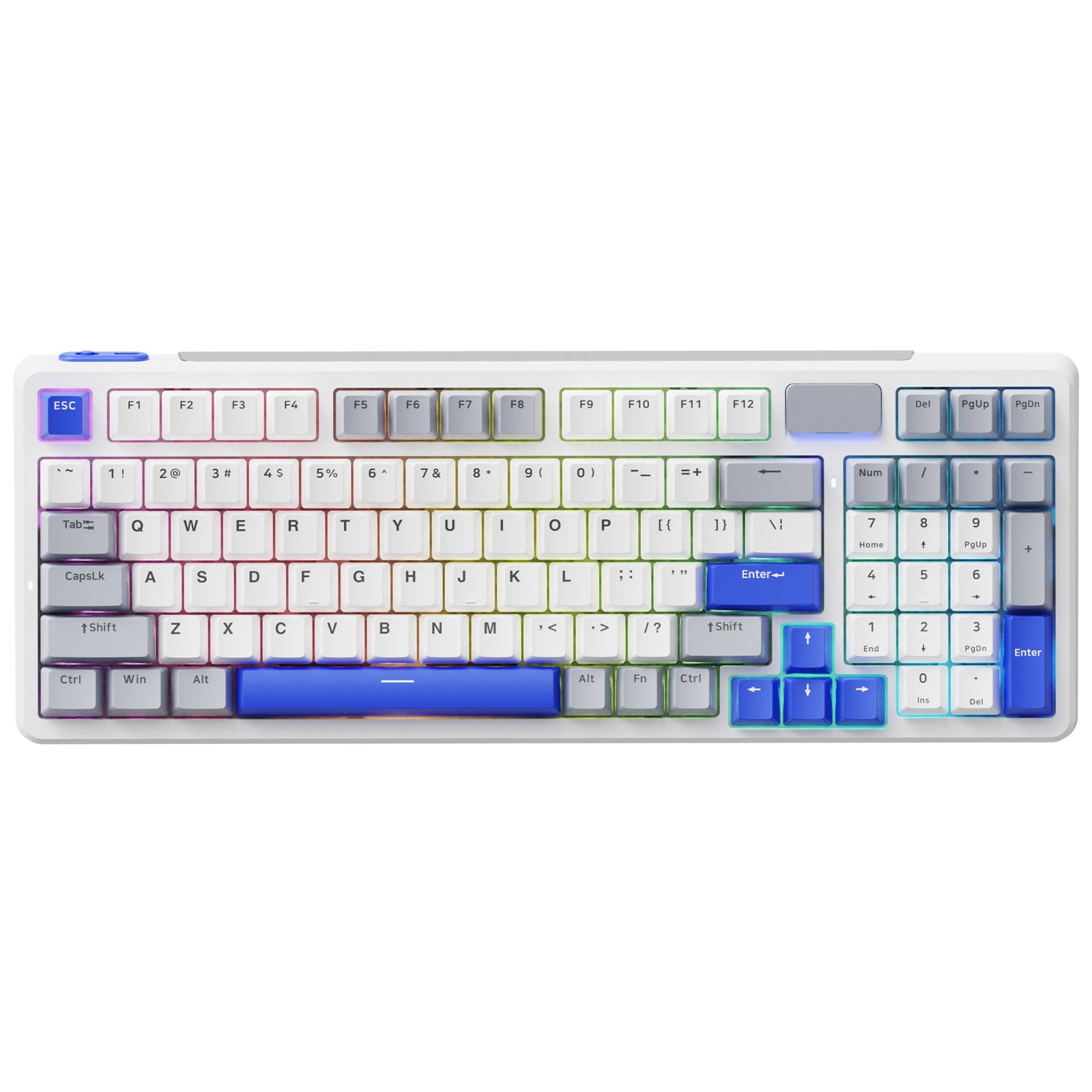




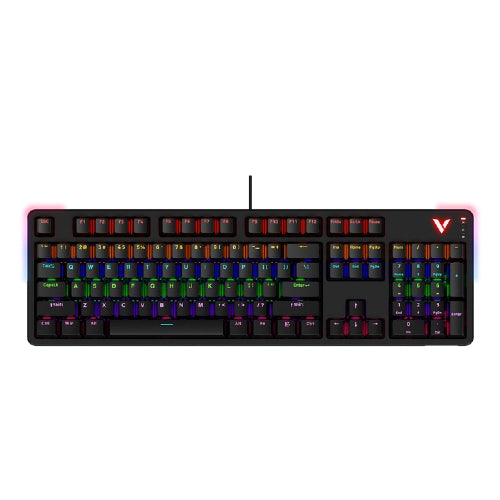
Rapoo V700DIY-98 Wireless Tri-mode Gasket Structure Mechanical Gaming Keyboard
Choose your option


Aesco A83 Air Wireless Mechanical Keyboard | RGB Backlit | Hot-Swappable
Choose your option

Best Mac Mechanical Keyboard
RAPOO mechanical keyboards for Mac are built for macOS users who value precision, comfort, and clean desk setups. This collection includes wired and wireless mechanical keyboards designed for smooth typing, reliable connectivity, and seamless use with MacBook, iMac, and Mac mini systems—perfect for work, creative tasks, and everyday productivity.
FAQs
How to Choose the Right Mechanical Keyboard for Mac
How to Choose the Right Mechanical Keyboard for Mac
Wired vs Wireless for Mac Users
Wireless mechanical keyboards are popular among Mac users for clean, minimalist setups—especially when paired with Mac mini or external displays. Wired keyboards offer maximum stability and are ideal for fixed desk environments where consistency matters most.
Switch Type Matters
Linear switches provide smooth, quiet keystrokes suited for office and home use, while tactile switches offer subtle feedback for users who prefer a more defined typing feel without excessive noise.
Recommended reading: Keyboard Switch Types: Linear vs Tactile vs Clicky
Productivity & Everyday Use
For writing, coding, and multitasking, a mechanical keyboard with consistent actuation and comfortable layout helps maintain speed and accuracy throughout the day—without relying on proprietary software.
What makes a mechanical keyboard good for Mac?
What makes a mechanical keyboard good for Mac?
A good mechanical keyboard for Mac offers reliable macOS compatibility, consistent key response, and a layout that supports common Mac shortcuts. Mechanical switches provide more precise actuation than membrane keyboards, making them ideal for typing, coding, and long work sessions on macOS devices.
Is a wireless mechanical keyboard good for Mac users?
Is a wireless mechanical keyboard good for Mac users?
Yes. Wireless mechanical keyboards are especially popular with Mac users who prefer clean desk setups or use compact desktops like the Mac mini. A stable wireless connection allows flexible placement without sacrificing typing accuracy or everyday responsiveness.
What is the best mechanical keyboard for Mac office use?
What is the best mechanical keyboard for Mac office use?
The best mechanical keyboard for Mac office use balances quiet operation, comfortable key feel, and consistent performance. Linear or low-noise tactile switches are commonly preferred for shared or home offices, offering smooth typing without unnecessary distraction.
Are mechanical keyboards compatible with Mac mini?
Are mechanical keyboards compatible with Mac mini?
Mechanical keyboards work very well with Mac mini systems, especially when paired with wireless connectivity. They provide a reliable input solution for external-monitor setups, delivering consistent typing performance for productivity and creative tasks.
Mechanical keyboard vs regular keyboard for Mac — what’s the difference?
Mechanical keyboard vs regular keyboard for Mac — what’s the difference?
Mechanical keyboards use individual switches for each key, resulting in better durability, more accurate keystrokes, and improved typing consistency. Compared to regular keyboards, they offer a more refined typing experience for Mac users who spend long hours at their desk.
RAPOO mechanical keyboards for Mac are designed to support modern macOS workflows with dependable performance and thoughtful design. Whether you’re setting up a minimalist Mac mini workstation or upgrading your MacBook desk setup, a mechanical keyboard delivers consistent keystrokes and long-term reliability.
Wireless mechanical keyboard options help reduce cable clutter, while wired models provide stable, no-compromise input for daily productivity. With precise switches and comfortable layouts, this collection supports writing, coding, multitasking, and creative work without unnecessary complexity.
Explore RAPOO’s mechanical keyboards for Mac to find a typing solution that fits seamlessly into your macOS environment and enhances your everyday workflow.


About Rapoo
Leading Brand in Wireless Mice and Keyboards Since 2002. Professional-grade Wireless Gaming Mice and Keyboards at Unbeatable Price.


