






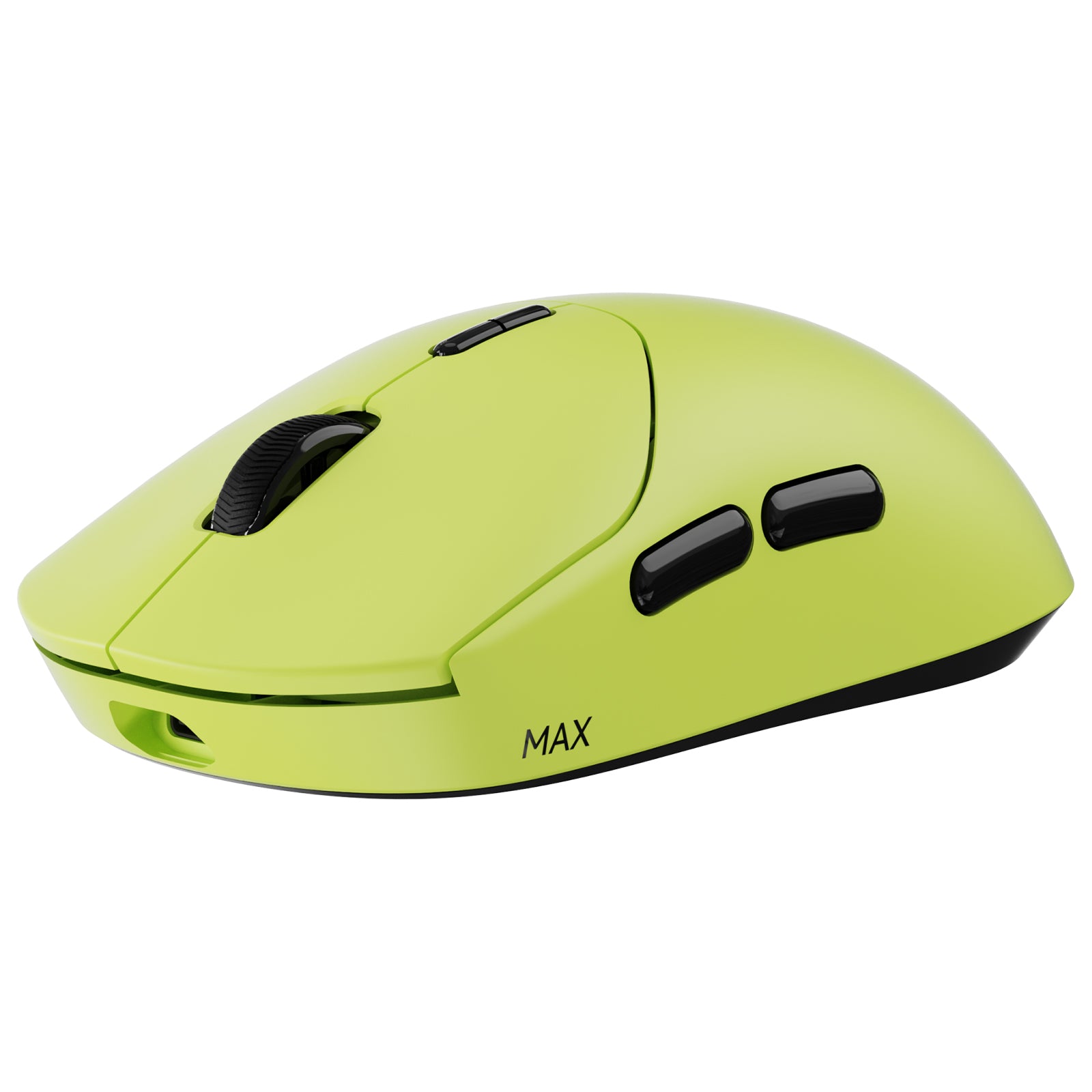




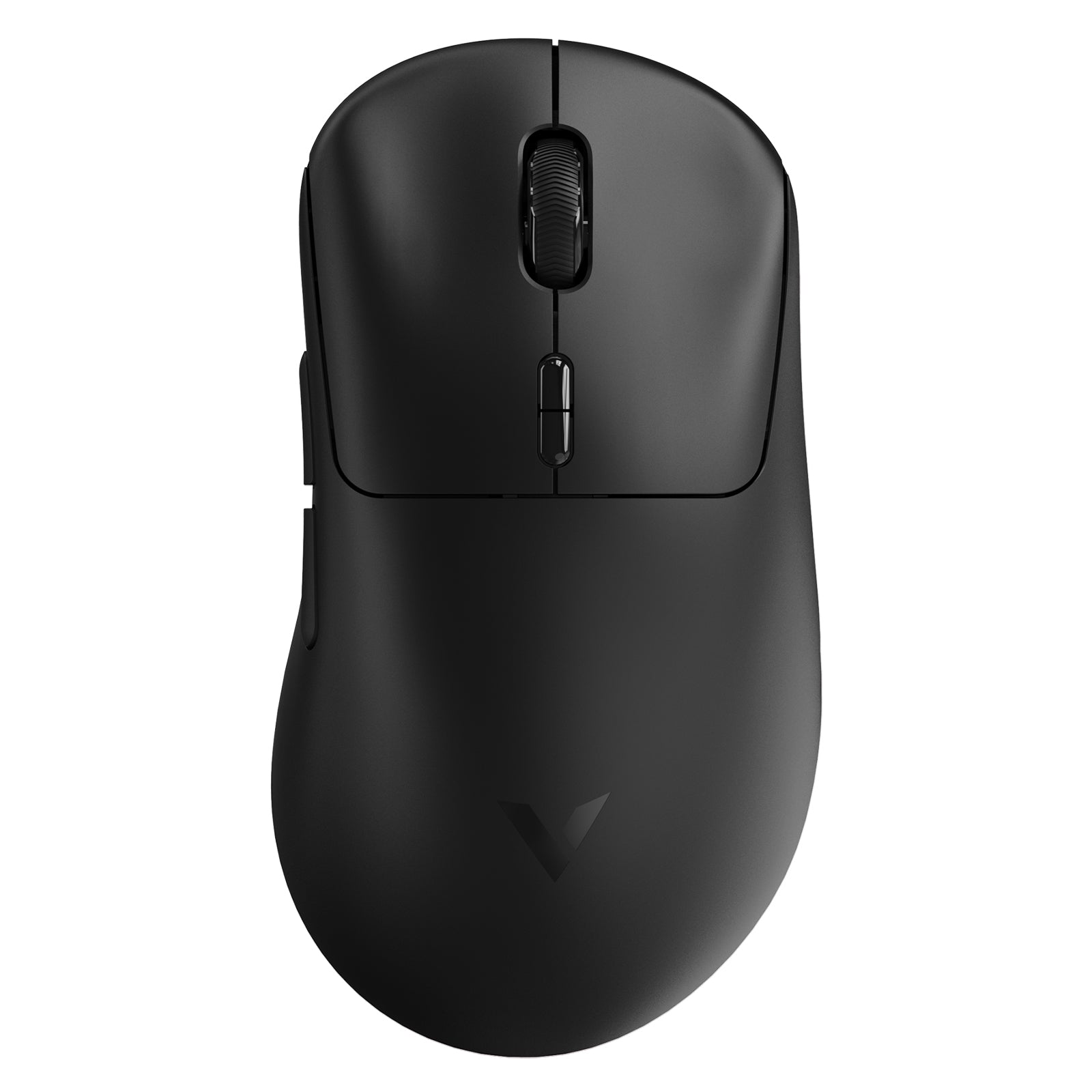
Rapoo VT9 MAX Gen-2 8K Wireless Gaming Mouse Ultra Lightweight

Choose your option


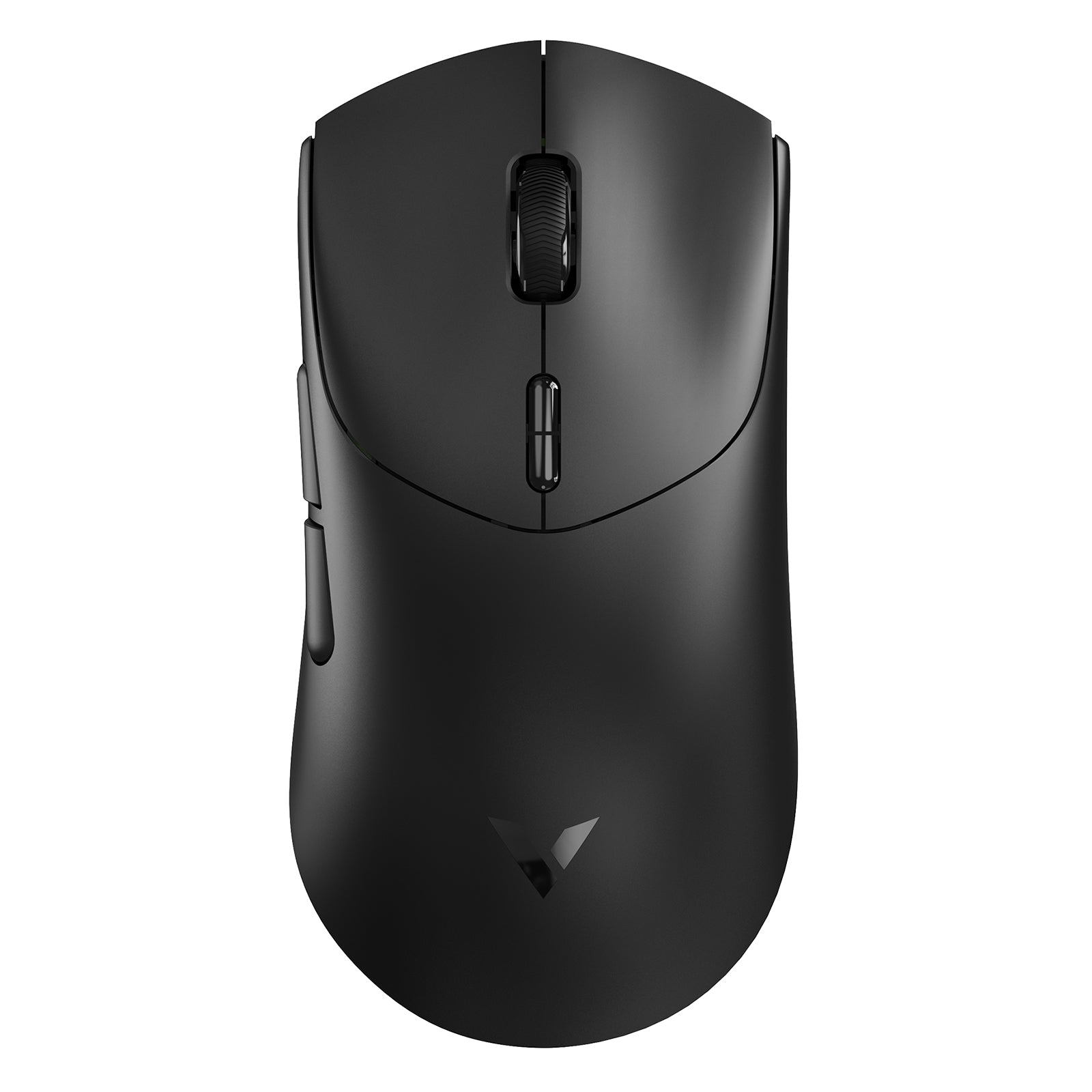
Rapoo VT9Pro Wireless Gaming Mouse with PAW3398 Sensor

Choose your option

Why Choose an Ergonomic Wireless Mouse?
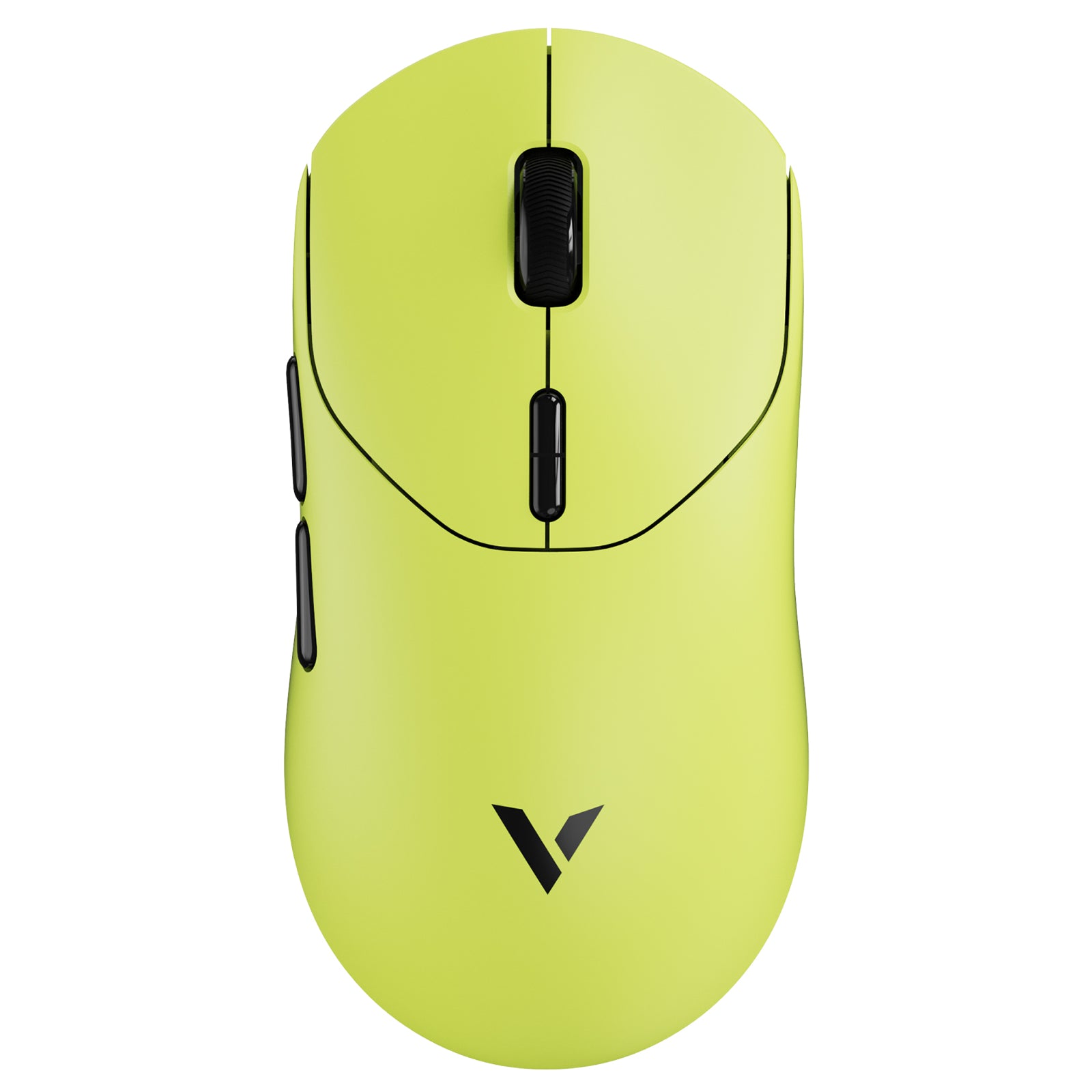
A standard mouse may be enough for short tasks, but long hours at a desk usually demand more support. An ergonomic wireless mouse helps combine comfort-focused design with cable-free flexibility, making it easier to work, scroll, switch devices, and move naturally throughout the day.
Comfort That Supports Longer Use
A well-designed wireless mouse ergonomic shape can help the hand rest more naturally, which matters during extended office work, study, browsing, spreadsheets, or creative tasks. Better palm support and a more thoughtful thumb position can reduce the pressure many users feel with flatter, conventional mice.
Wireless Freedom for Modern Workspaces
One of the biggest reasons users search for an ergonomic mouse wireless design is convenience. Wireless use helps reduce cable drag, keeps the desk cleaner, and makes it easier to move between laptops, desktops, and tablets. RAPOO’s productivity-focused models are built around this kind of flexibility, with multi-mode wireless support across 2.4G and Bluetooth in several key models.
Better Fit for Productivity and Everyday Control
The best ergonomic wireless mouse is not only about shape. It also needs smooth tracking, practical button layout, adjustable DPI, and the right connection options for the way people actually work. That is especially true for users with multi-monitor setups, hybrid workstations, and cross-device workflows.
What Makes a Good Ergonomic Wireless Mouse?
Not every ergonomic wireless mouse is designed the same way. Some focus on traditional right-handed comfort, while others use a vertical structure to support a more natural forearm angle.
Shape and Grip Support
The main value of a wireless ergonomic mouse starts with shape. A contoured body can improve palm support, help guide finger placement, and reduce fatigue during repetitive use. Some users prefer a more familiar right-handed form, while others want a vertical ergonomic wireless mouse that changes wrist posture more dramatically.
Sensor Accuracy and Adjustable DPI
A strong ergonomic mouse wireless design should also offer responsive tracking. Adjustable DPI allows users to fine-tune movement speed for large screens, document work, precise cursor control, or general office use. RAPOO’s MT760 Pro offers DPI adjustment from 50 to 12000, while MT760L and MT760M adjust from 50 to 4000, giving users a broader range of control than basic office mice.
Productivity Features That Matter
Many people looking for the best ergonomic wireless mouse are not only seeking comfort. They also want practical workflow features like back and forward buttons, device switching, side scrolling, or better cross-screen control. RAPOO’s MT760 series is especially relevant here because it includes side scroll wheel support and multi-device functionality for office-heavy use.
Multi-Mode Connectivity
Wireless can mean different things depending on the setup. Some users want simple 2.4G plug-and-play, while others need Bluetooth for laptop and tablet use. RAPOO’s MT760 Pro supports 2.4G wireless, Bluetooth 5.0, and wired mode; MT760L and MT760M also support 2.4G, Bluetooth 5.0, and wired connectivity; EV310M supports 2.4G plus Bluetooth 3.0 and 5.0.
How to Choose the Best Ergonomic Wireless Mouse
When users search terms like best ergonomic wireless mouse, wireless ergonomic mouse, or ergonomic mouse wireless, they are usually comparing three things: comfort, wireless convenience, and control.
Choose Based on Hand Position
If you want a familiar feel with better support, a traditional right-handed ergonomic wireless mouse is often the best starting point. It improves comfort without changing the learning curve too much.
If you want to change wrist posture more aggressively, a vertical ergonomic wireless mouse may be a better fit. Vertical designs can help place the hand in a more natural handshake-like position.
Choose Based on Workflow
For productivity users, features matter just as much as shape. A good wireless mouse ergonomic design for work should support smooth navigation, scrolling, and switching between apps or devices. If your routine includes spreadsheets, documents, browsing, design tools, and multiple screens, extra buttons and adjustable DPI become much more valuable.
Choose Based on Multi-Device Needs
Many people now work across more than one machine. In this case, a wireless ergonomic mouse with Bluetooth and 2.4G support is often the smarter choice. RAPOO’s MT760 Pro can connect to up to 7 devices and switch among them easily, while MT760L and MT760M can connect to up to 5 devices. EV310M can switch between up to 2 devices, making it a good option for simpler multi-device setups.
Choose Based on Precision Requirements
Not everyone needs the same level of sensor performance. For everyday office use, a moderate DPI range may be enough. For users who want faster cursor speed, high-resolution display support, or more control across complex workflows, a higher-DPI model may make more sense. RAPOO’s range covers both ends, from entry and mid-level ergonomic wireless designs to more advanced productivity-focused models.
RAPOO Ergonomic Wireless Mouse Highlights
RAPOO offers more than one type of ergonomic wireless mouse, which is important because comfort preferences vary from user to user.
RAPOO MT760 Pro for Advanced Productivity
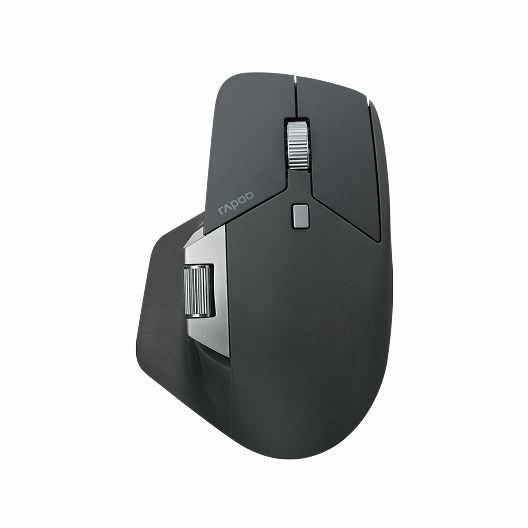
The RAPOO MT760 Pro is a strong fit for users who want a premium ergonomic wireless mouse for demanding work. It combines a right-handed ergonomic form with 2.4G wireless, Bluetooth 5.0, and wired connectivity, plus NearLink support, a side scroll wheel, adjustable DPI up to 12000, and multi-device switching for up to 7 connected devices. It is especially suitable for high-end office users working across multiple computers or tablets.
RAPOO MT760L and MT760M for Everyday Multi-Device Comfort
If you want an ergonomic wireless mouse that balances comfort, flexibility, and day-to-day usability, the MT760L and MT760M are highly relevant. Both support 2.4G wireless, Bluetooth 5.0, and wired mode, offer DPI adjustment up to 4000, include side scrolling, and support switching across up to 5 devices. They are a natural fit for office users, remote work, and home productivity environments.
RAPOO EV310M for Vertical Wireless Ergonomics
The EV310M is a good example of a vertical wireless ergonomic mouse in the RAPOO lineup. It is designed so the palm can naturally and vertically grip the mouse on the side, helping reduce muscle fatigue and improve comfort. It also supports 2.4G wireless, Bluetooth 3.0, and Bluetooth 5.0, adjustable DPI up to 2400, and switching between 2 devices.
RAPOO EV250 for Simple Ergonomic Wireless Use
For users who want a more straightforward ergonomic wireless mouse, the EV250 offers a vertical-style ergonomic structure with 2.4G wireless connectivity and quick DPI switching between 800, 1000, 1200, and 1600. It is a simpler option, but still useful for users prioritizing comfort and a more natural grip.
Wireless Ergonomic Mouse Types
Traditional Right-Handed Ergonomic Wireless Mouse
This style is ideal for users who want better palm and thumb support without changing how they normally use a mouse. It is often the easiest upgrade from a standard office mouse.
Vertical Ergonomic Wireless Mouse
A vertical ergonomic wireless mouse is designed to reduce the amount of forearm rotation used during normal mousing. This style appeals to users who feel wrist strain with flatter shapes and want a more natural hand angle.
Multi-Device Ergonomic Wireless Mouse
This type is designed for people who work between multiple systems. Bluetooth plus 2.4G support can make a major difference for laptop users, hybrid workstations, and users switching between desktop and tablet setups.
FAQs
What is an ergonomic wireless mouse?
What is an ergonomic wireless mouse?
An ergonomic wireless mouse is a mouse designed to support a more natural hand position while also giving you the freedom of cable-free use. It usually features a shaped body, better thumb support, or a vertical angle to improve comfort during extended sessions. Compared with a standard mouse, it can feel more natural for office work, browsing, and productivity tasks. The wireless aspect also helps keep desks cleaner and makes it easier to use the mouse with laptops, tablets, and multi-device setups.
What is the best ergonomic wireless mouse for office work?
What is the best ergonomic wireless mouse for office work?
The best ergonomic wireless mouse for office work should combine comfort, reliable tracking, practical buttons, and flexible connectivity. For users with heavy productivity workflows, features like adjustable DPI, side scrolling, and device switching are especially useful. In RAPOO’s lineup, the MT760 Pro is a strong example because it combines an ergonomic right-handed shape with 2.4G, Bluetooth 5.0, wired mode, side wheel support, and up to 7-device switching.
Are wireless ergonomic mice good for productivity?
Are wireless ergonomic mice good for productivity?
Yes, a wireless ergonomic mouse can be excellent for productivity. It reduces cable clutter, improves movement freedom, and works especially well in laptop, hybrid, and multi-device environments. The best models also combine wireless flexibility with practical office features such as back and forward buttons, DPI adjustment, and smoother scrolling. RAPOO’s MT760 series is a strong fit for this use case because it adds multi-mode connectivity, side wheel support, and multi-device switching for work-focused users.
Is a vertical wireless mouse better than a standard ergonomic wireless mouse?
Is a vertical wireless mouse better than a standard ergonomic wireless mouse?
It depends on the user. A vertical wireless ergonomic mouse can be better for people who want a more natural handshake-like wrist angle and less forearm rotation. A standard ergonomic wireless mouse may be better for users who want improved comfort but prefer a shape that still feels closer to a traditional mouse. RAPOO’s EV310M and EV250 are examples of vertical ergonomic wireless designs intended to reduce muscle fatigue and improve comfort.
Can an ergonomic wireless mouse help reduce wrist strain?
Can an ergonomic wireless mouse help reduce wrist strain?
It can help, especially when your current mouse shape does not support a natural hand position. A more contoured design or a vertical ergonomic wireless mouse may reduce some of the tension associated with repetitive clicking and cursor movement. Results vary depending on hand size, setup, and usage habits, but many users find that a comfort-focused shape makes long sessions easier. RAPOO’s vertical models explicitly describe their ergonomic structure as helping reduce muscle fatigue and improve comfort of use.
What features should I look for in a wireless ergonomic mouse?
What features should I look for in a wireless ergonomic mouse?
Start with shape and comfort first, because fit matters most over long sessions. After that, look at connectivity, adjustable DPI, button layout, battery life, and multi-device support. For office use, side scrolling and easy switching between devices can make a meaningful difference. For users with more demanding workflows, a model like the MT760 Pro offers higher DPI and broader connectivity, while the MT760L and MT760M provide a balanced option for everyday productivity.

About Rapoo
Leading Brand in Wireless Mice and Keyboards Since 2002. Professional-grade Wireless Gaming Mice and Keyboards at Unbeatable Price.


