


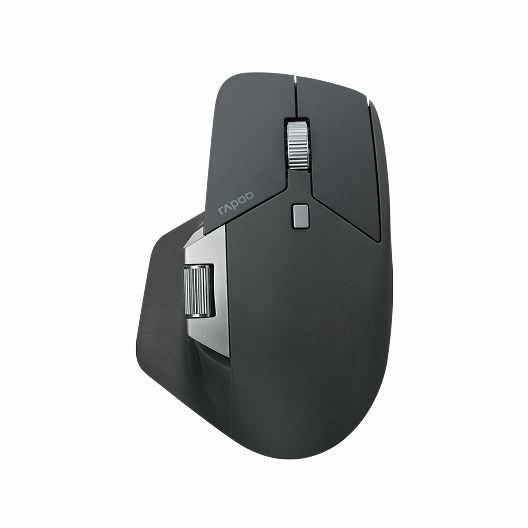






Rapoo E900T Portable Mini Wireless Keyboard with Touchpad
Choose your option
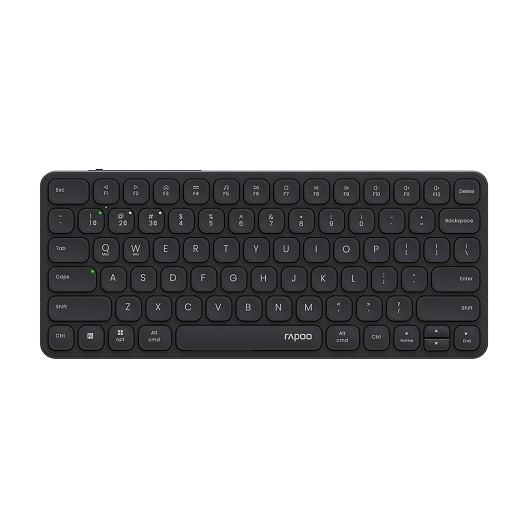
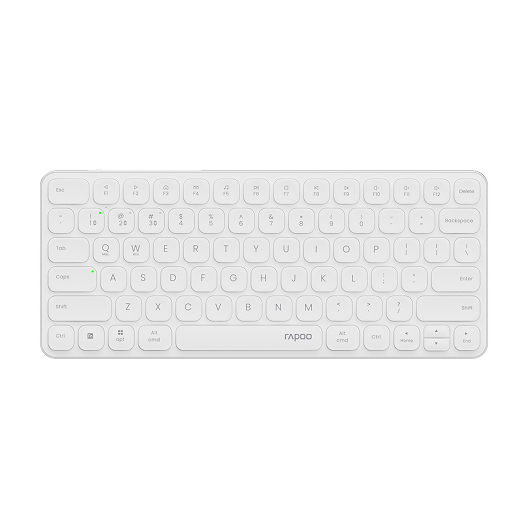
Rapoo E9050L Multi-Device Wireless Keyboard Blade-Series
Choose your option
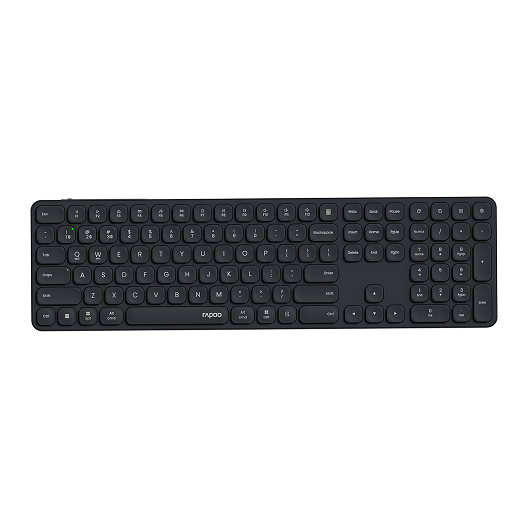
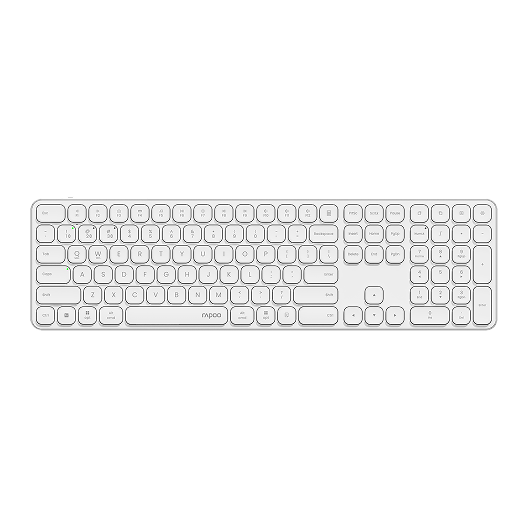
Rapoo E9550L Multi-Device Wireless Keyboard Blade-Series
Choose your option
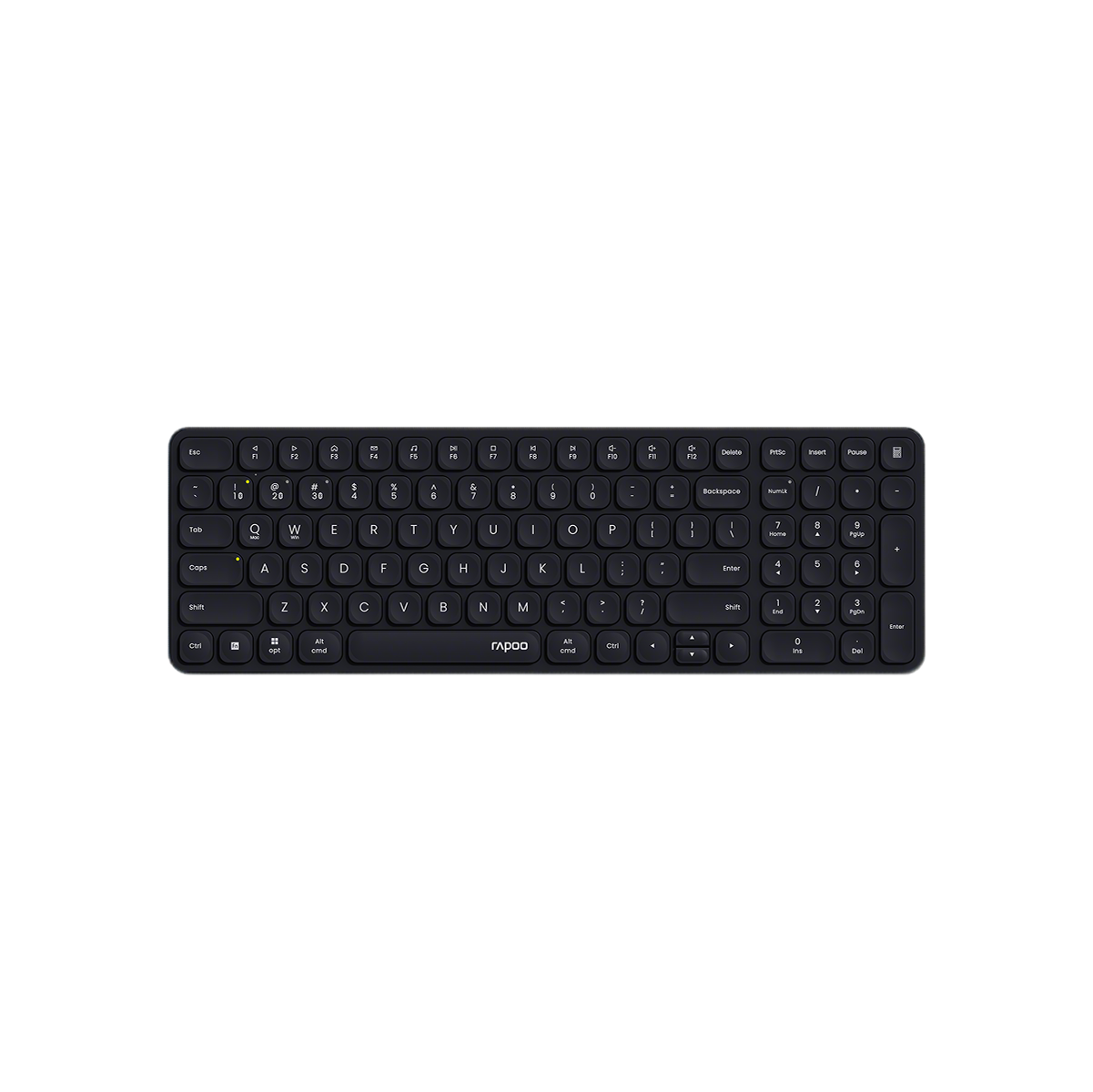
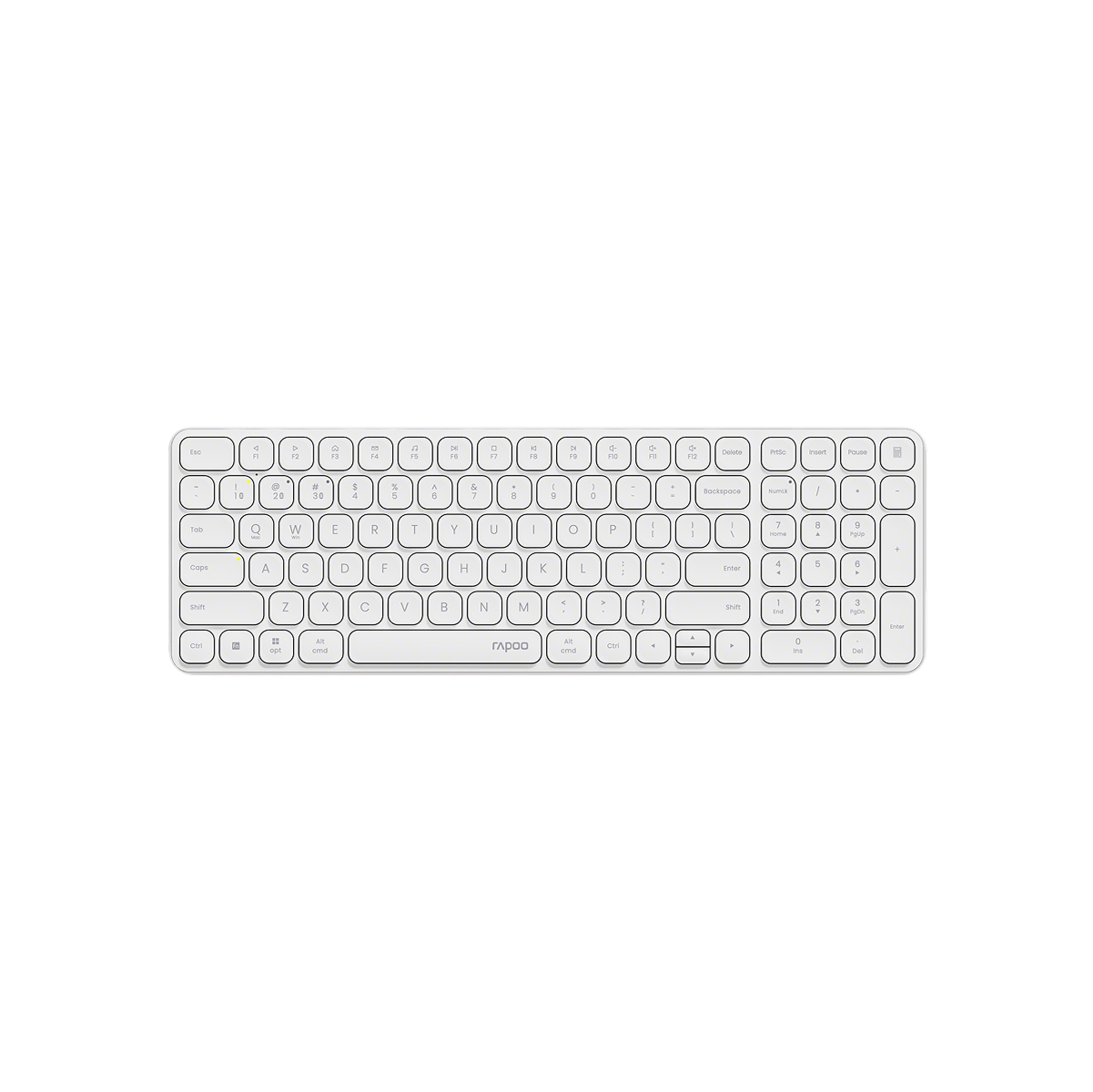
Rapoo E9310M Multi-Device Wireless Keyboard with Number Pad
Choose your option
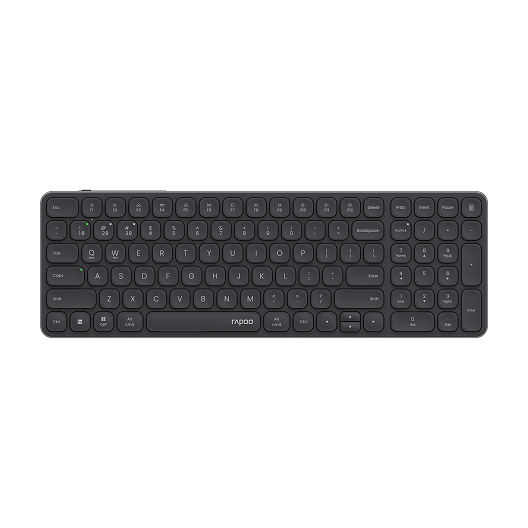
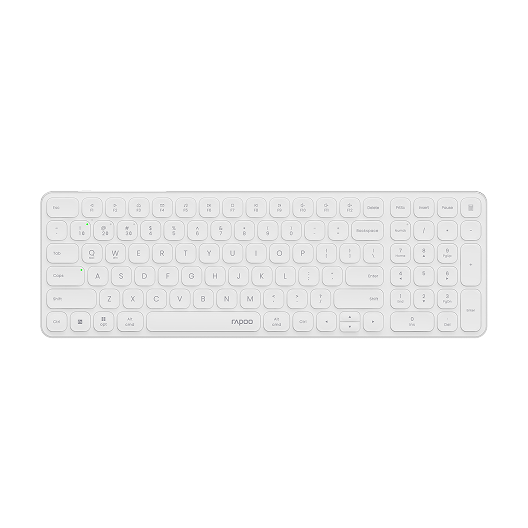
Rapoo E9350L Multi-Device Wireless Keyboard Blade-Series
Choose your option


【Pre order】Aesco A83 Air Wireless Mechanical Keyboard | RGB Backlit | Hot-Swappable
Choose your option
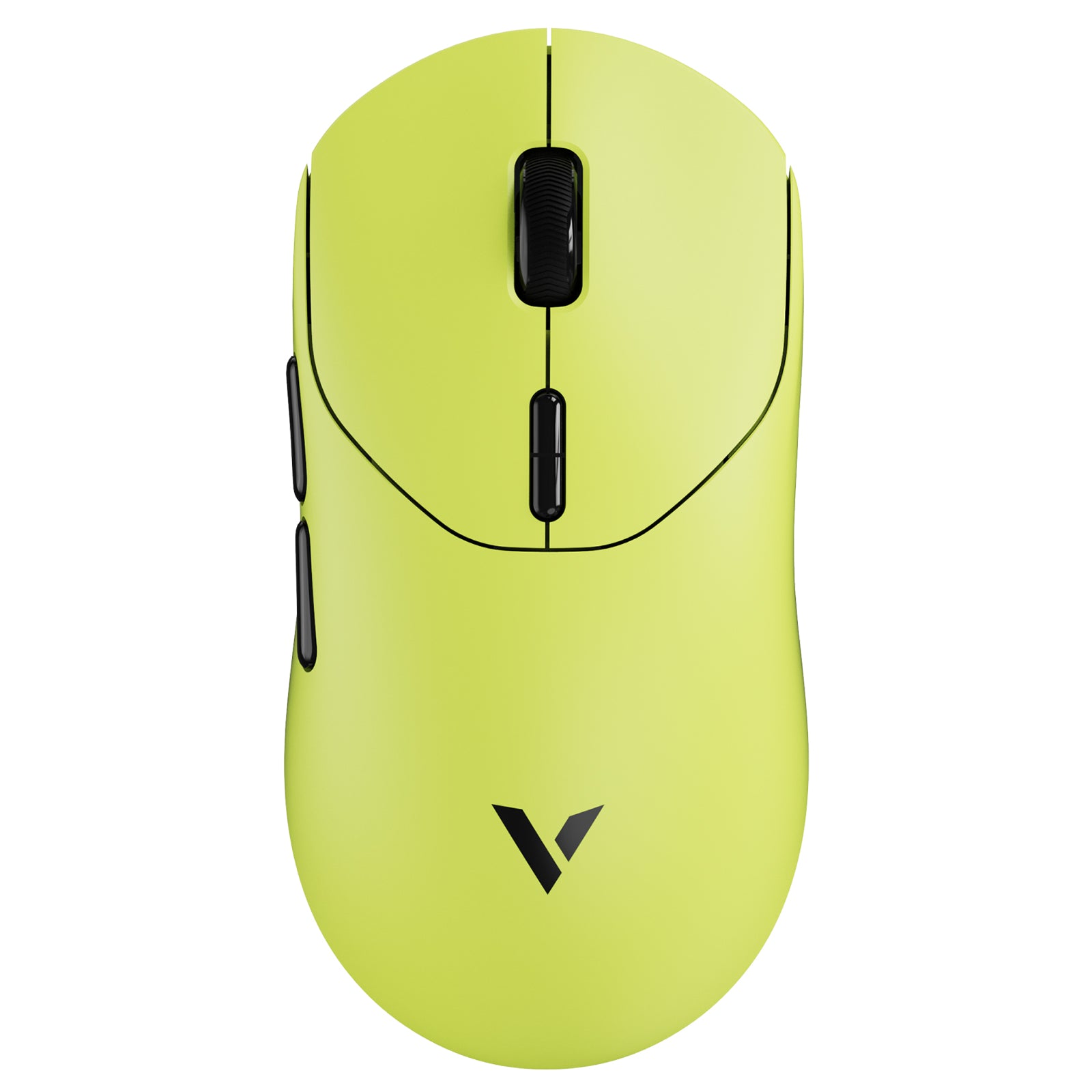
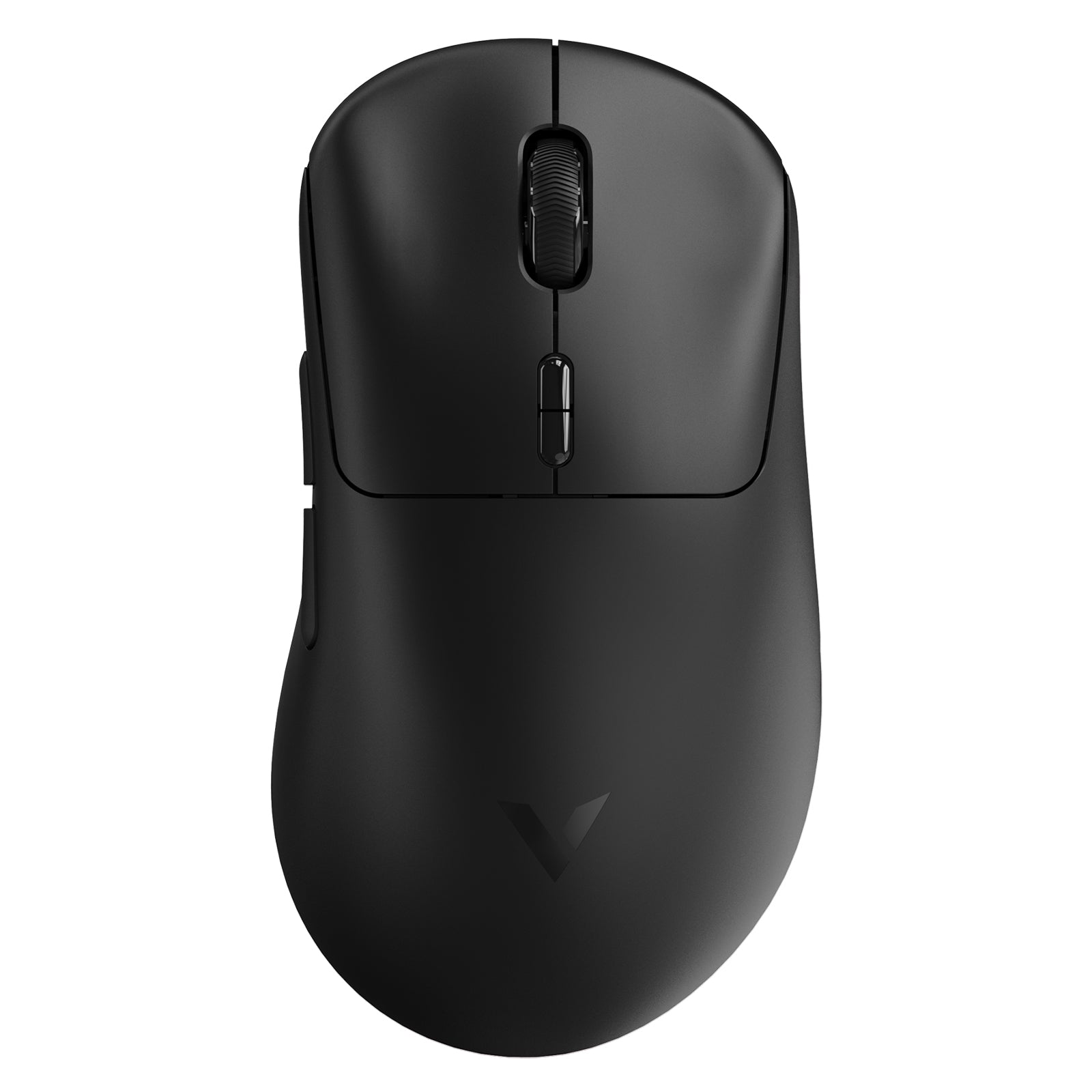
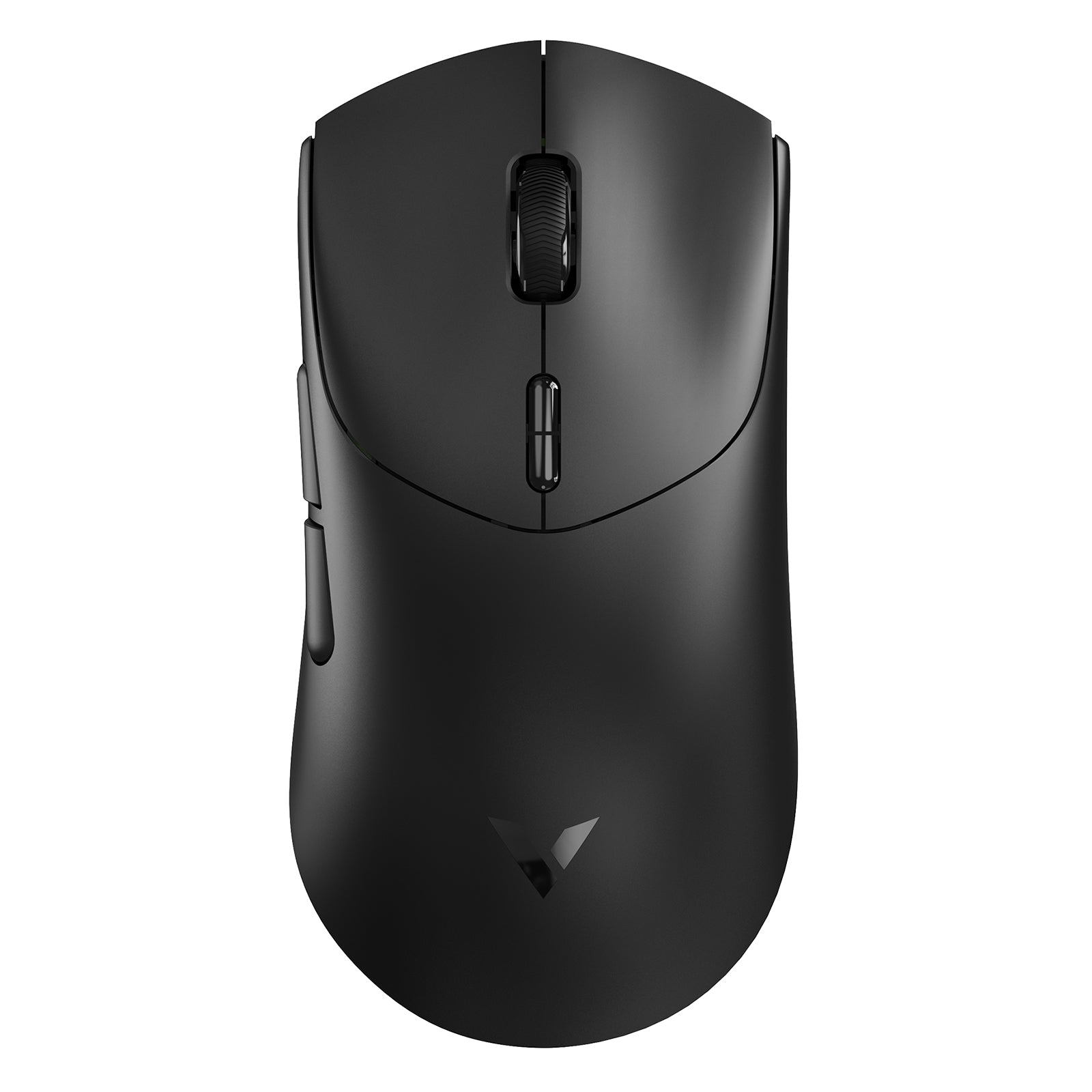
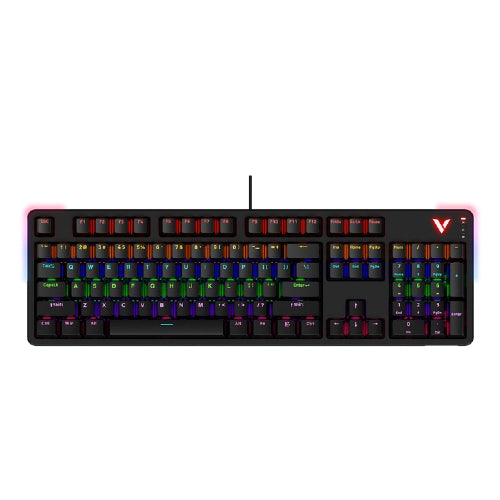
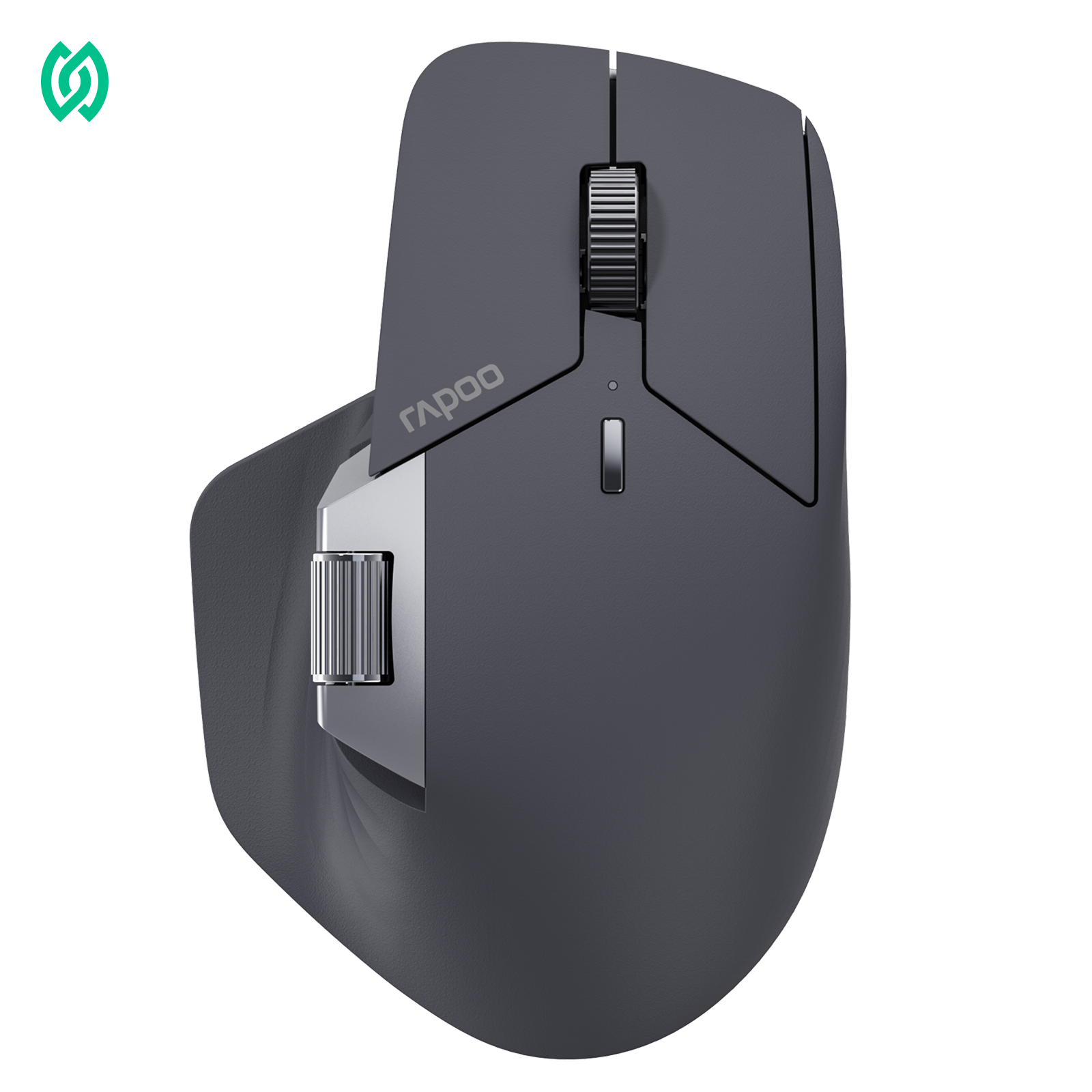
What Defines a RAPOO Wireless Keyboard?

Multi-Mode Wireless Connectivity
- Supports Bluetooth and 2.4G wireless connections
- Select models allow switching between up to four connected devices
- No constant re-pairing when moving between laptop, desktop, or tablet

Entry-Level to Advanced Options
- Cost-effective multi-mode keyboards for everyday office use
- Advanced wireless mechanical keyboards for gaming and productivity


Why Choose RAPOO Wireless Keyboards
RAPOO wireless keyboards are built for flexible, cable-free use across home, office, and multi-device environments. This category includes Bluetooth and 2.4G keyboards designed for productivity, everyday typing, and light gaming—offering smooth key response, stable connections, and broad compatibility with Windows, macOS, and more.
How to Choose the Right Wireless Keyboard

Wired vs Wireless for Daily Work
Wireless keyboards reduce desk clutter and improve portability. For office users and home setups, modern wireless technology delivers stable performance without noticeable lag, making wired keyboards unnecessary for most tasks.

Bluetooth vs 2.4G Wireless
Bluetooth keyboards are ideal for laptops, tablets, and multi-device setups, while 2.4G wireless offers plug-and-play convenience with consistent performance. RAPOO multi-mode keyboards combine both, giving users flexibility without relying on a single connection type.

Multi-Device Productivity
If you work across multiple devices, choose a keyboard that supports device switching. This allows seamless transitions between PC, Mac, or mobile devices with a single keyboard.

Mechanical vs Standard Wireless Keyboards
Mechanical wireless keyboards provide more precise feedback and durability for heavy typing or gaming, while standard wireless keyboards focus on quiet operation and everyday comfort.
Frequently Asked Questions
What is a wireless keyboard?
What is a wireless keyboard?
A wireless keyboard connects to devices without a physical cable, using Bluetooth or 2.4G wireless technology. It offers greater flexibility, cleaner desk setups, and improved portability. Modern wireless keyboards provide stable performance for typing, productivity, and even gaming across PCs, Macs, and mobile devices.
What factors should you consider when buying a wireless keyboard?
What factors should you consider when buying a wireless keyboard?
When choosing a RAPOO wireless keyboard, start with your usage scenario. For portability and everyday convenience, slim models like the Blade-Series are ideal. If you work from a sofa or mobile setup, a wireless keyboard with a touchpad such as the Rapoo E900T can be more practical. You should also consider layout options, including full-size keyboards with number pads or compact 75% designs, based on your workspace and typing habits.
What are the advantages of wireless keyboards?
What are the advantages of wireless keyboards?
Wireless keyboards offer greater flexibility, cleaner desk setups, and improved portability compared to wired models. They reduce cable clutter and are ideal for modern workspaces, home offices, and mobile use. Multi-mode wireless keyboards also support multiple devices, allowing seamless switching between PCs, Macs, tablets, and smartphones with a single keyboard.
What is the best wireless keyboard for office work?
What is the best wireless keyboard for office work?
A good wireless keyboard for office use should offer stable Bluetooth or 2.4G connectivity, comfortable key travel, and long battery life. Multi-mode keyboards are ideal for users working across multiple devices.
Are wireless keyboards good for productivity?
Are wireless keyboards good for productivity?
Yes. Modern wireless keyboards provide reliable performance with minimal latency, making them well-suited for typing, multitasking, and daily professional use.
Is a wireless keyboard better than a wired keyboard?
Is a wireless keyboard better than a wired keyboard?
For most users, wireless keyboards offer greater flexibility and cleaner desk setups without sacrificing performance. Wired keyboards are mainly preferred for specific competitive gaming needs.
What wireless keyboard works with both Mac and PC?
What wireless keyboard works with both Mac and PC?
Many RAPOO wireless keyboards are deeply optimized for multiple operating systems, including PC, laptop, tablet, and smartphone. Multi-mode keyboards with Bluetooth and 2.4G connectivity make switching between Windows and macOS seamless, allowing one keyboard to work smoothly across different devices without re-pairing or compatibility issues.
Do wireless keyboards need a USB receiver?
Do wireless keyboards need a USB receiver?
Some wireless keyboards use a USB receiver, while Bluetooth models connect directly without one. Multi-mode keyboards allow users to choose either option, reducing dependency on a single receiver.

About Rapoo
Leading Brand in Wireless Mice and Keyboards Since 2002. Professional-grade Wireless Gaming Mice and Keyboards at Unbeatable Price.


